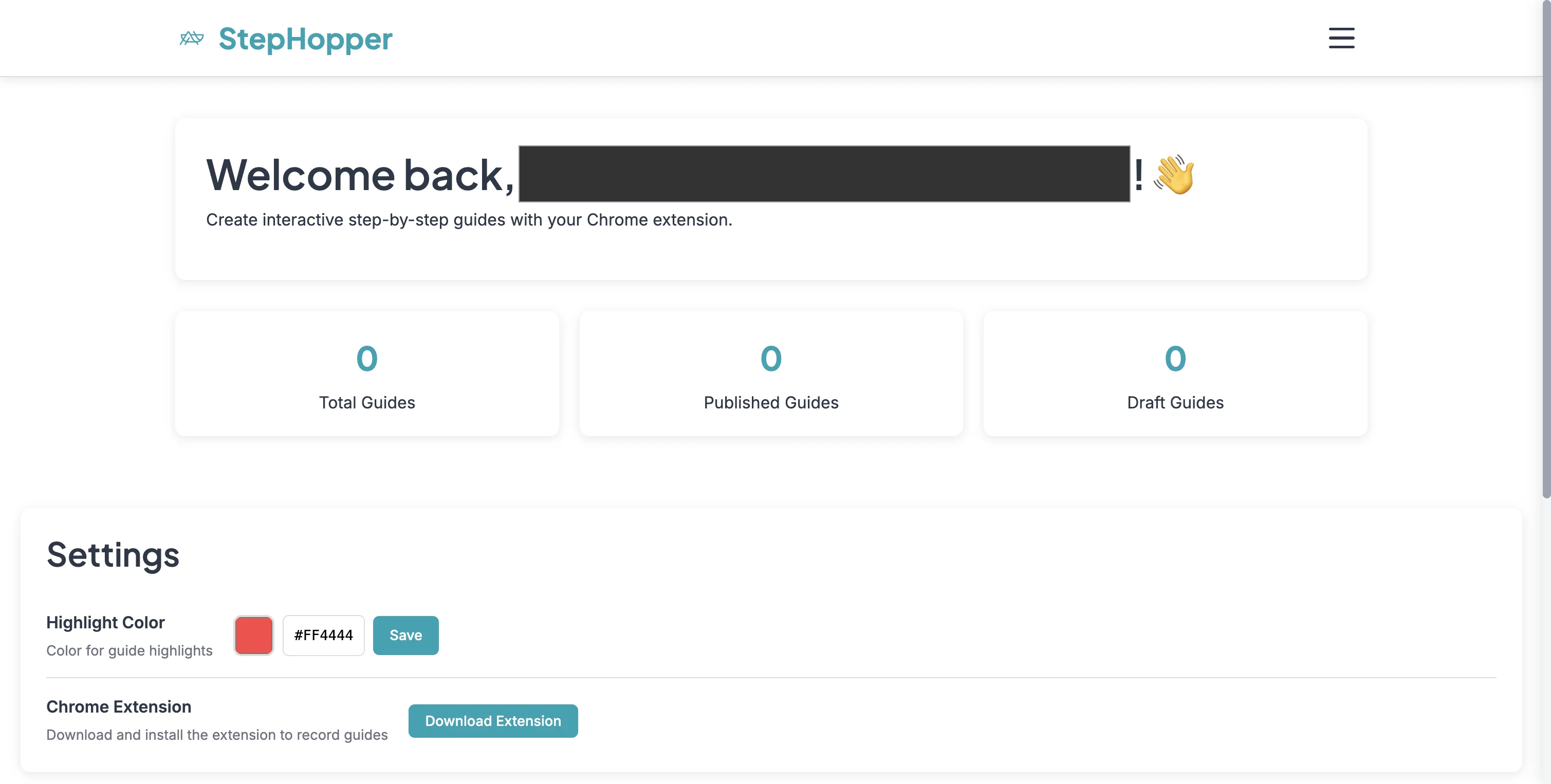
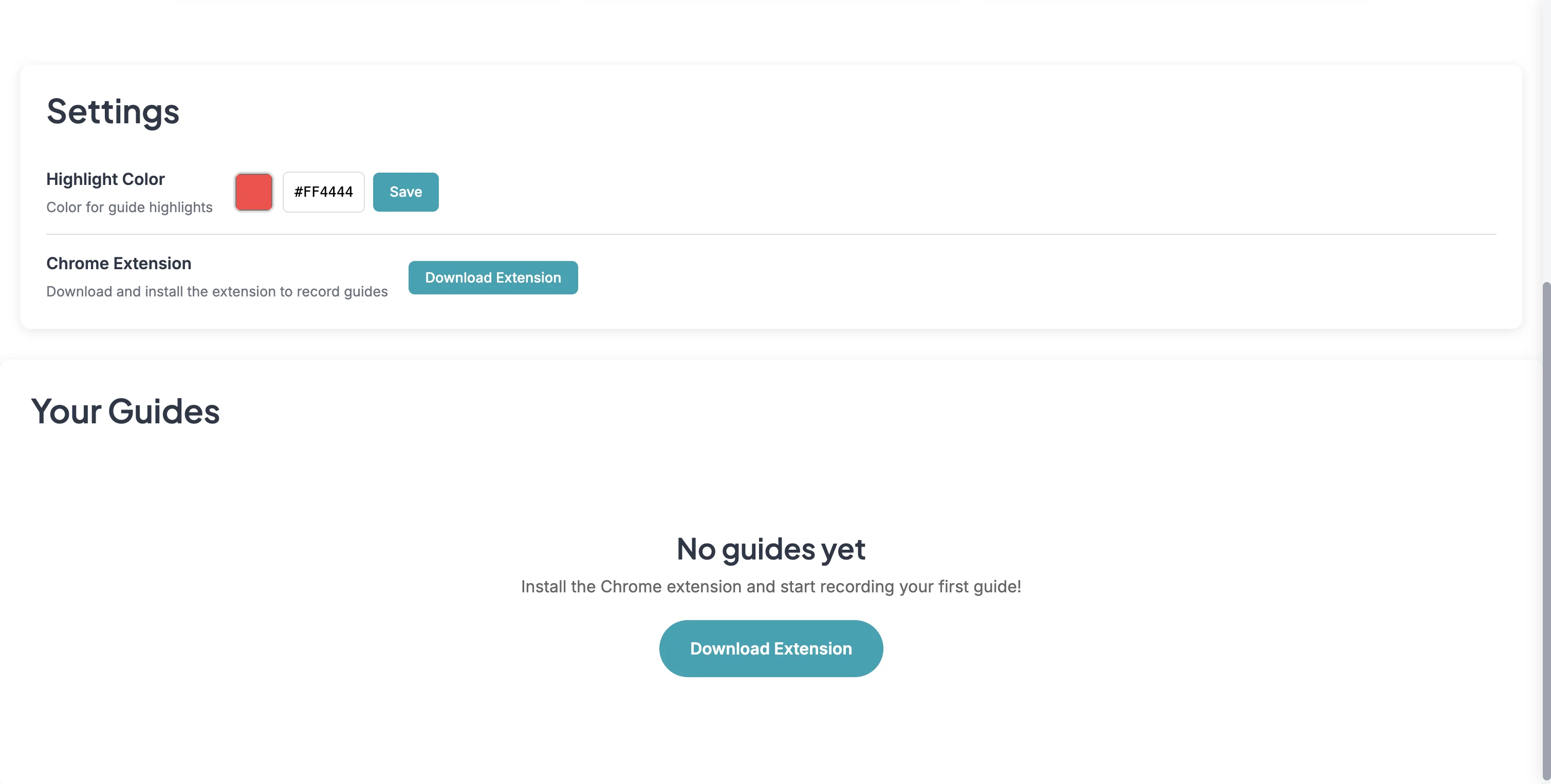
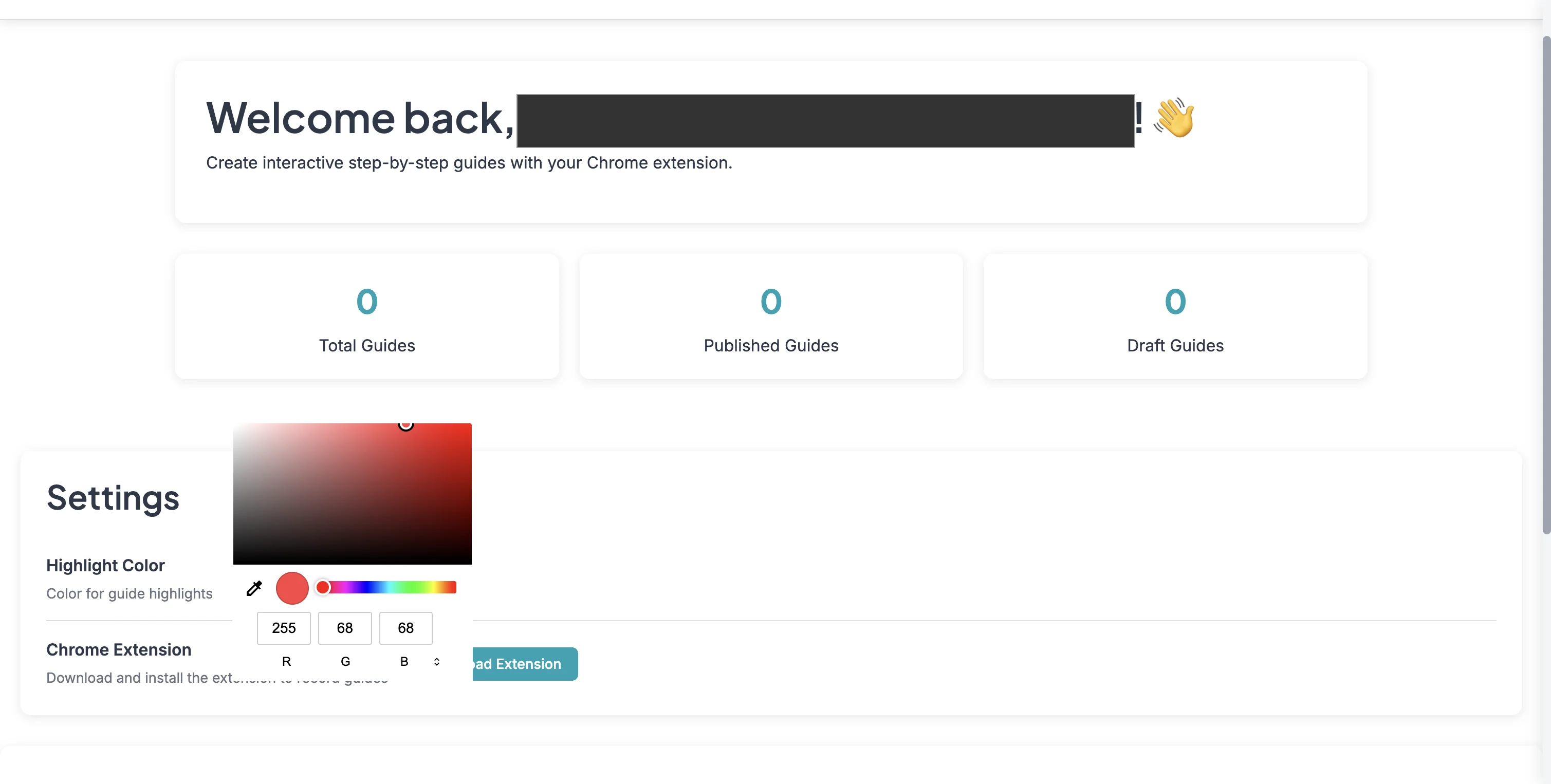
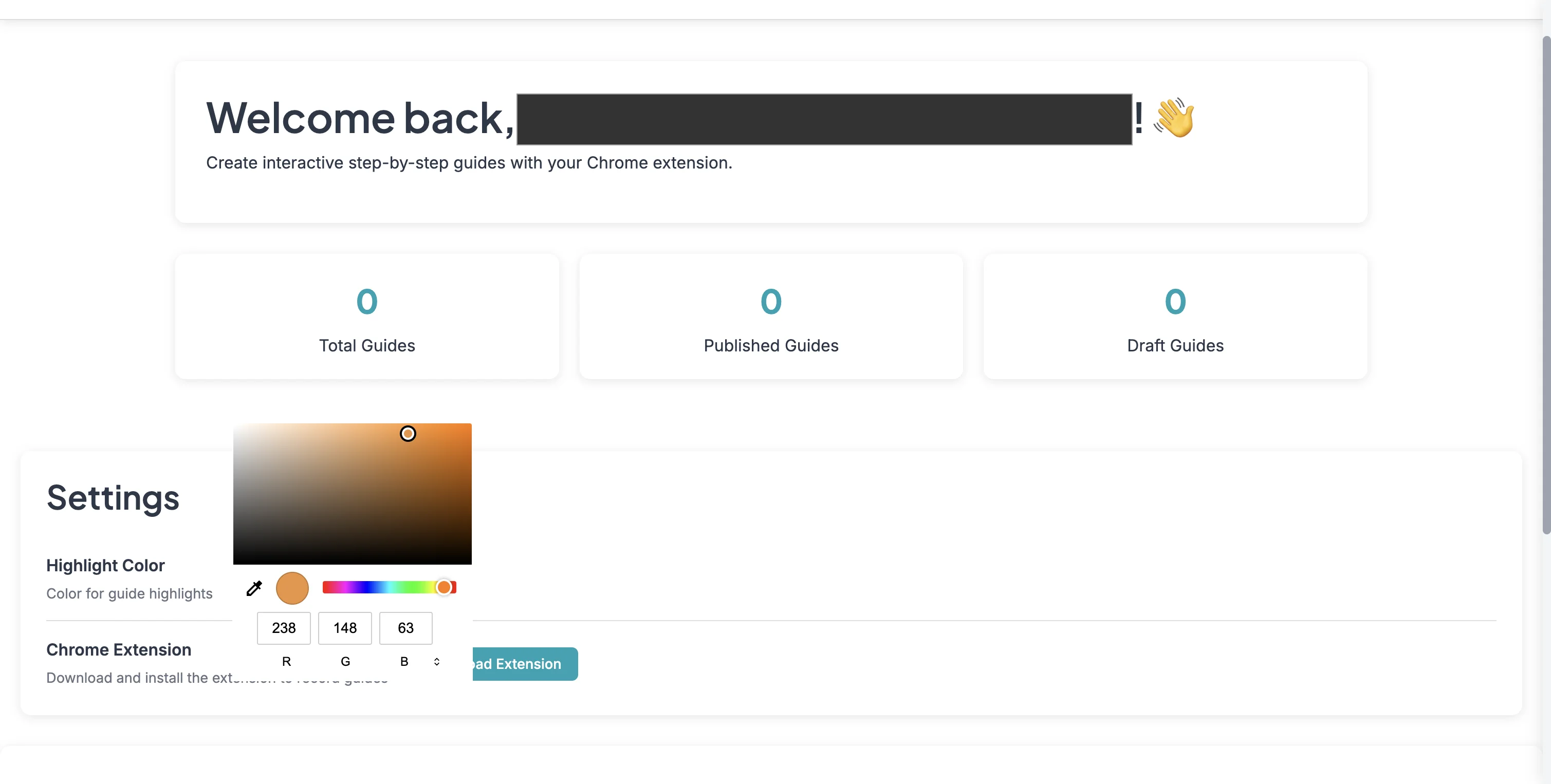
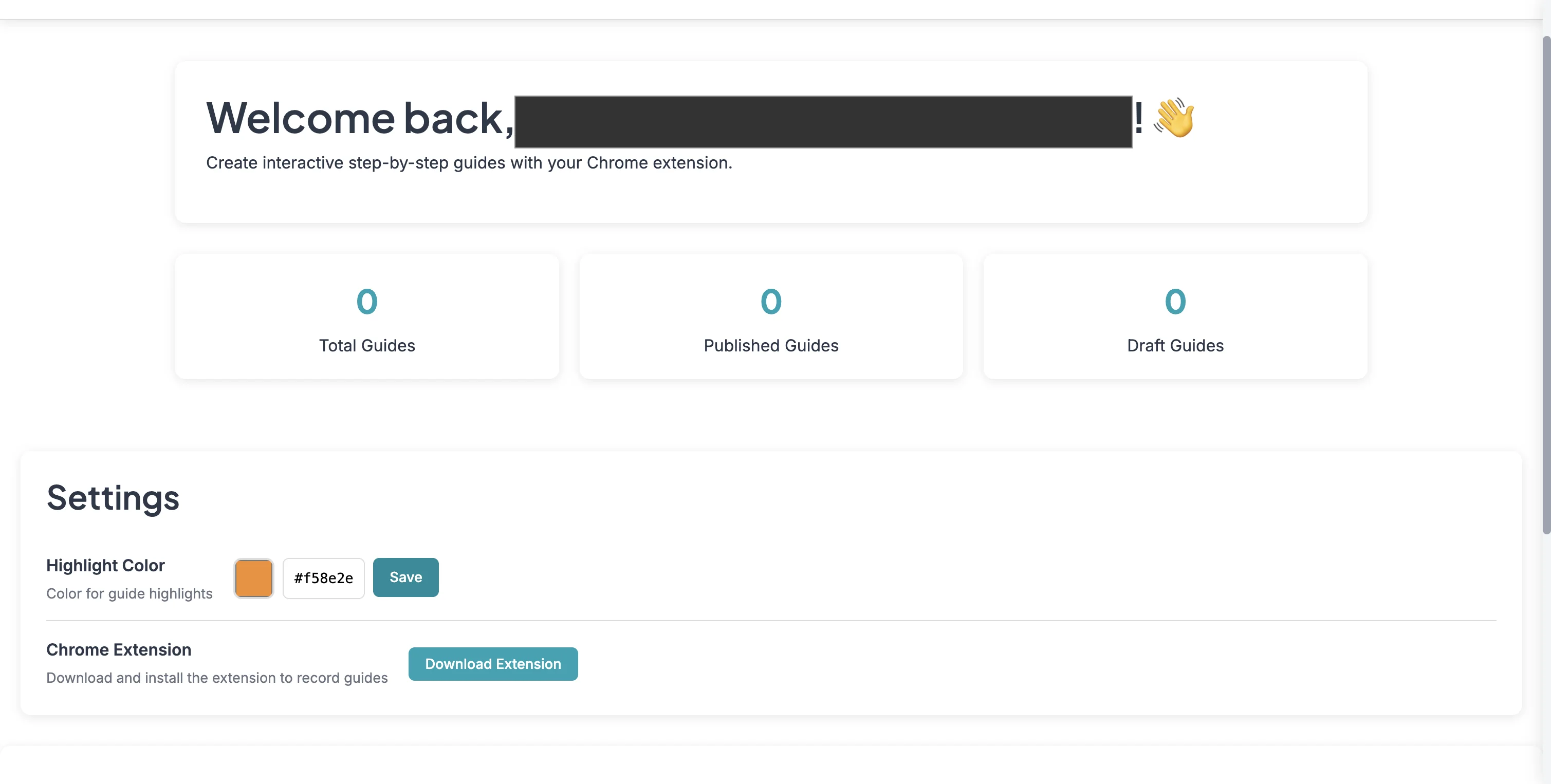
This guide will walk you through the simple steps for using StepHopper to set your custom highlight color that will be displayed on your guides. Step 1: Login to StepHopper. Step 2: Scroll to Settings. Step 3: Select the color picker. Step 4: Pick your highlight color. Step 5: Save your highlight color. Step 6: Get started and add your next guide!.