You can set your main signup question to use unlimited responses if you do not want/need to limit the number of responses per option. Options typically default to have limits on the number of responses per option. This shows as "Max Responses" on each option. You can set this to 1 or any other number, or you can enable "Unlimited Responses" which removes the limits.
Steps:4
StepHopper User
StepHopperhttps://stephopper.com/
1
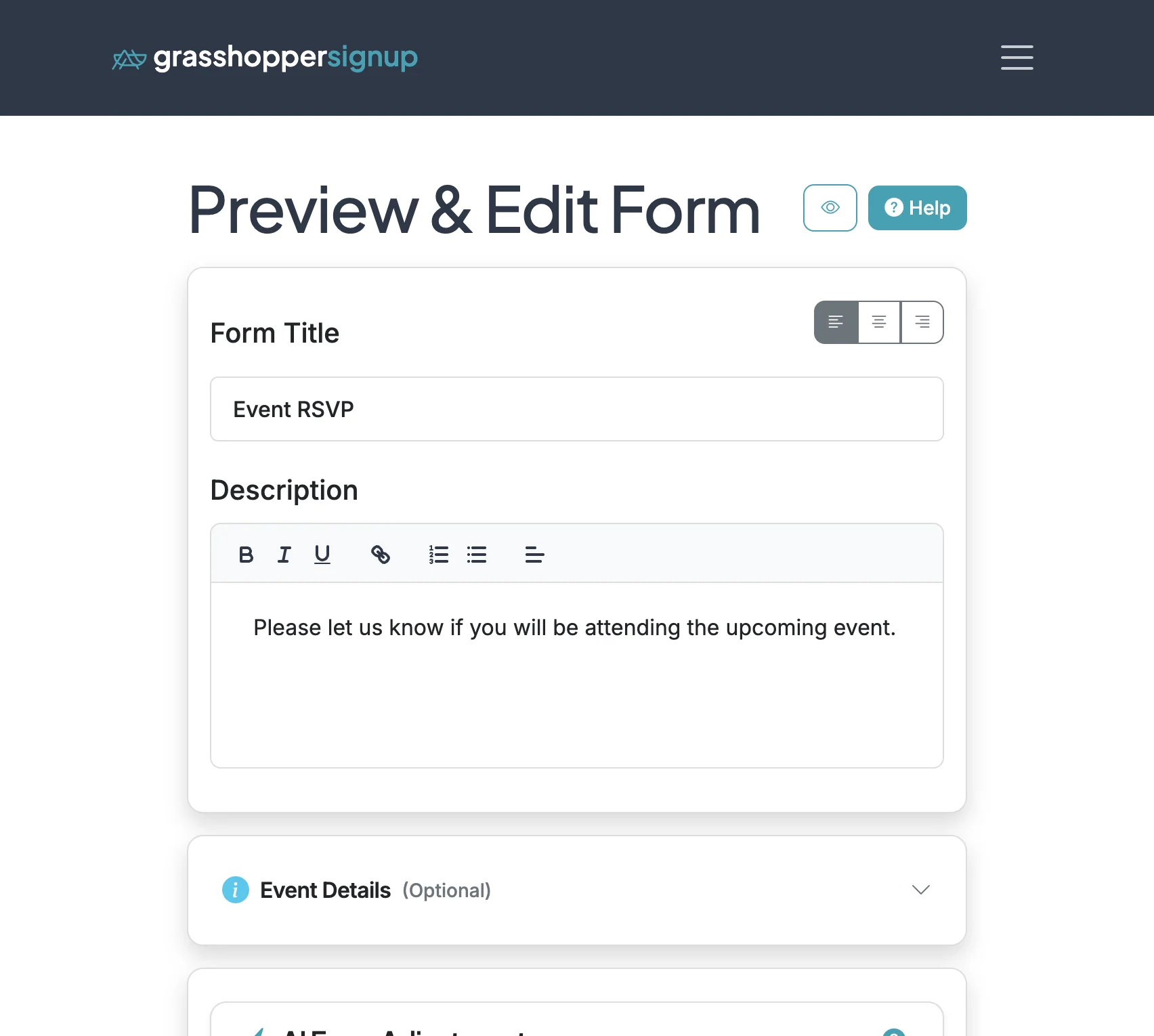
Start on the Edit page of your form.
2
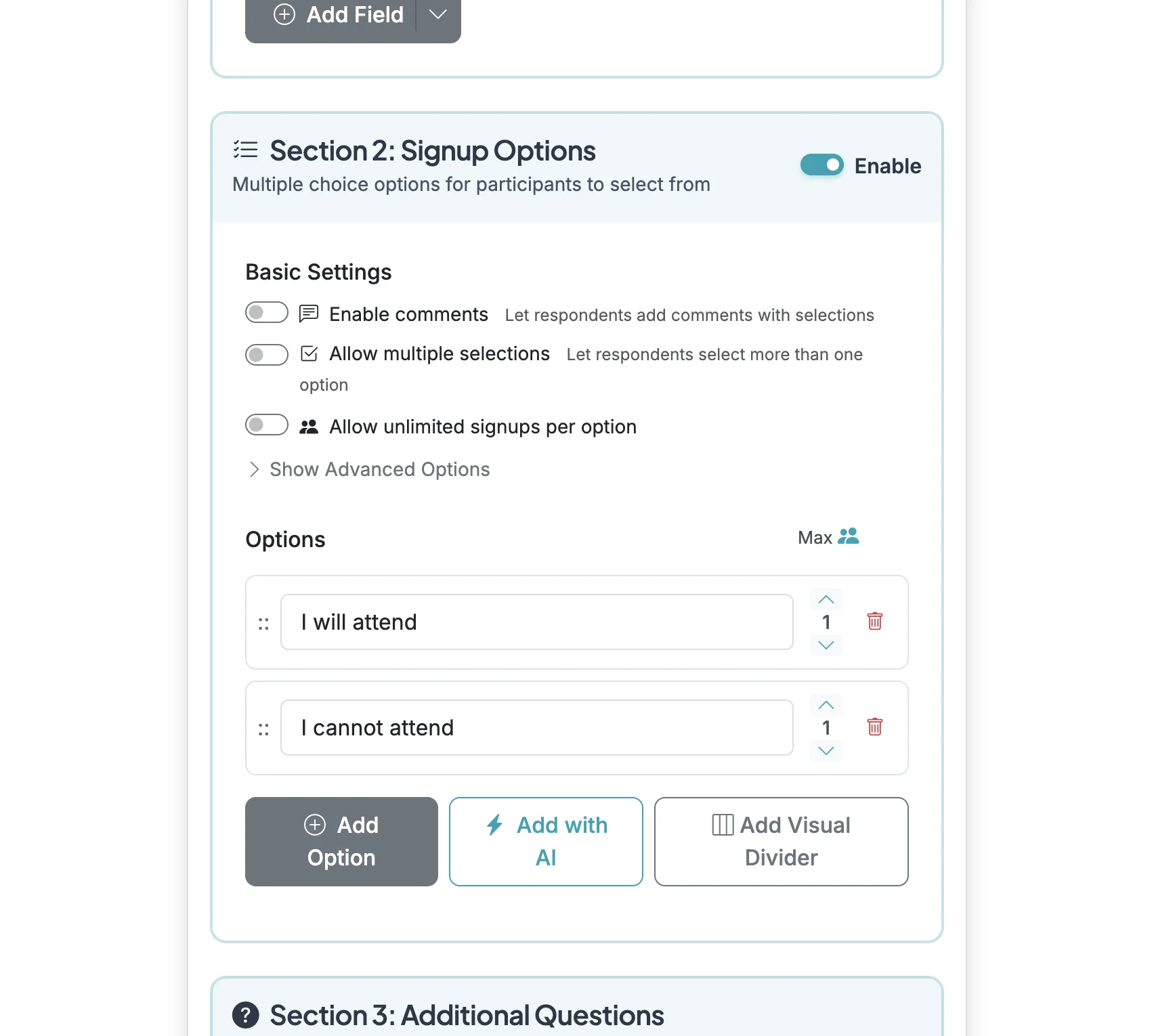
Scroll down to 'Section 2: Signup Options'. If you 'Max' on options is 1, that means only 1 respondent will be able to select the option. This form with 2 options, each with a max of 1 would mean it can accept 2 total responses. Once an option has received its maximum number of responses, it will be hidden and not selectable for respondents.
3
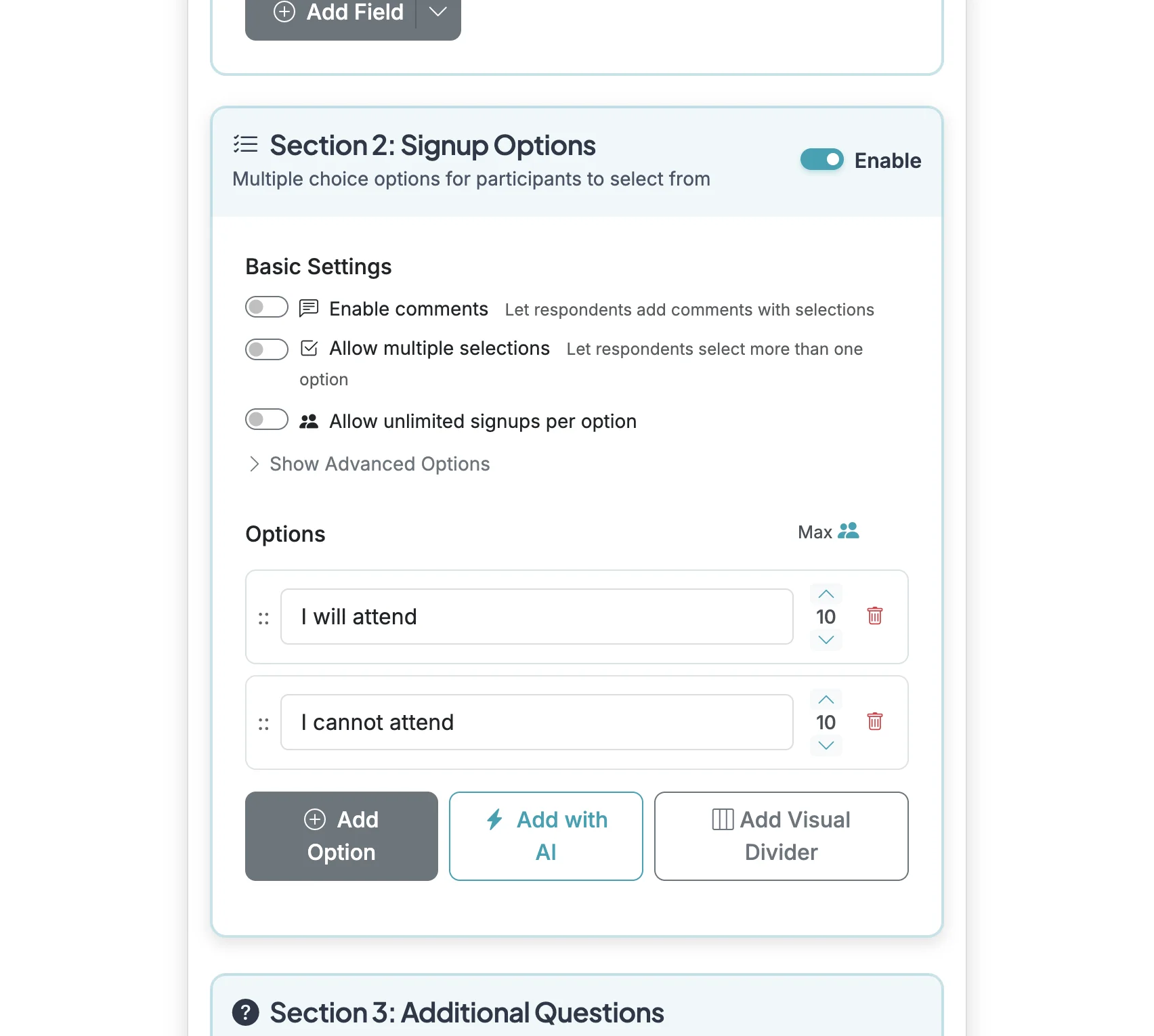
You can change max responses to a different number if you want to limit the number of sign ups for your options.
4
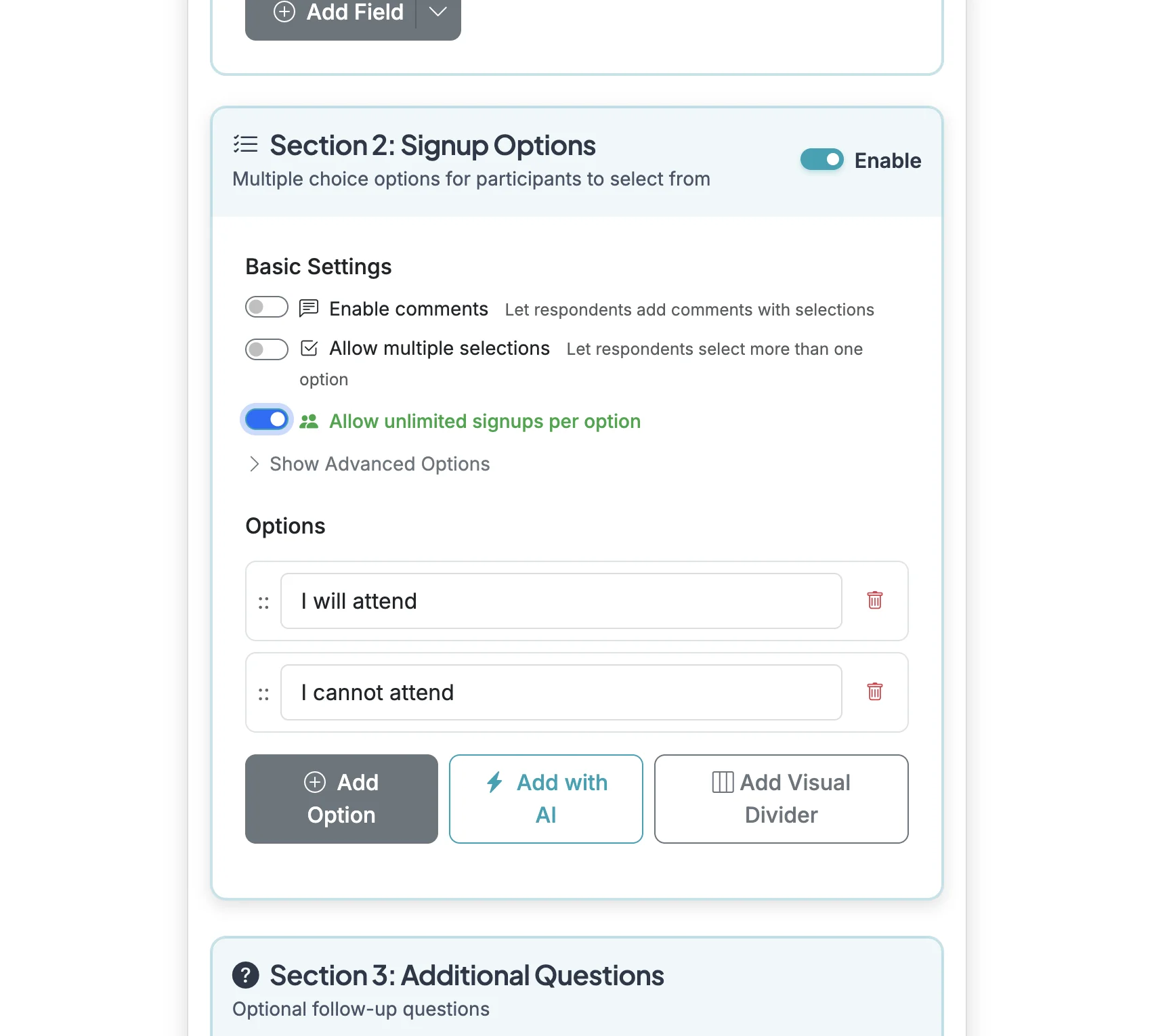
To remove limits from your options, enable 'Allow unlimited signups per option' in the Basic Settings.