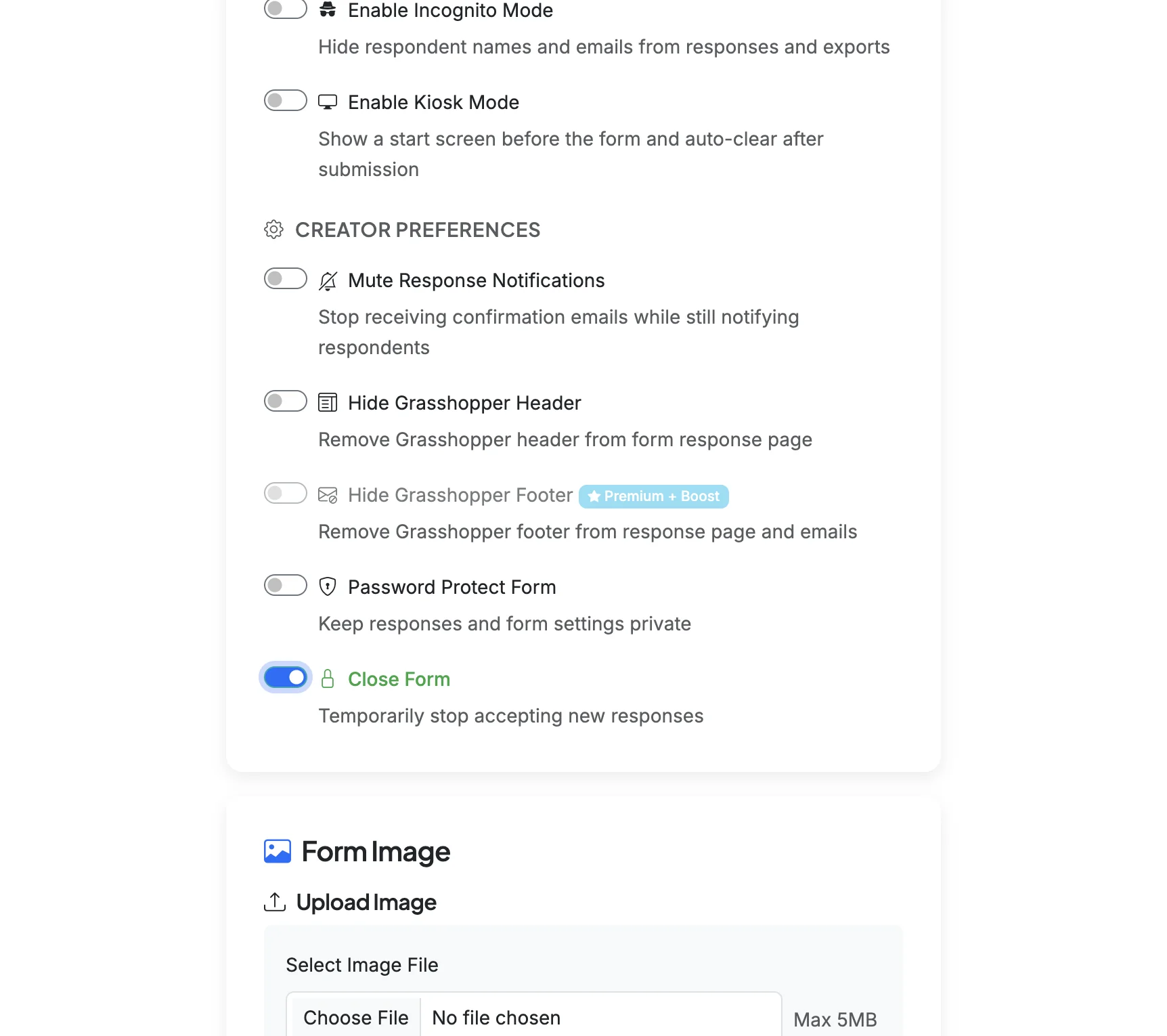
If you want to close a form so that it no longer collects responses, you can enable the Close Form setting. If you want to reopen the form in the future, you can disable the setting.
Steps:2
StepHopper User
StepHopperhttps://stephopper.com/
1
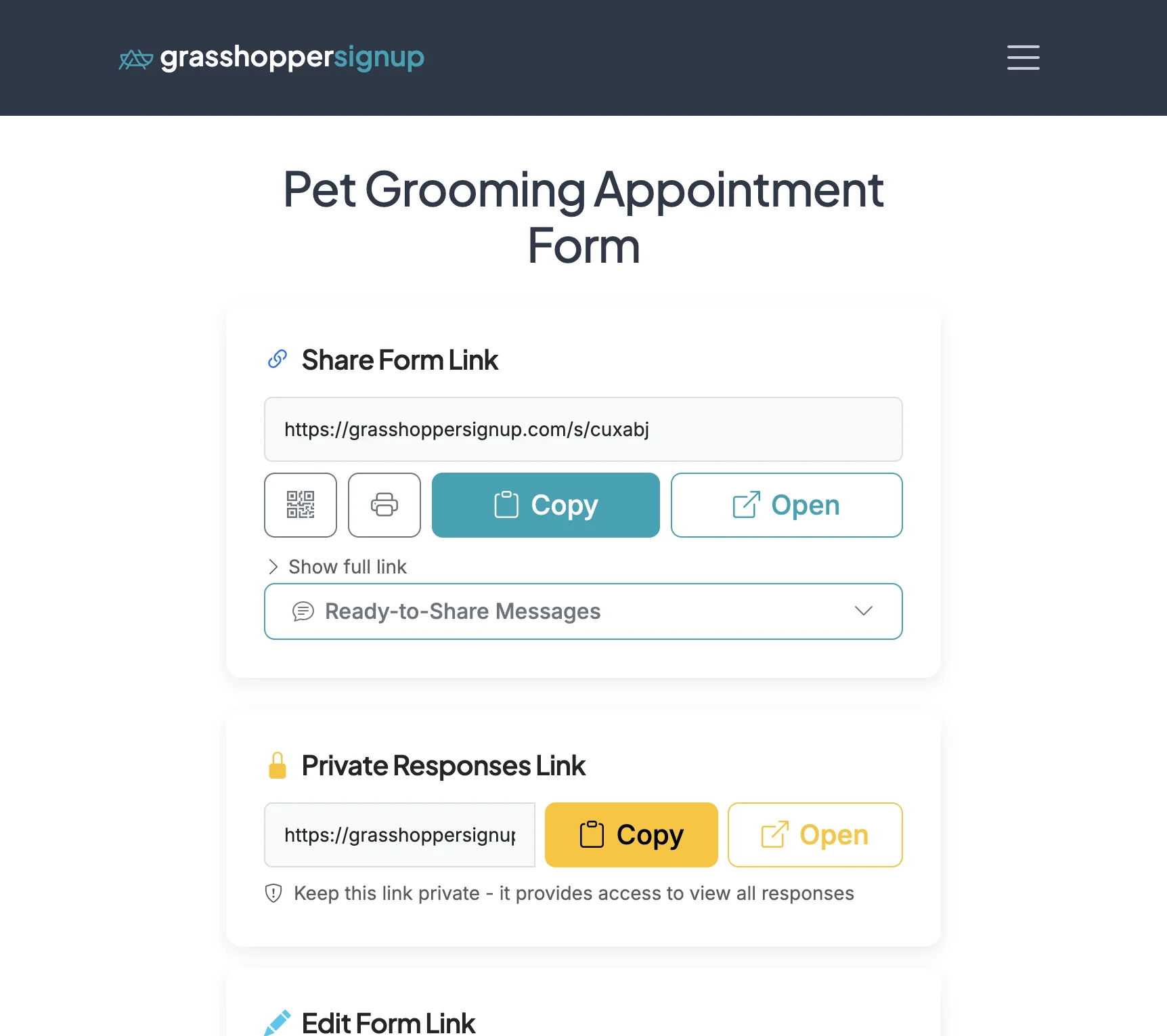
Start on your form's Form Options page.
2
Scroll down to Form Settings. The second sub-section is 'Creator Preferences'. The 'Close Form' option is located at the bottom of this section.