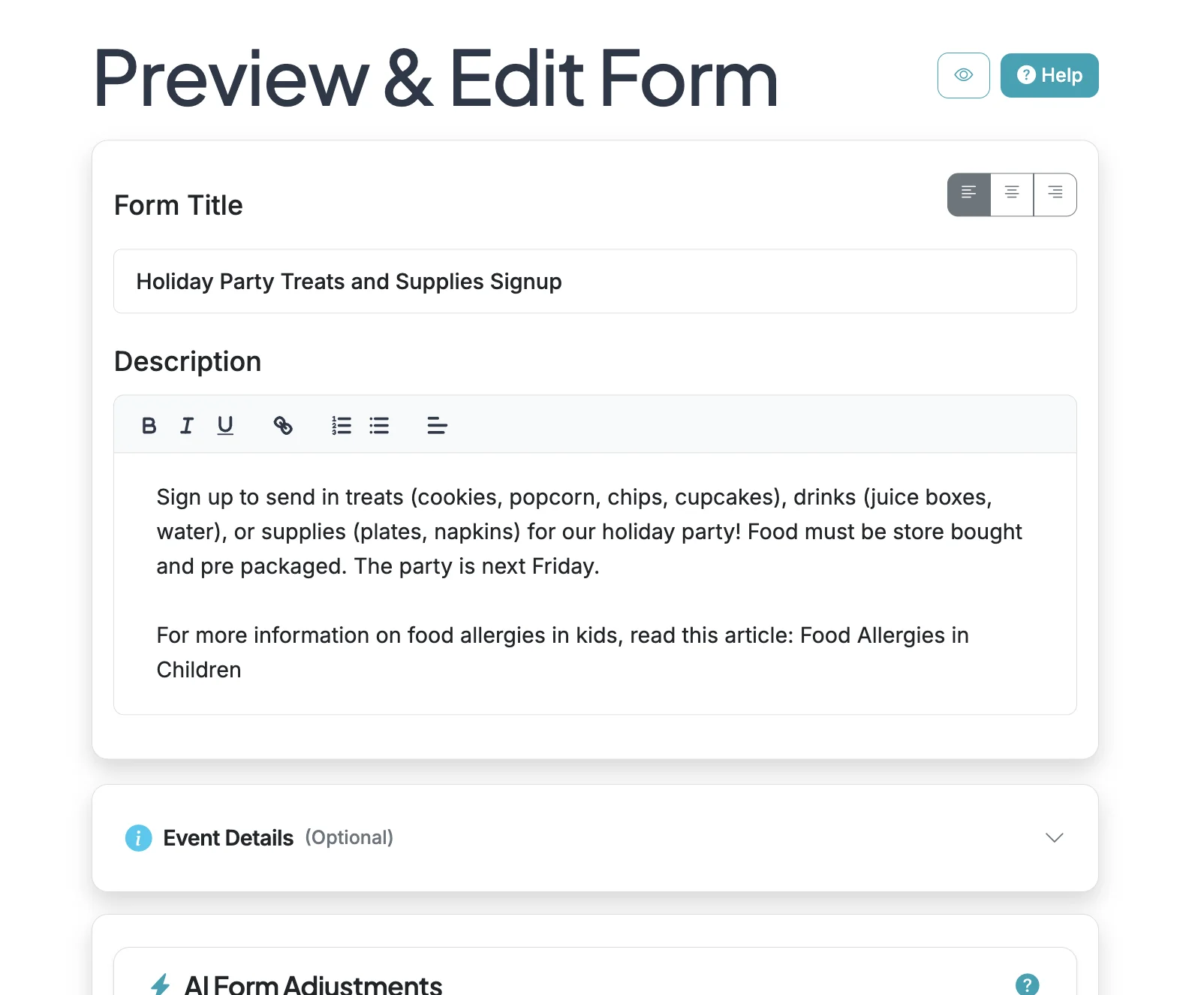
You can add a clickable link in your form description to help provide additional information. Use the text editor link function to make your text/URL clickable.
Steps:4
StepHopper User
StepHopperhttps://stephopper.com/
1
Start on the Edit page for your form.
2
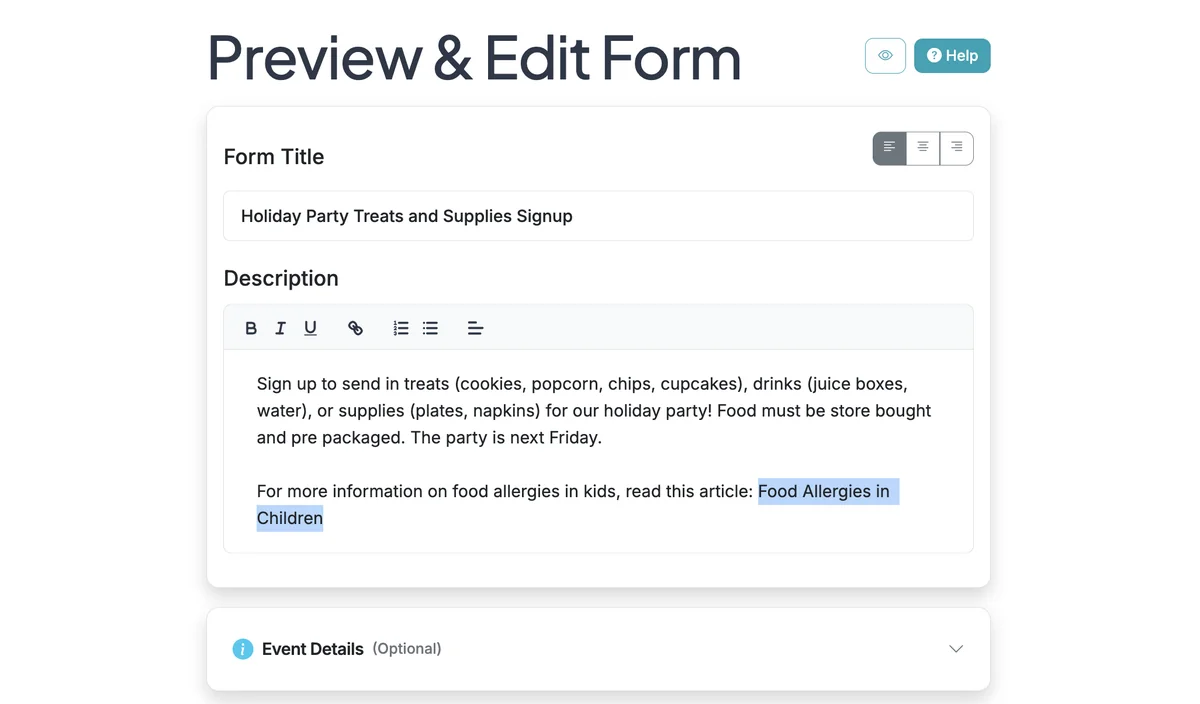
Highlight the text you want to link. Then click the link icon in the text editor functions.
3
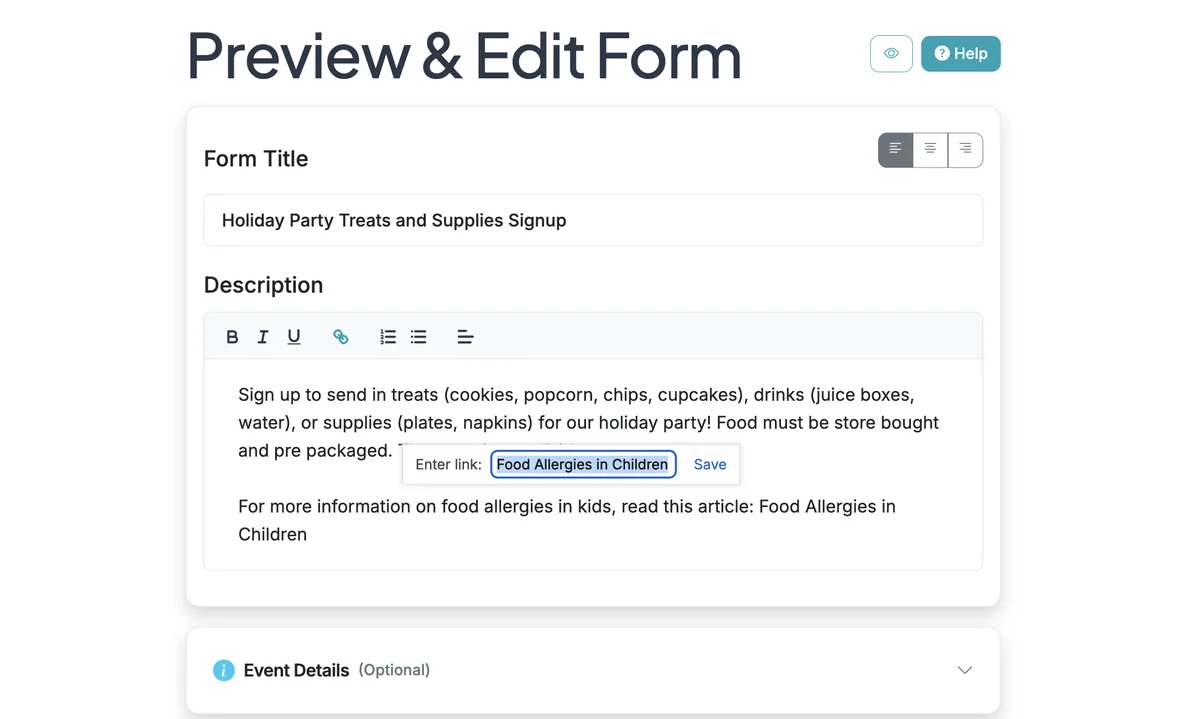
Paste in your link and click 'Save'.
4
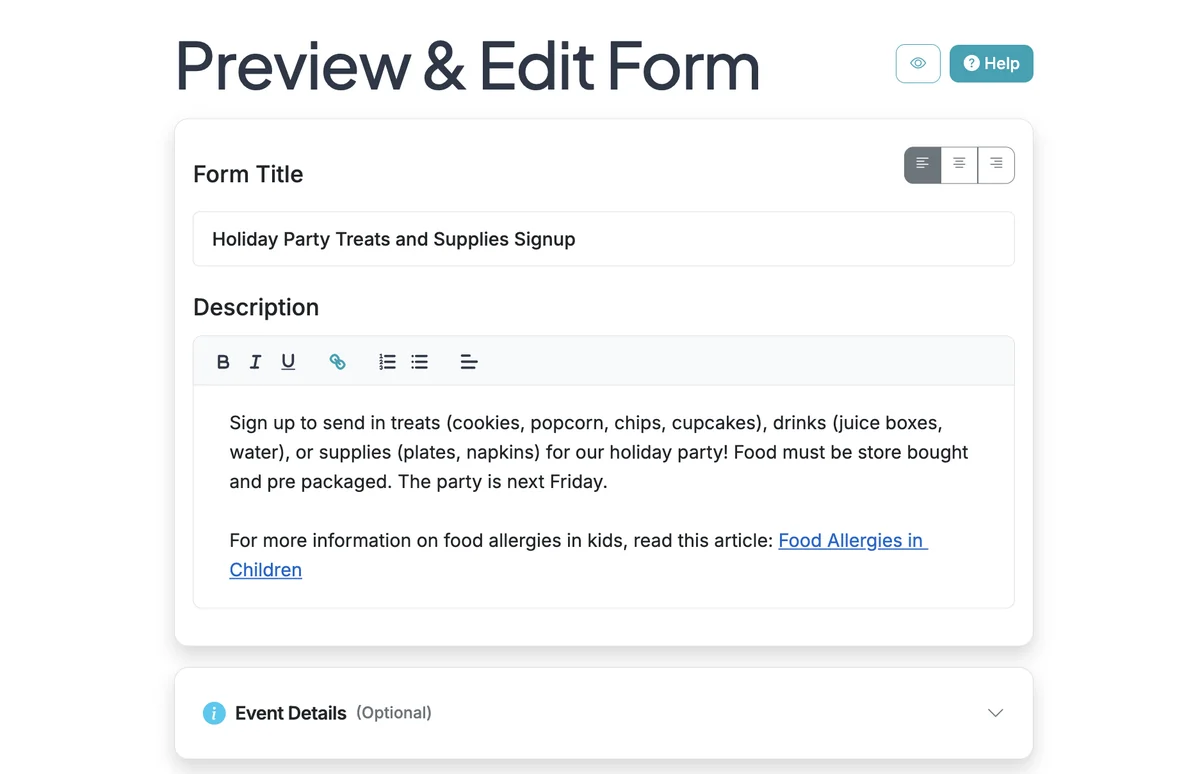
Now your link will be clickable. Remember to Save your form to apply the updates.