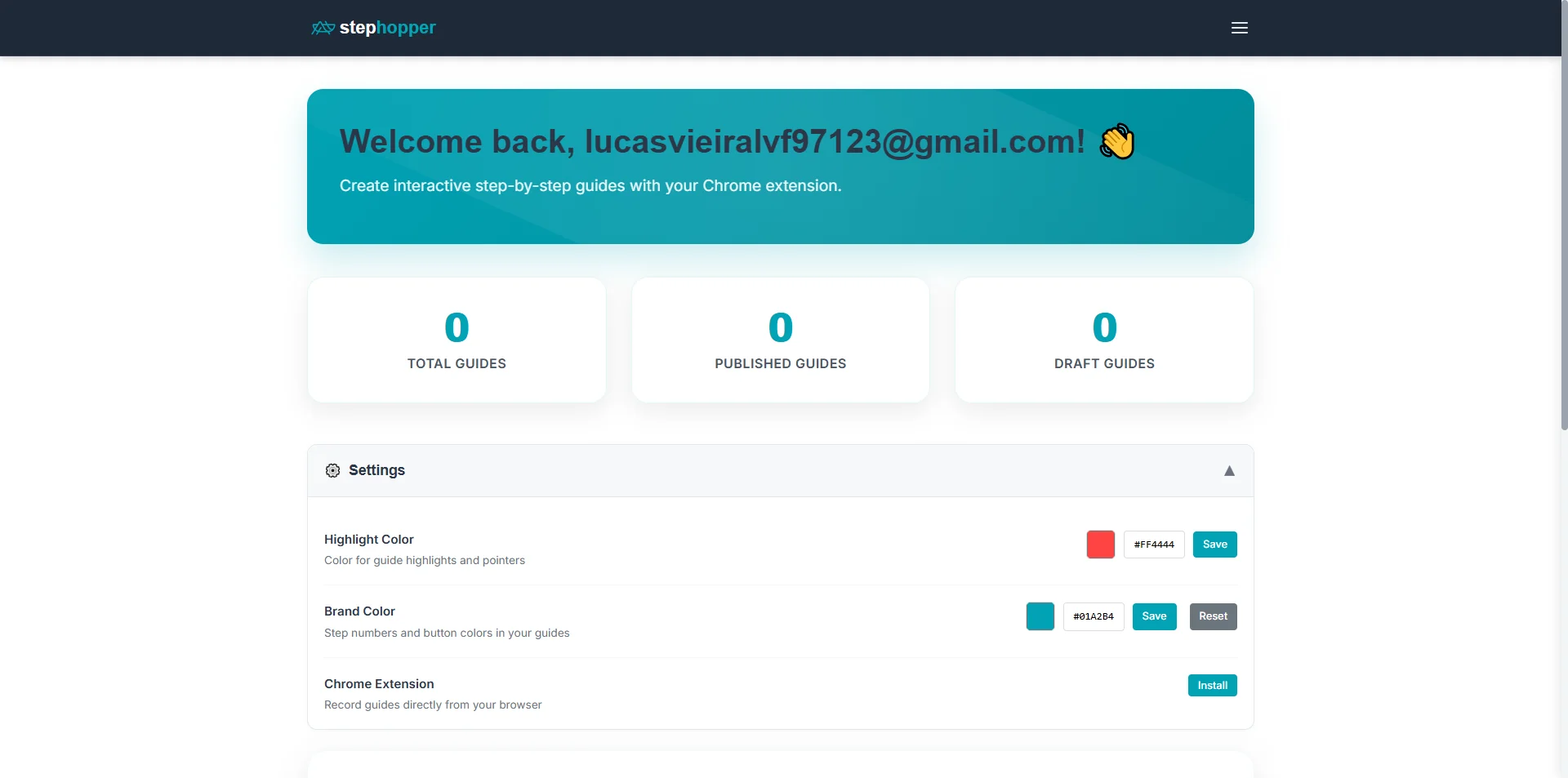
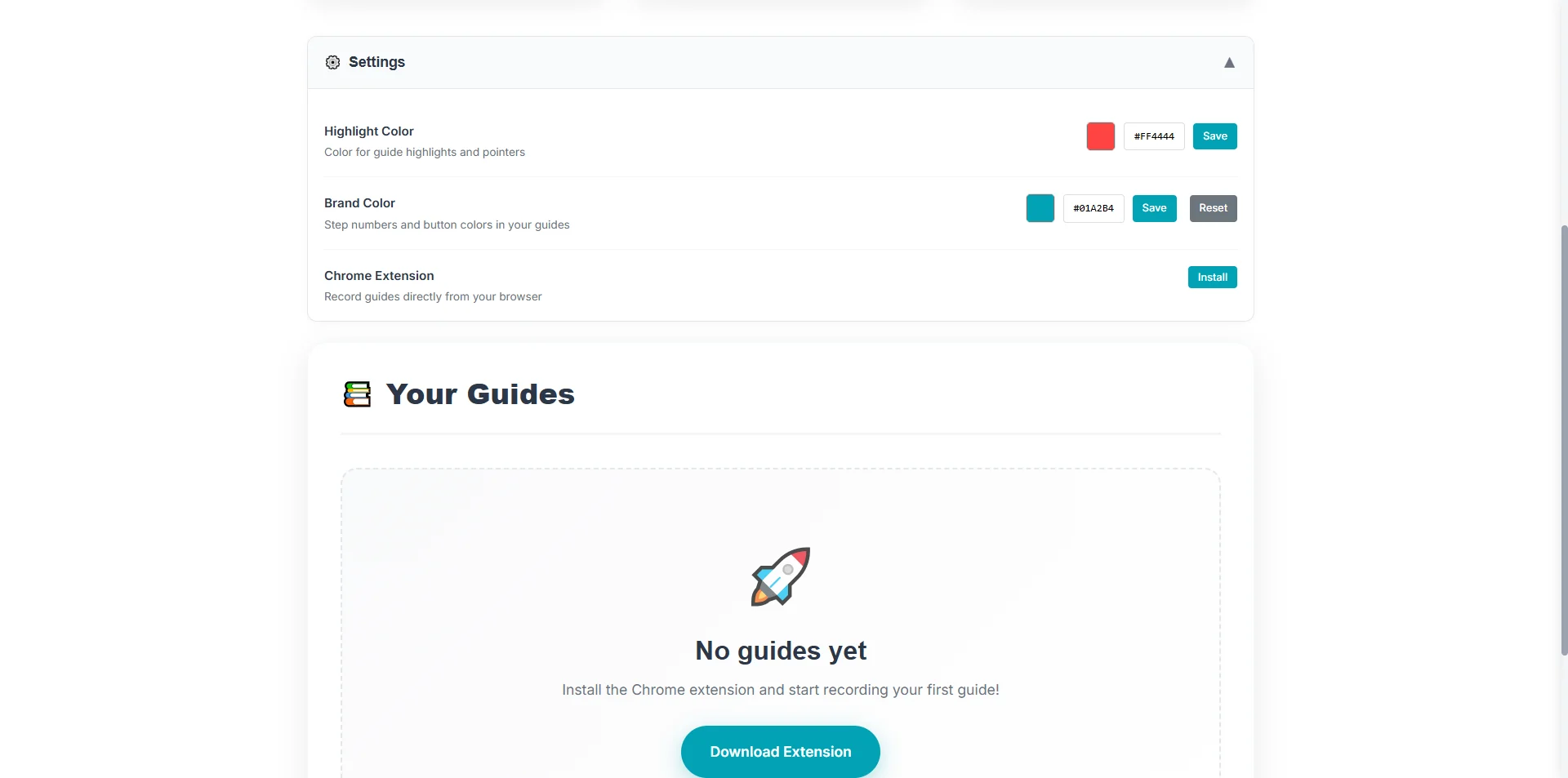
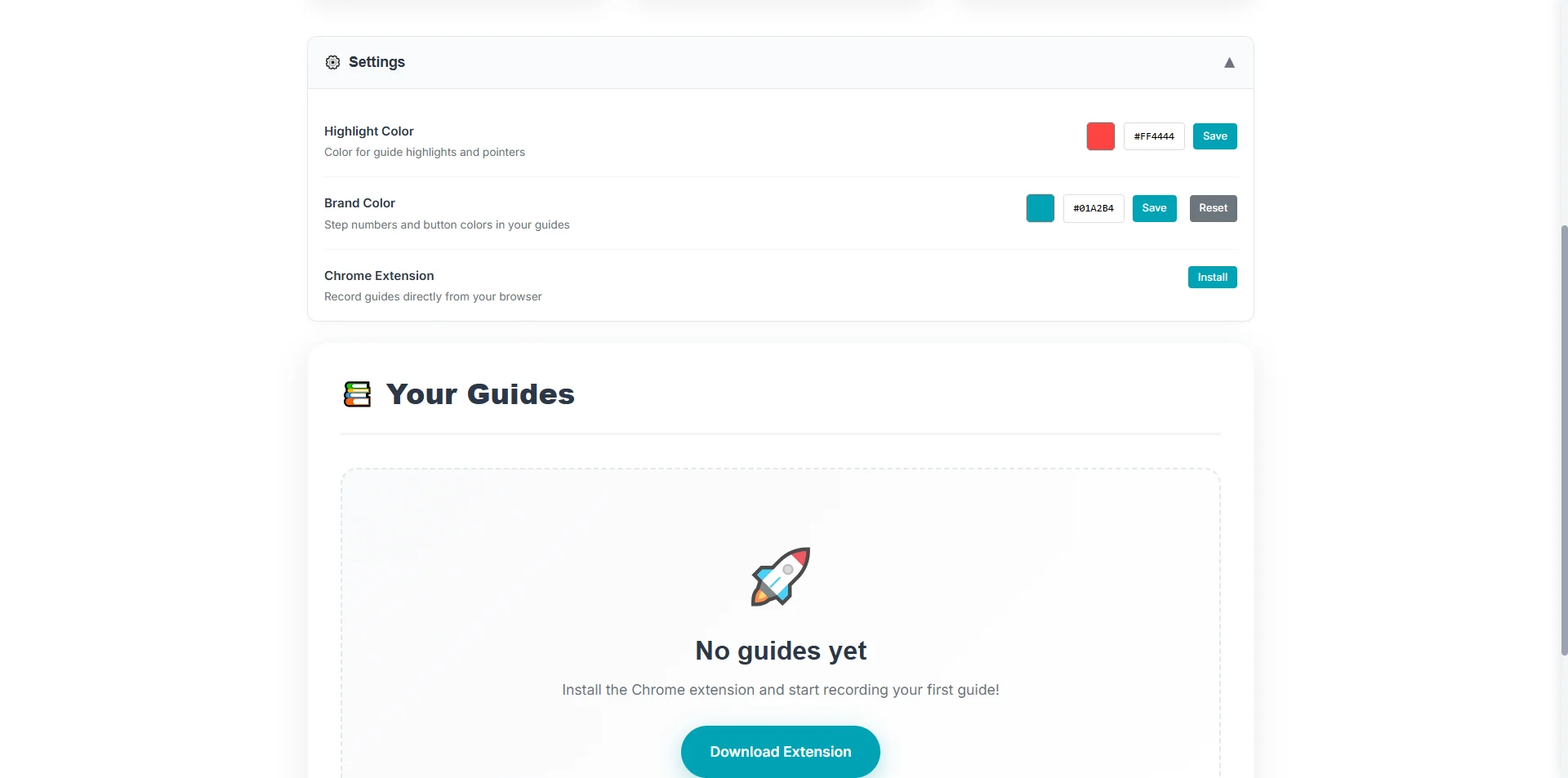
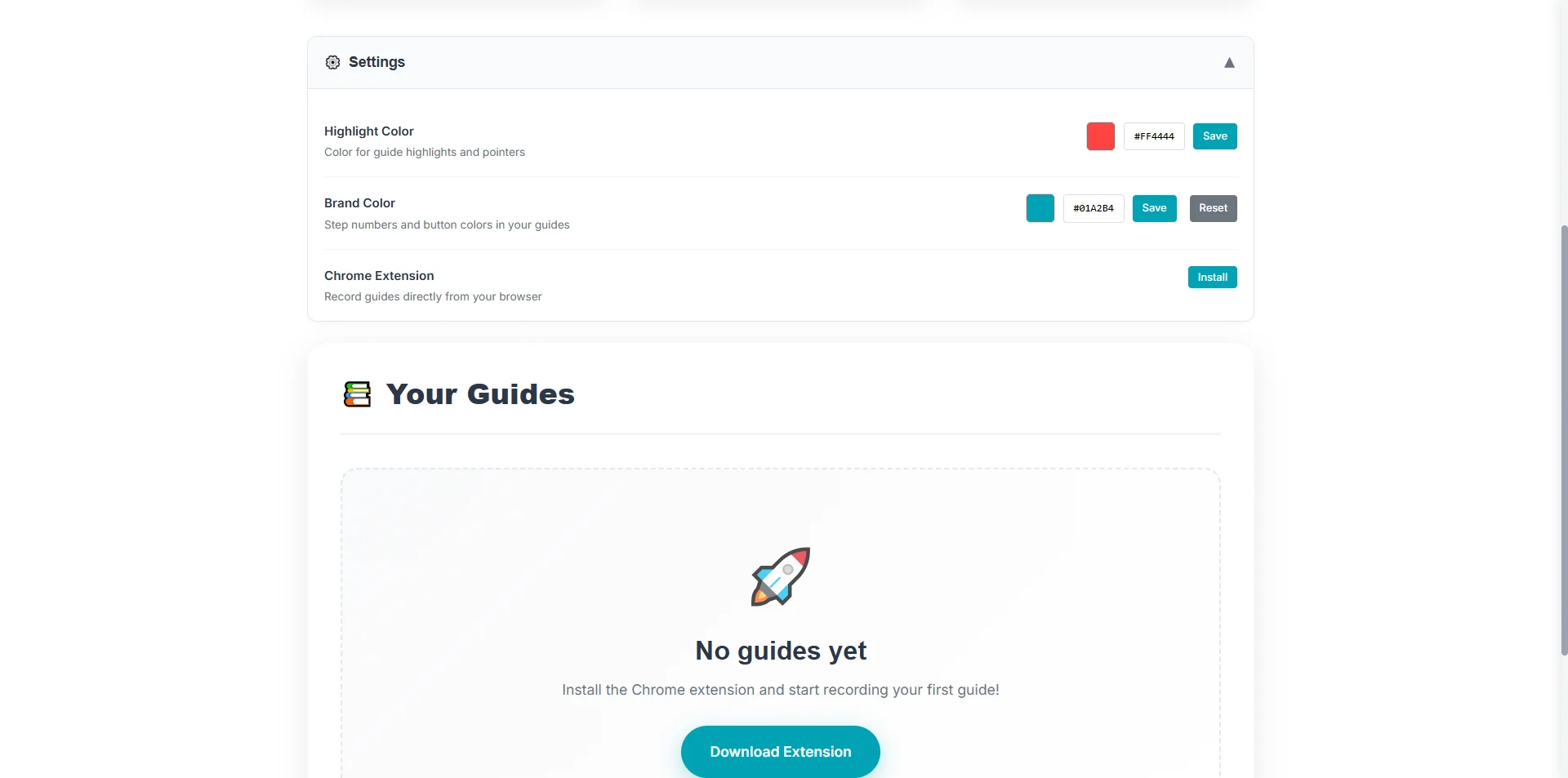
This guide will show you how to navigate to the 'Settings' menu and access the '📚 Yo' section for further customization or information. Step 1: Click on 'Settings ▼'. Step 2: Starting point - initial view of the page. Step 3: Click on '📚 Your Guides '. Step 4: Scroll page.