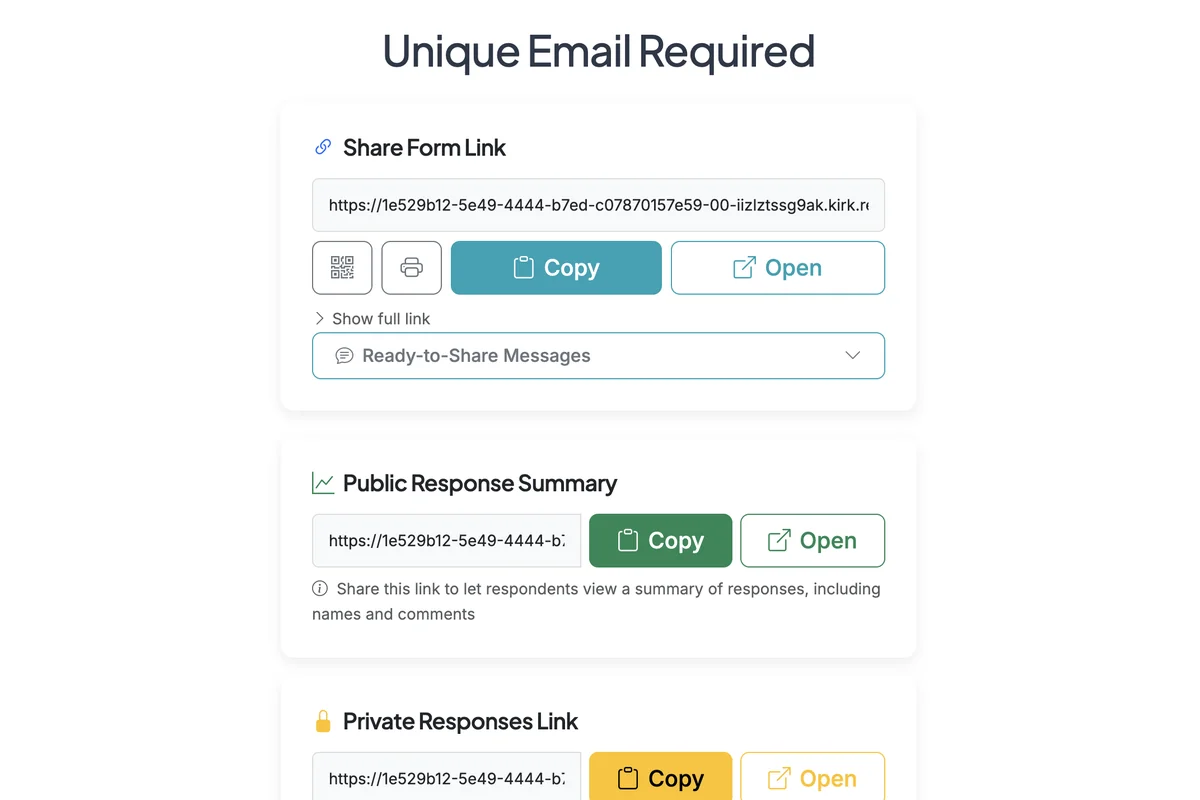
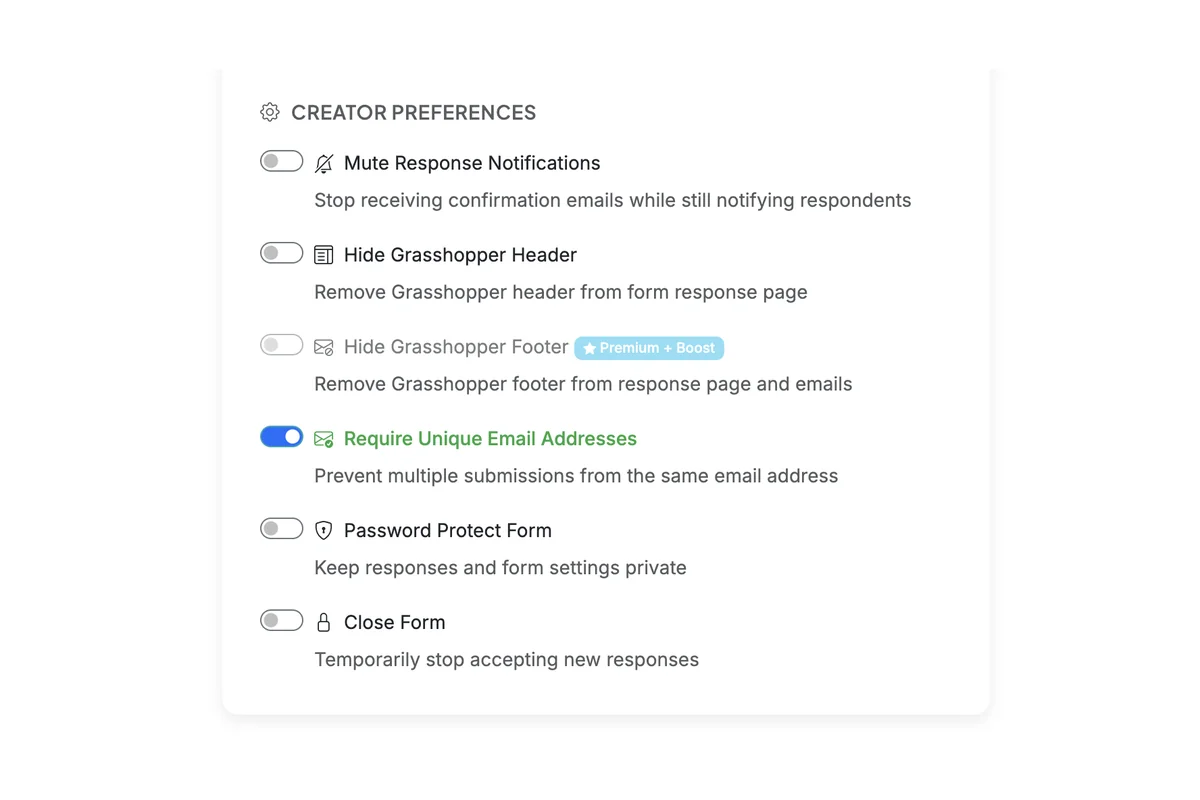
You can prevent users from submitting multiple responses using the same email. This is a creator setting in Form Options. Enabling this setting can create problems if you want to allow users to submit multiple responses or plan to use the form in an ongoing manner to collect more responses over time as options are added or made visible. If respondents need to change their response, they can delete a response and resubmit a form (deleted responses to not block submitting a form again for a given email address).
Steps:2
StepHopper User
StepHopperhttps://stephopper.com/
1
Start on the Form Options page.
2
Scroll down to the Creator Preferences section in Form Settings. Enable the 'Require Unique Email Addresses' toggle.