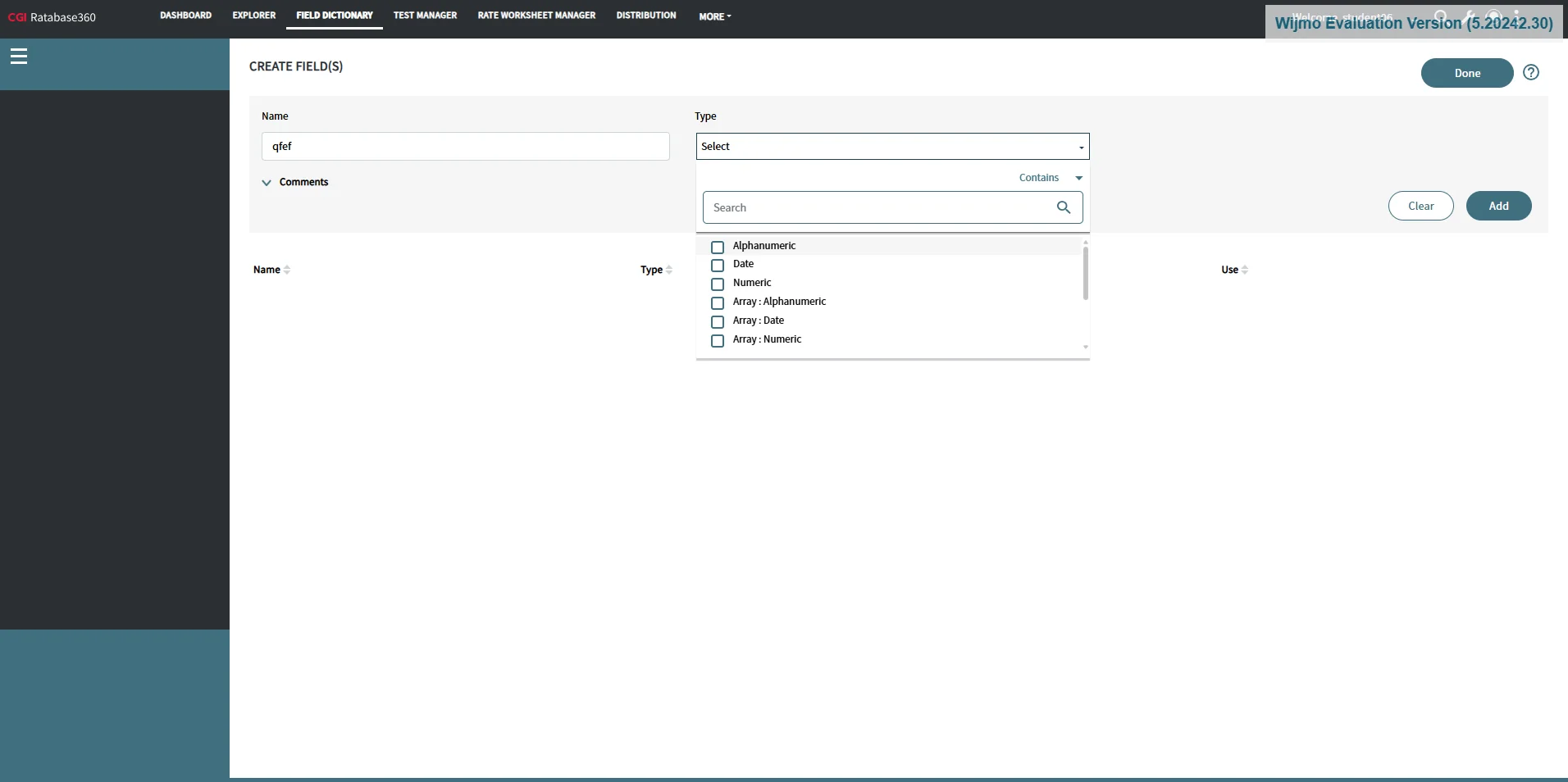
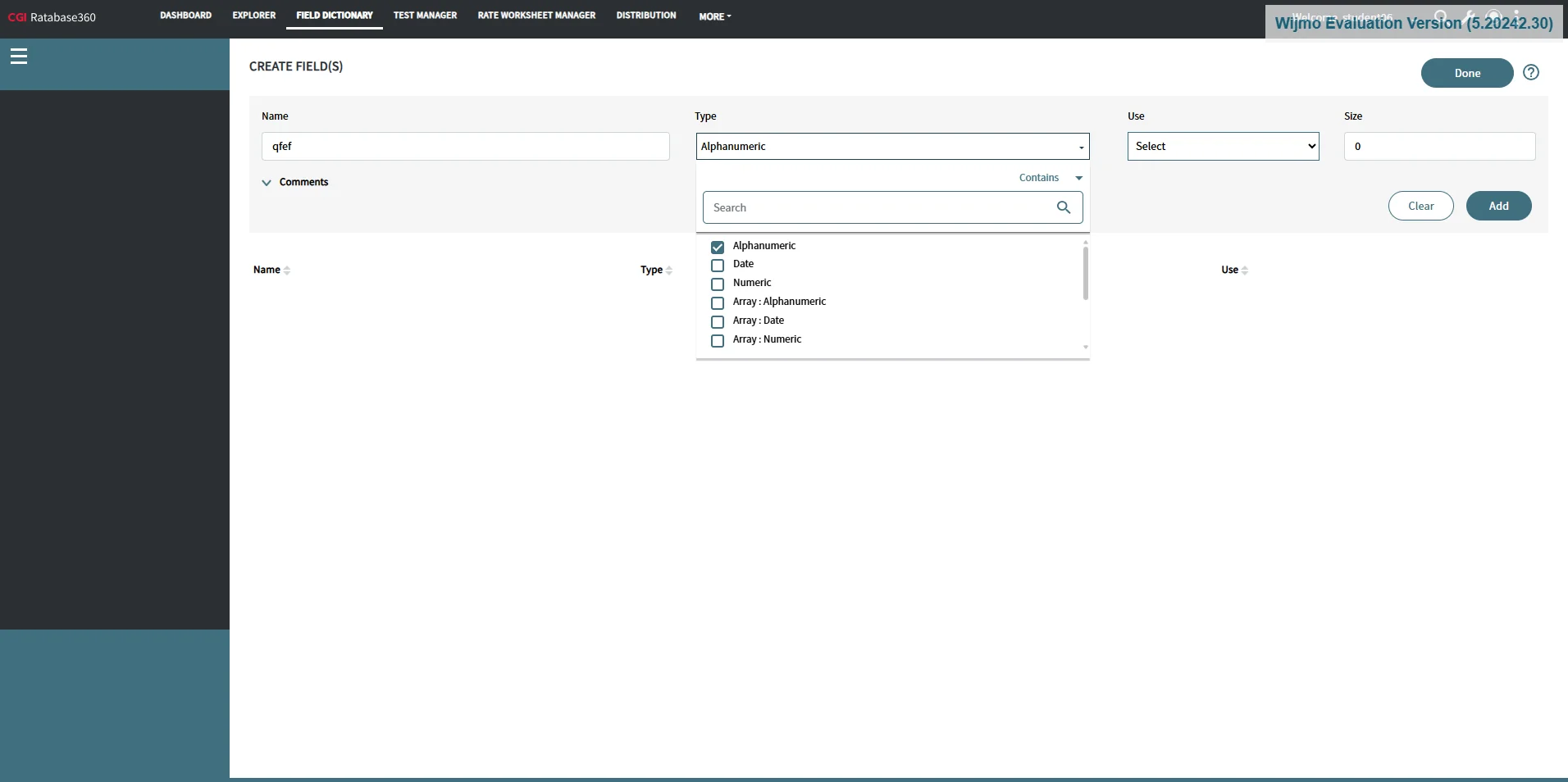
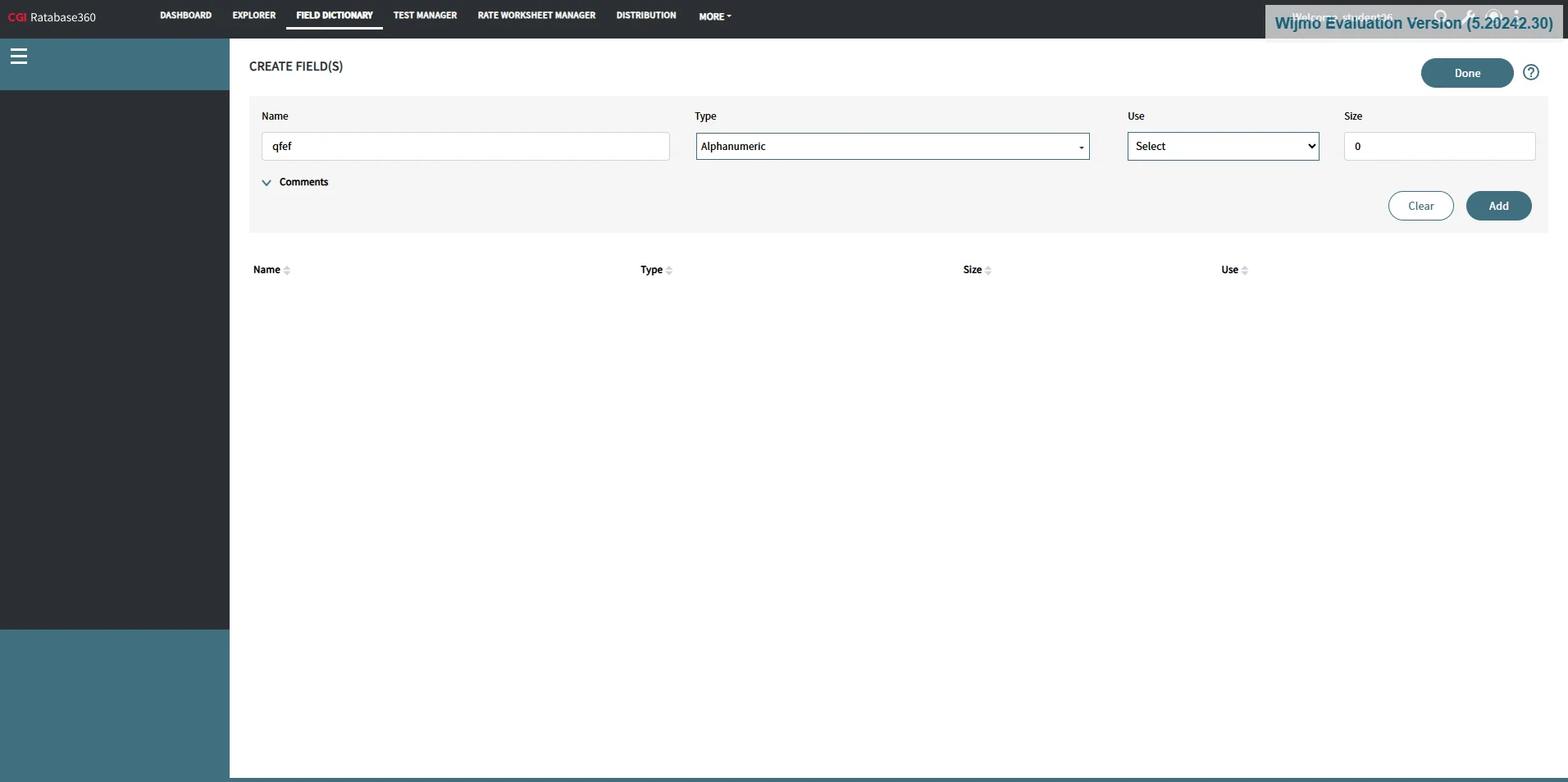
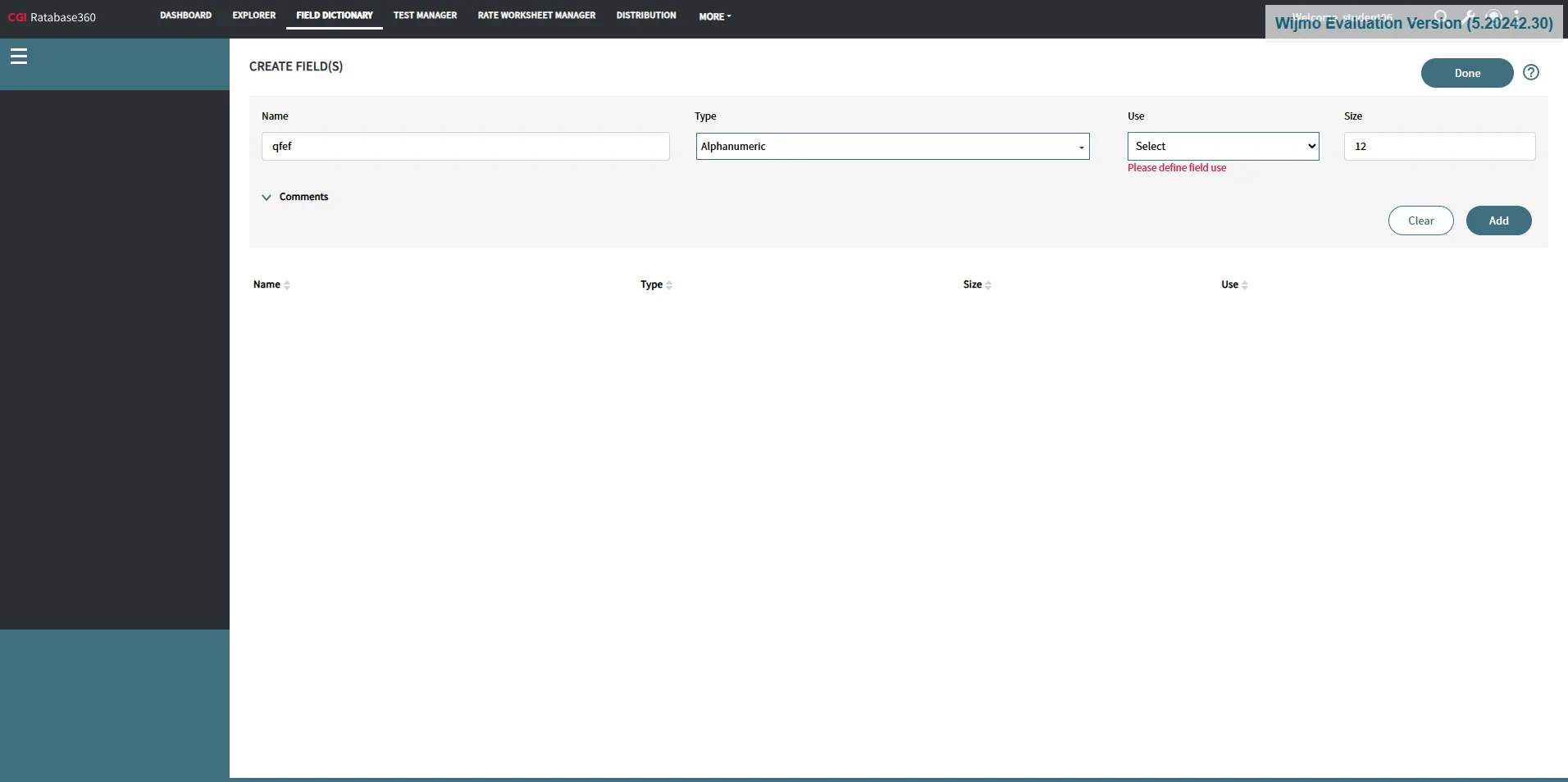
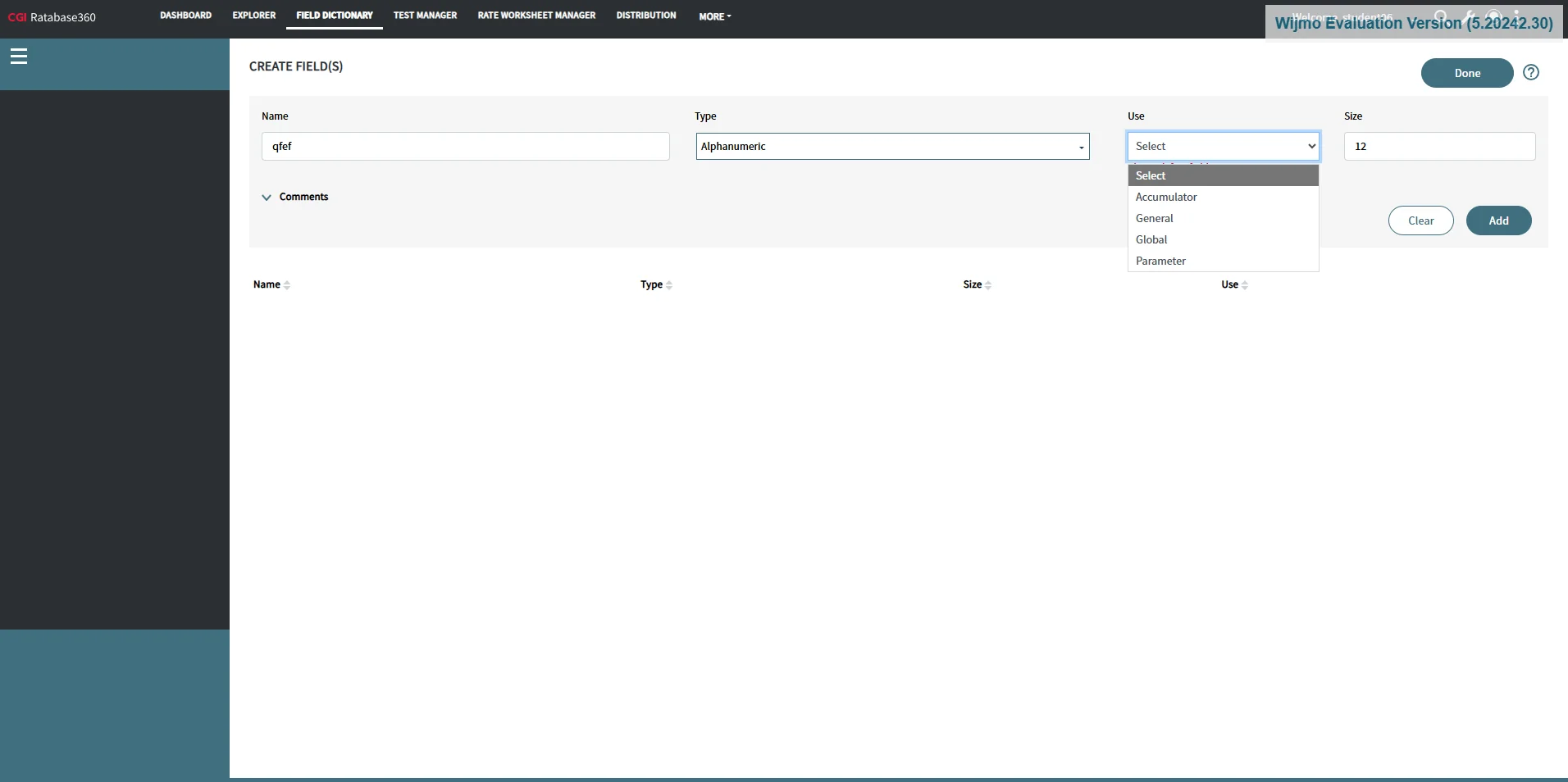
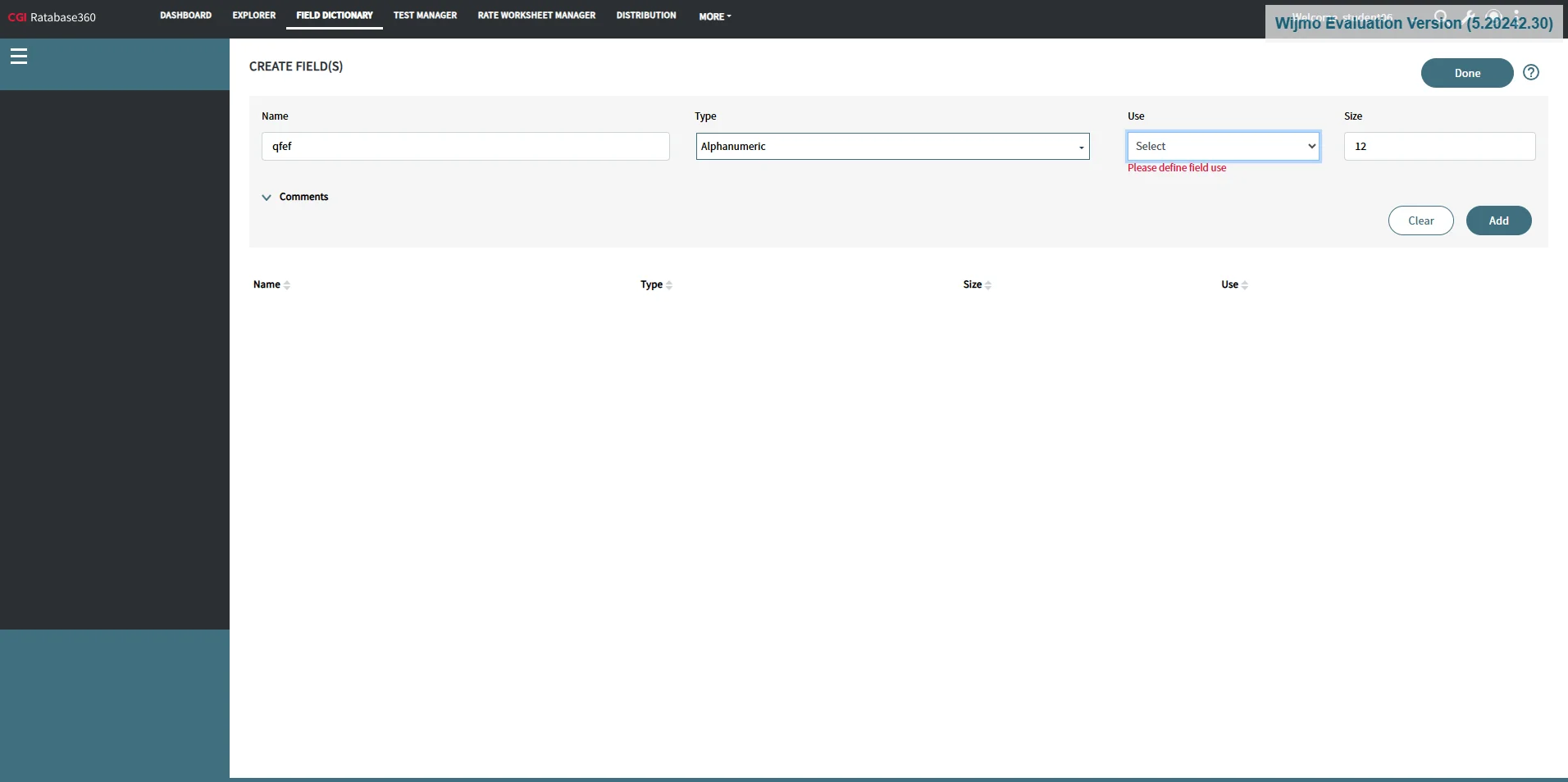
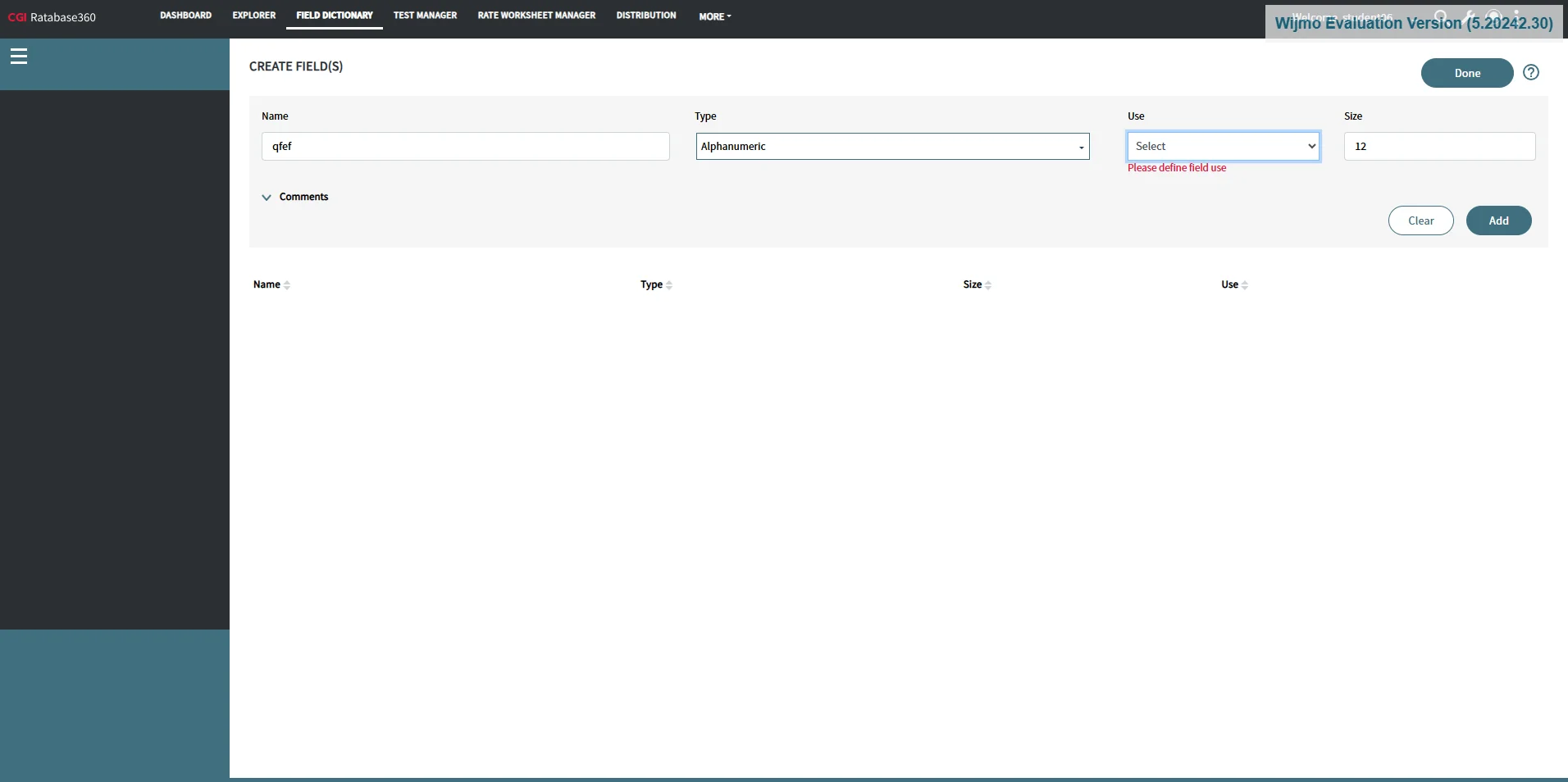
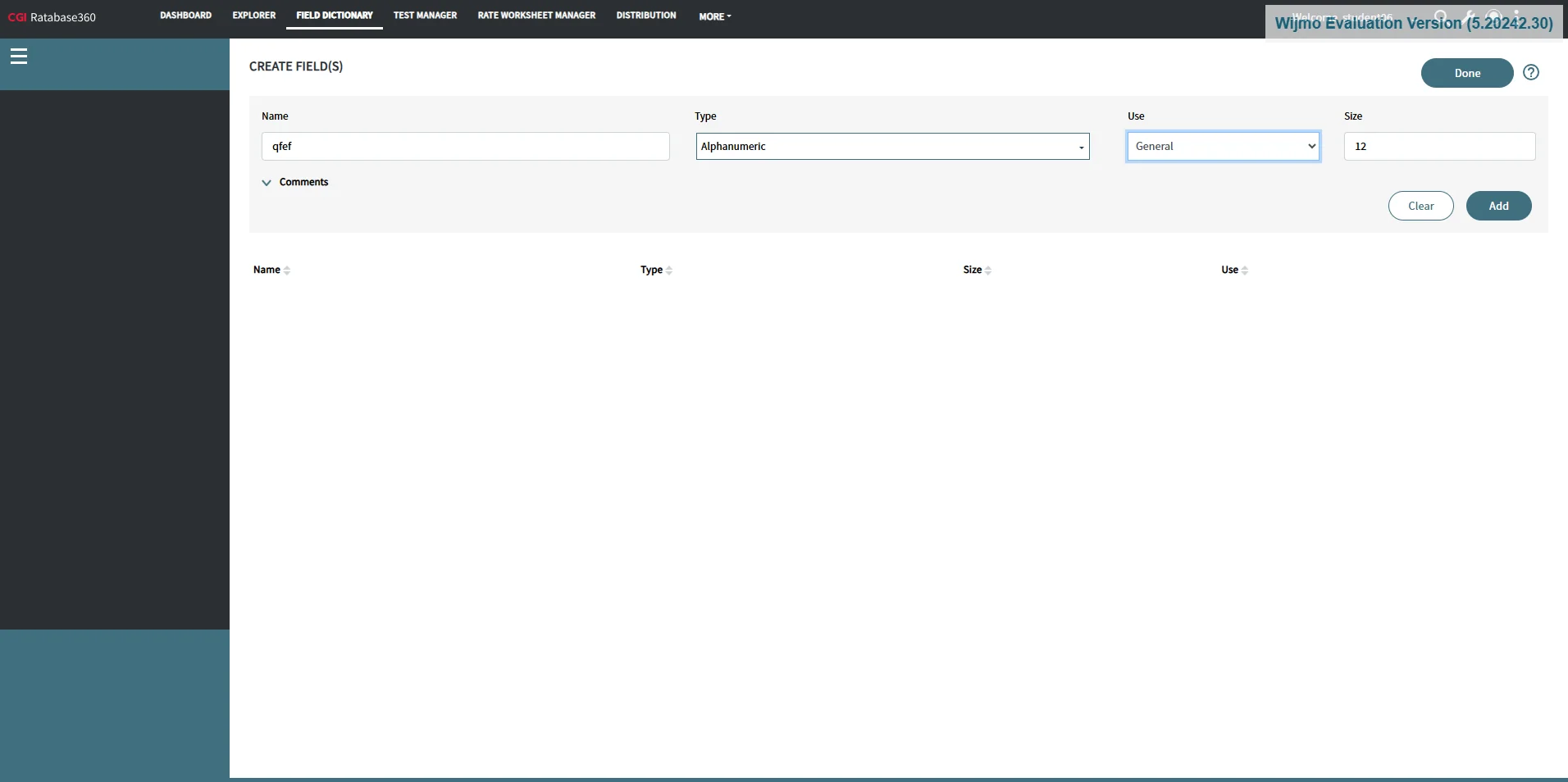
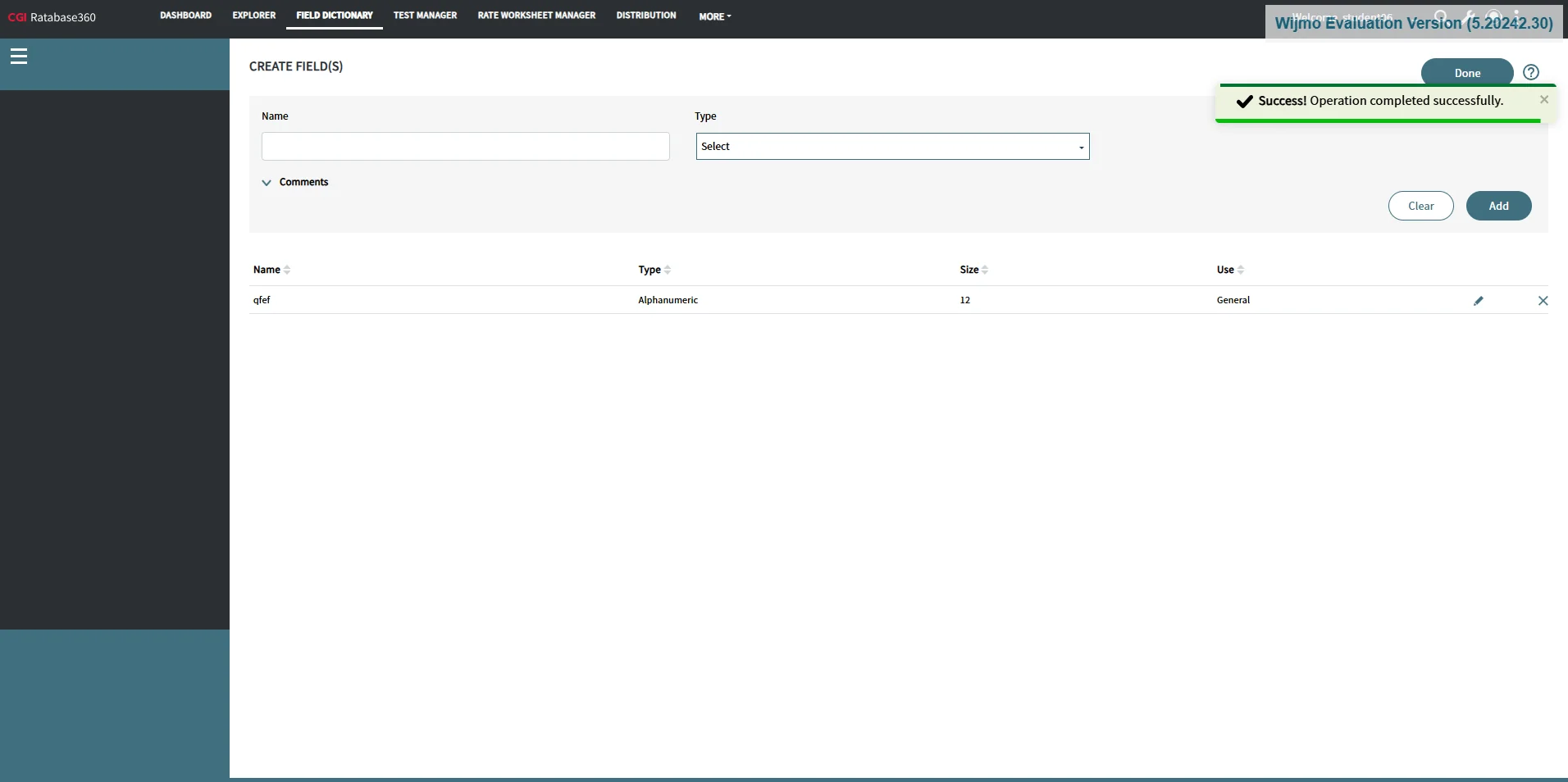
This guide will teach you how to complete a form by filling in specific fields, select the 'Accumulator G' option, add a 'Clear' entry, choose the 'Alphanumeric' name type, and finalize the process by clicking 'Add'.
Steps:11
StepHopper User
StepHopperhttps://stephopper.com/
1
Enter text in input field
2
Click on span
3
Click on 'select Accumulator General Glo'
4
Click on 'Add'
5
Click on 'AddClear'
6
Click on 'select Accumulator General Glo'
7
Click on 'select Accumulator General Glo'
8
Click on 'select Accumulator General Glo'
9
Click on 'Add'
10
Navigate to http://10.126.81.235:8499/field-dictionary
11
Navigate to http://10.126.81.235:8499/field-dictionary