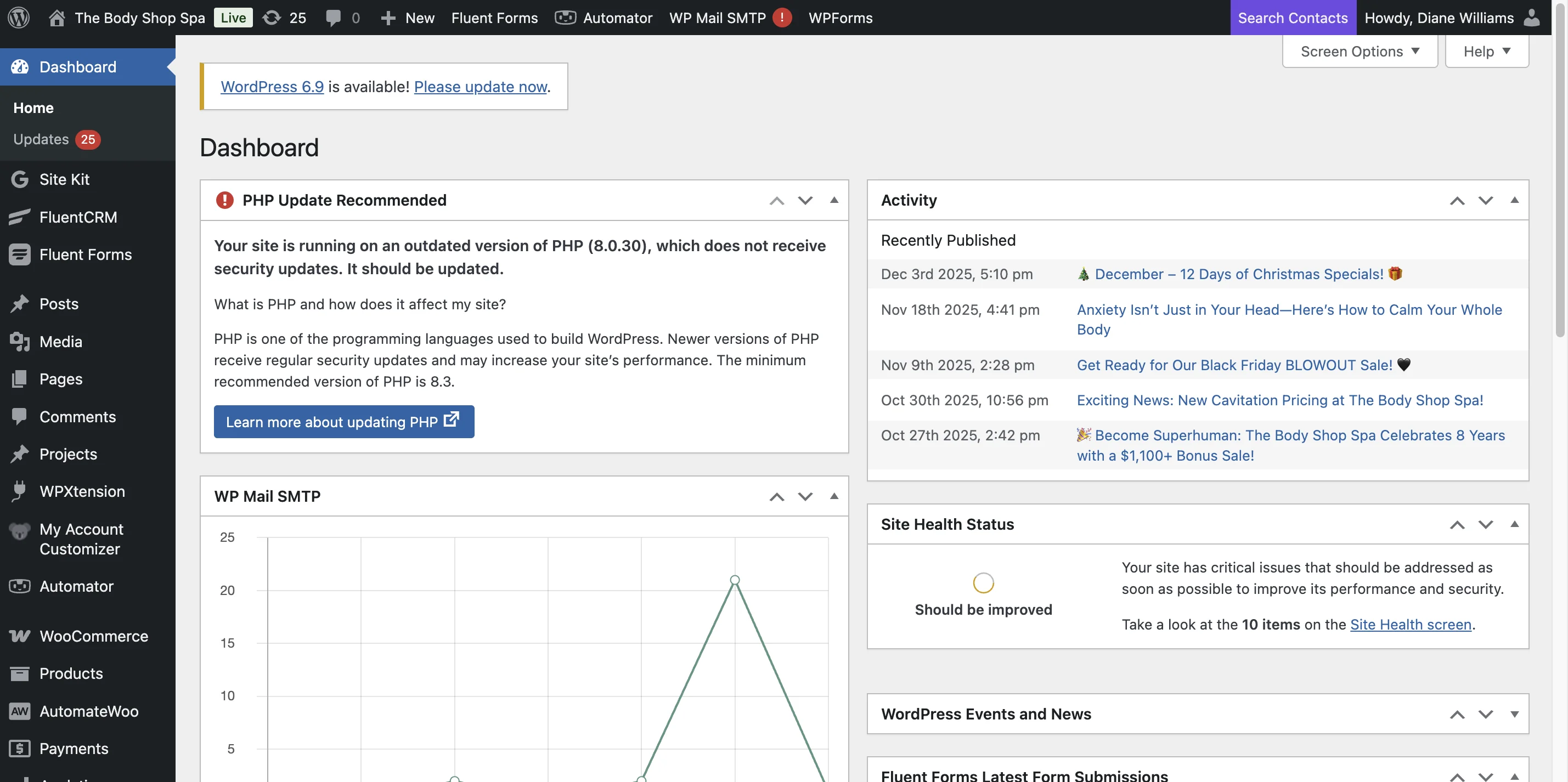
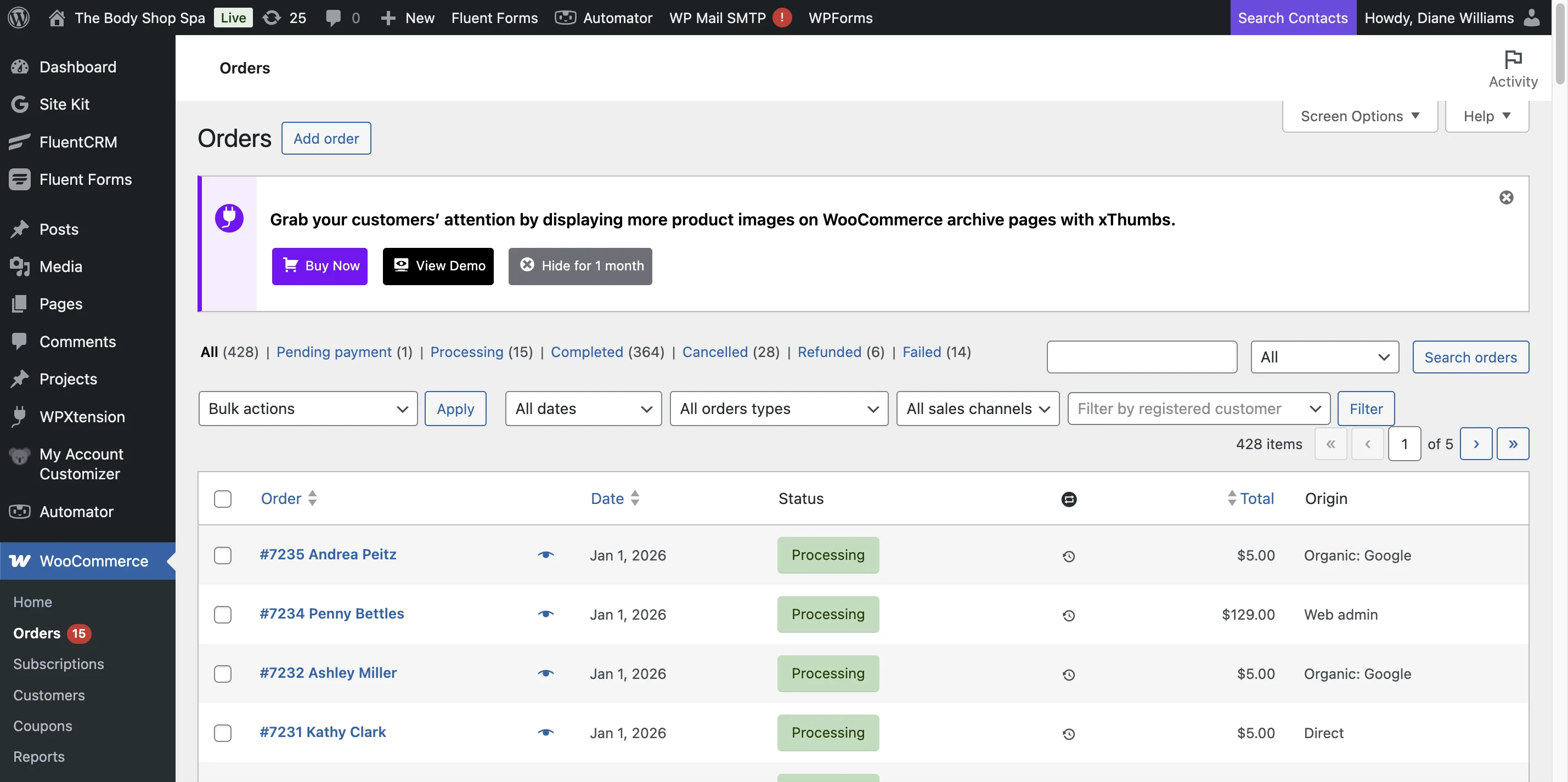
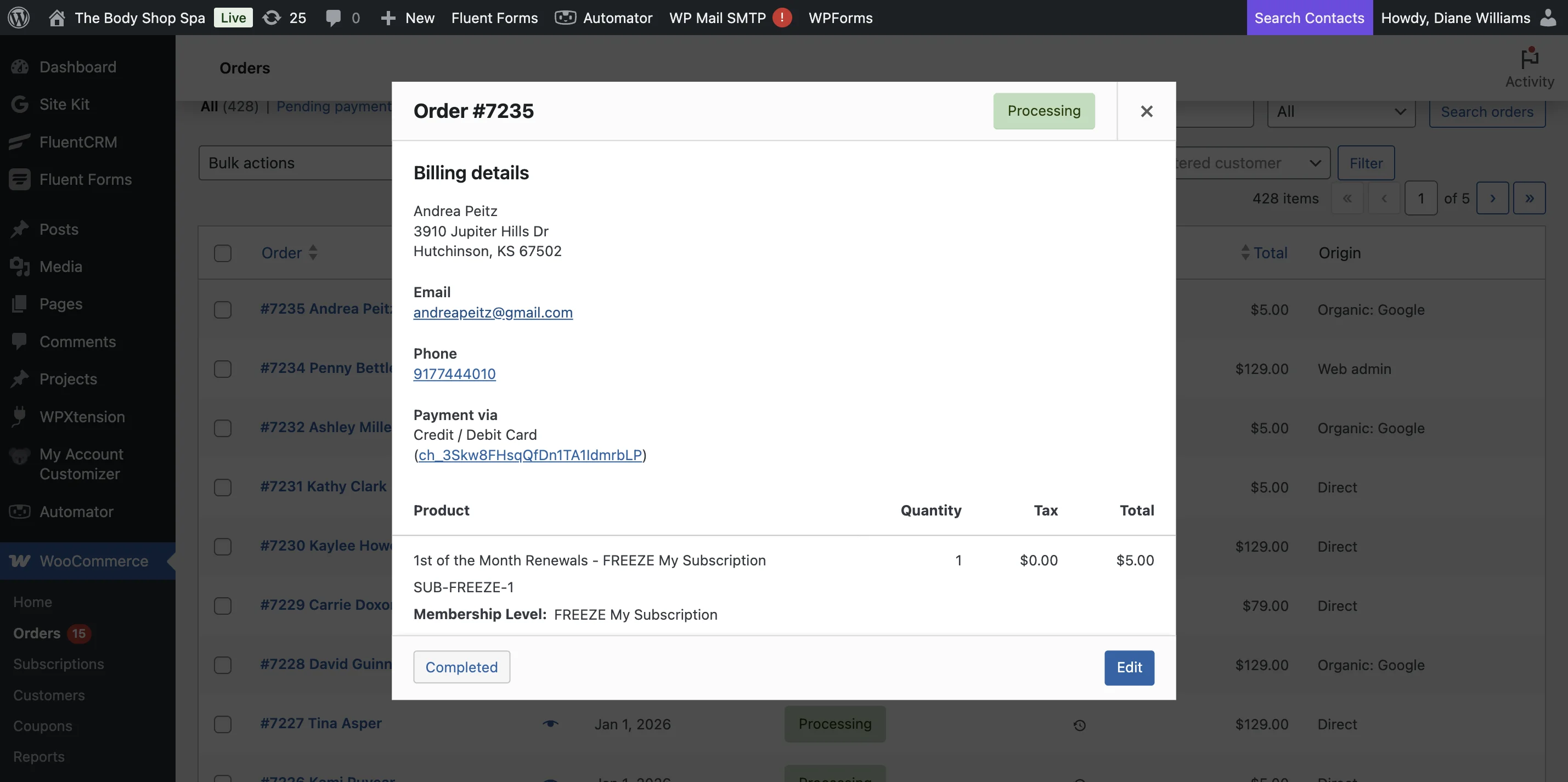
This guide walks you through the process of logging into the website, filling out the login form, navigating to specific pages, and interacting with WooCommerce and order sections to manage or review orders effectively.
Steps:6
StepHopper User
StepHopperhttps://stephopper.com/
1
Navigate to https://completeglow.com/wp-admin/
2
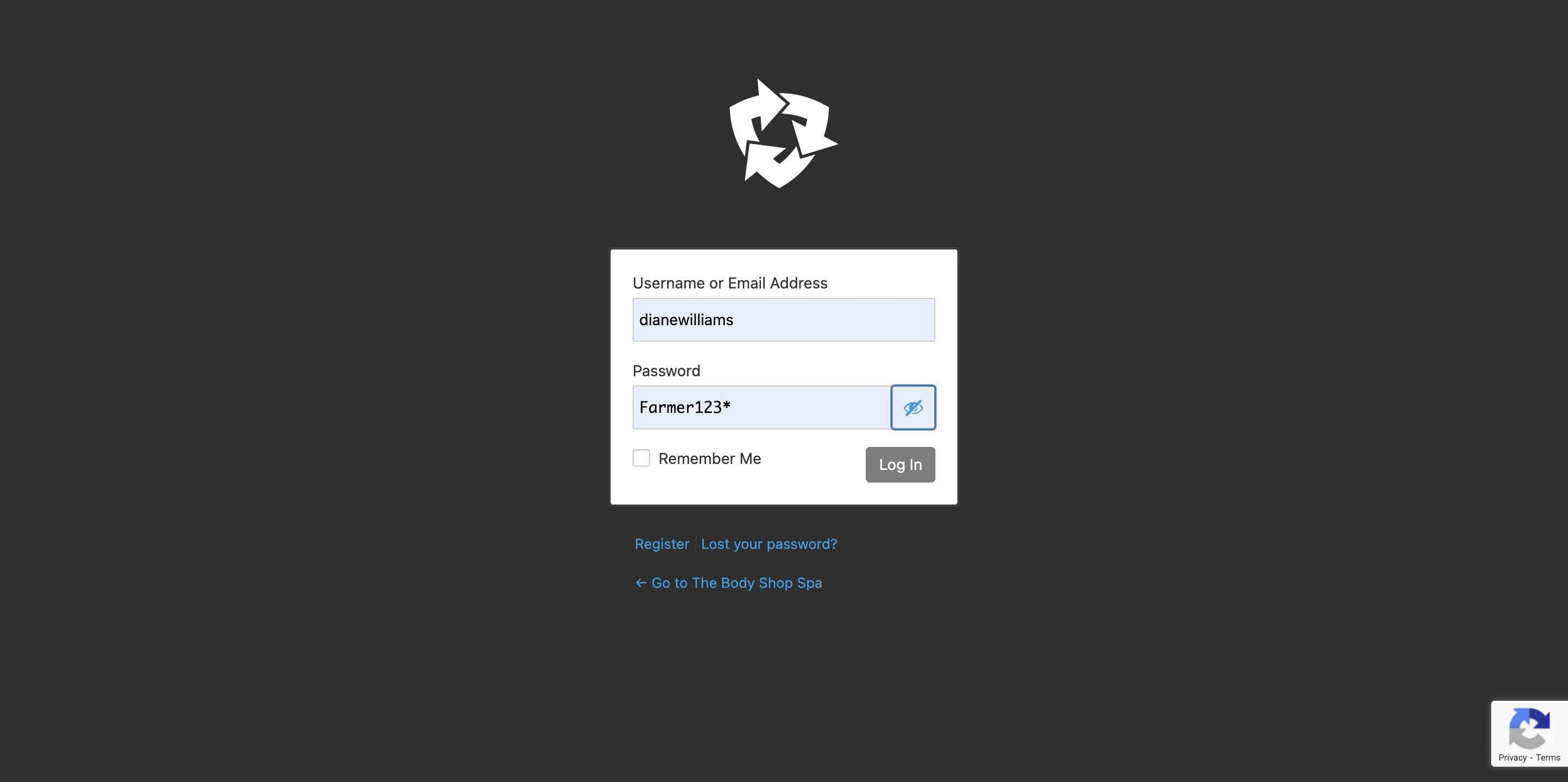
Here is username and password
3
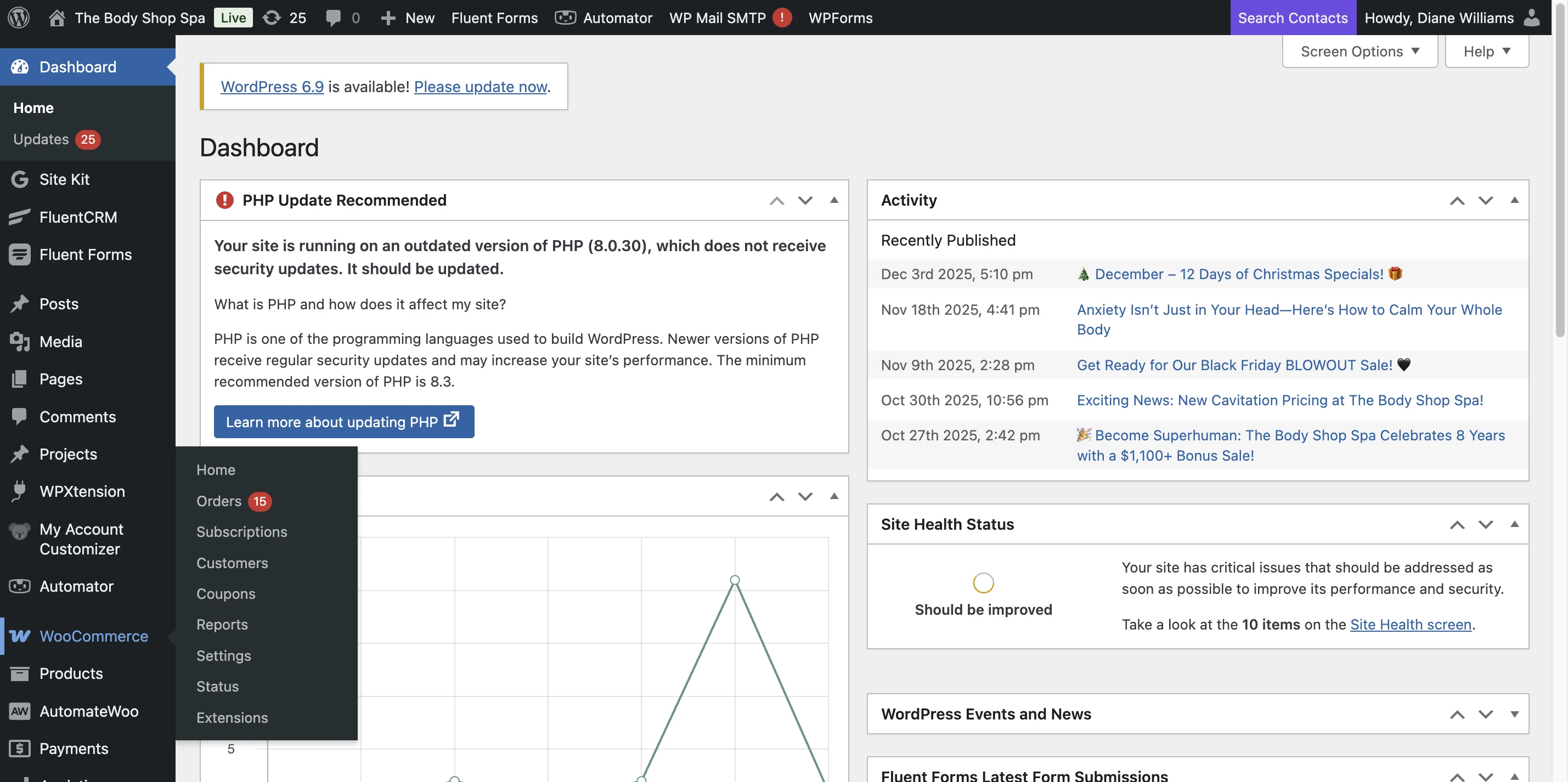
Click on 'WooCommerce'
4
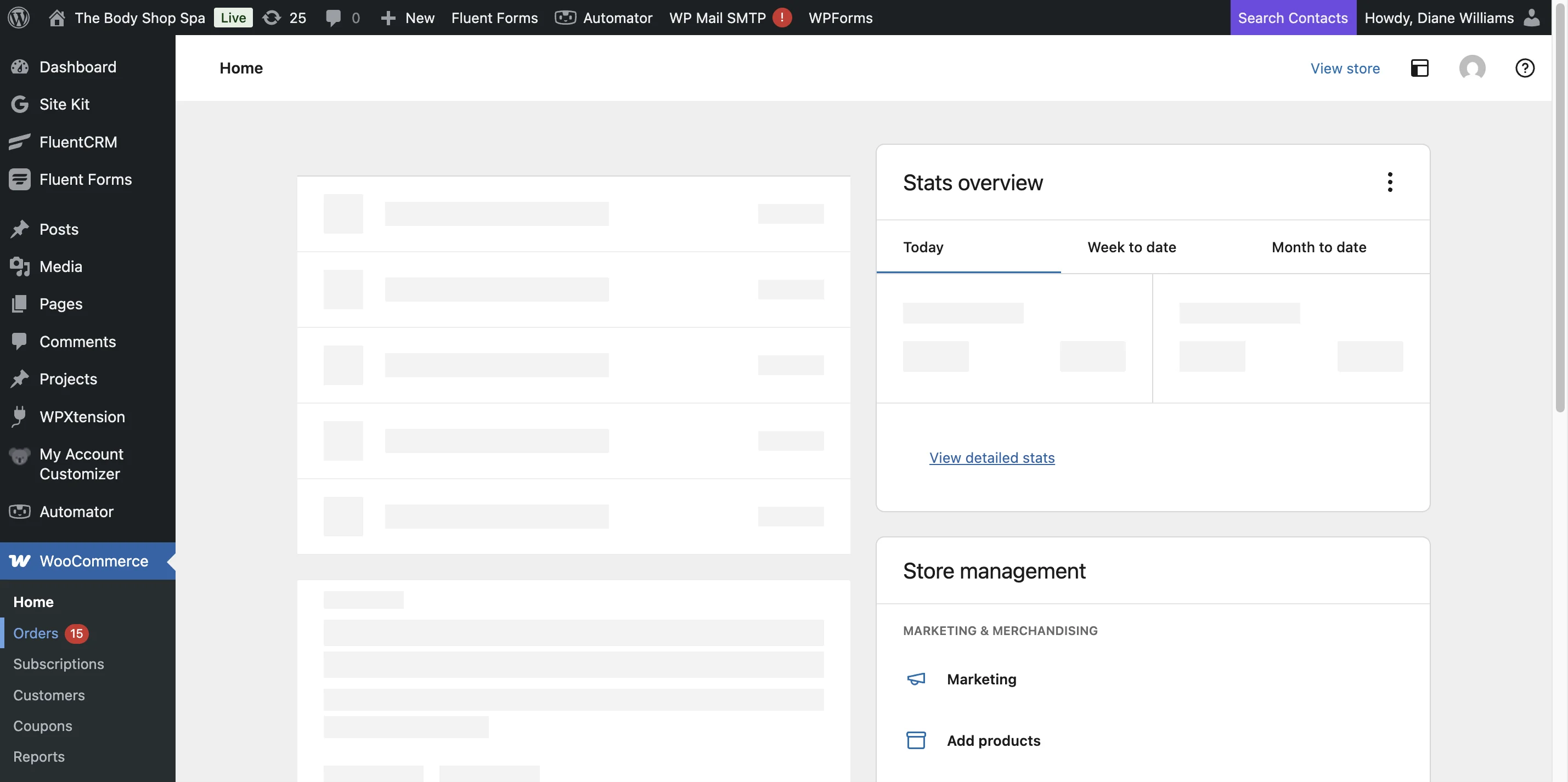
Navigate to orders
5
Here is the most recent renewals with the newest ones first. You can see the customer name, when it was renewed, the total charged.
6
after you update their account in salon touch please click completed here