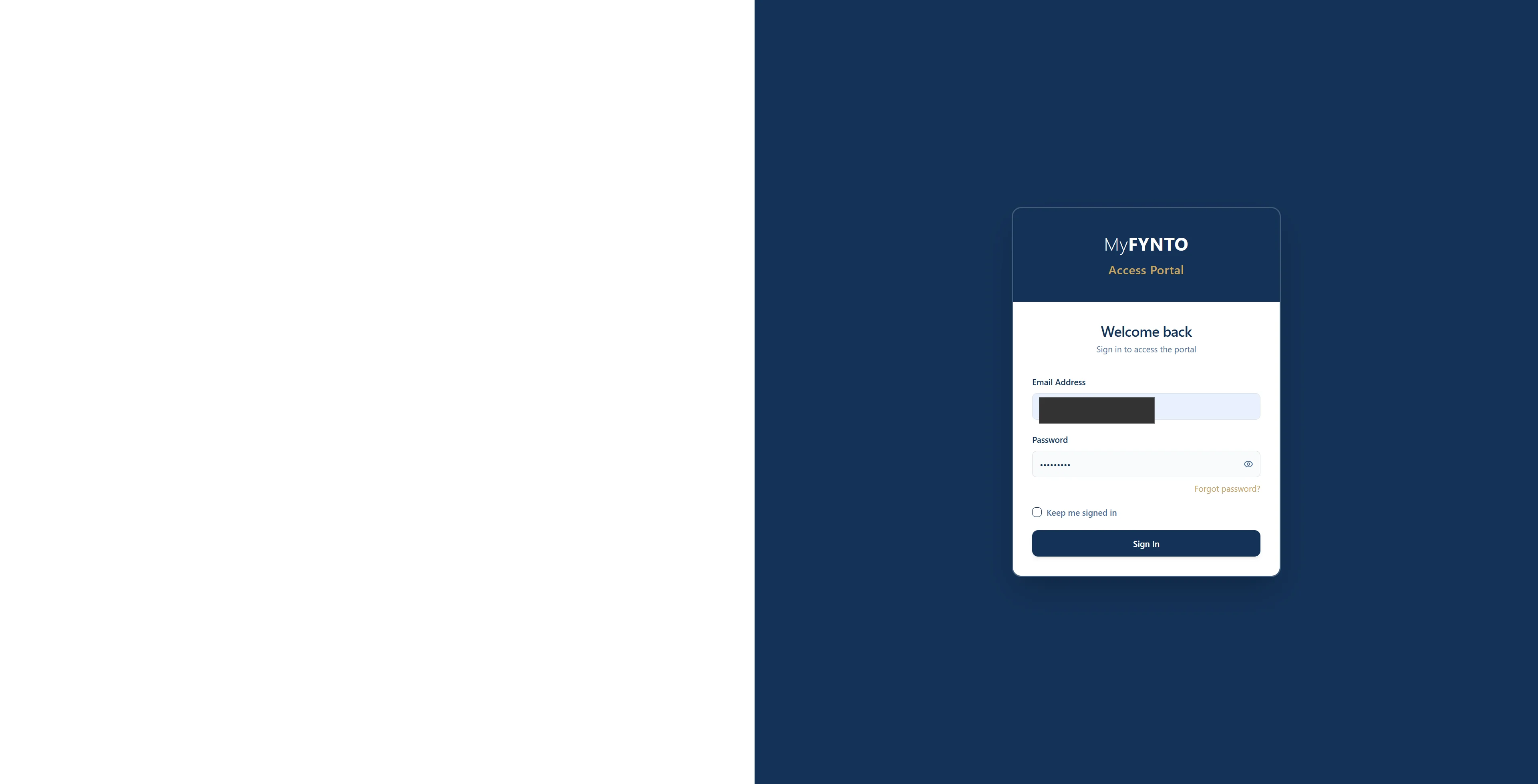
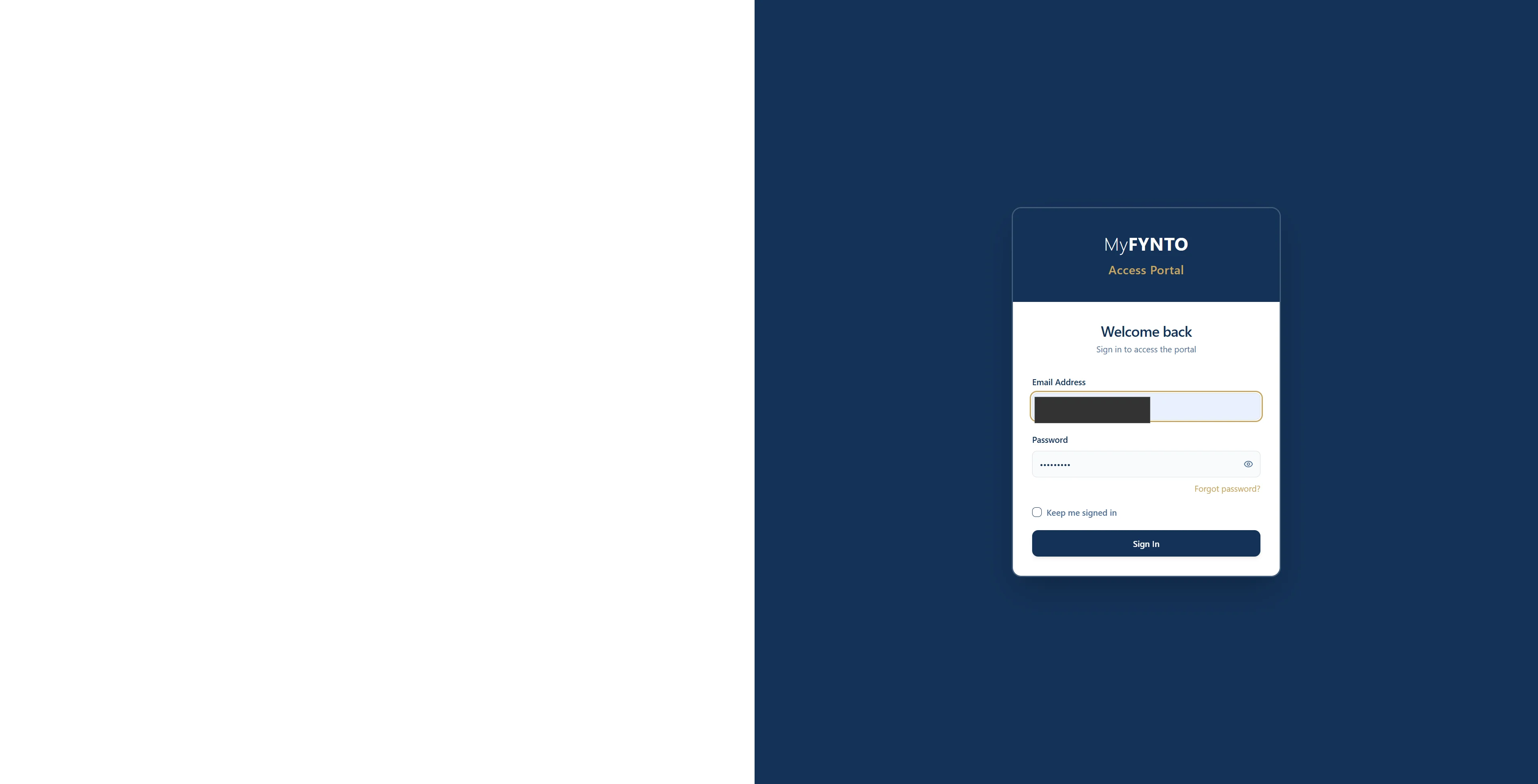
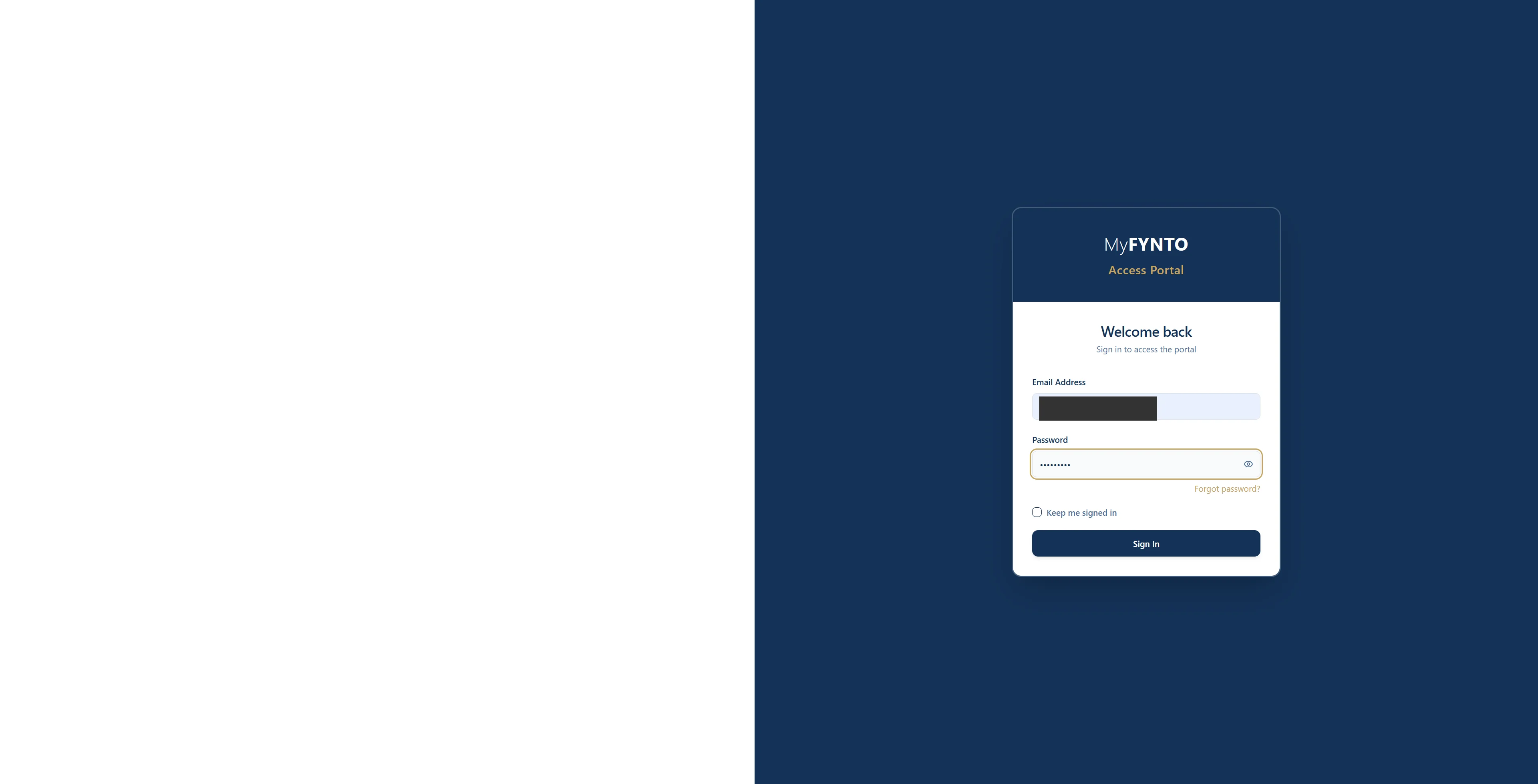
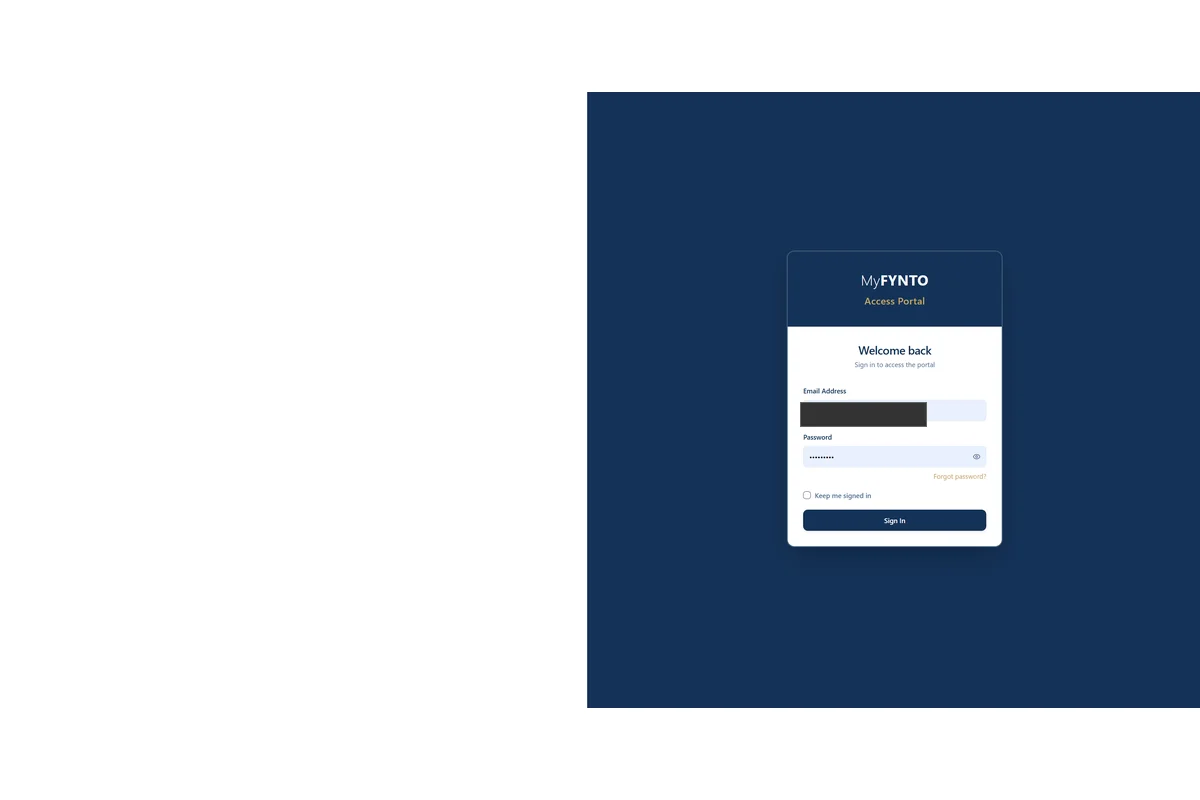
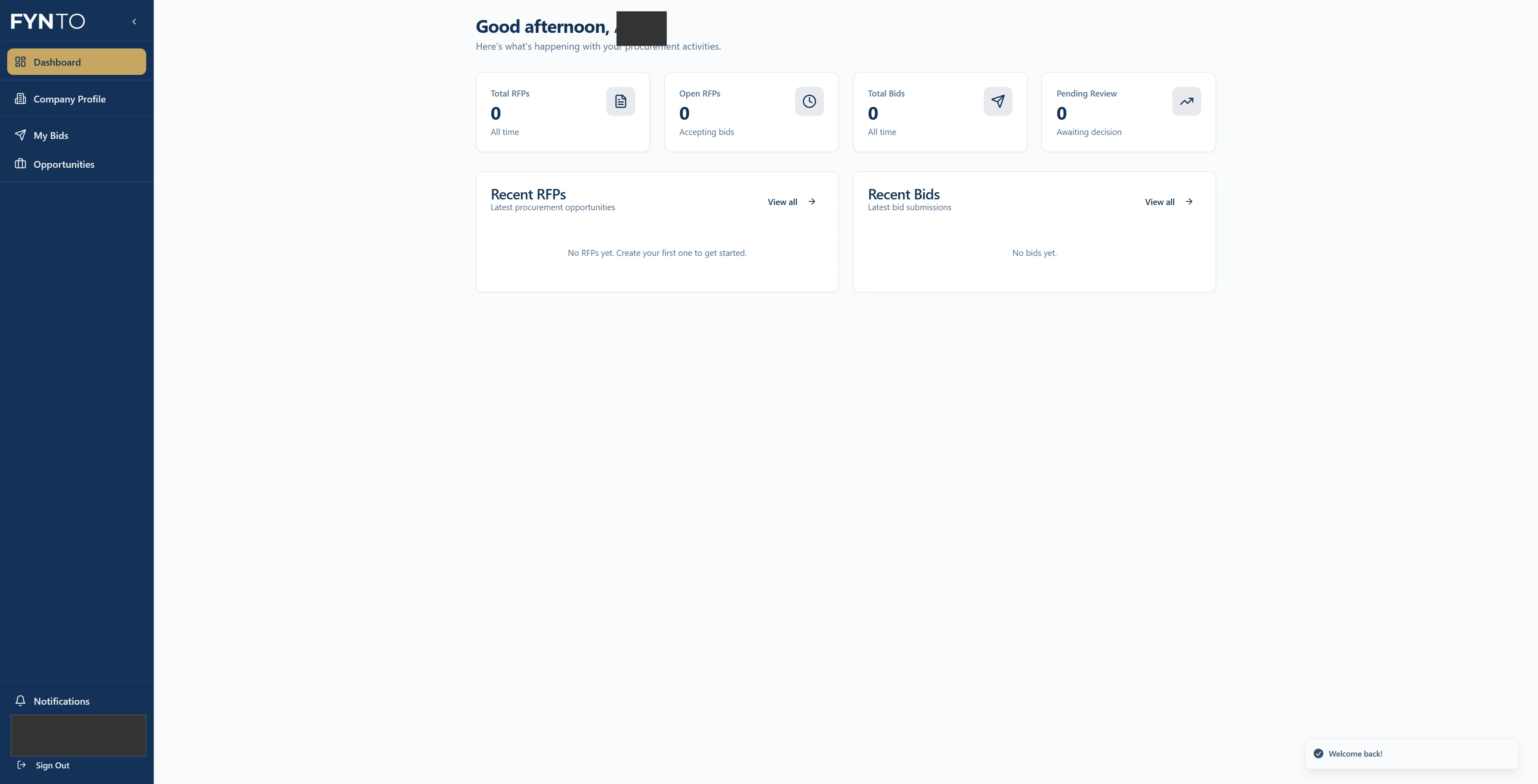
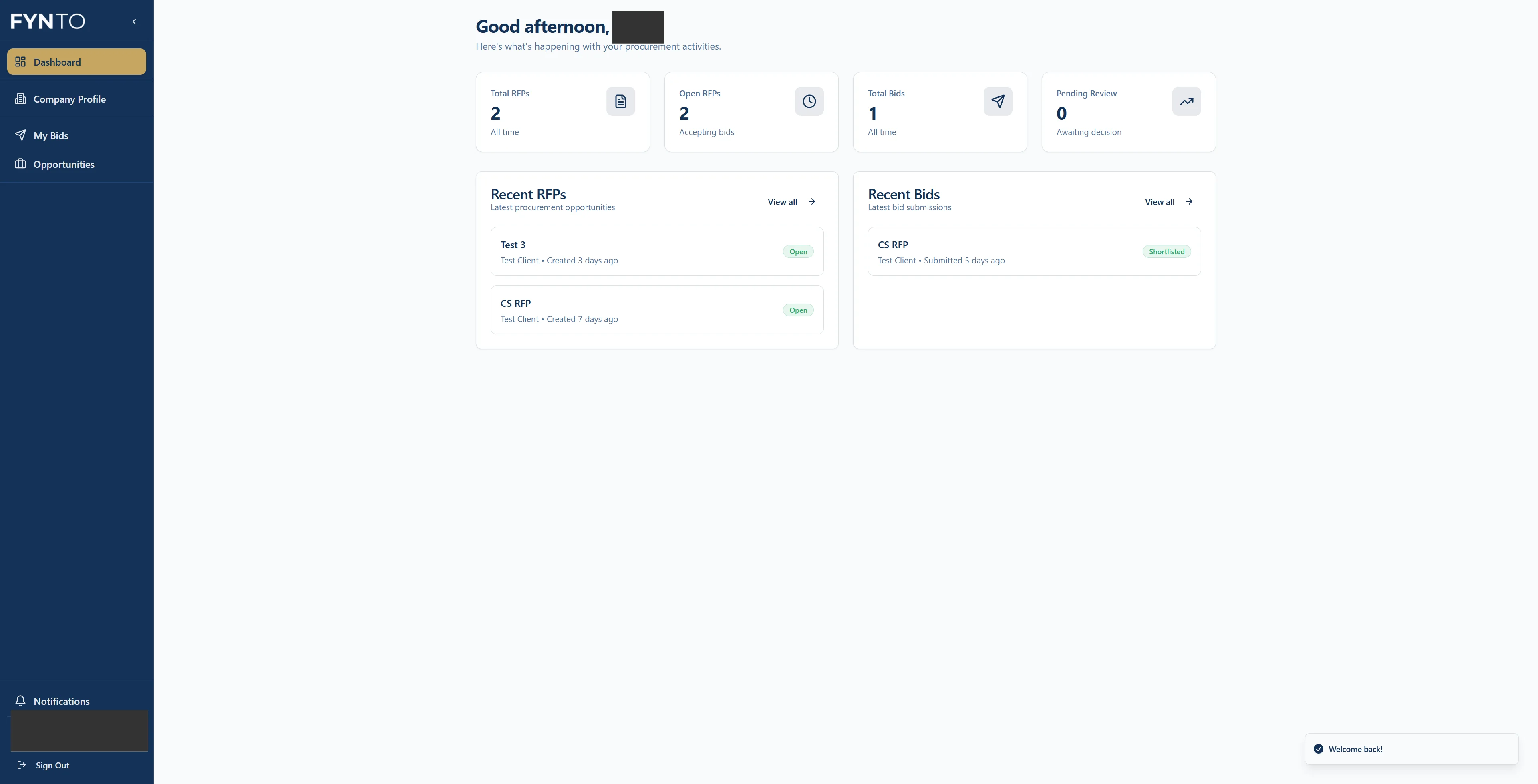
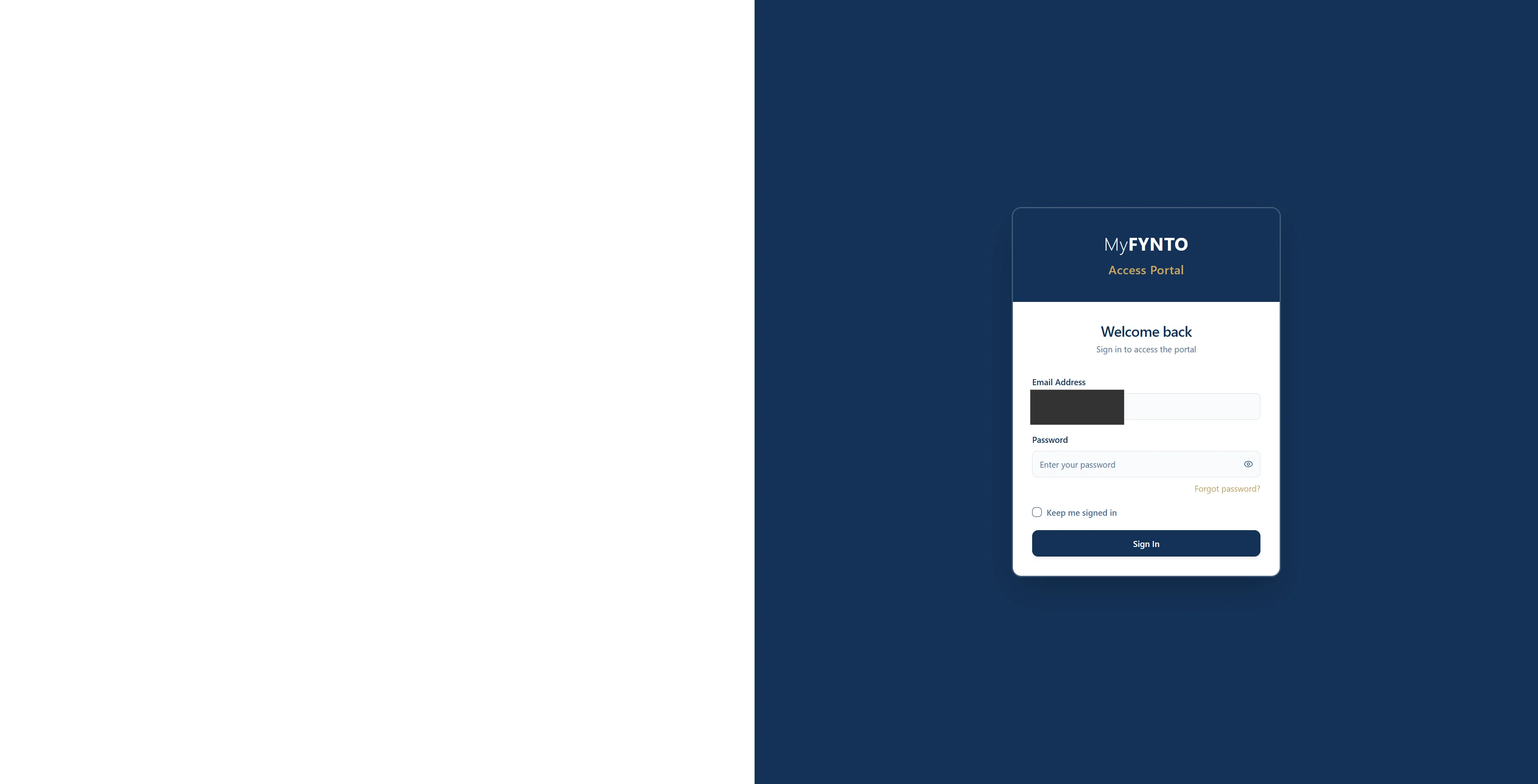
This guide will walk you through the process of signing into the Fynto portal, navigating to your dashboard, and signing-out. Step 1: Navigate to https://portal.fynto.co.uk/. Step 2: Enter your email address. Step 3: Enter your password. Step 4: Click on the sign-in button. Step 5: You will then be taken to your dashboard. Step 6: Click here to sign out. Step 7: You will then be re-directed to the sign-in page.