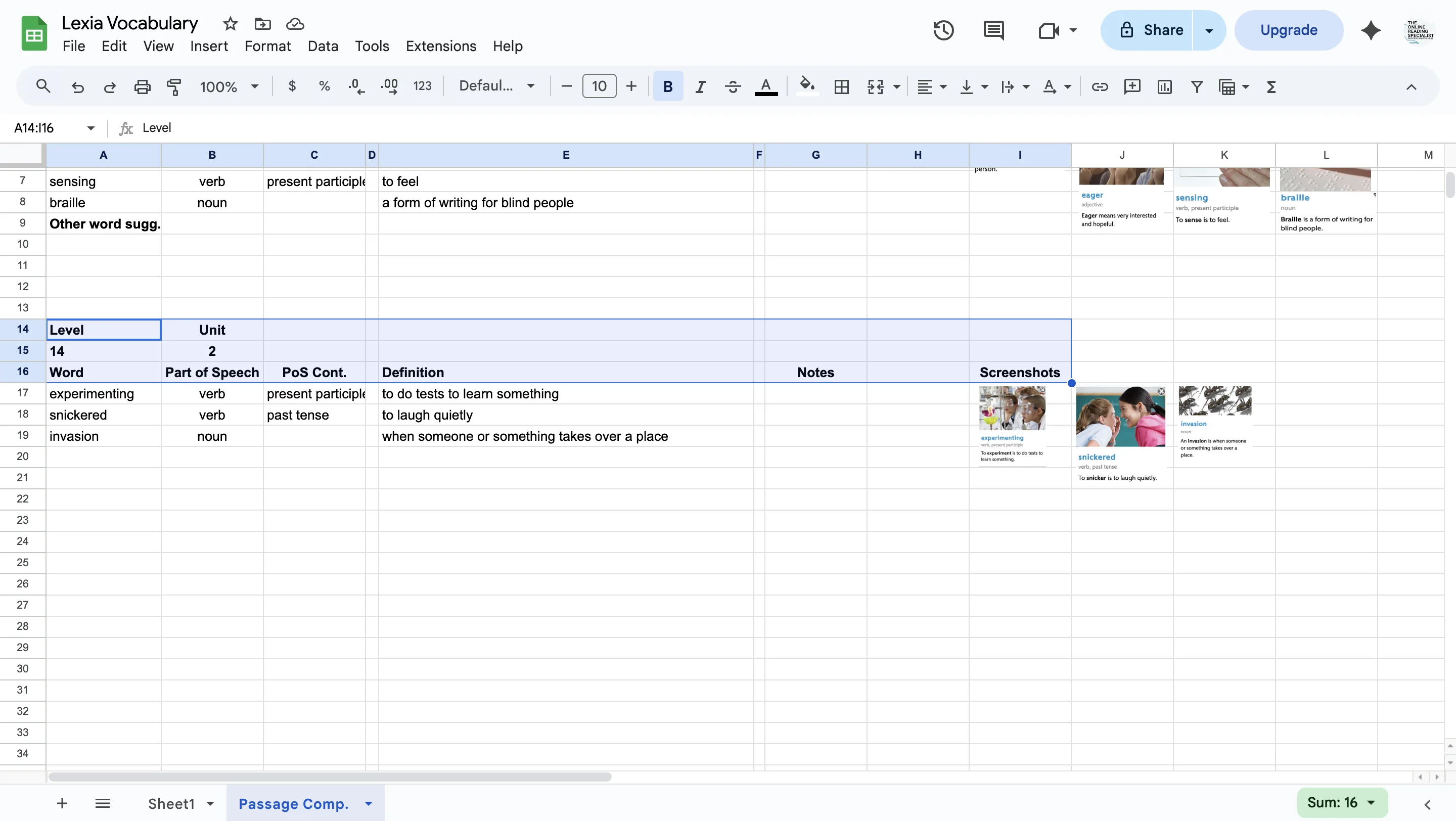
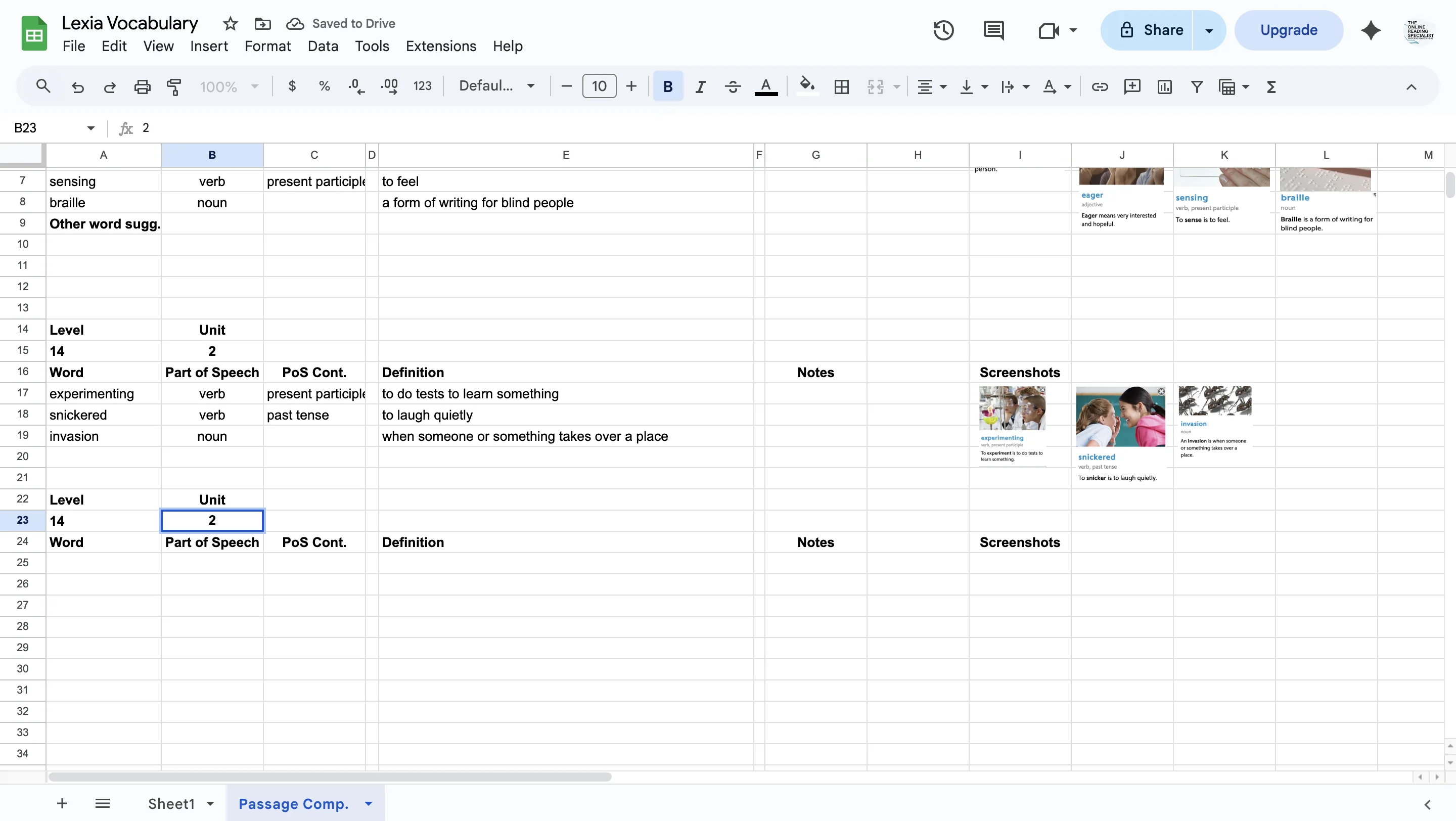
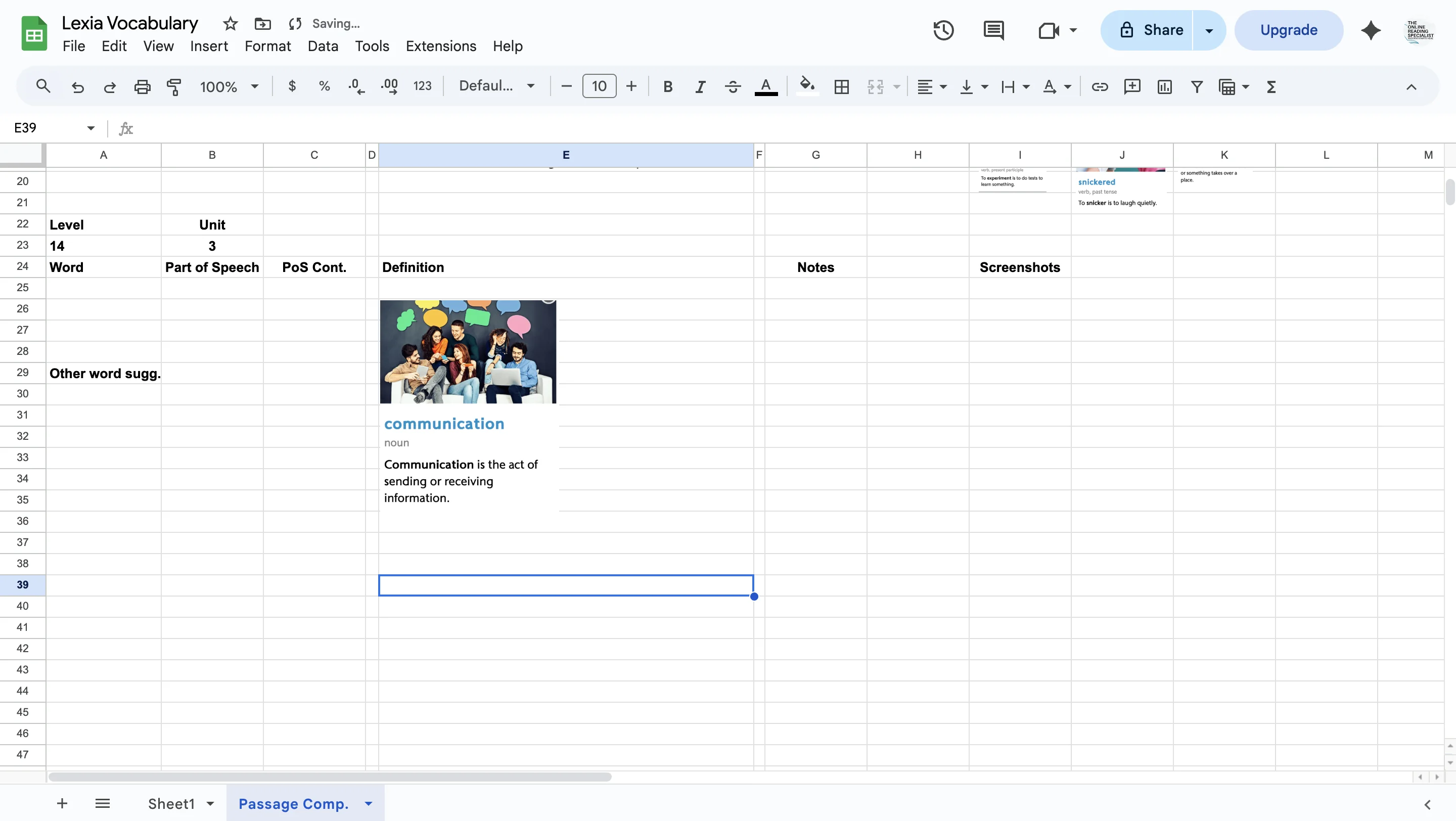
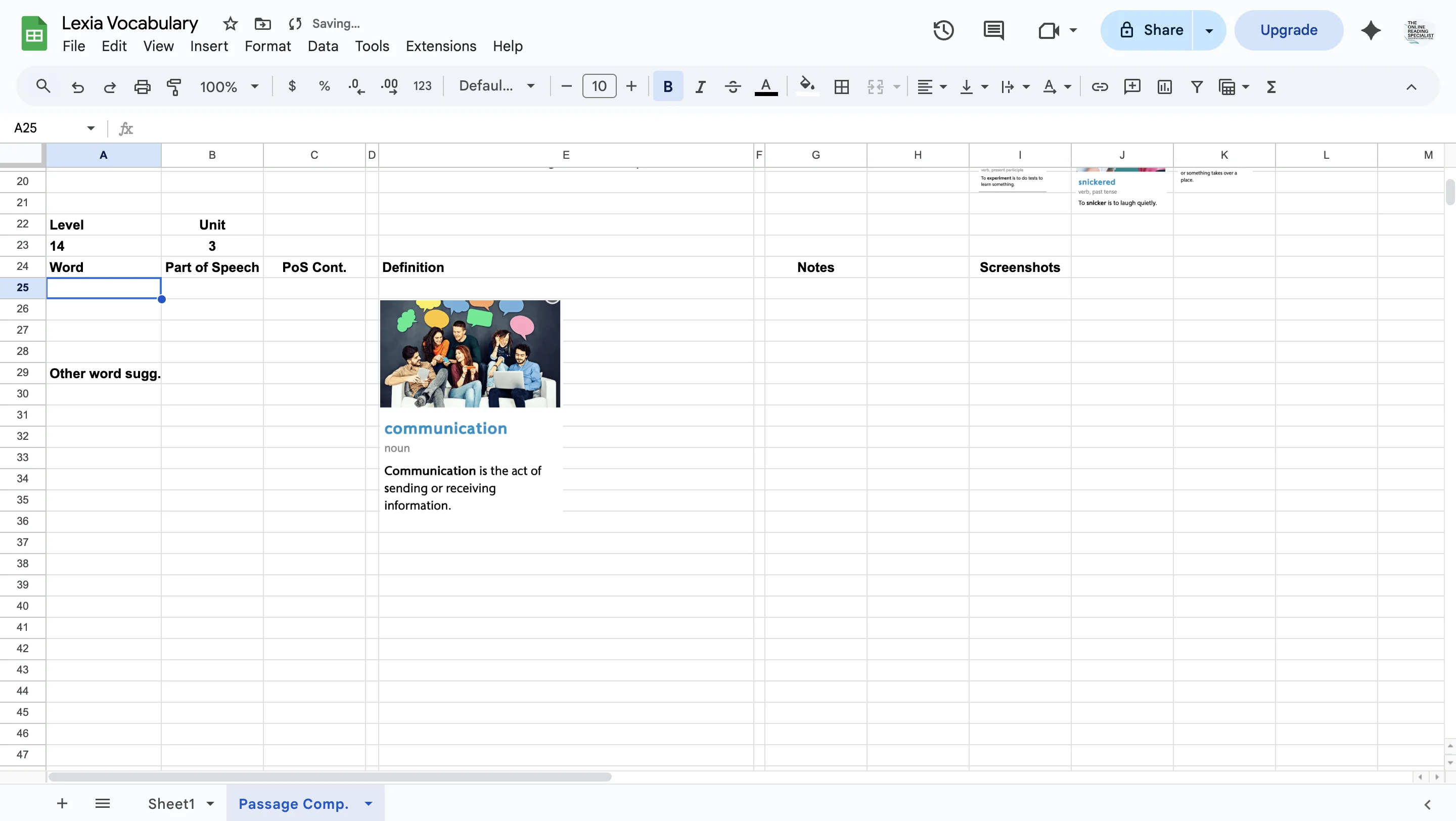
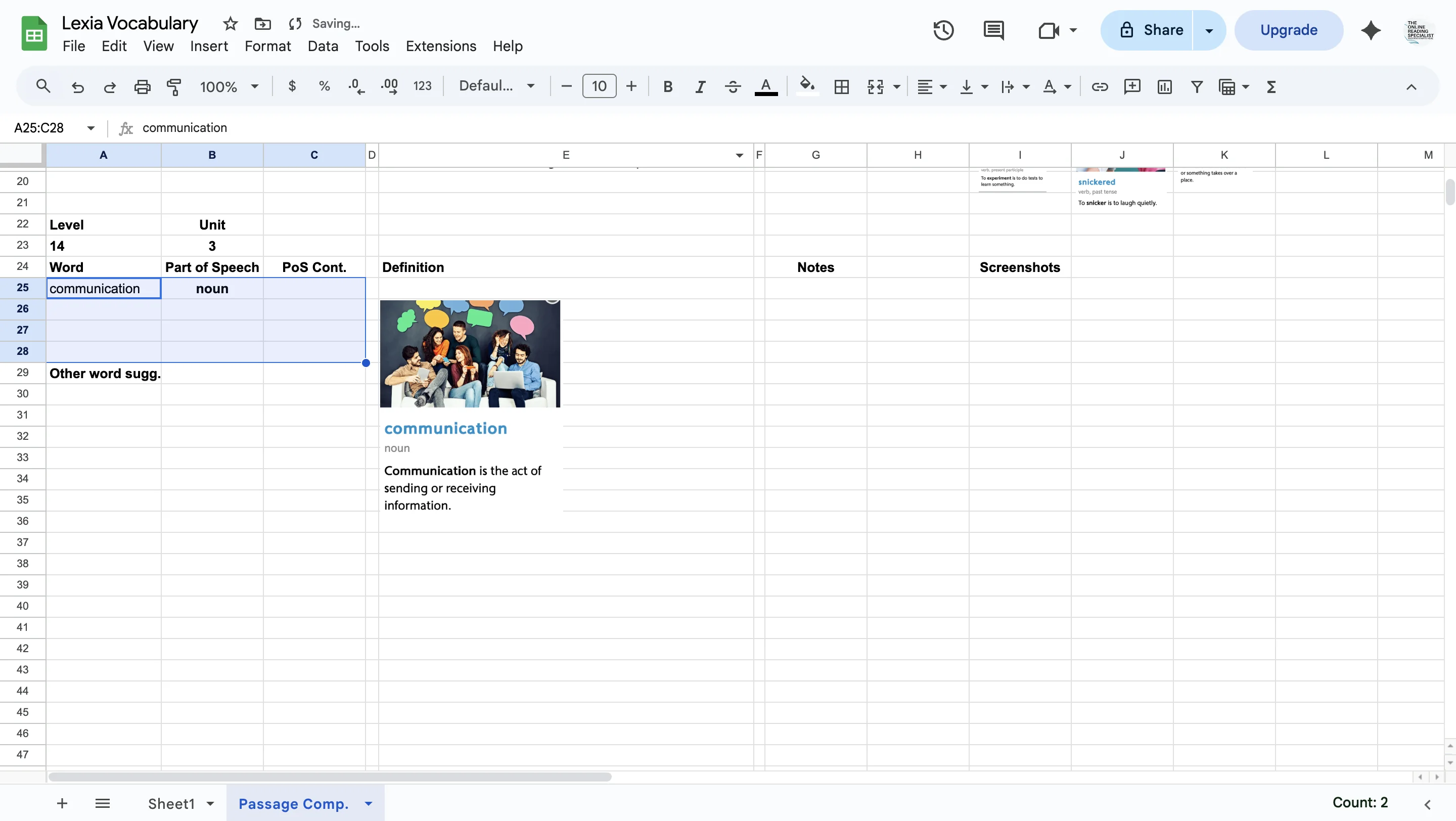
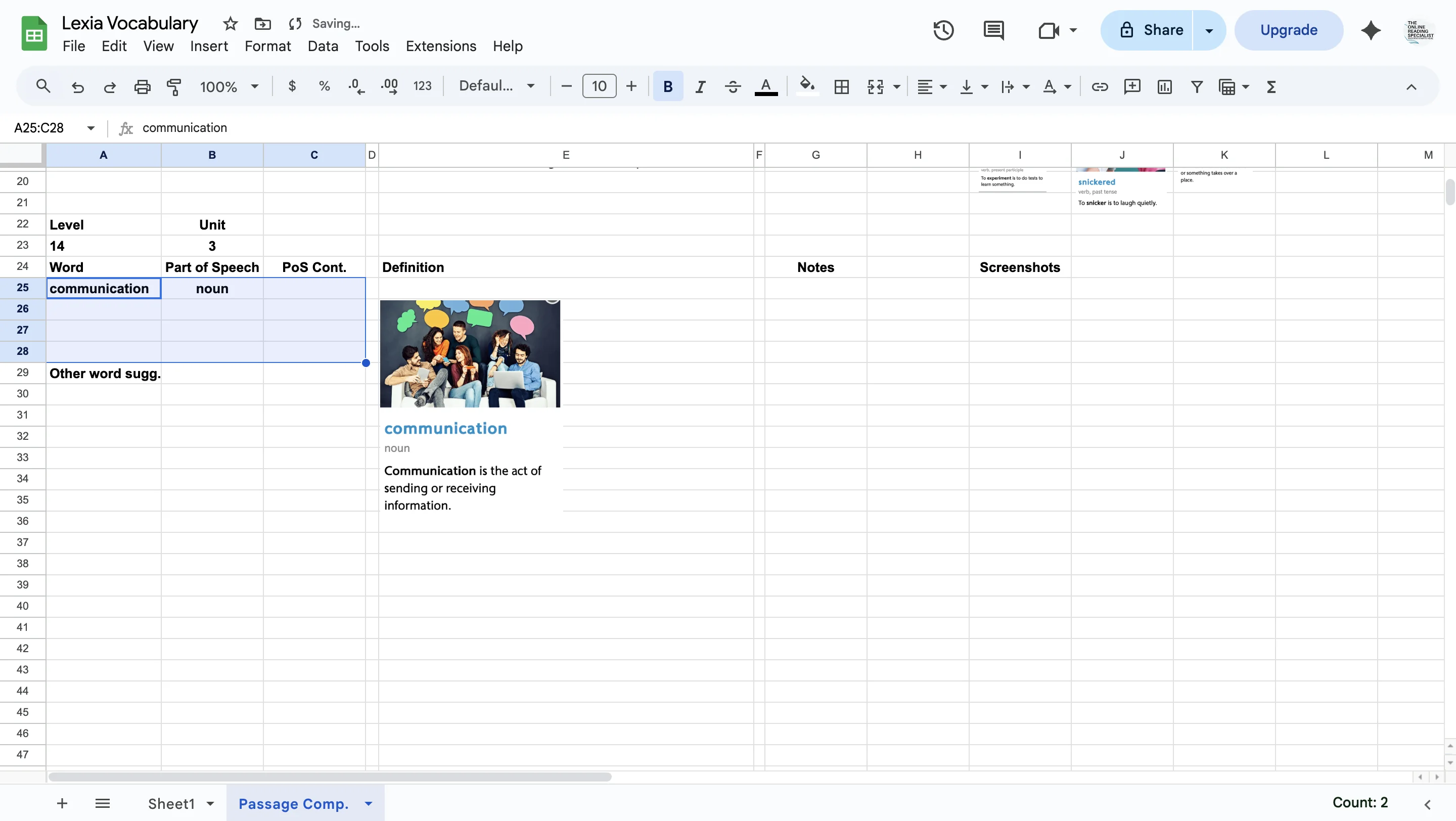
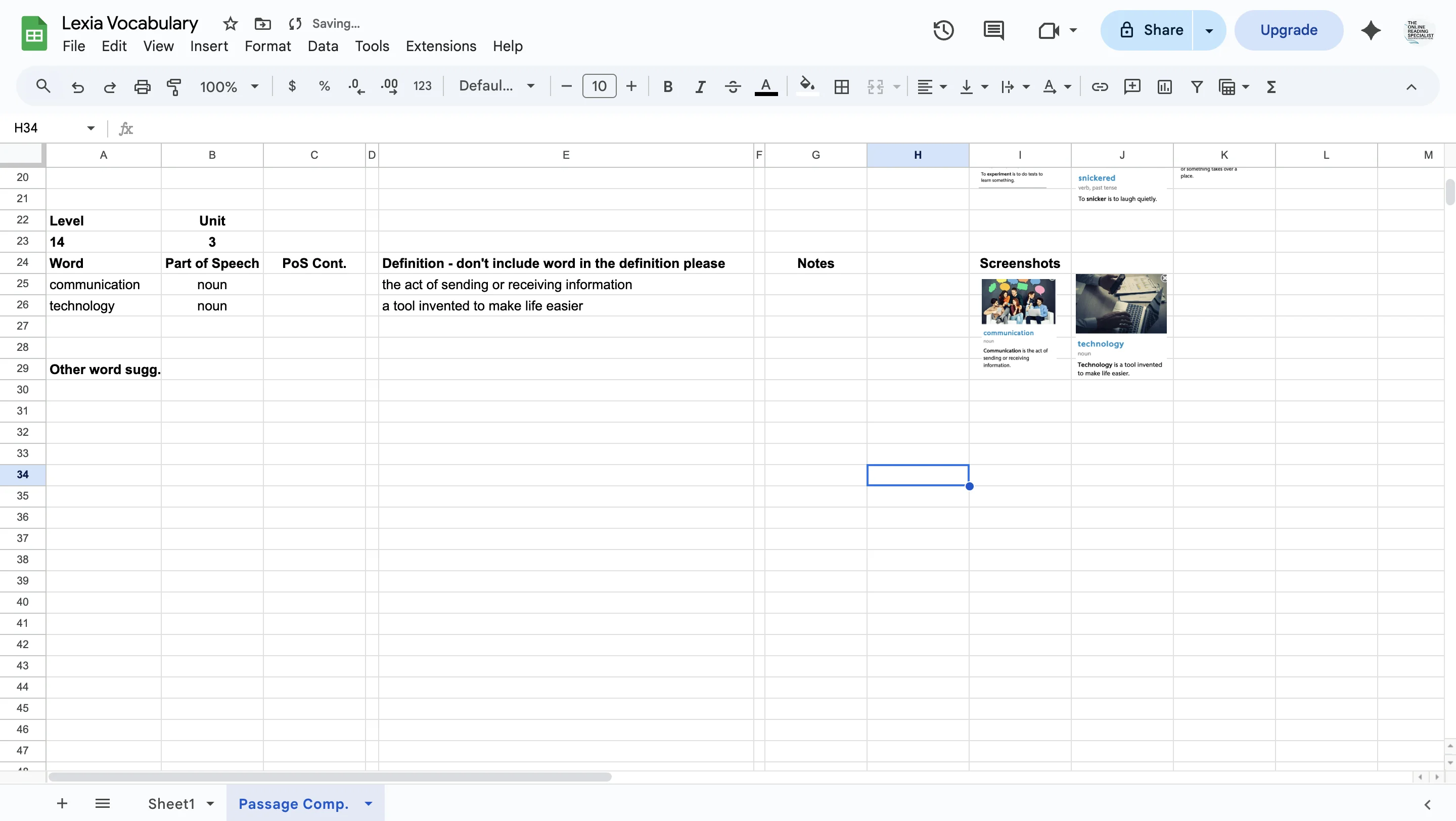
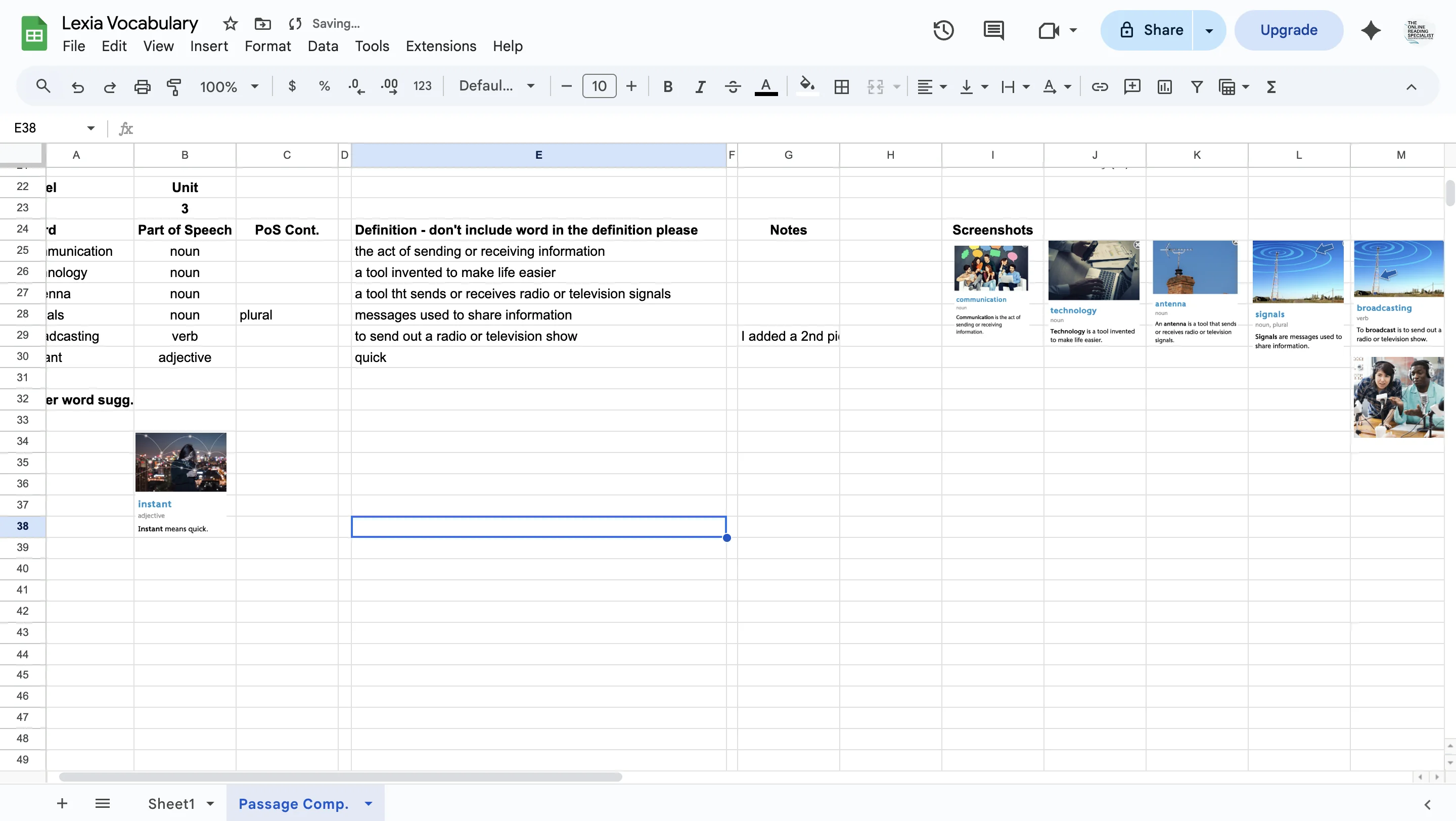
Highlight organizational cells and paste them below completed words.
3
Click on div
4
Change to the next unit number (in this case from unit 2 (completed) to unit 3 (the unit you'll now be doing)
5
Click on div
6
Click on div
7
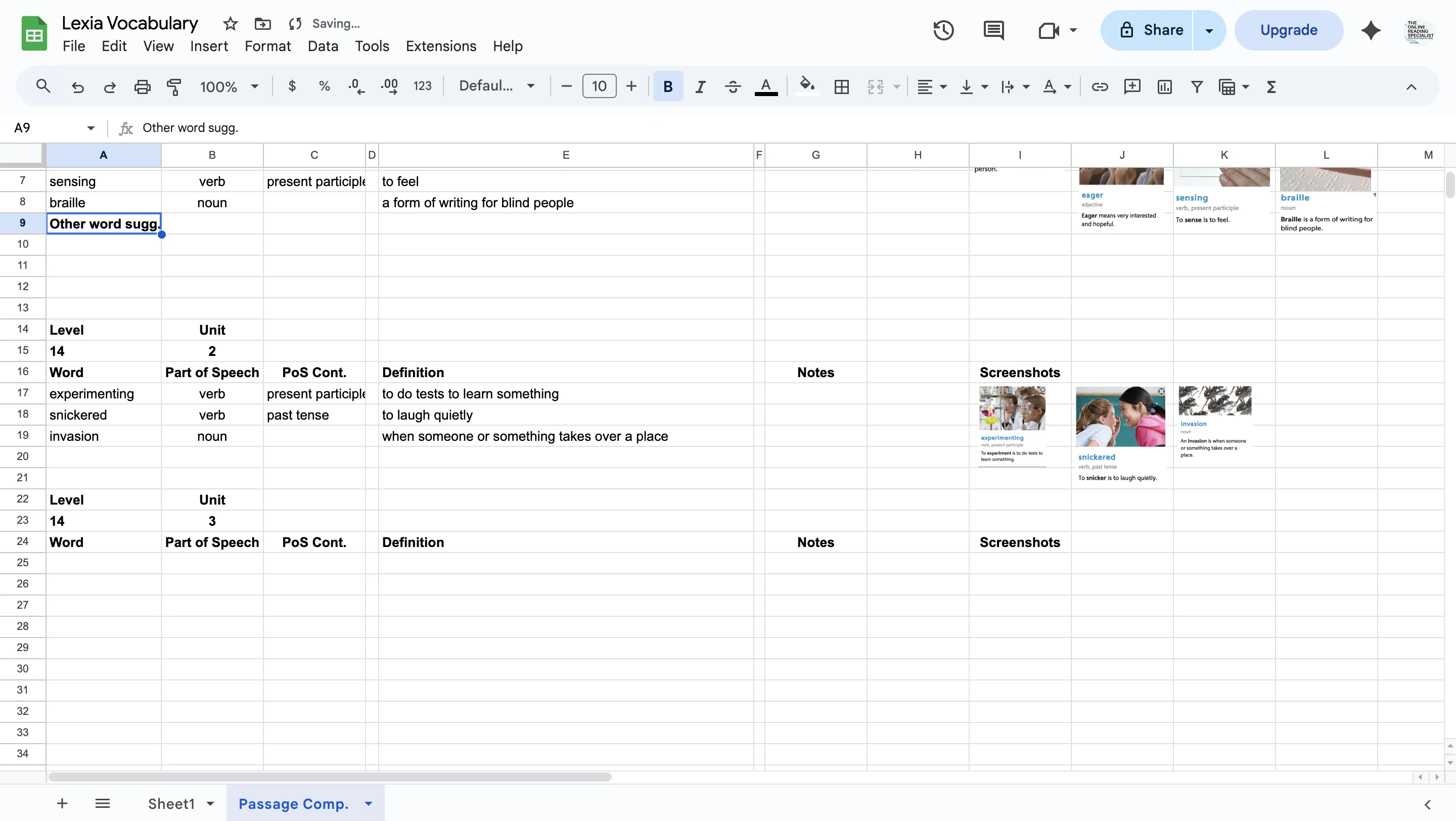
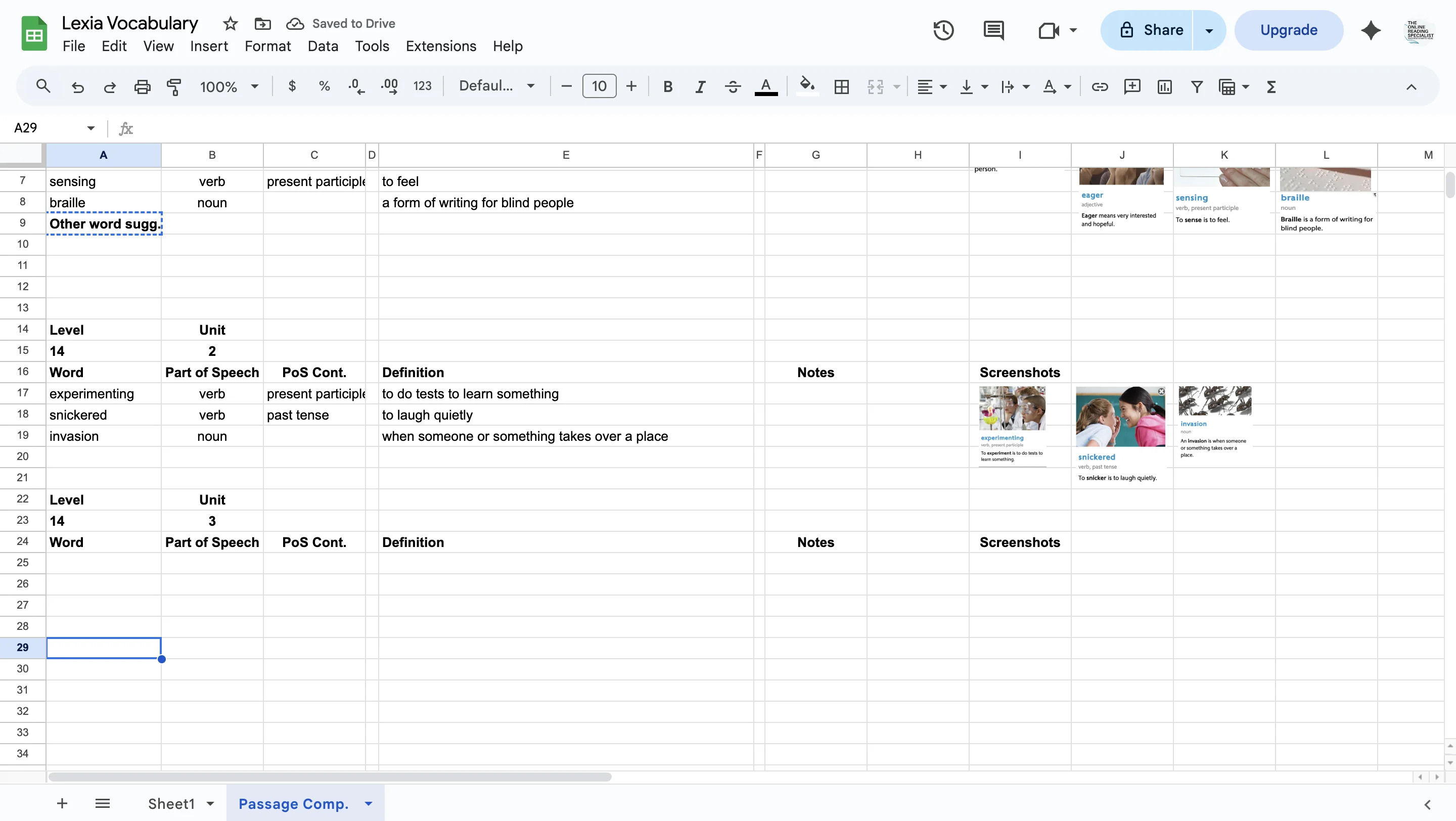
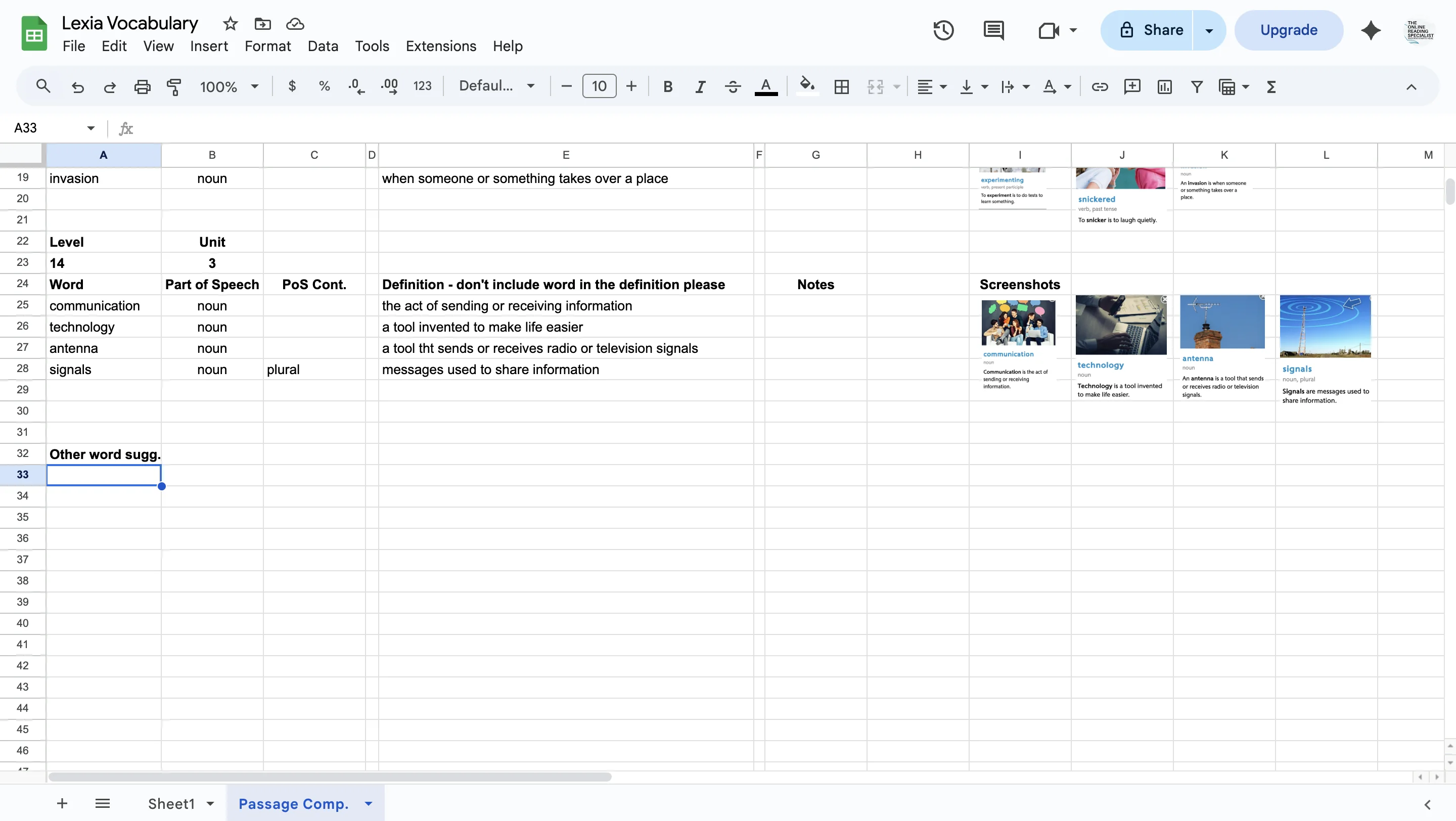
Copy and paste "Other word Sugg" (short for other word suggestions) and paste it a few rows underneath (in this case, row 20, column a). This is for words in the text that might be unfamiliar to students. Skim with you eyes to see if anything stands out to you. List any potential words here. We may come back to revisit the list later. Thanks!
8
Click on div
9
Go into the unit you are working on in Lexia Reading Comprehension (in this case, unit 3). The program will force you to listen to a little introduction :) Once you can see the story, look for the first word highlighted in blue and click on it. A little picture with the definition will pop up. Do a screenshot of the word AND picture, and paste it into the doc.
10
Click on div
11
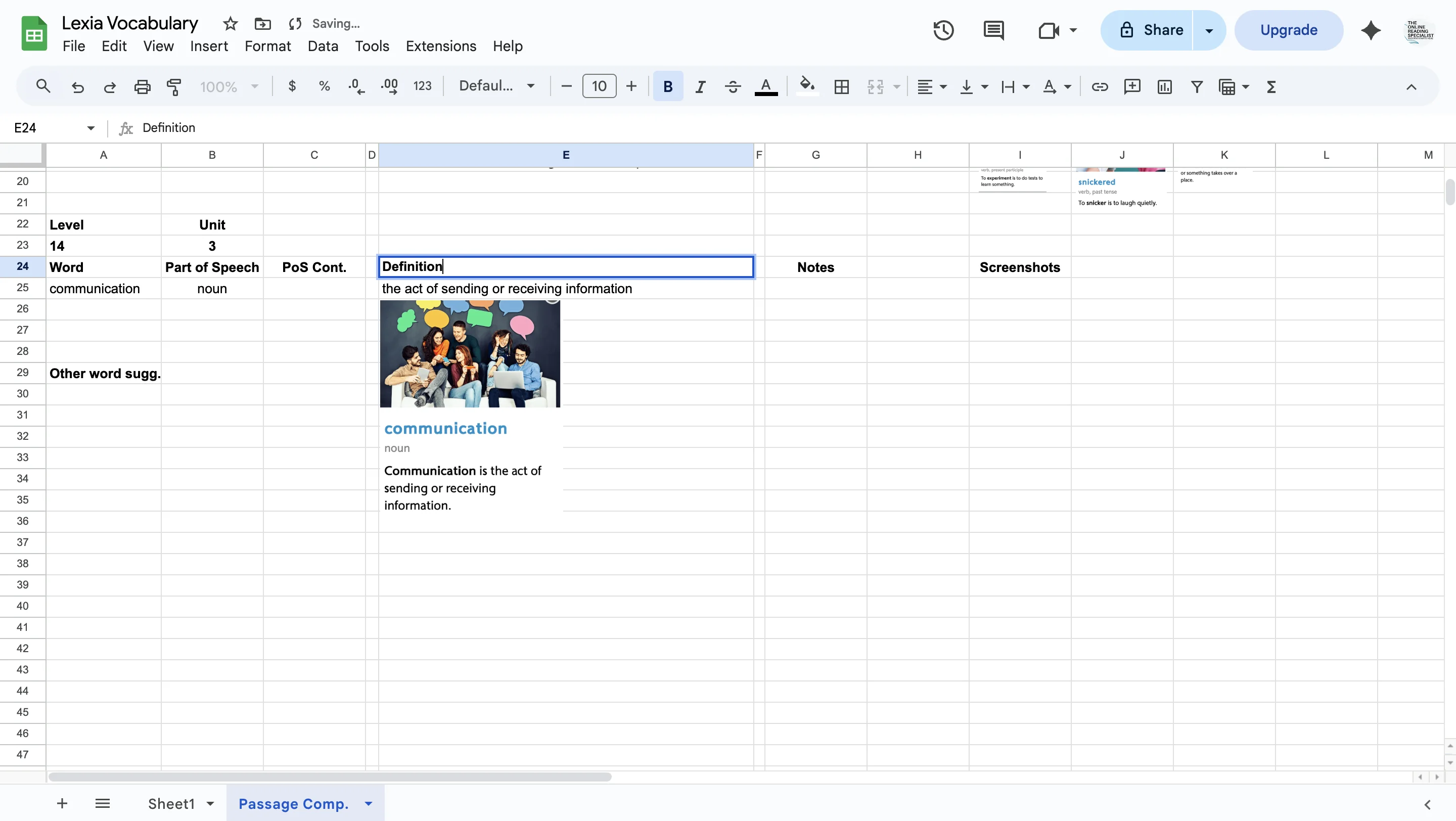
Copy the word, part of speech and definition from the picture. Please crop the definition so it does not contain the word. (This is so we can create quizzes for the kids that don't have the answer it it.)
12
Click on div
13
Click on div
14
Click on div
15
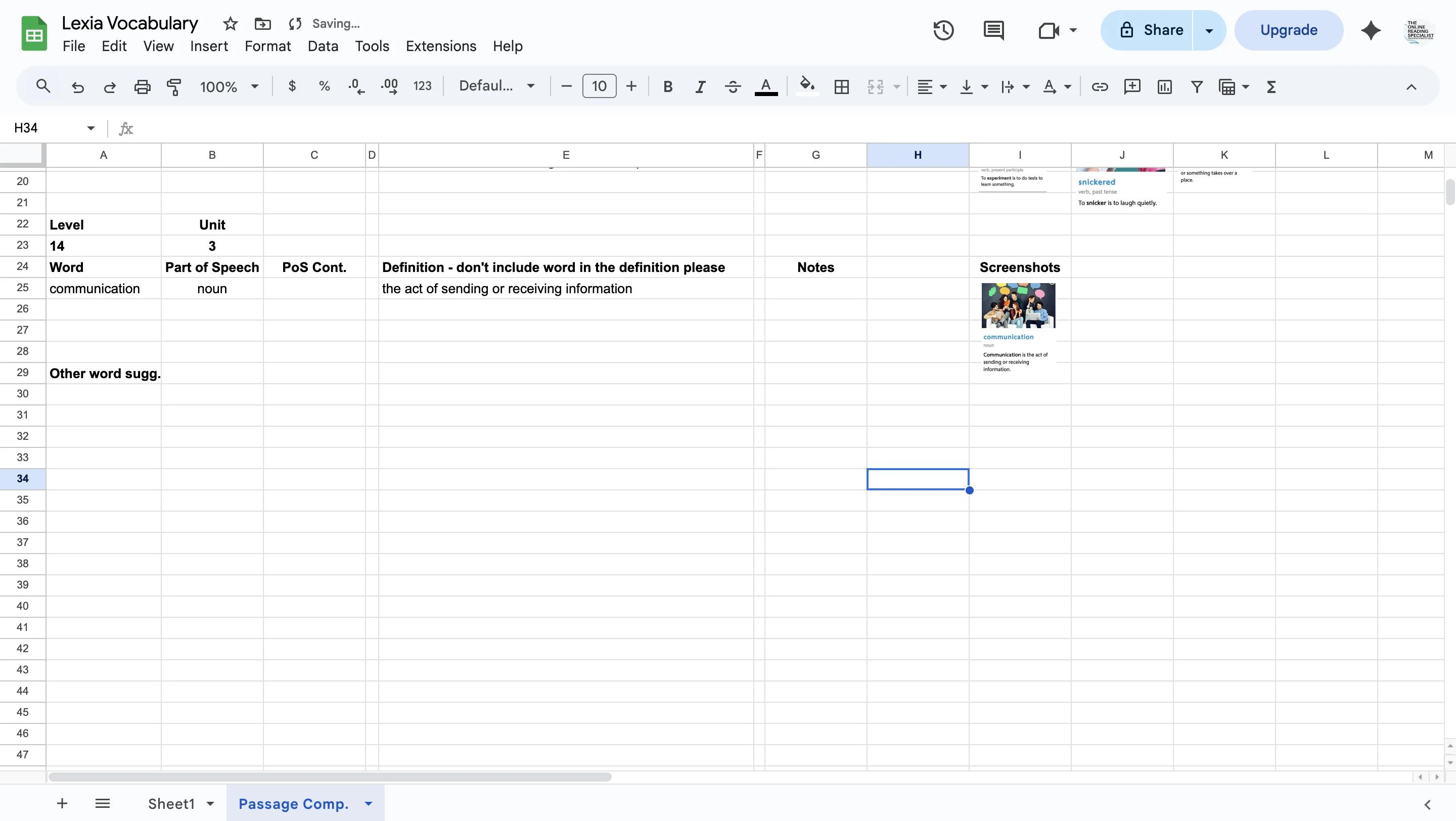
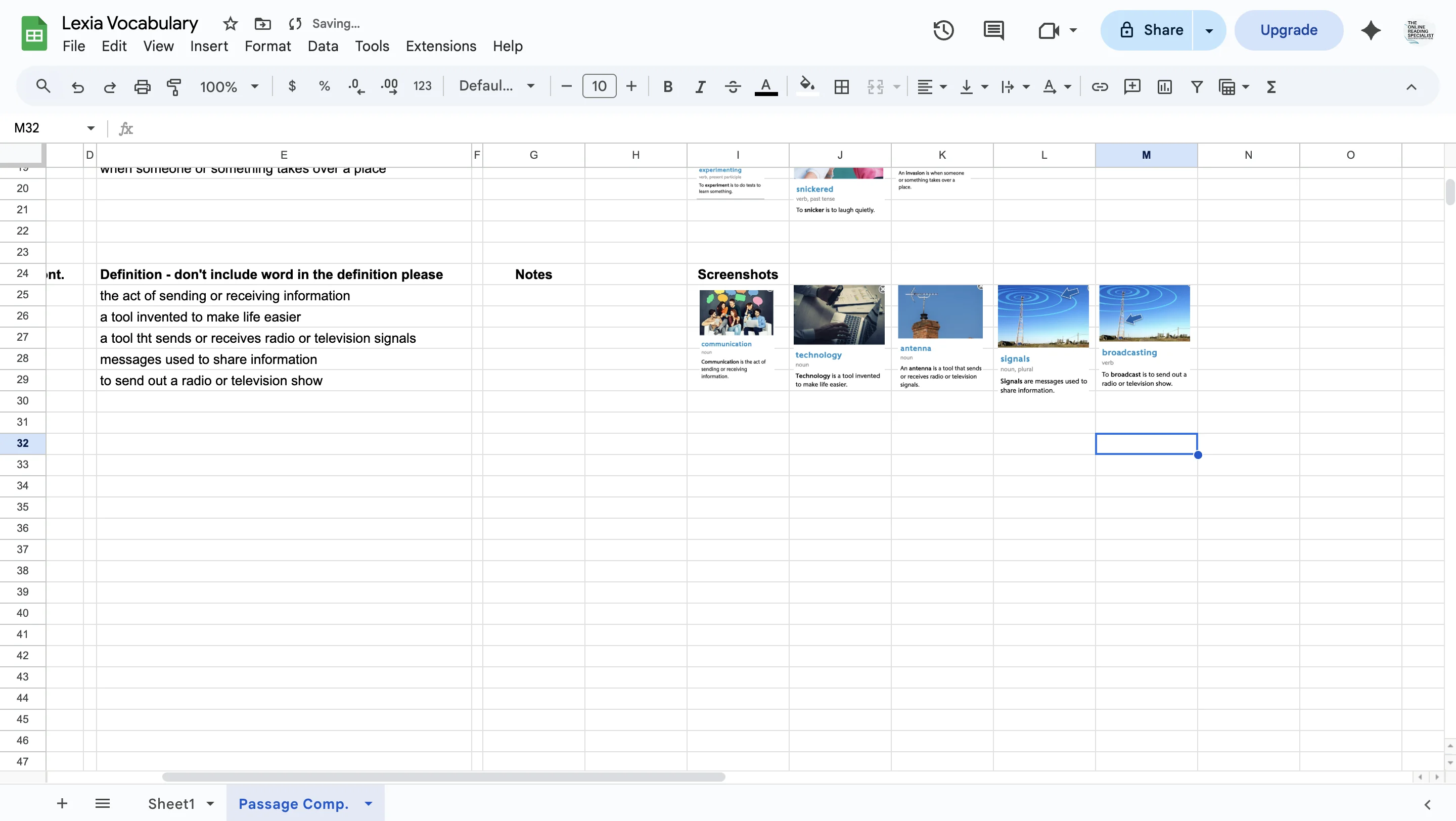
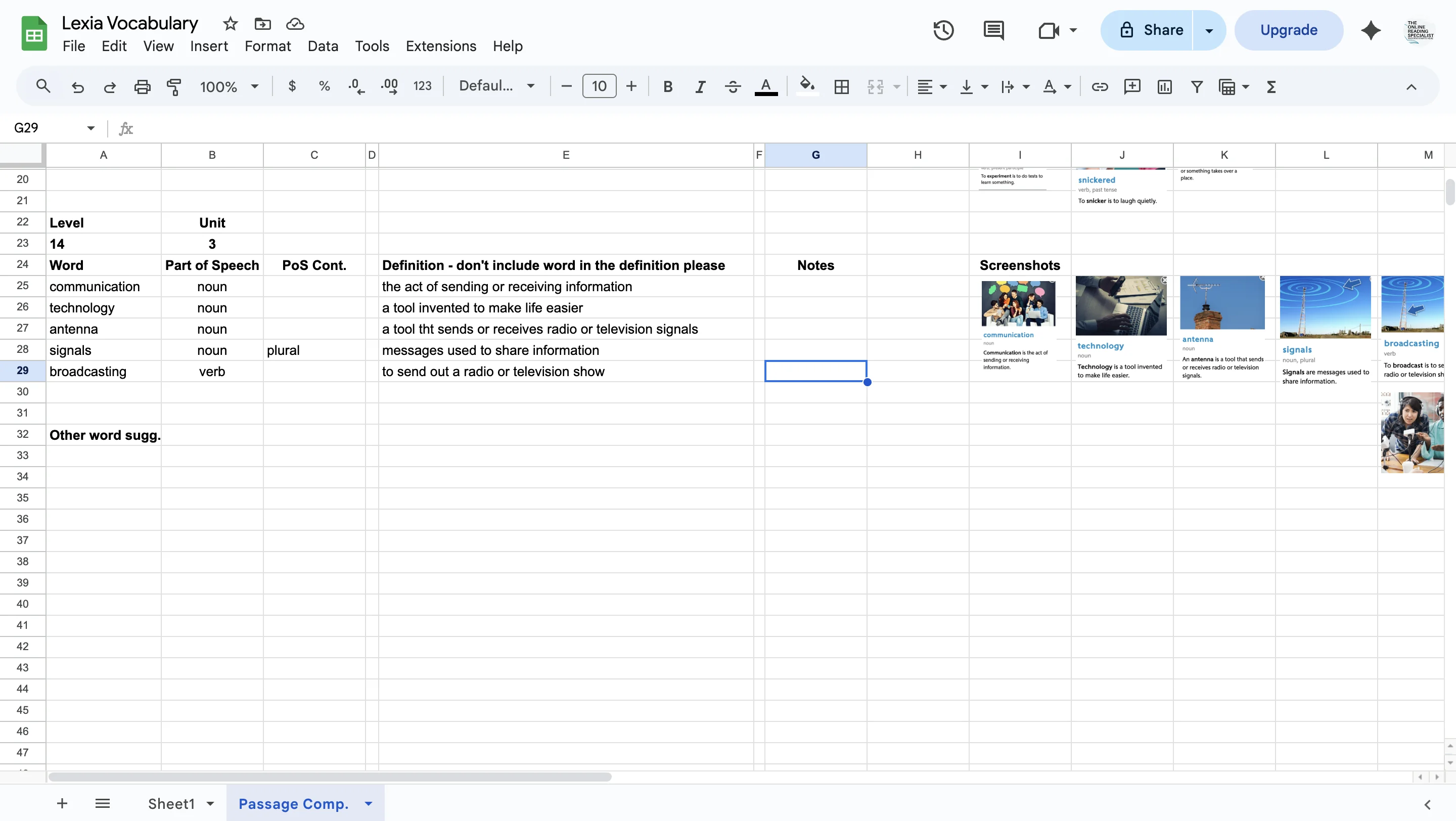
When you are finished, click on the picture and make it really small. Select it and drag it to the right and place it under 'screenshots'.
16
Click on div
17
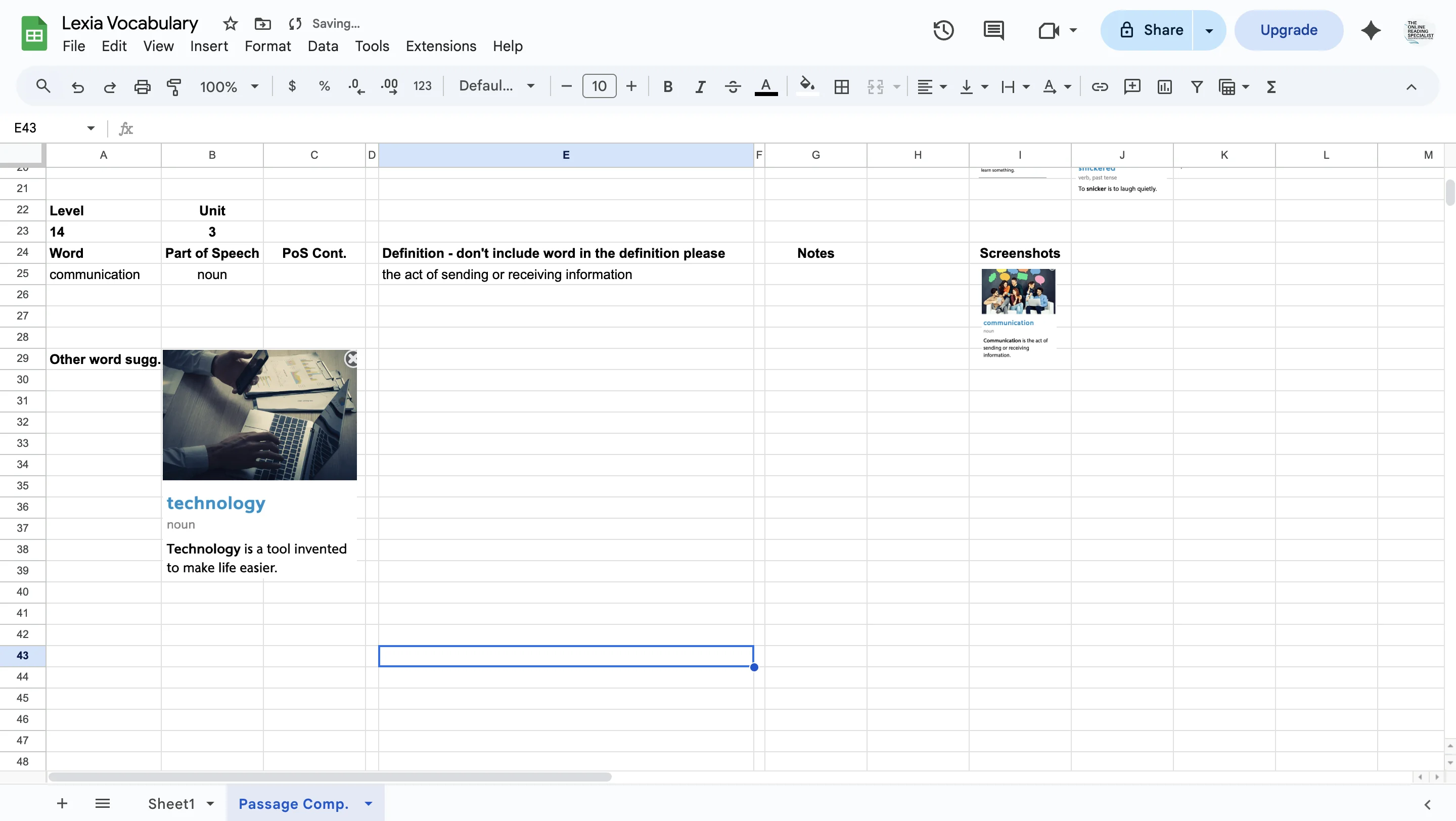
Go back into your Lexia tab and click on your next blue word (in this case, it's technology). Click on it, copy and paste the picture and definition that pop up, and past it into the Lexia Vocabulary doc.
18
Click on div
19
Click on div
20
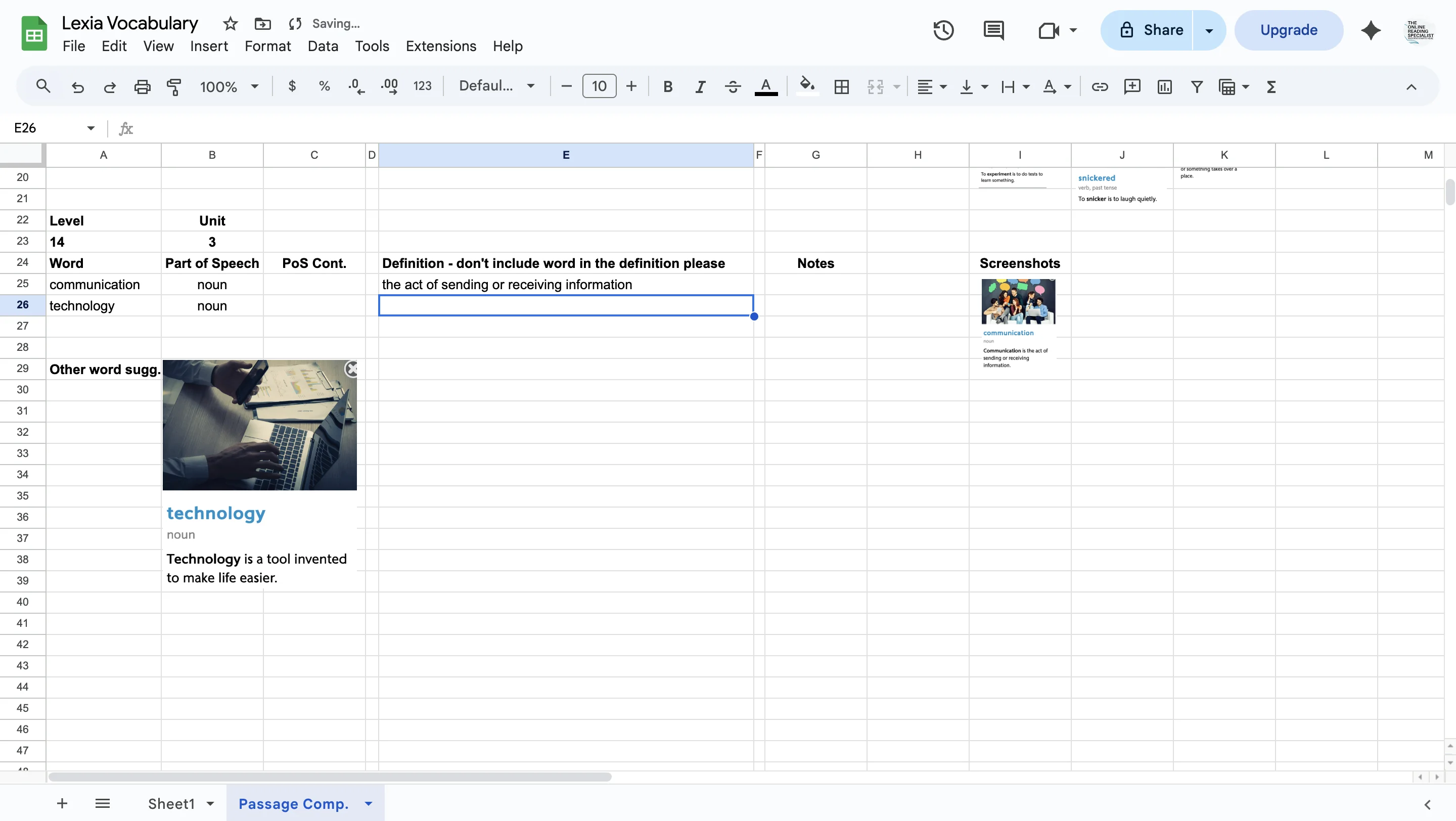
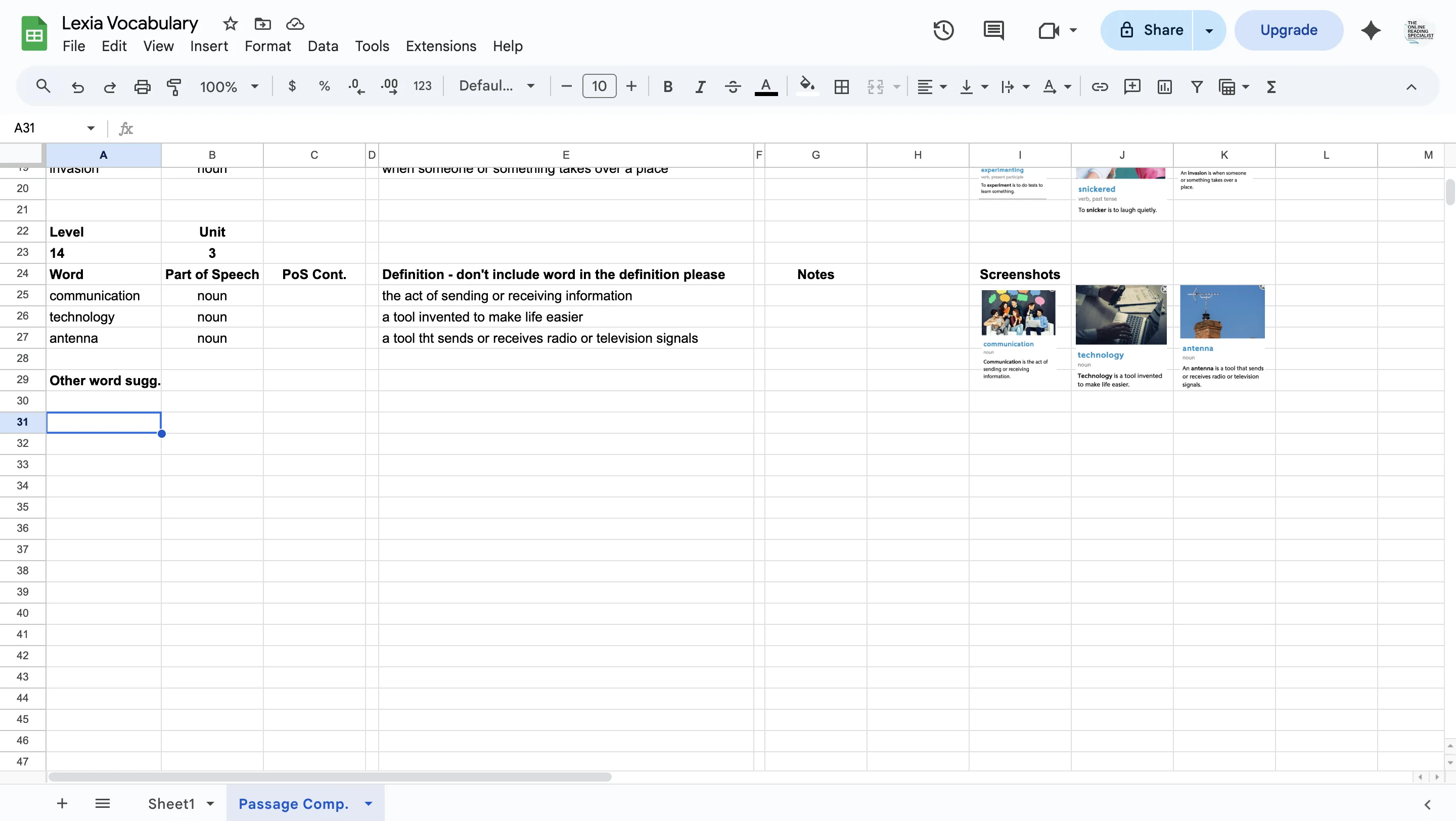
Type in the word, part of speech, and definition. Click on the picture definition of technology and make it really small. Drag it to the right next to the picture definition that came before it (in this case, communication).
21
Click on div
22
Click on div
23
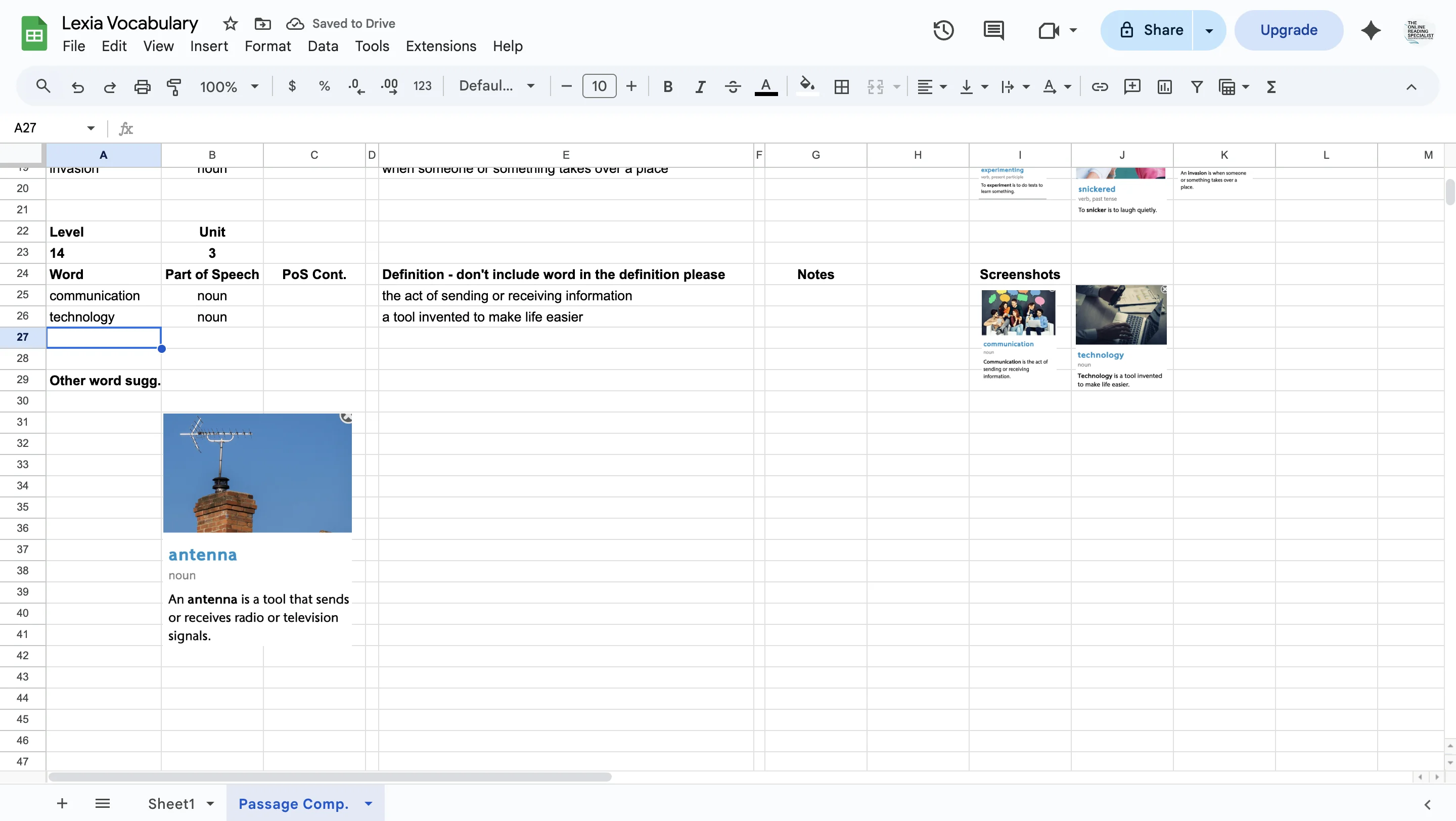
Keep going! Do the next workd(antenna).
24
Click on div
25
Click on div
26
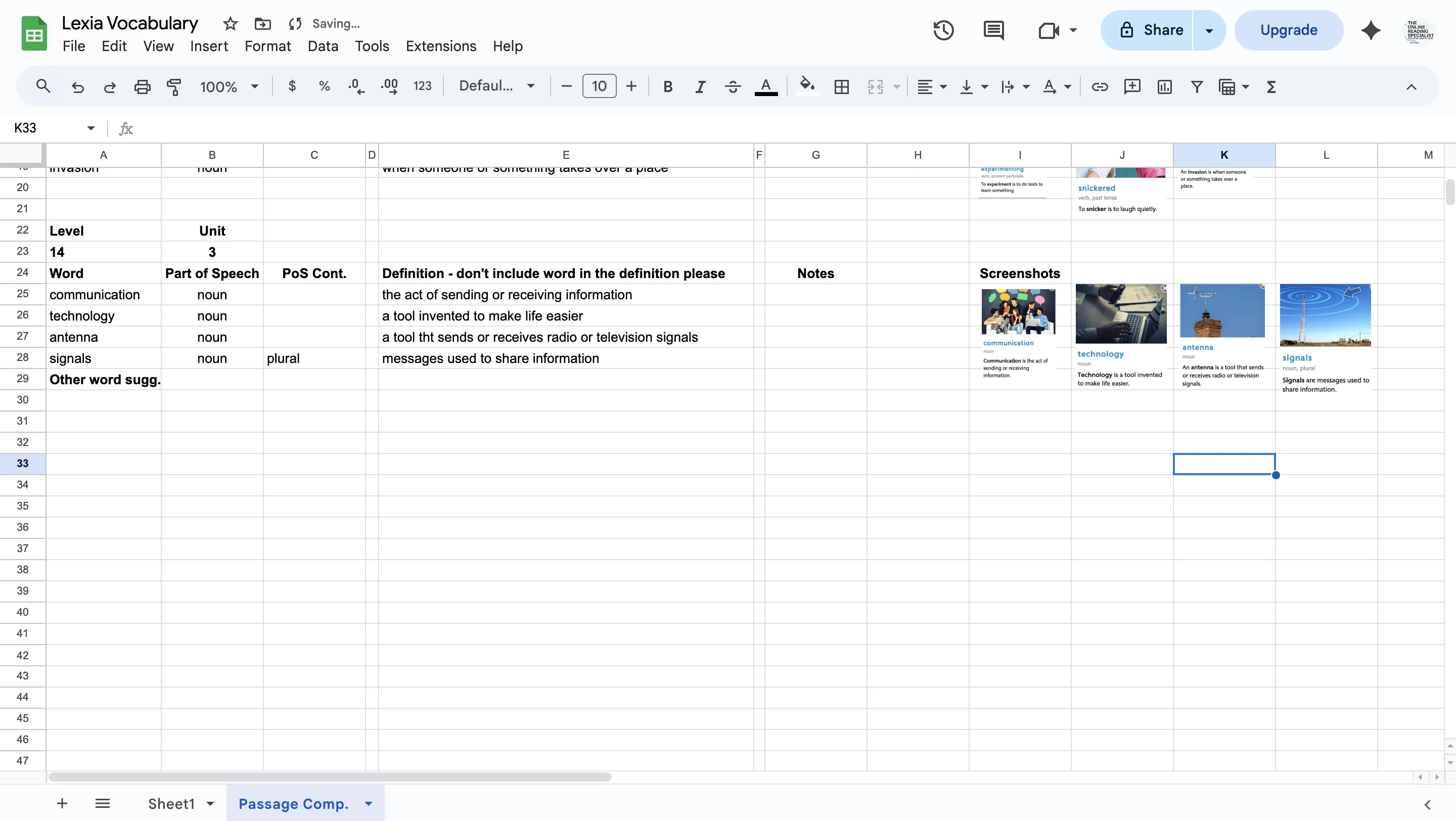
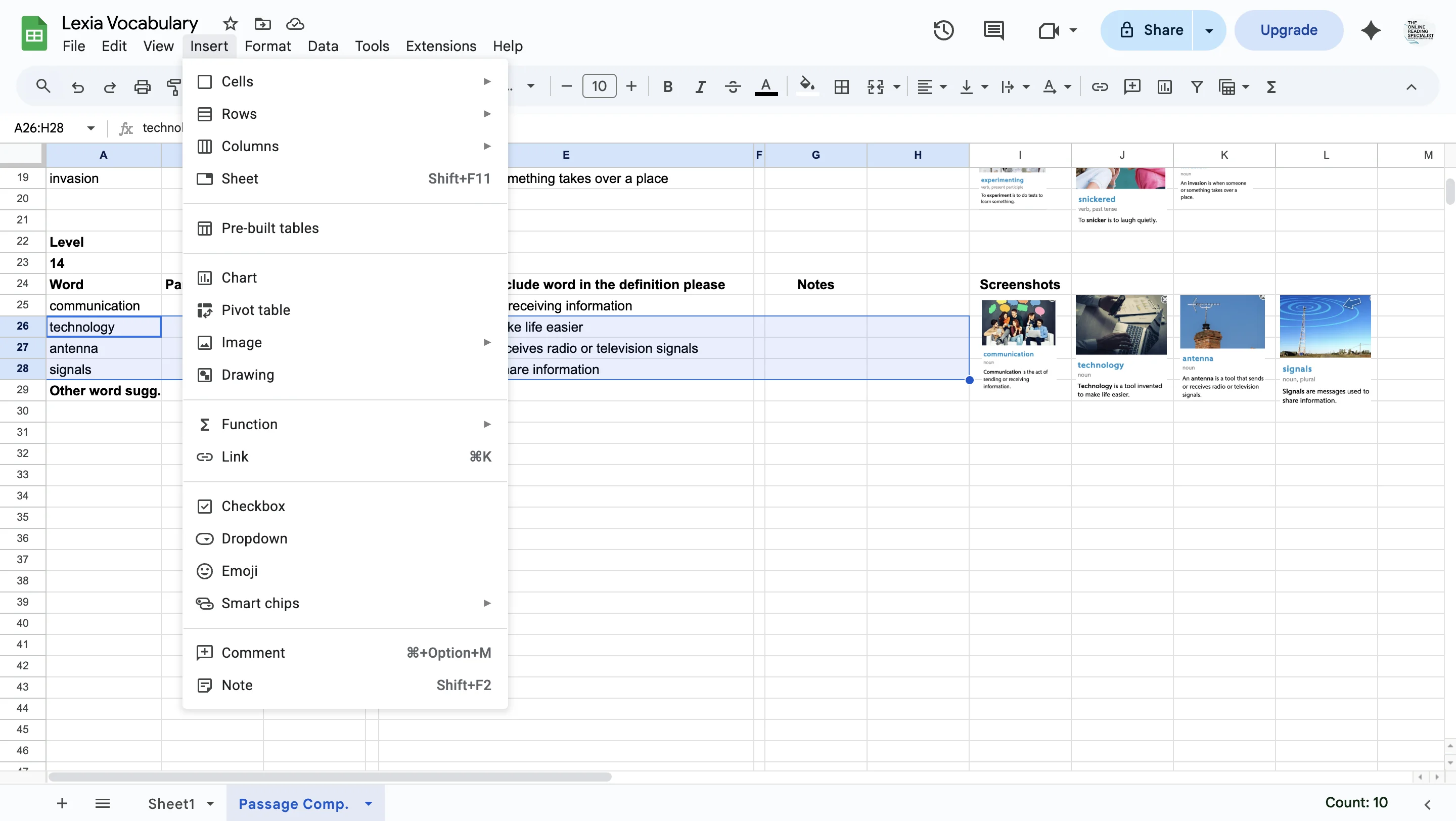
Add rows below if you run out of space (in this case, add rows under 28 A-I)
27
Click on 'Insert'
28
Click on div
29
Click on div
30
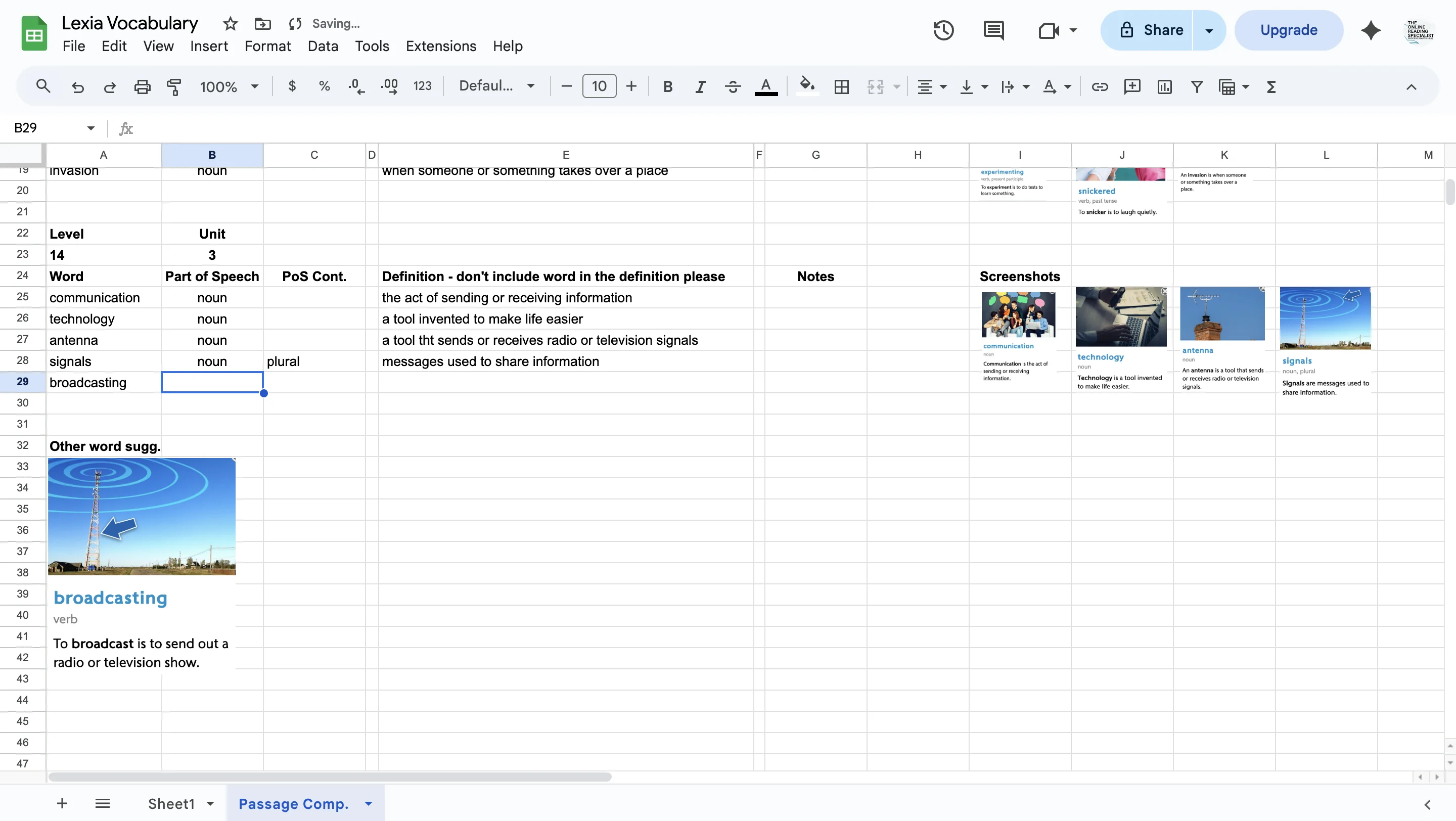
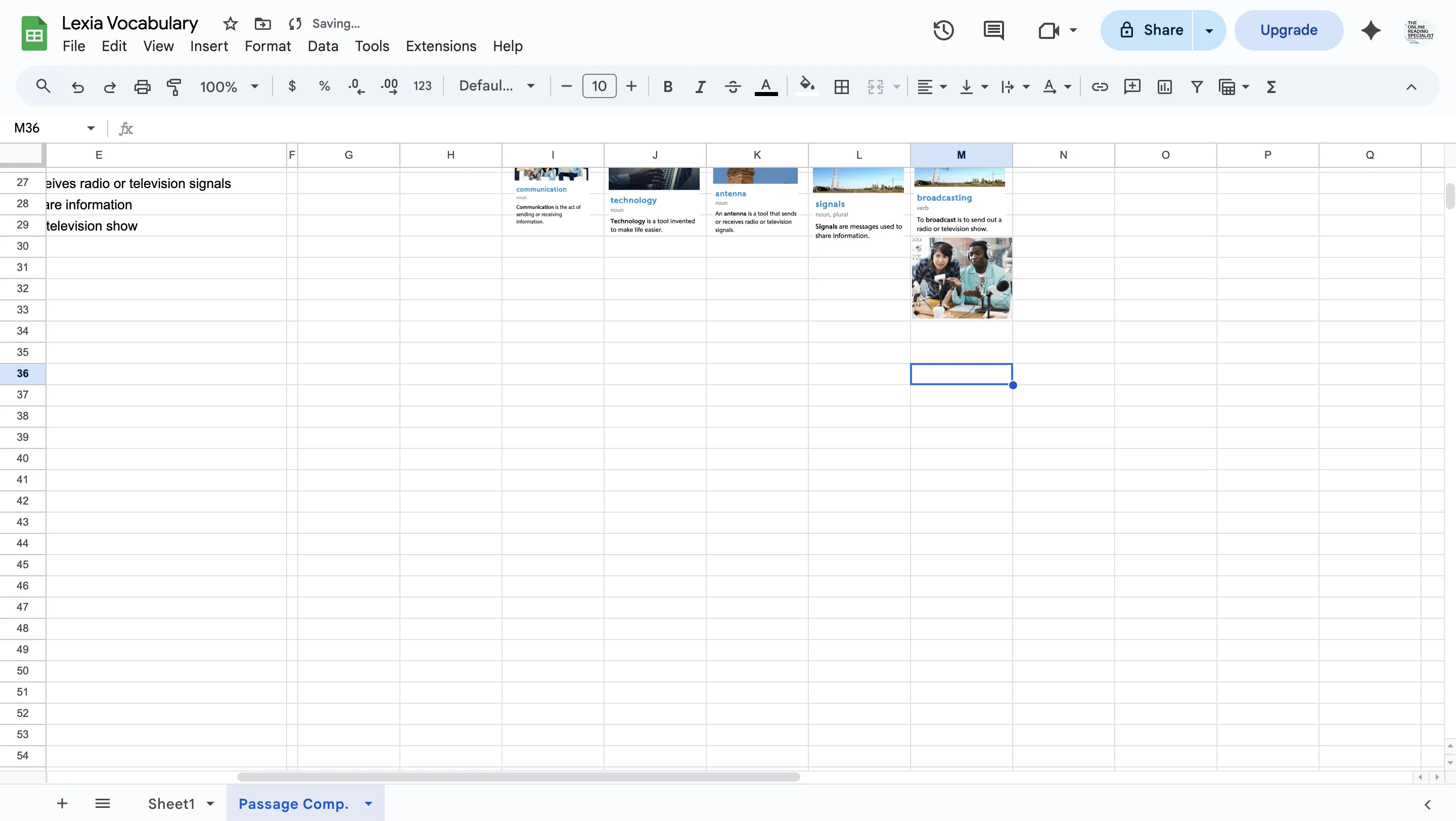
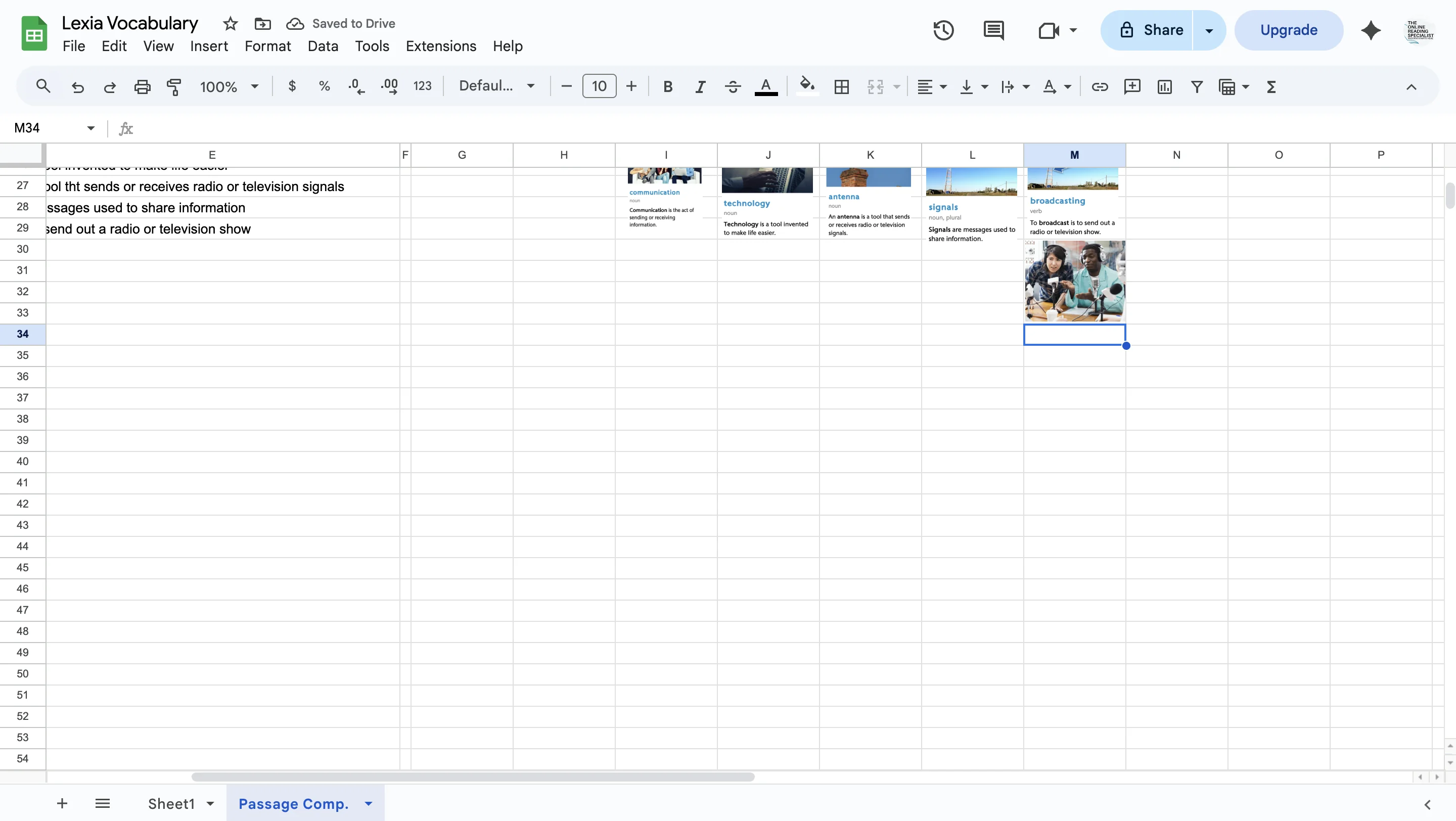
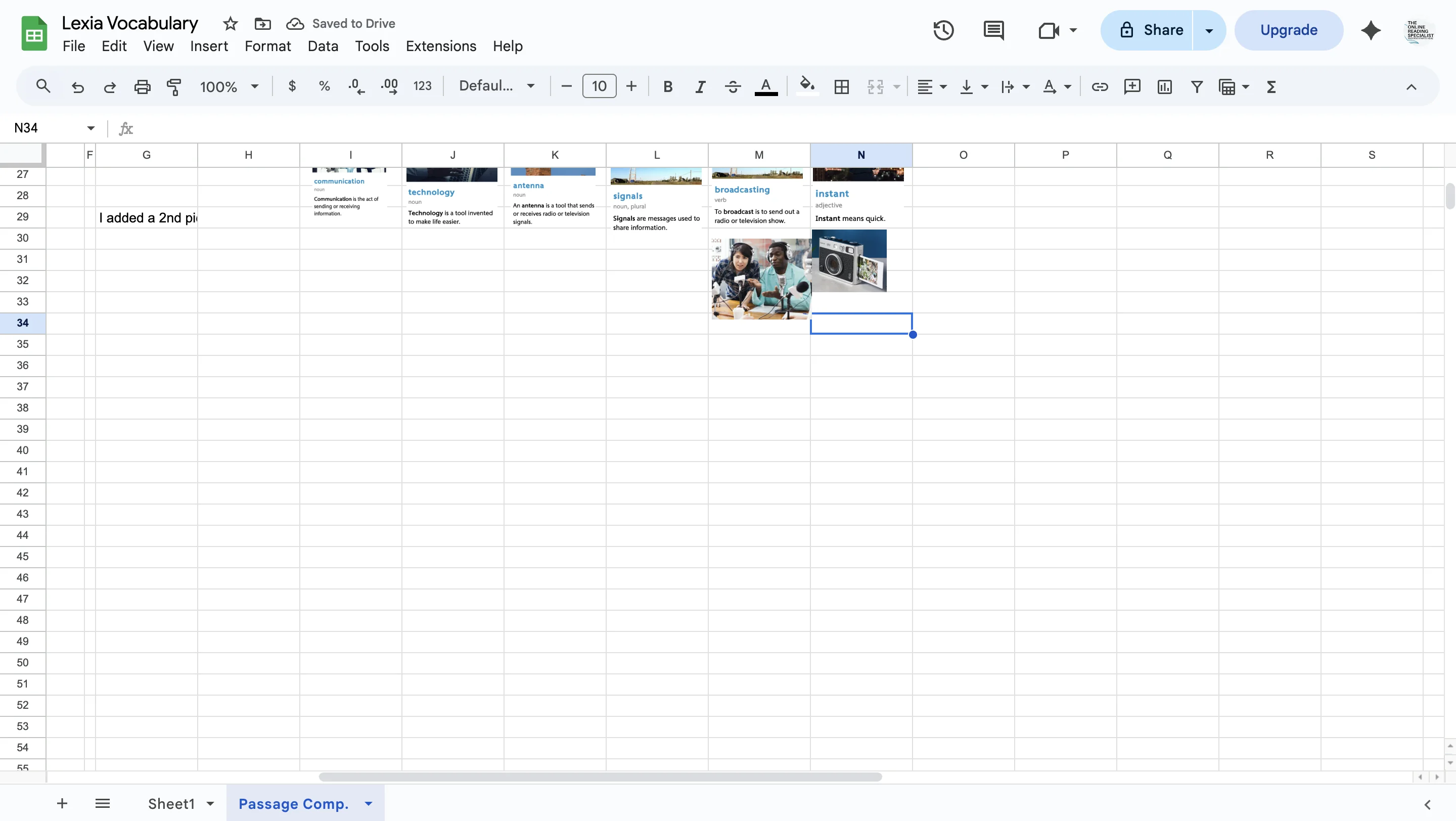
I noticed that broadcasting and signal had a very similar graphic. Broadcasting also had a definition that didn't match the picture very well. I kept it, but decided to click on a new tab, type in the word 'broadcasting' and then 'images' to see if I could find a better picture. I tried to find one that would represent male and female and that was multi-cultural. I clicked on the pic so a higher resolution version would come up on the screen, then took a screenshot it it and added it under the word 'broadcast' as another, potentially better, visual for the word.
31
Click on div
32
Click on div
33
Click on div
34
Click on div
35
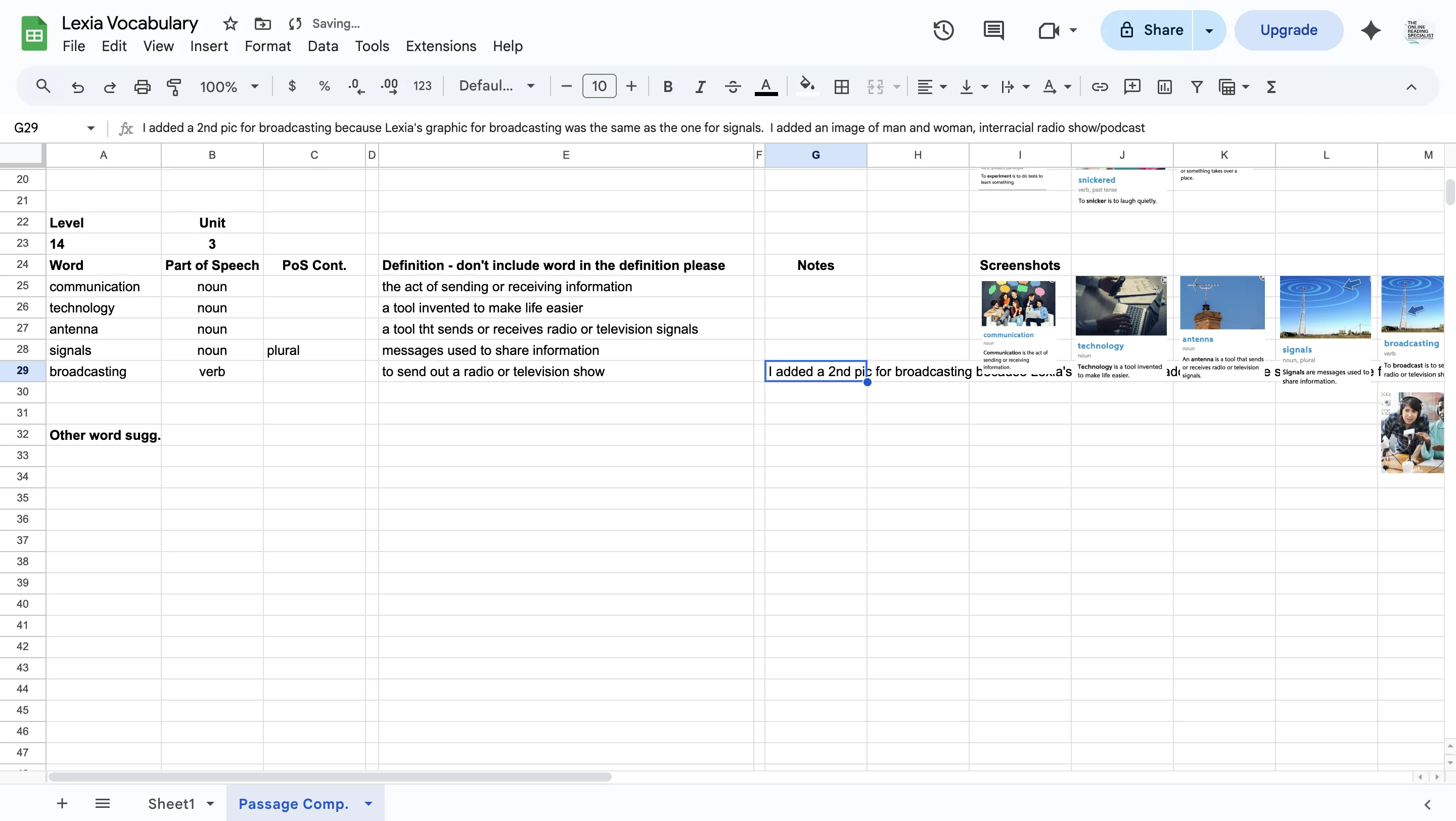
I added this to the 'Notes' column. In this case I wrote: I added a 2nd pic for broadcasting because Lexia's graphic for broadcasting was the same as the one for signals. I added an image of man and woman, multicultural radio show/podcast.
36
Click on div
37
The next word was instant. I copied the picture definition and pasted it in the doc. I copied the word, part of speech and definition into the right columns. I wasn't really satisfied with the picture for instant. It didn't really 'show' the meaning of the word. I made the pic small, moved it next to the picture definition for 'broadcasting' and went looking on google images for another picture that might show the meaning for the word 'instant' better. I came up with a picture of an instant camera, and added this to the notes.
38
Click on div
39
Click on div
40
After this, the screengrabs stopped, so I will list my final steps here. -after adding notes about a 2nd image option for the word 'instant' I pasted the picture of the instant camera under the other picture definition for 'instant' -I went back into Lexia and clicked on the next word(s) in blue (in this case: digital devices). I took a screenshot, pasted it on the Lexia Vocabulary google sheets, copied the word, part of speech and definition, made the picture definition small, and moved it to the right next to the picture definition of 'broadcasting'. -I scanned the story for other potential words to suggest. Words that weren't highlighted in blue but that could be unfamiliar to students. I thought 'plumbing' might be a word for this and added it under the heading 'Other Words sugg.' -I copied and pasted the headers underneath and changed unit to Unit 4. Now I'm ready to start the process over again in unit 4 :)