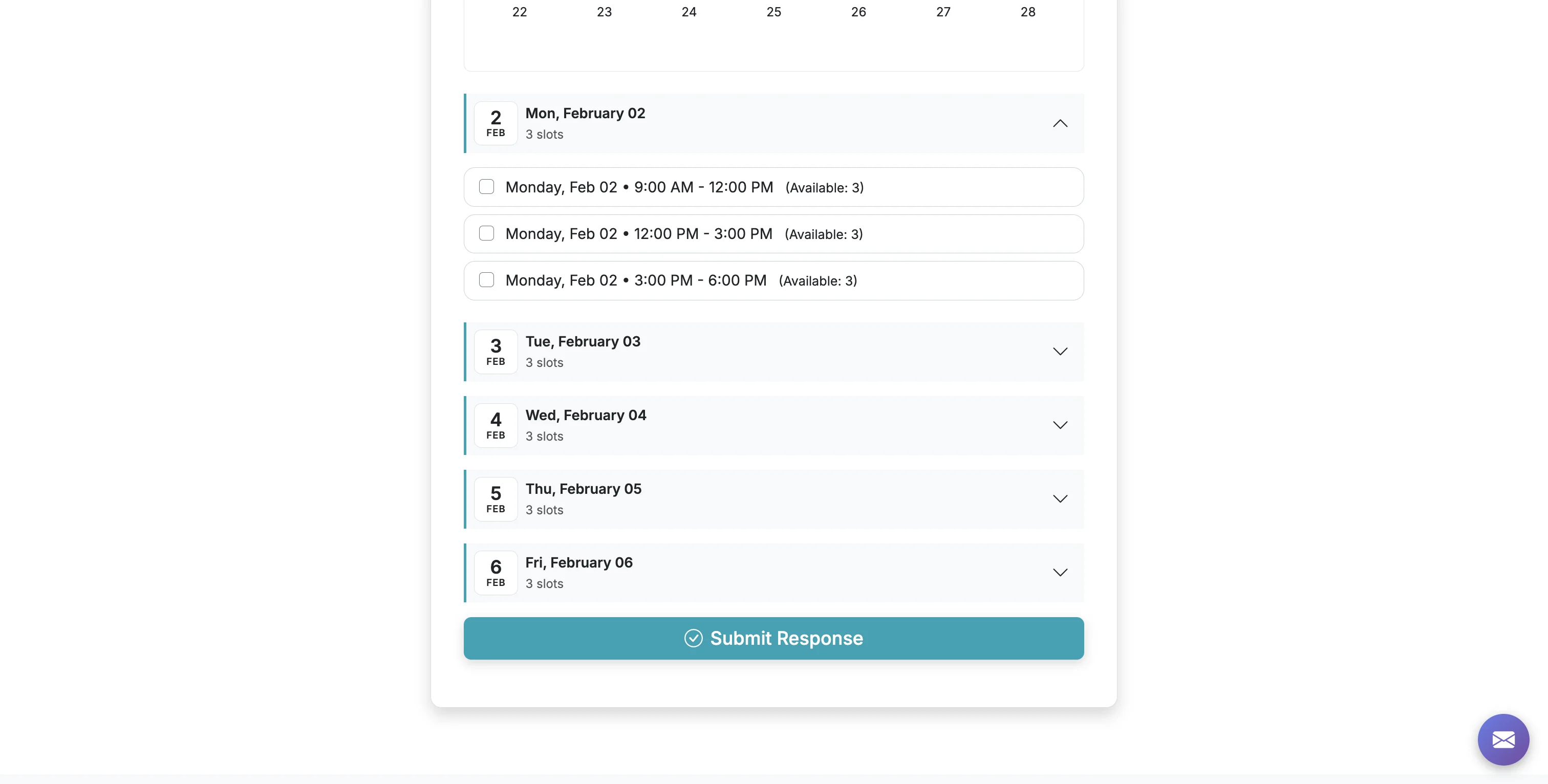
You can enable Calendar View on your form to allow respondents to view available options with a helpful calendar view. To use this option, your form must have Date/Time settings enabled in advanced settings: https://grasshoppersignup.com/faq/using-date-time-features.
Steps:6
StepHopper User
StepHopperhttps://stephopper.com/
1
Start on the Form Options page of your form.
2
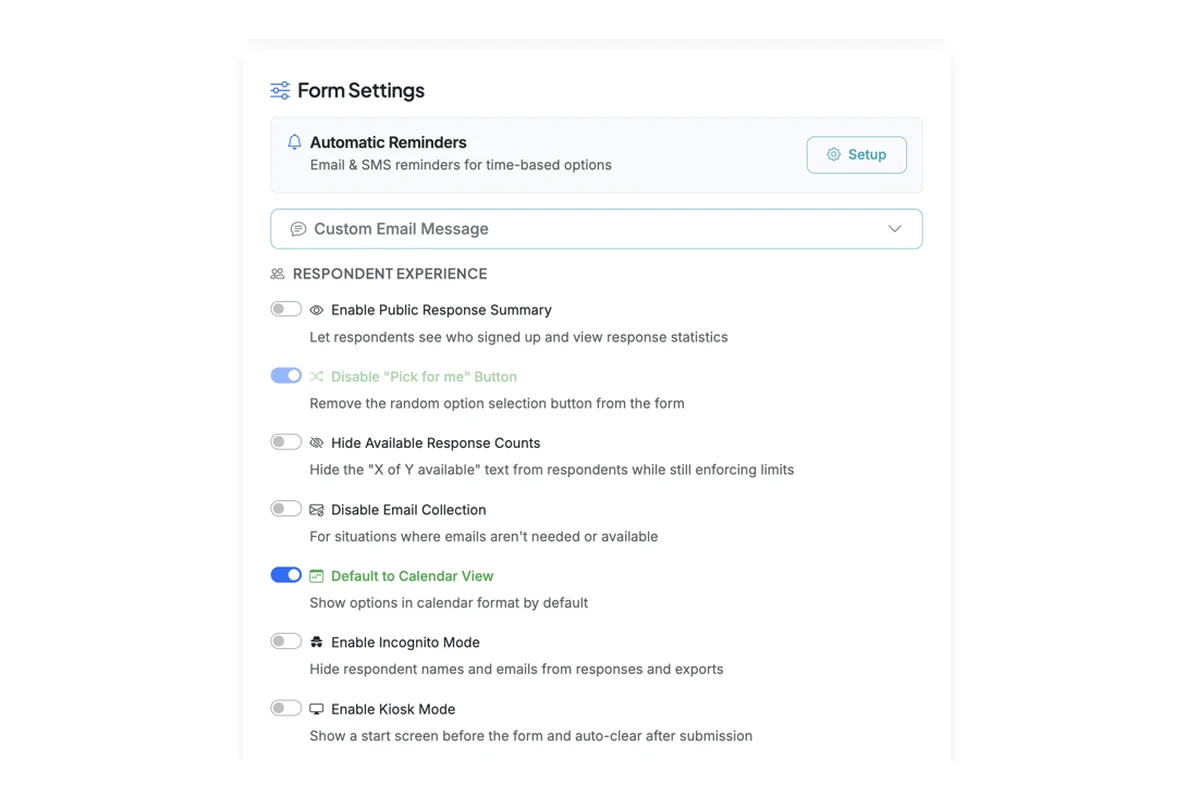
In the Respondent Experience section of Form Settings, enable the 'Default to Calendar View' toggle.
3
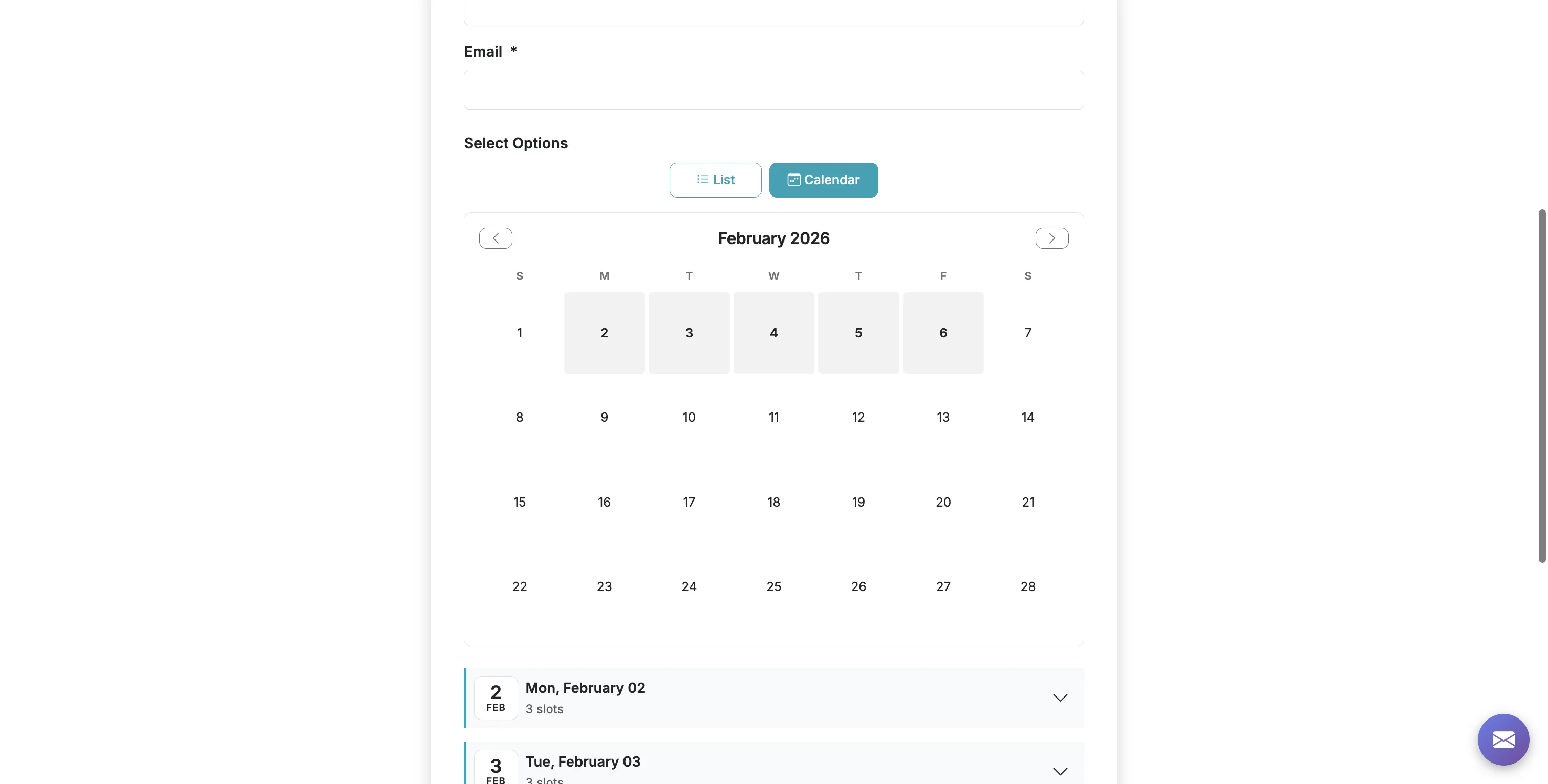
Your published form will now show a calendar view that highlights dates with available options.
4
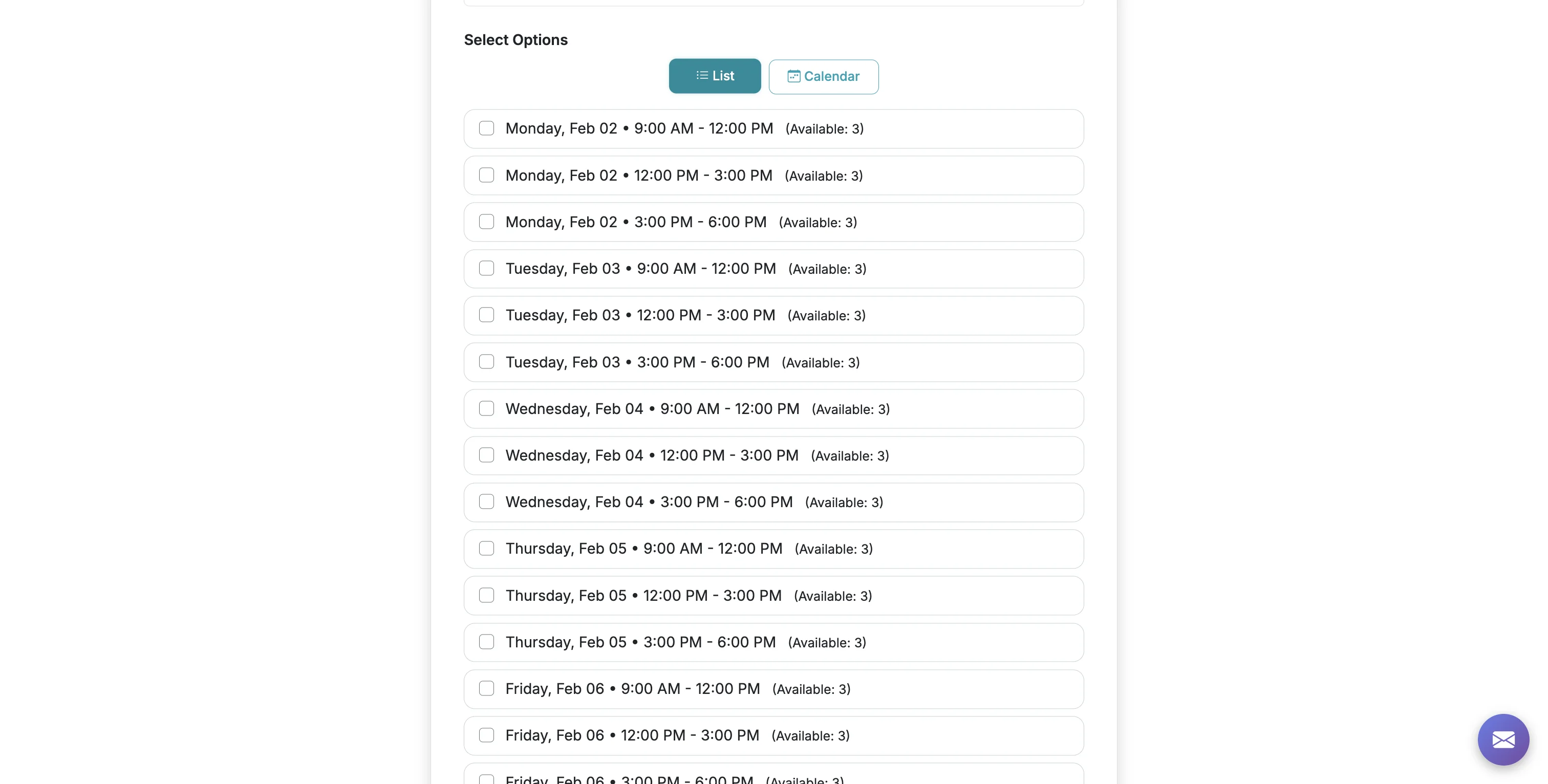
Respondents can also view the form in List view.
5
Clicking on a date on the calendar will take them to an expanded list of options available on that day.
6
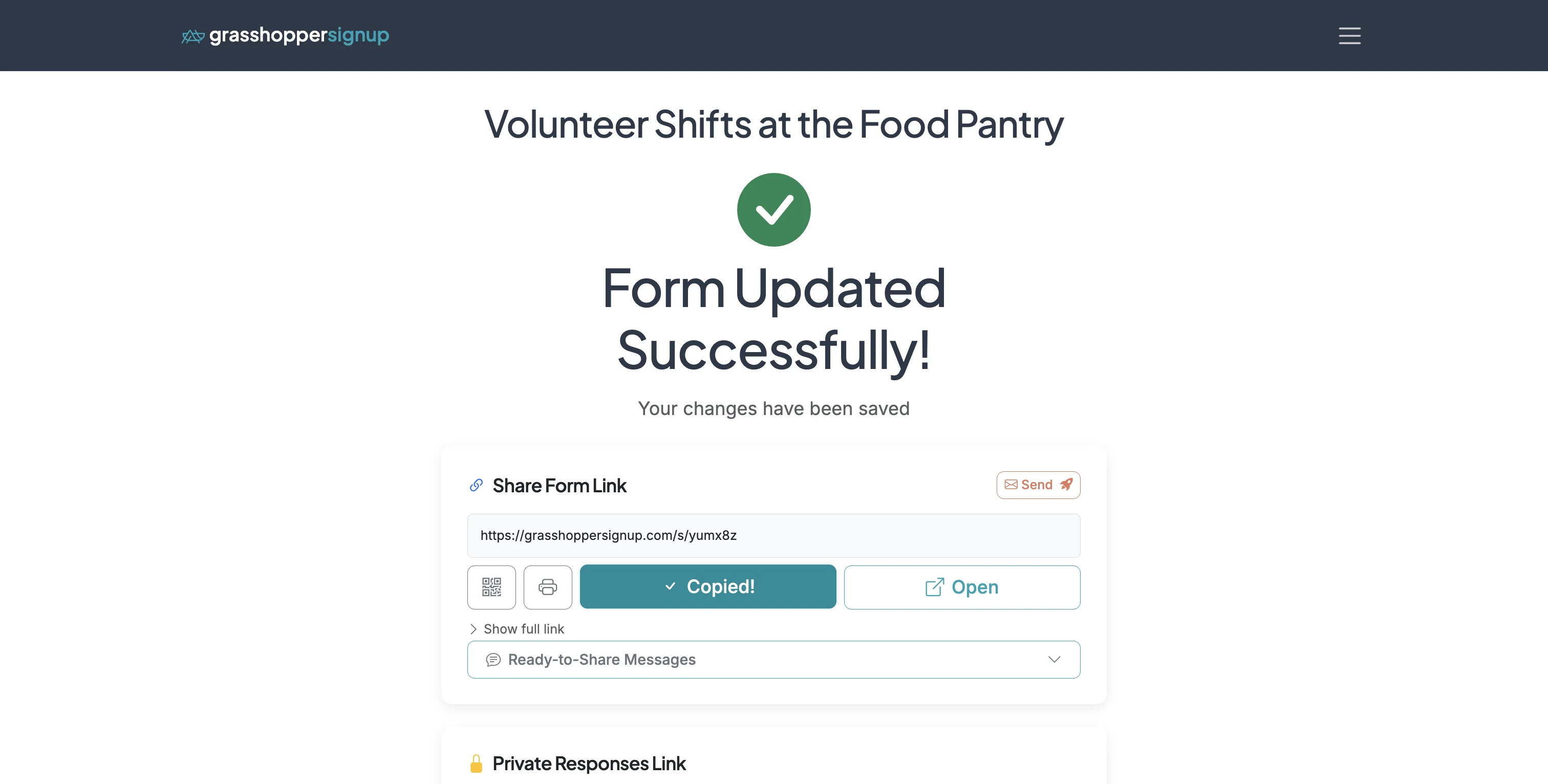
This is an example form using Calendar View: https://grasshoppersignup.com/s/yumx8z