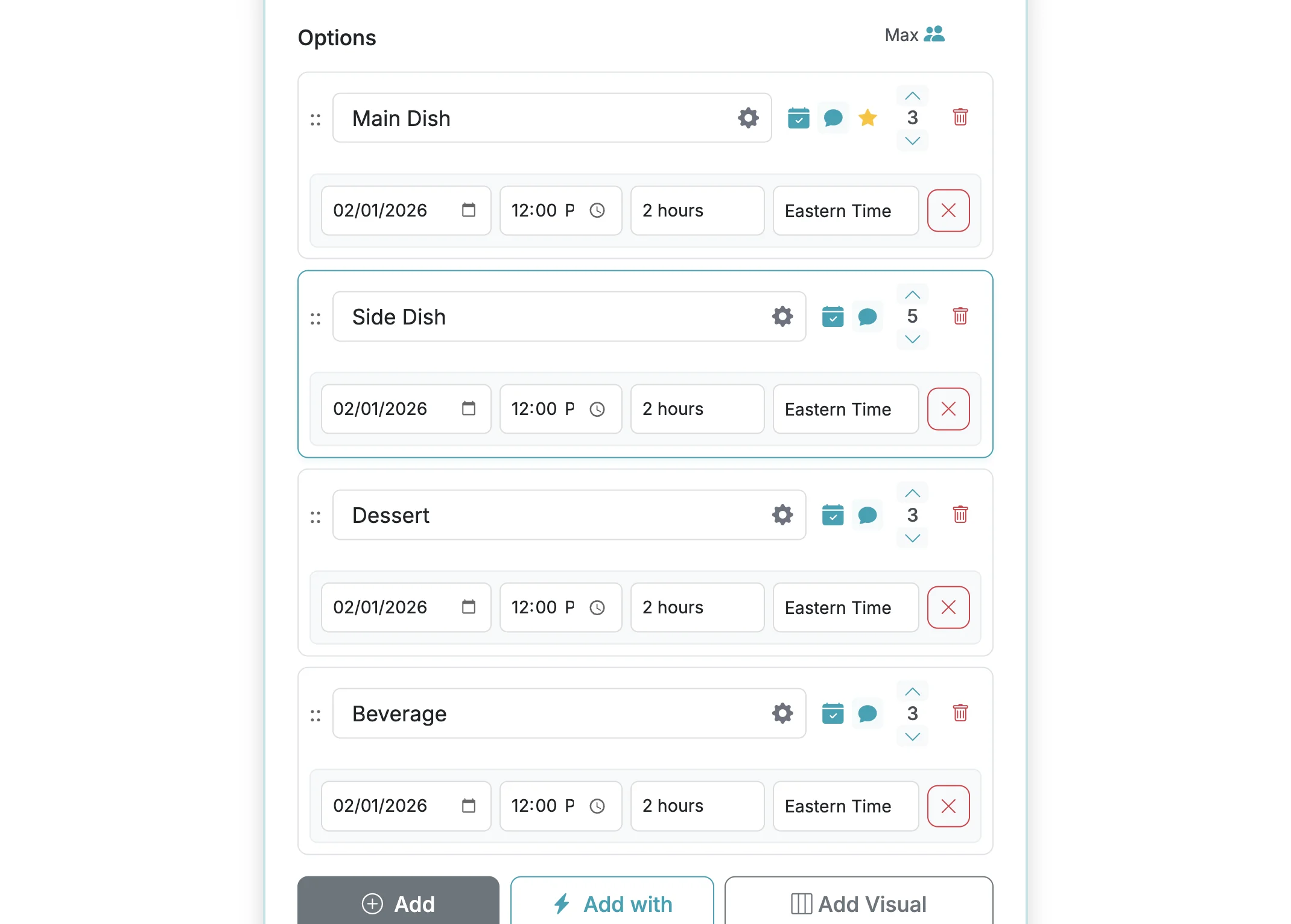
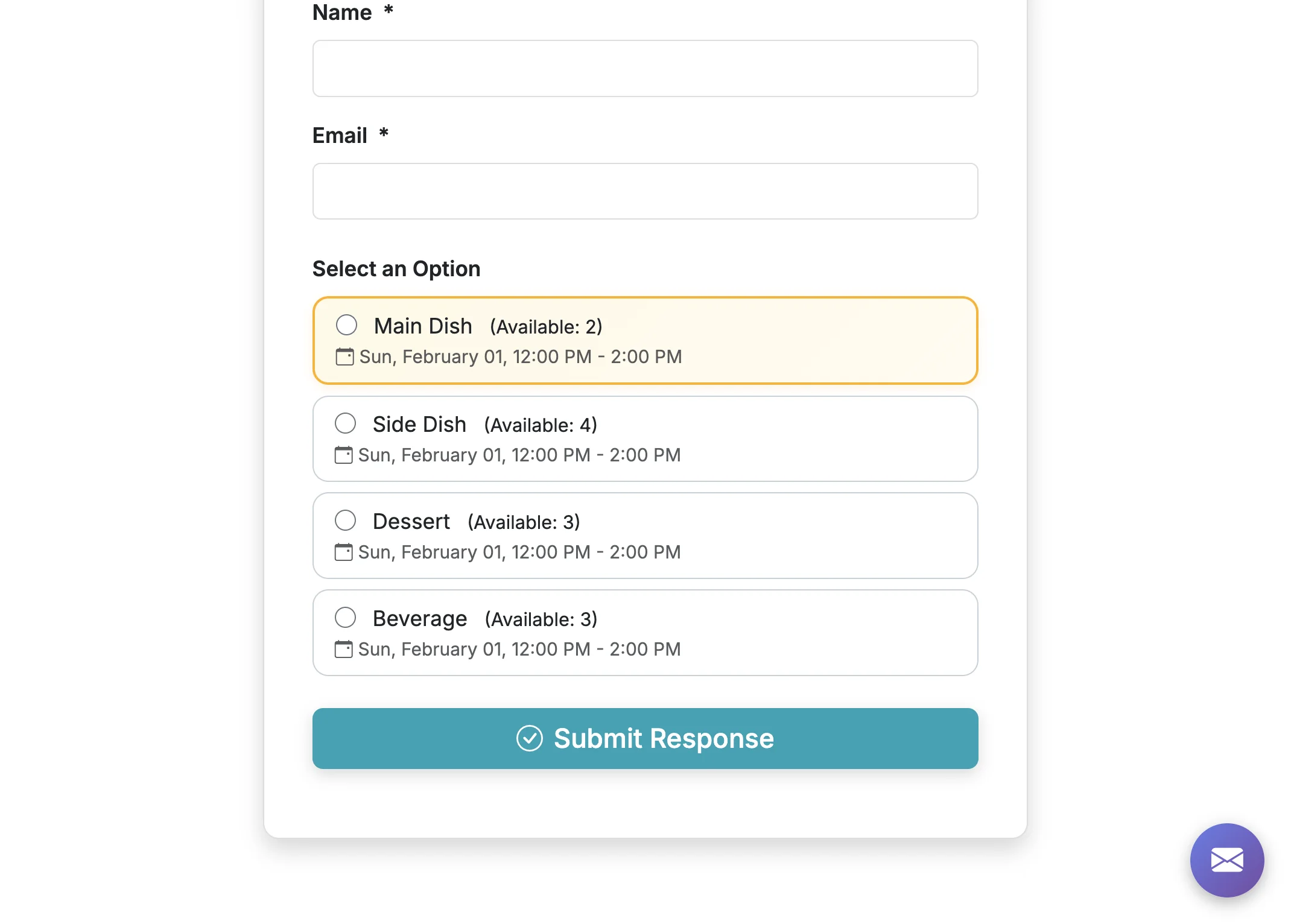
You can highlight options on your form if you want to visually distinguish them. Click the gear icon next to the option label when editing your form to highlight an option.
Steps:6
StepHopper User
StepHopperhttps://stephopper.com/
1
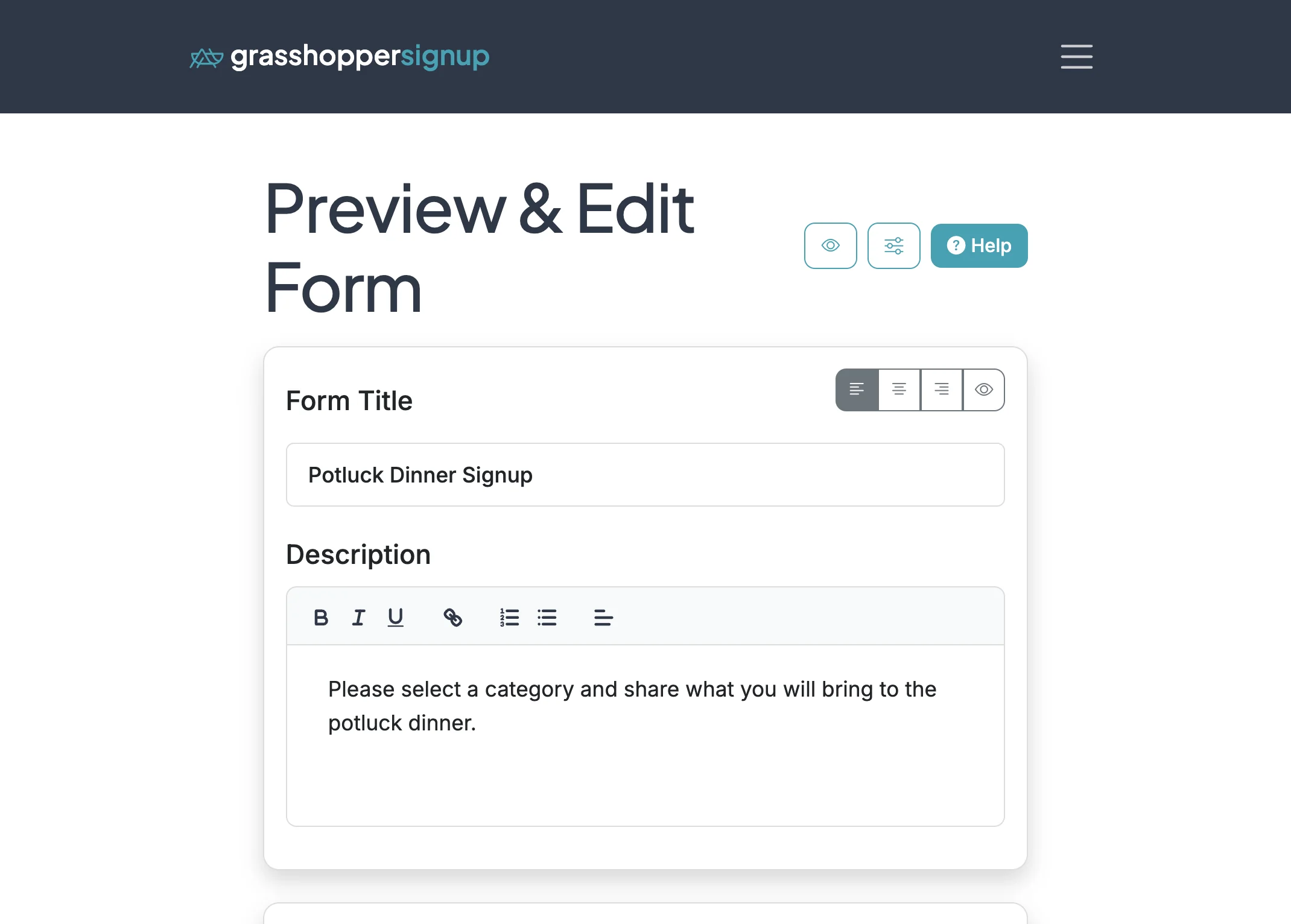
Start on the Edit page for your form
2
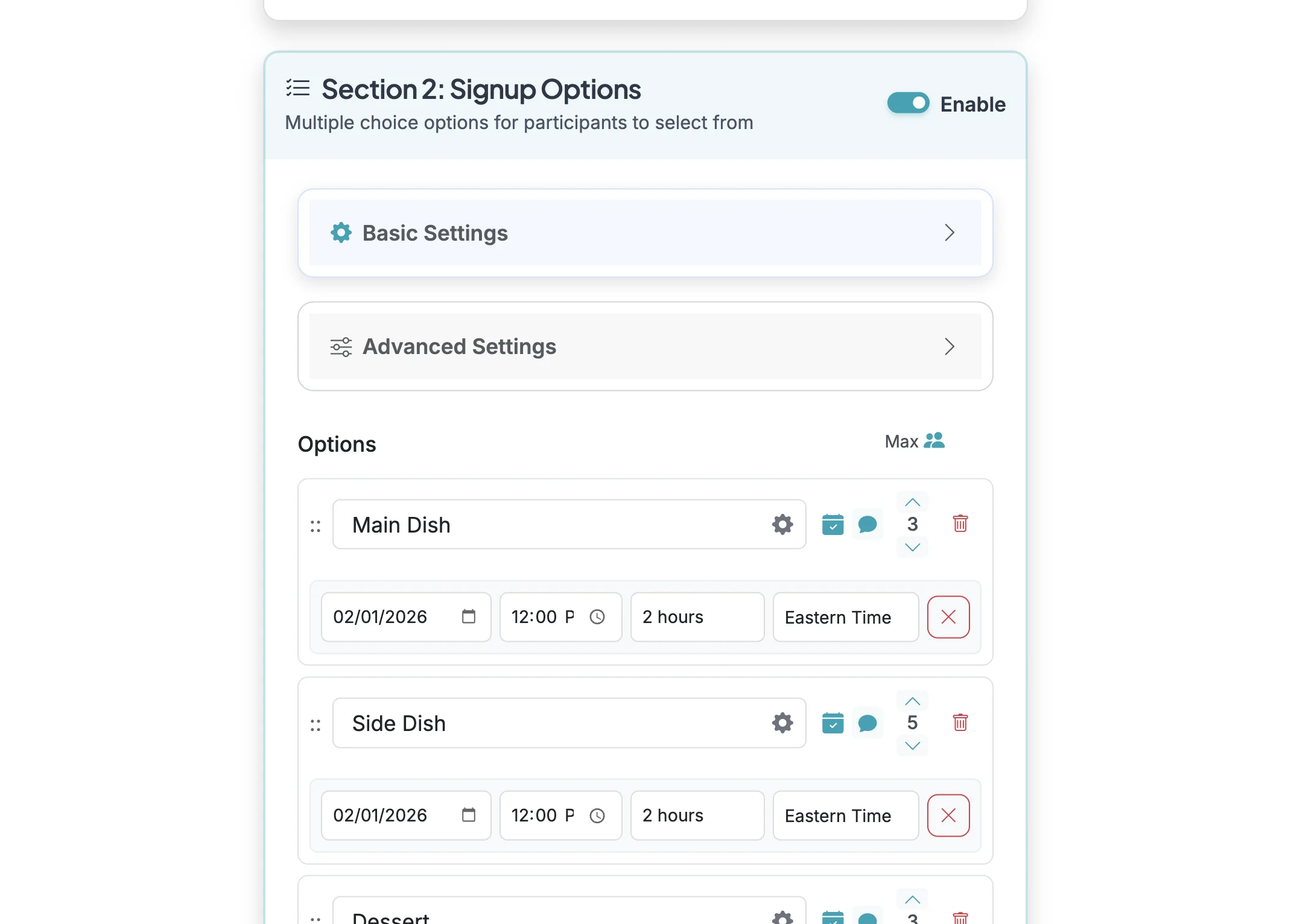
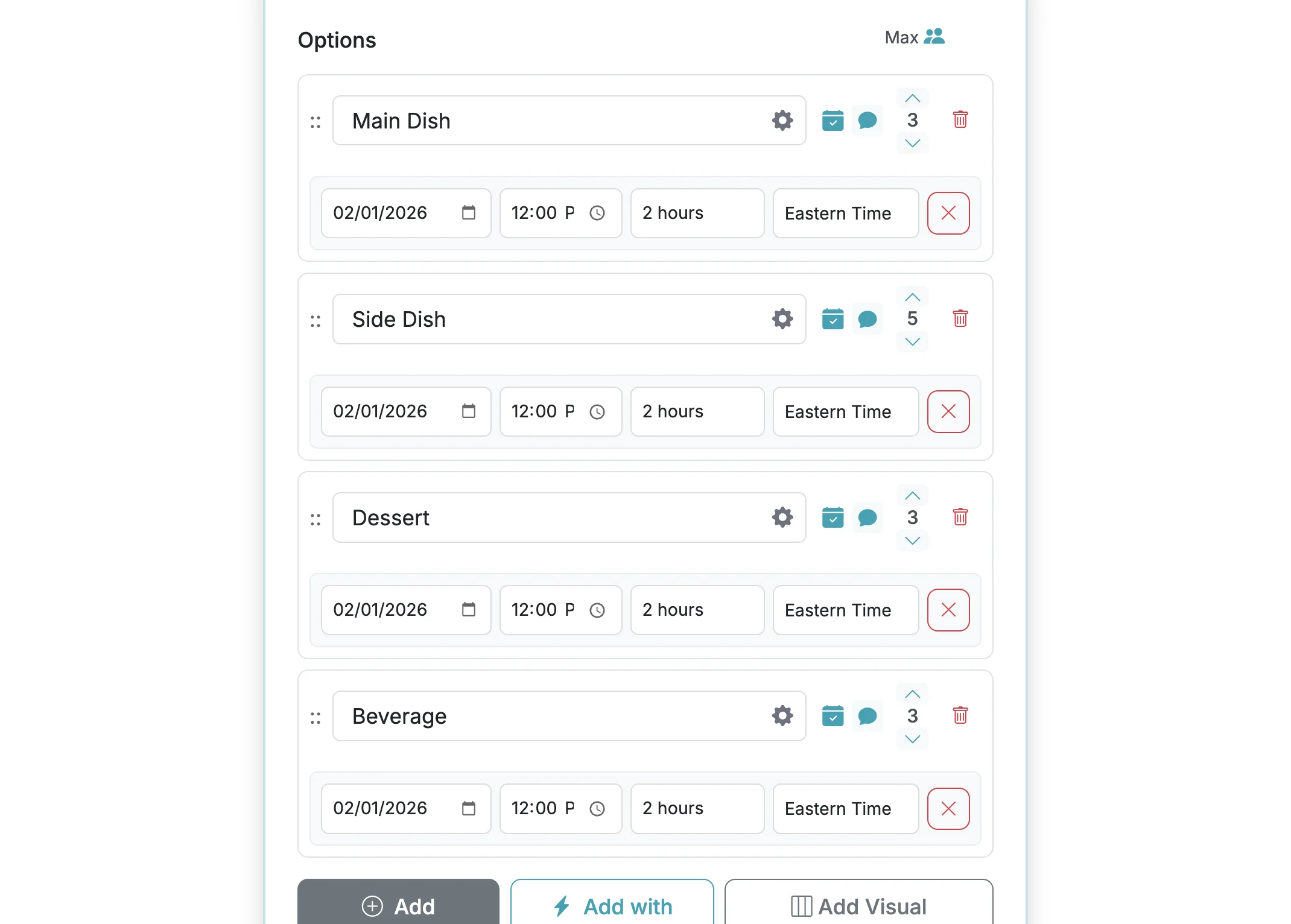
Scroll down to your form options.
3
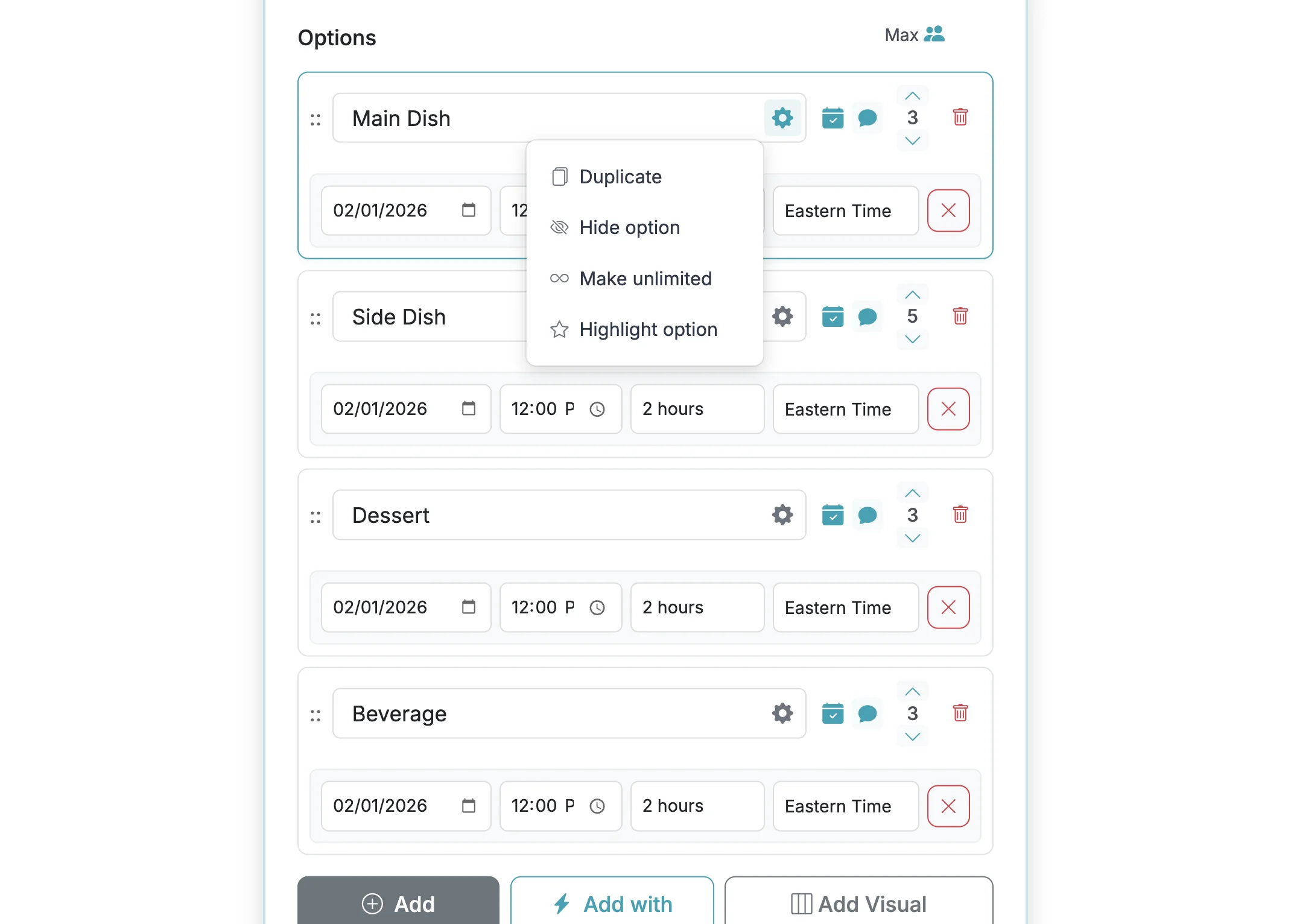
Click on the gear icon to open the option settings.
4
Click on 'Highlight option' to eanble option highlighting for that option.
5
A star will show up on the option to indicate that the option will be highlighted.
6
When respondents take your form, your highlighted option will be ... highlighted.