Share a project externally / copy to another account
You can copy a project to another Biteable account by sharing a project copy link to that allows a different user to copy the project into their Biteable account.When a project is copied to another account, it is not associated with the original project a copy that resides in the account of the user who made a copy. They can edit and control the project like any other Biteable project created in their account.
Steps:6
StepHopper User
StepHopperhttps://stephopper.com/
1
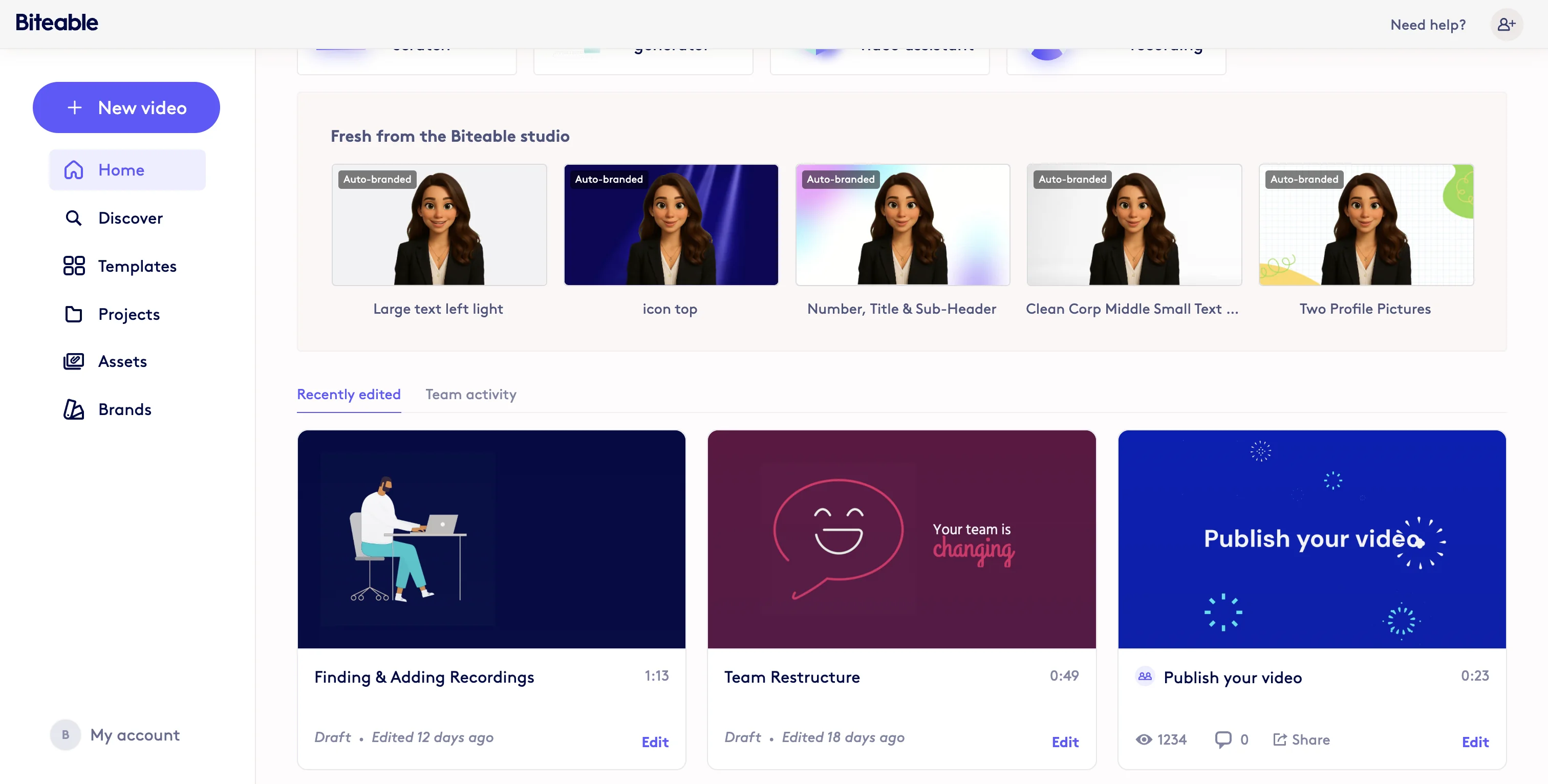
Start on your Dashboard or Projects page.
2
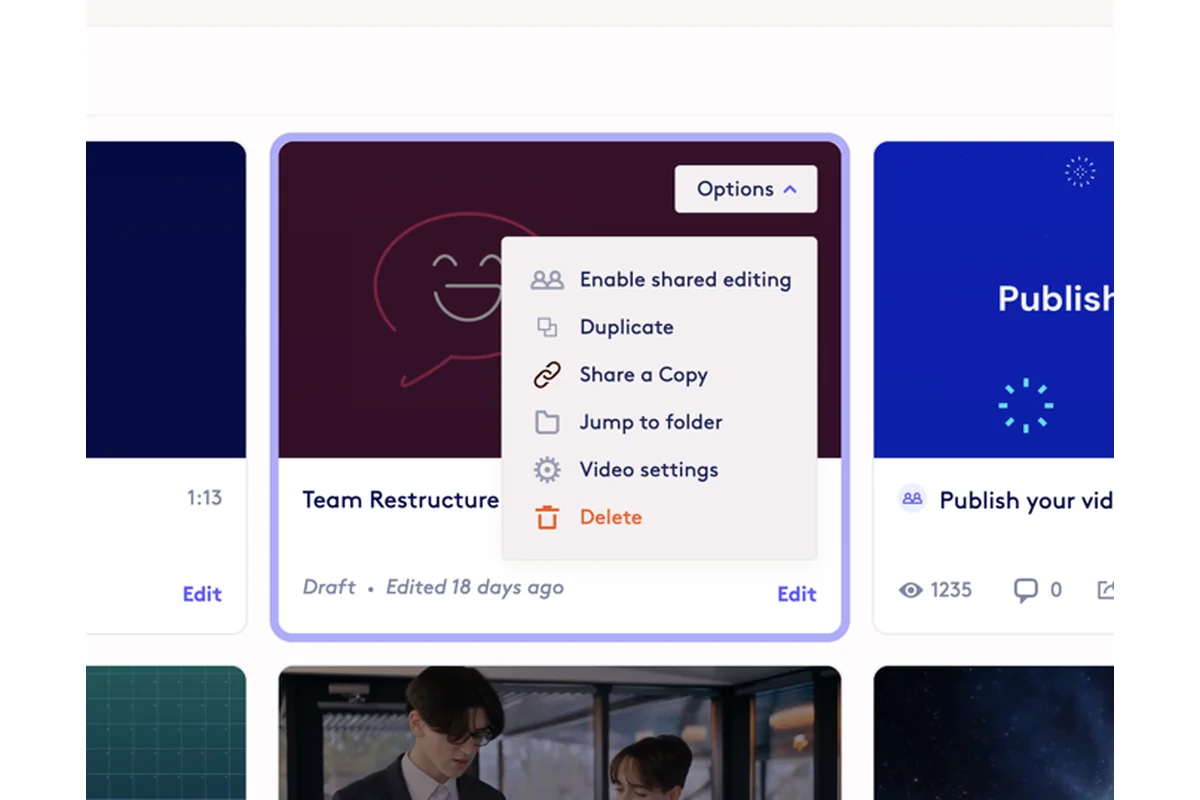
Hover over a project card and the Options menu will appear.
3
After clicking 'Options' select 'Share a Copy'
4
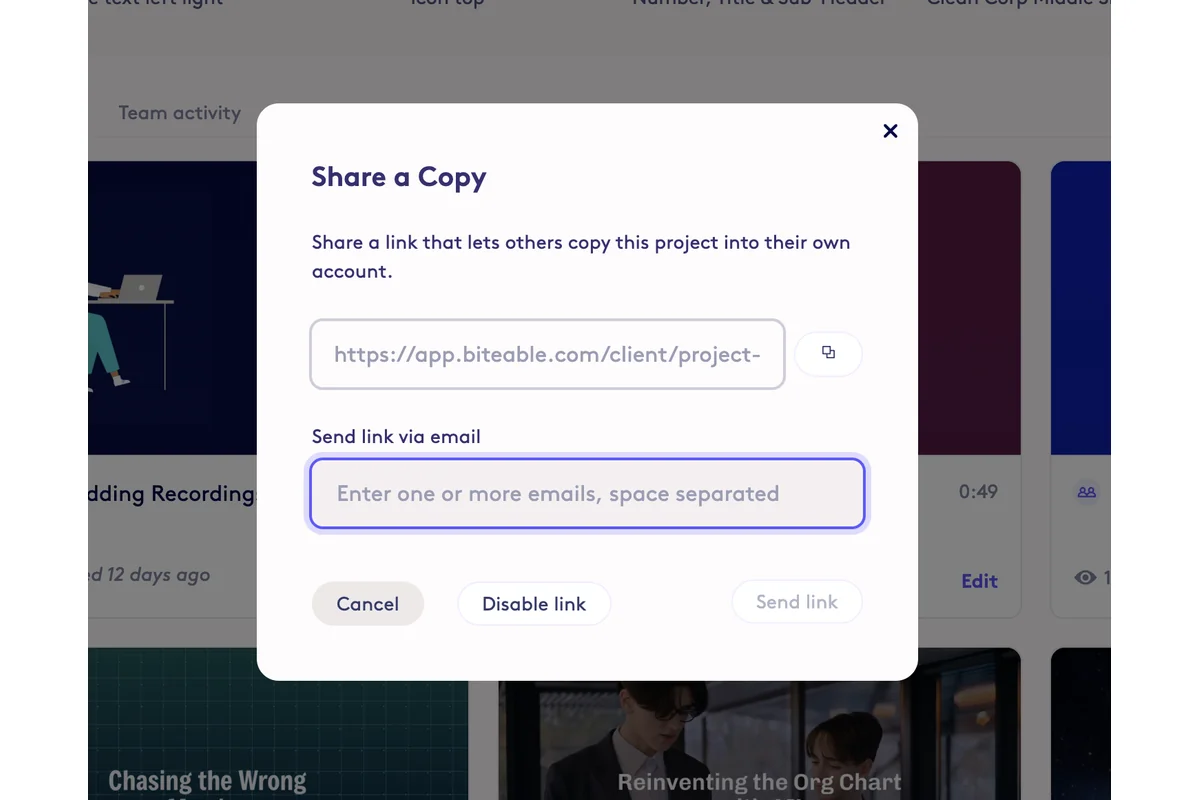
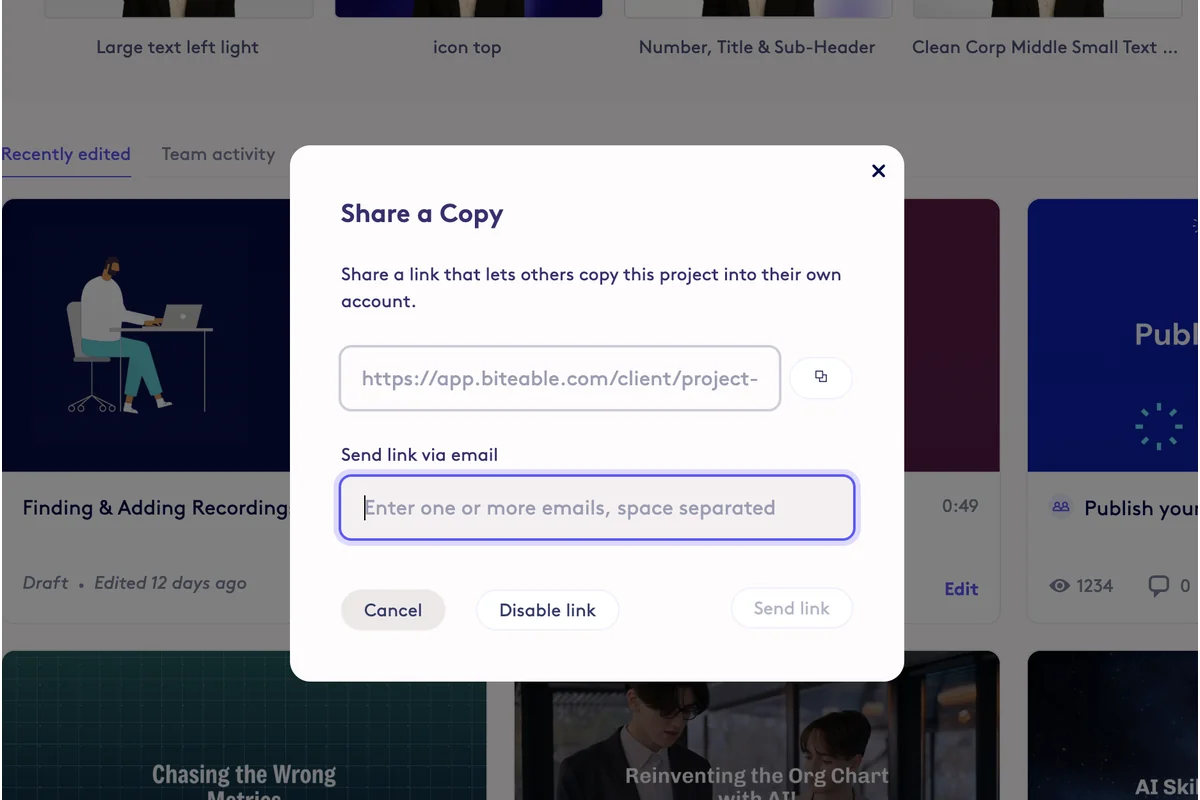
Once a project has been enabled for copying, you can share with a link by copying the project copy link, or add email addresses to send the link via email.
5
After you share or send a project copy link, when someone clicks the link, they will be able to make a copy of the project into their account. If they are not logged into a Biteable account they will be prompted to login or create an account.
6
To disable sharing (disables the project copy link), click 'Disable link' in the Share a Copy menu.