1
Duplicate/copy a form
You can duplicate/copy any form from by logging in and clicking 'Duplicate' on any form in your dashboard. When you create a form and save it with your email address, that form will automatically be linked to your account. You can also duplicate templates and forms that are shared with you.
2
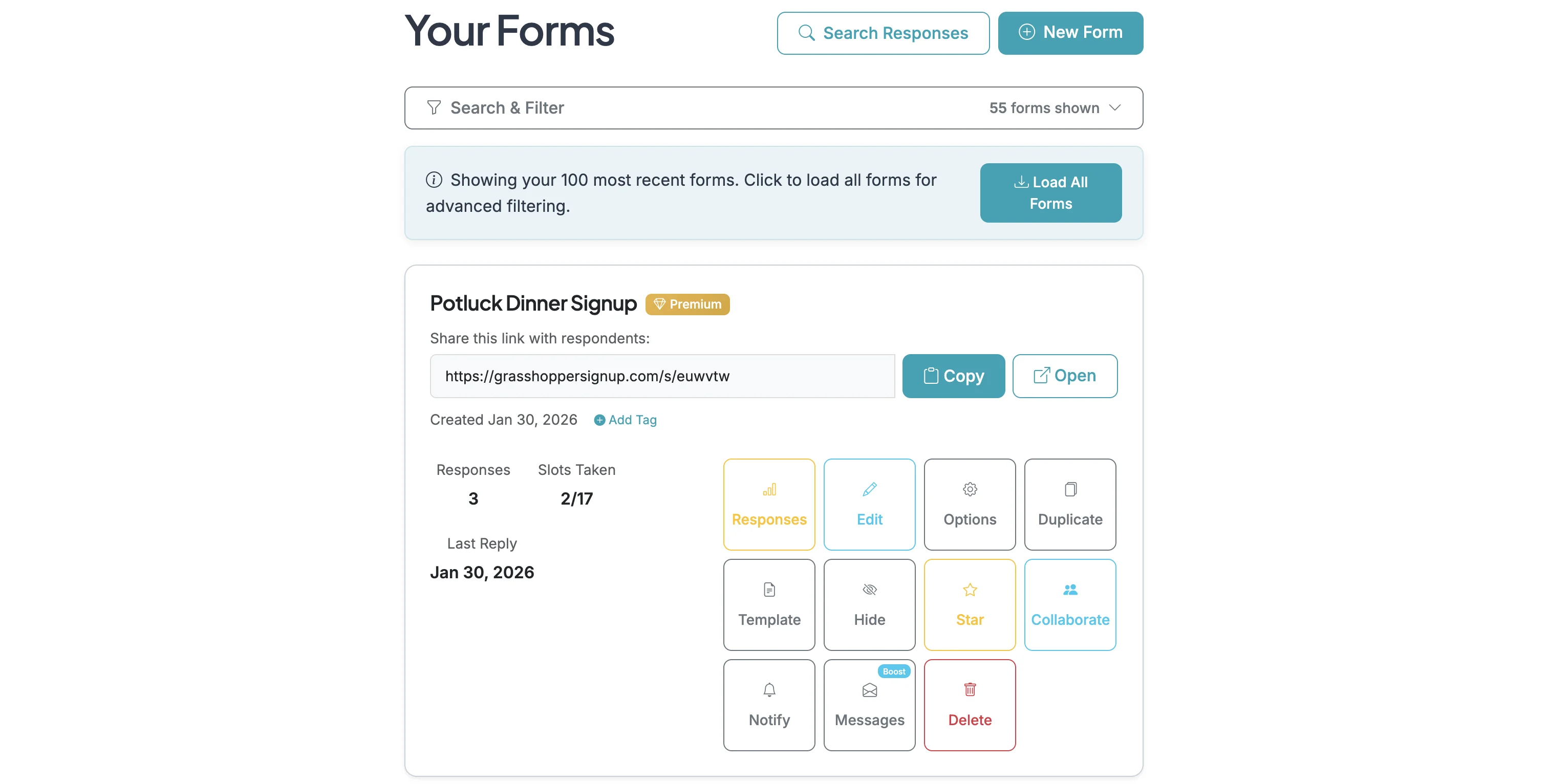
Login to your account and start on the Dashboard page.
3
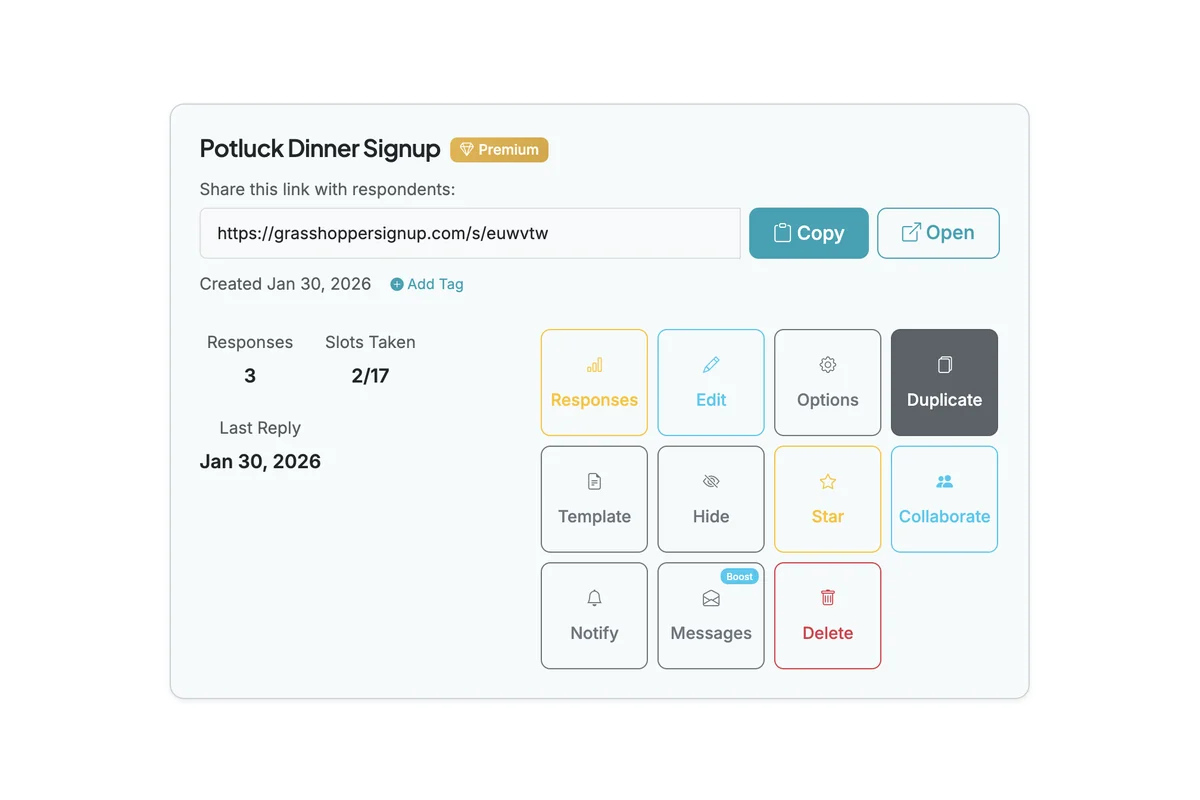
Identify the form you want to duplicate and click the 'Duplicate' button.
4
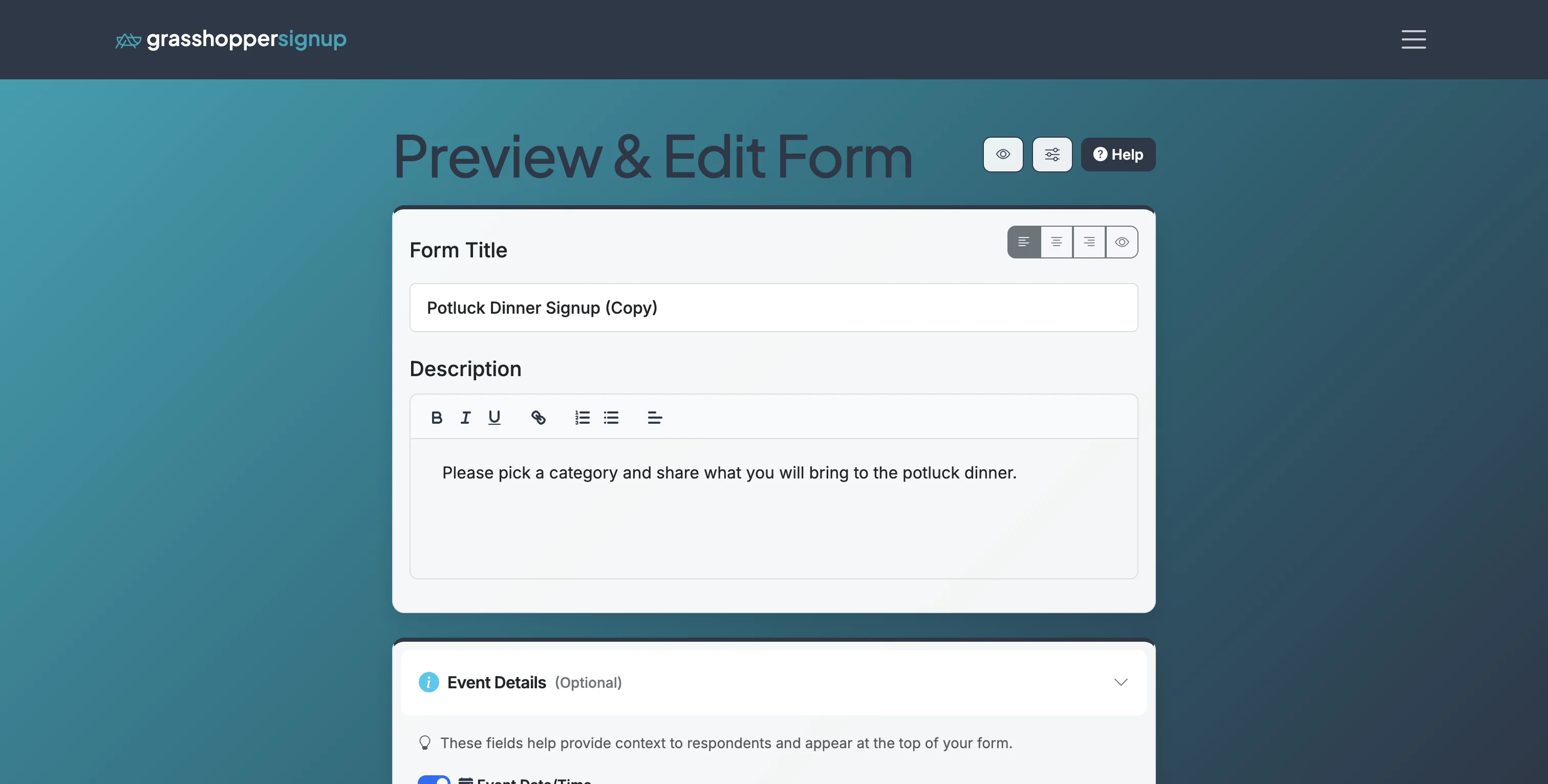
This will duplicate the form and take you directly into the editor for that form.
5
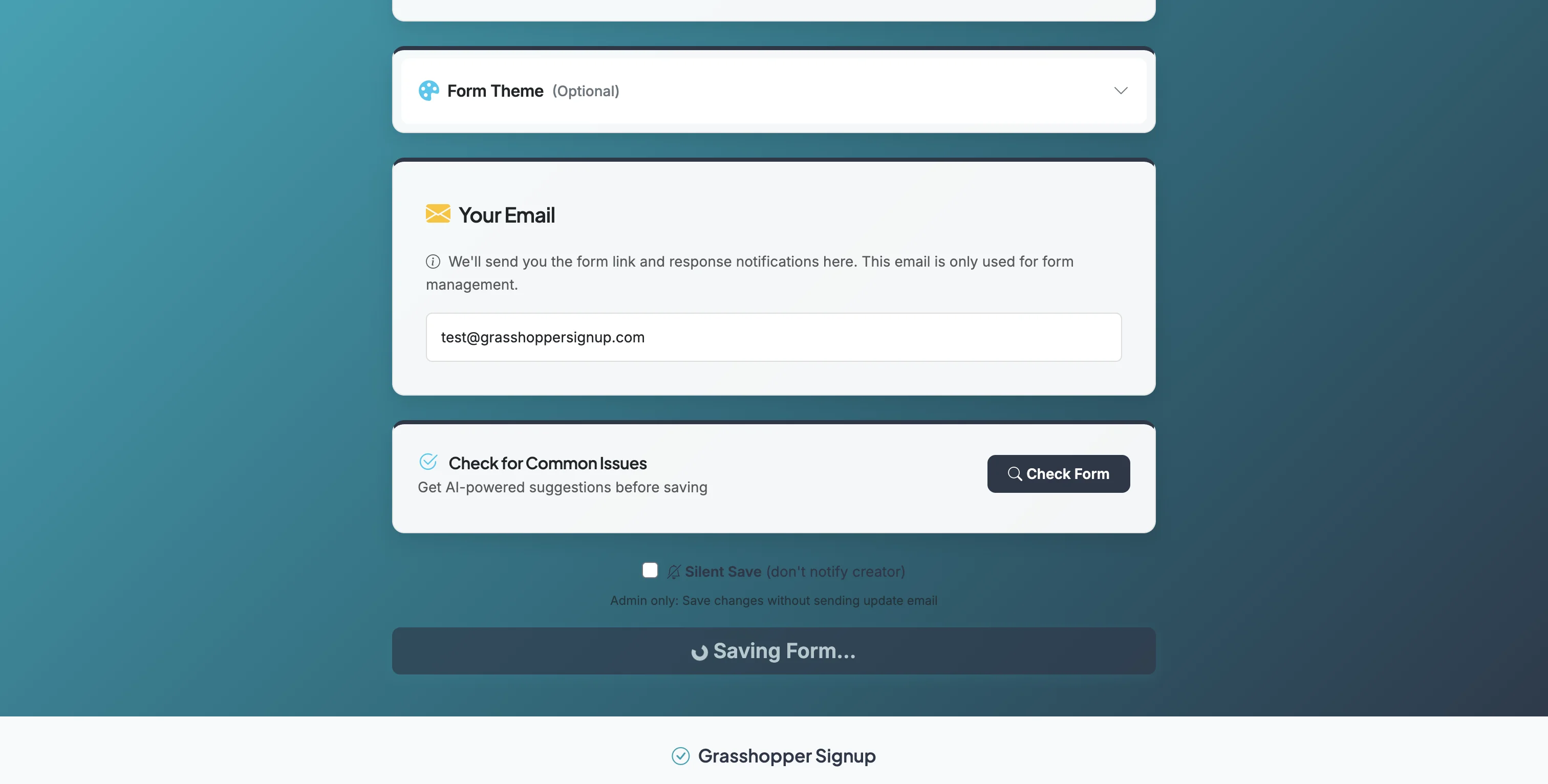
Make any edits you'd like to your form and then click 'Save Form' at the bottom of the Edit page.
6
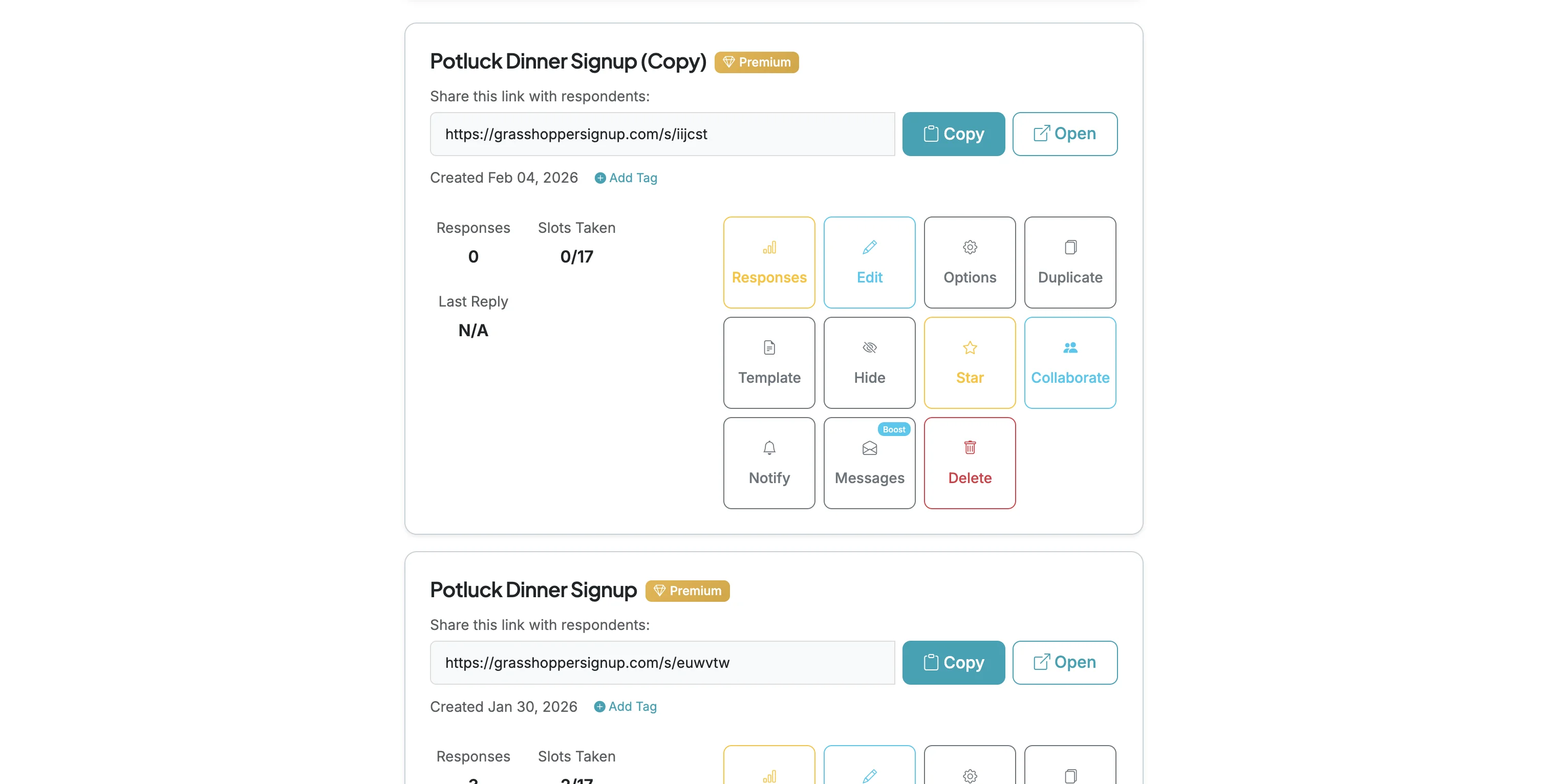
When you visit your dashboard you will be able to find your duplicated/copied form. "(Copy)" is appended to the title of any duplicated form. You can remove or update the title when editing the form.