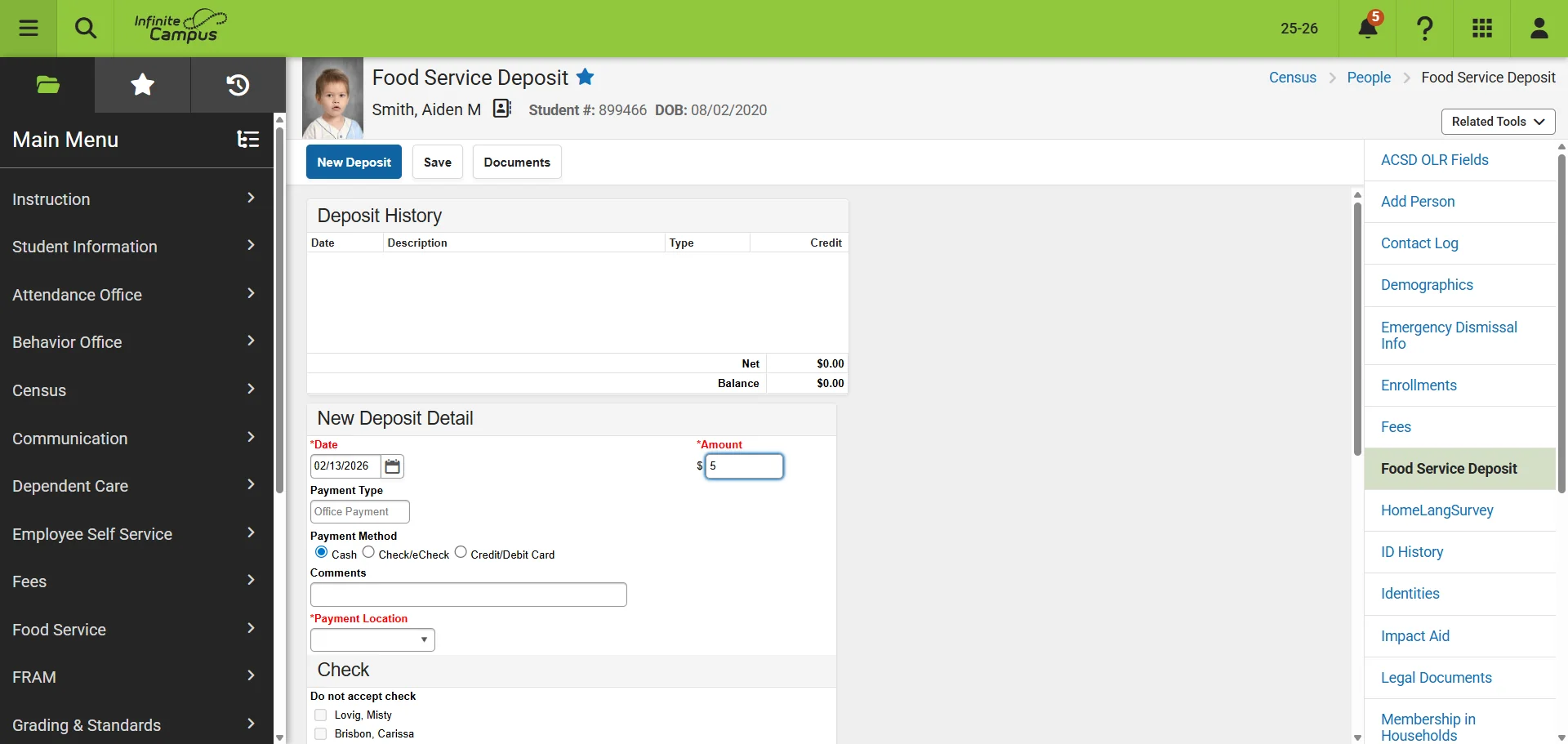

Food Service Payment
This guide will walk you through how to add money to someone's meal account.
1
This guide will walk you through how to add money to a person's meal account.
2
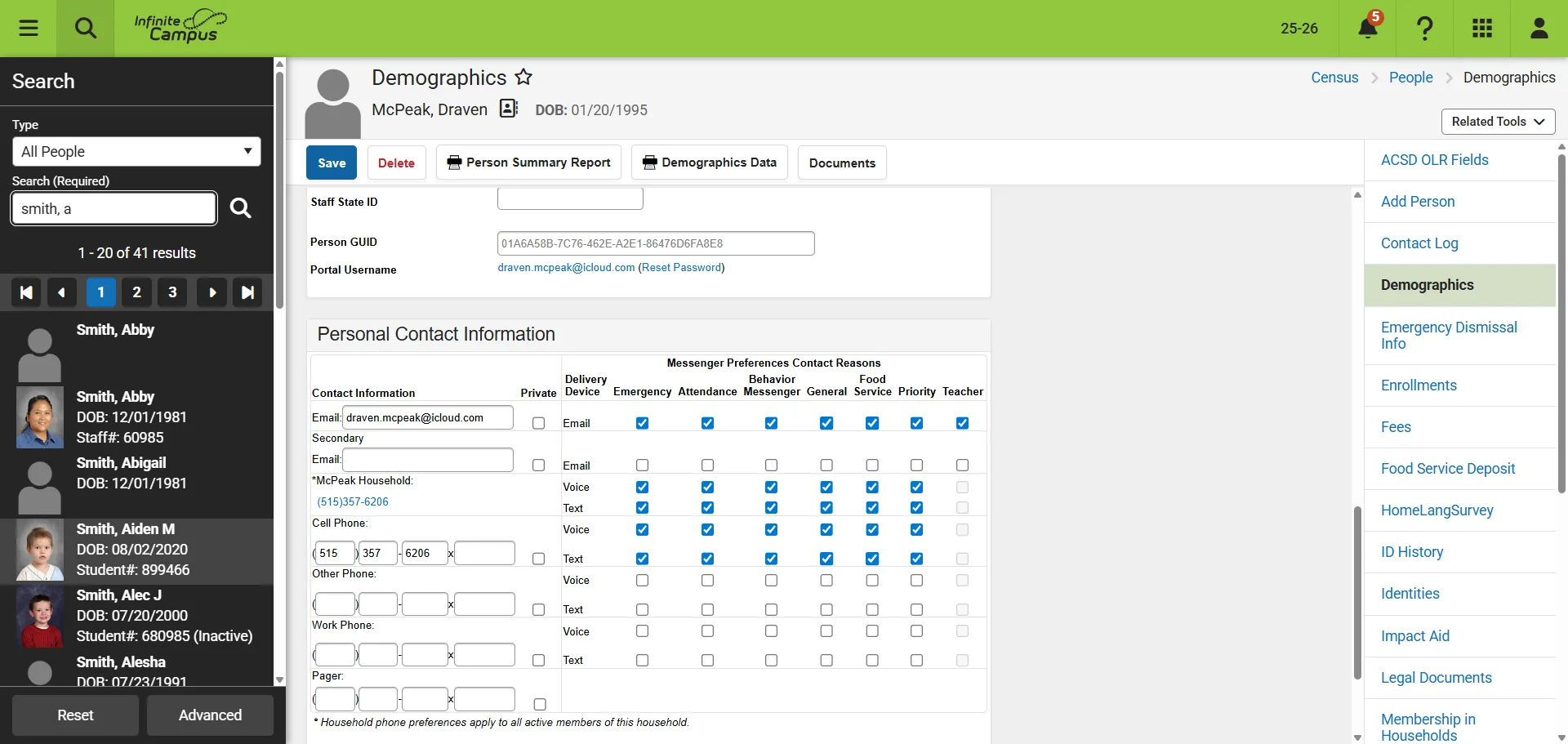
Open Infinite Campus. Search for the person.
3
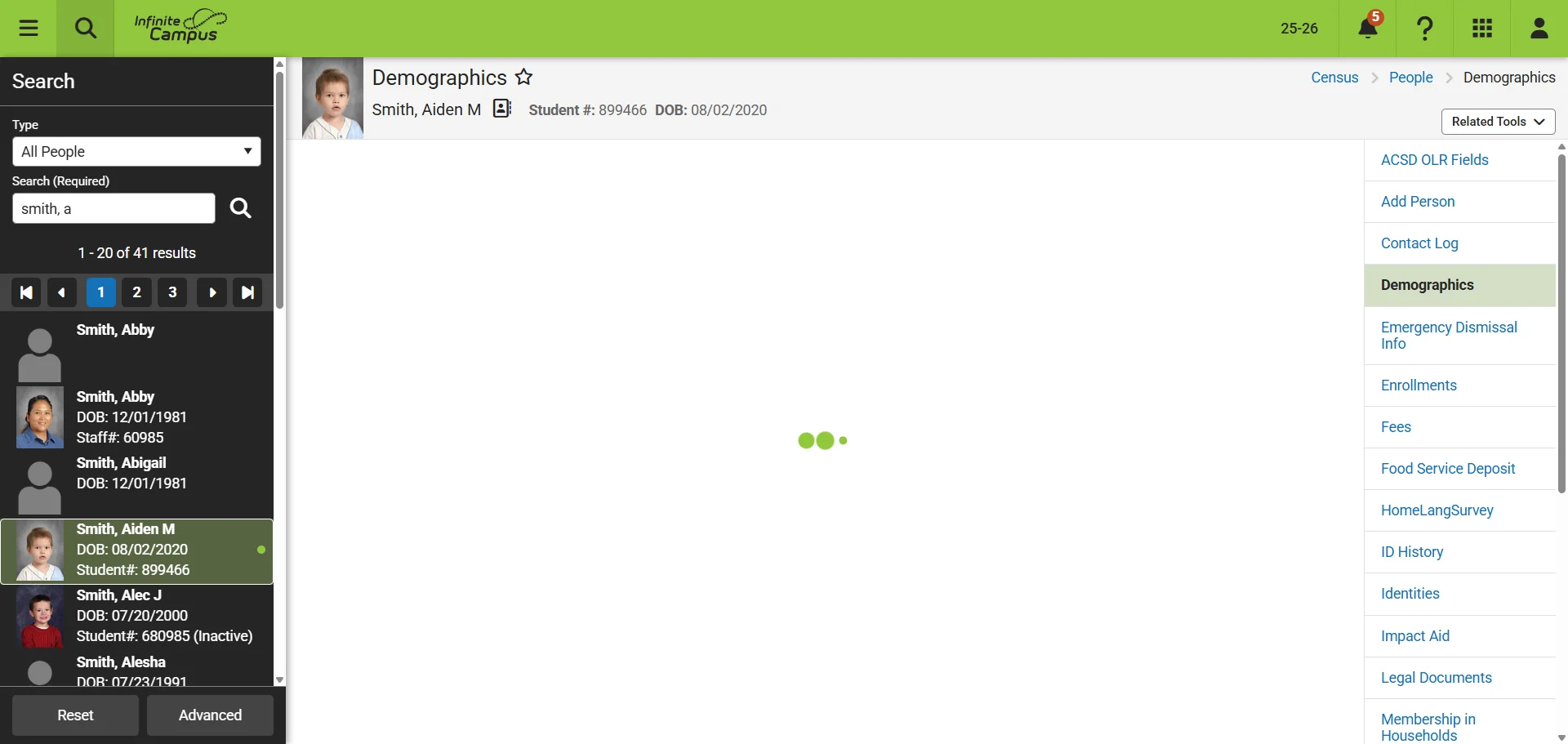
Click on the person. Example 'Smith, Aiden M'
4
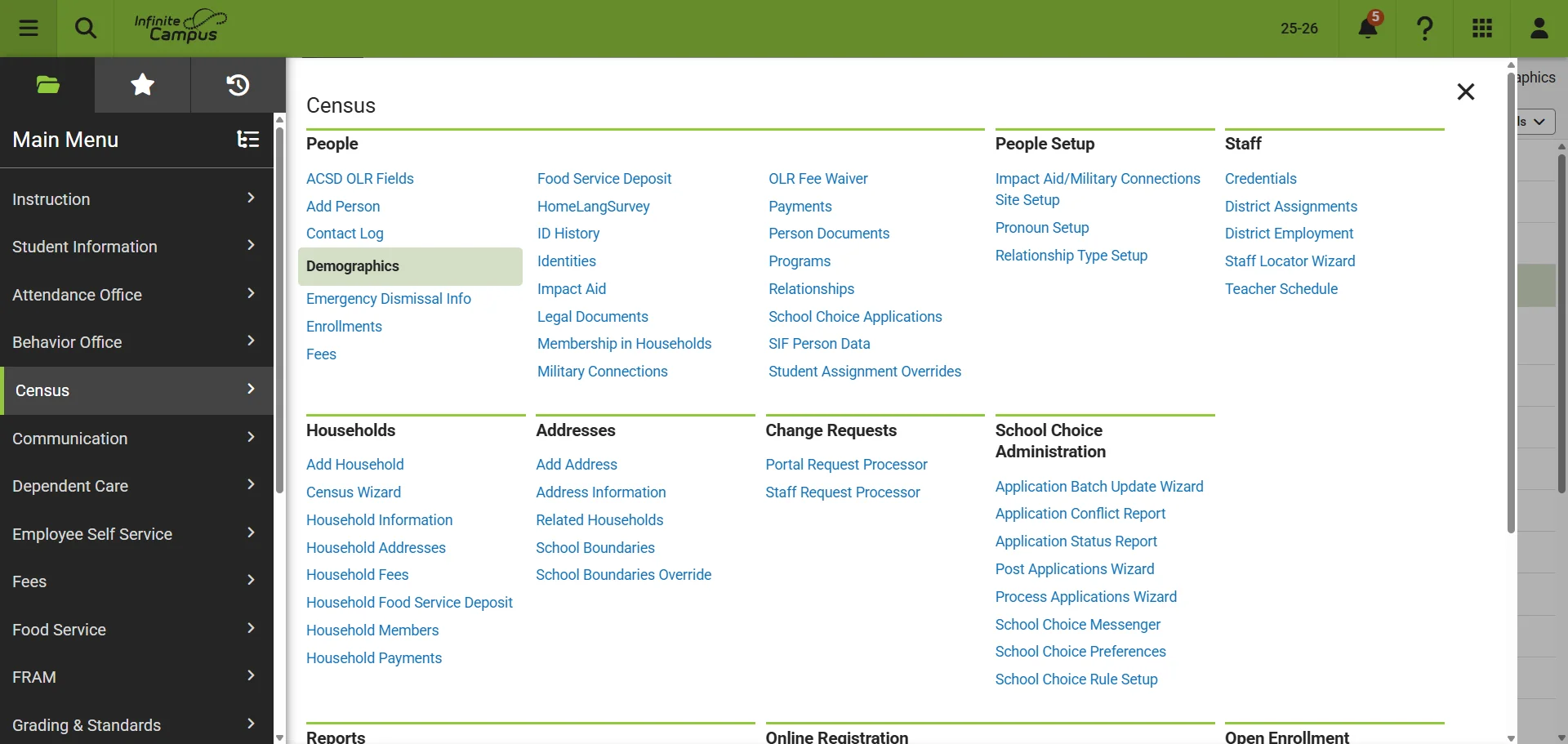
Navigate to "Census"
5
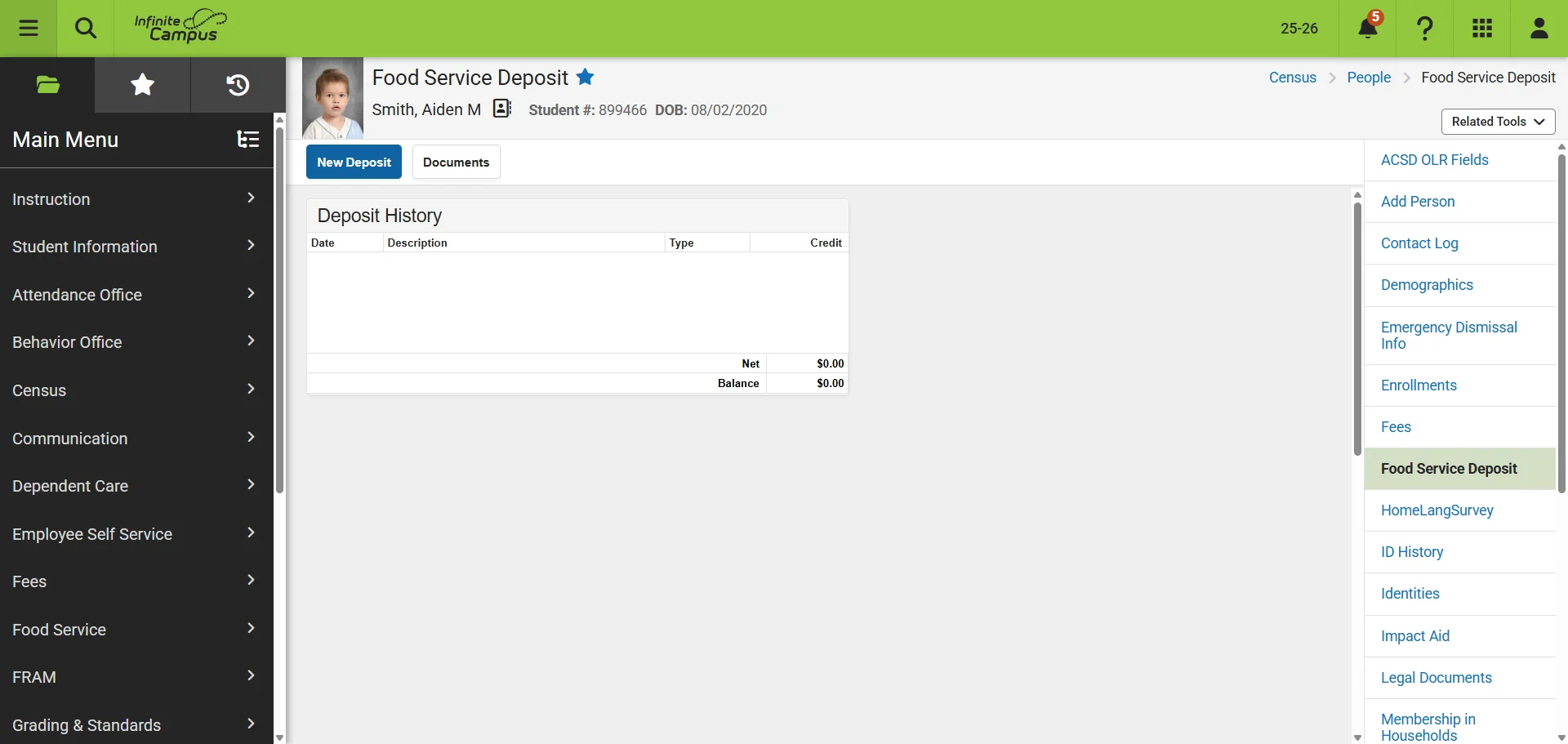
Click on 'Food Service Deposit'
6
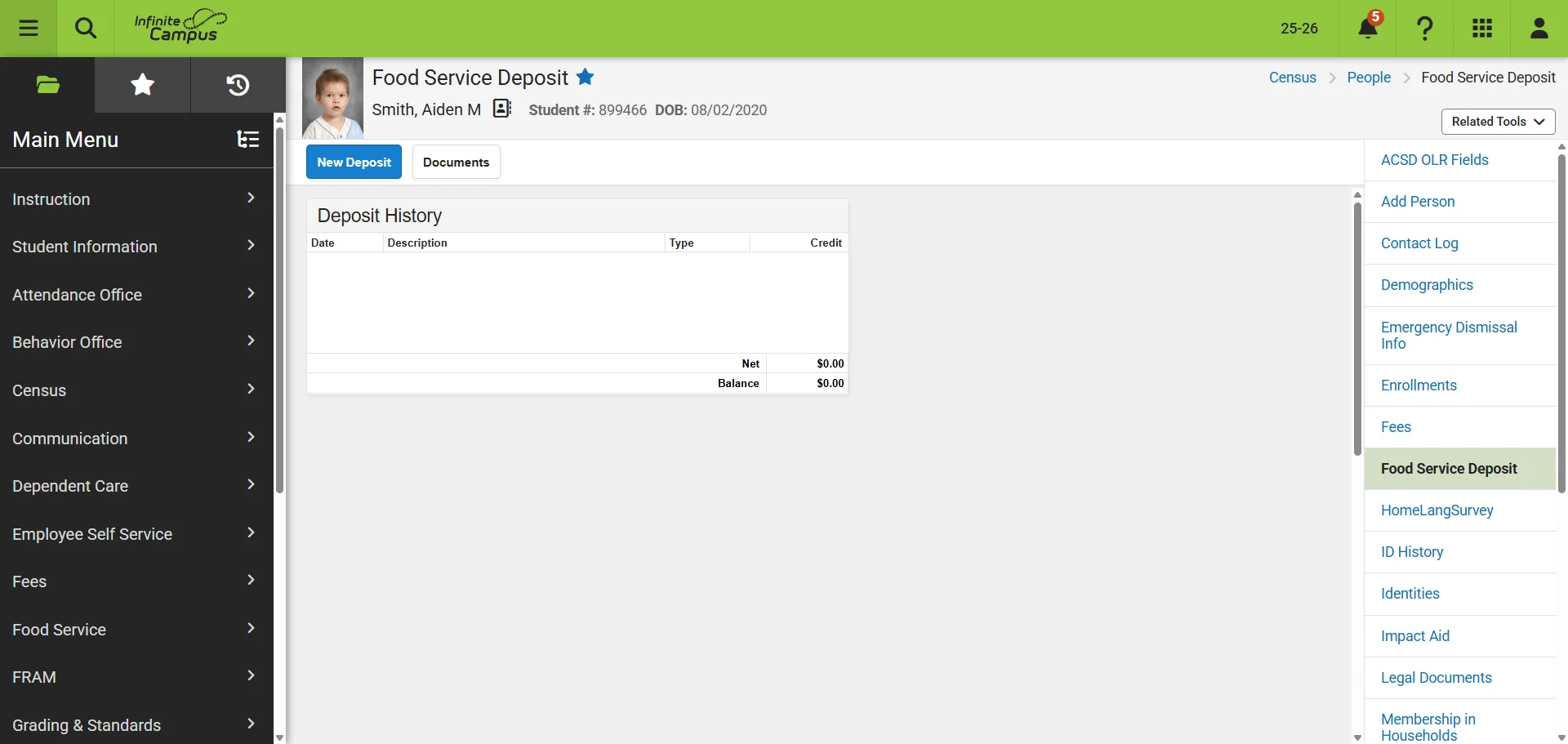
Click on 'New Deposit'
7
Fill in the required information: 'Date', 'Amount', 'Cash or Check and Check Number', 'Payment Location'. Click 'Save'