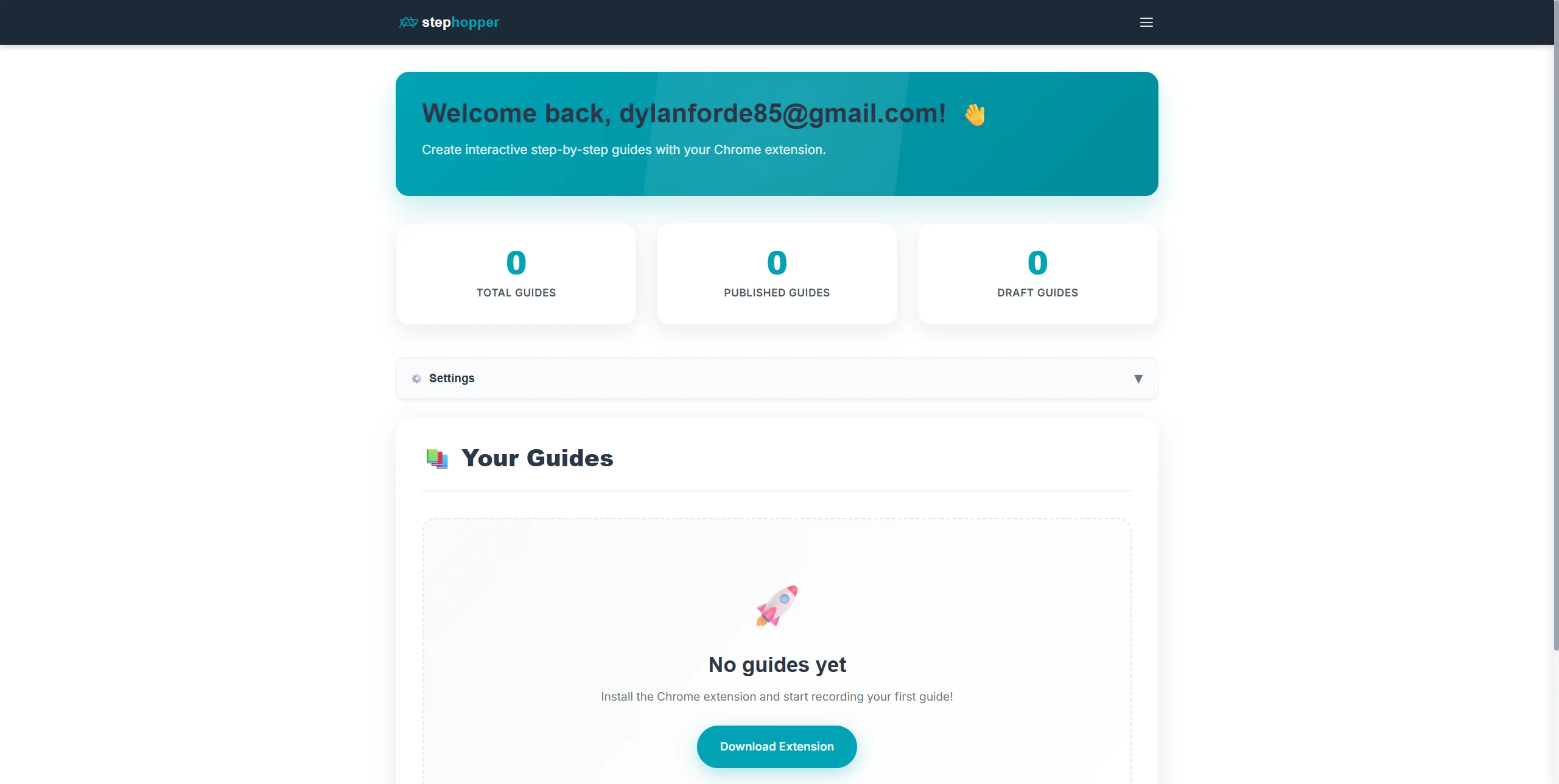
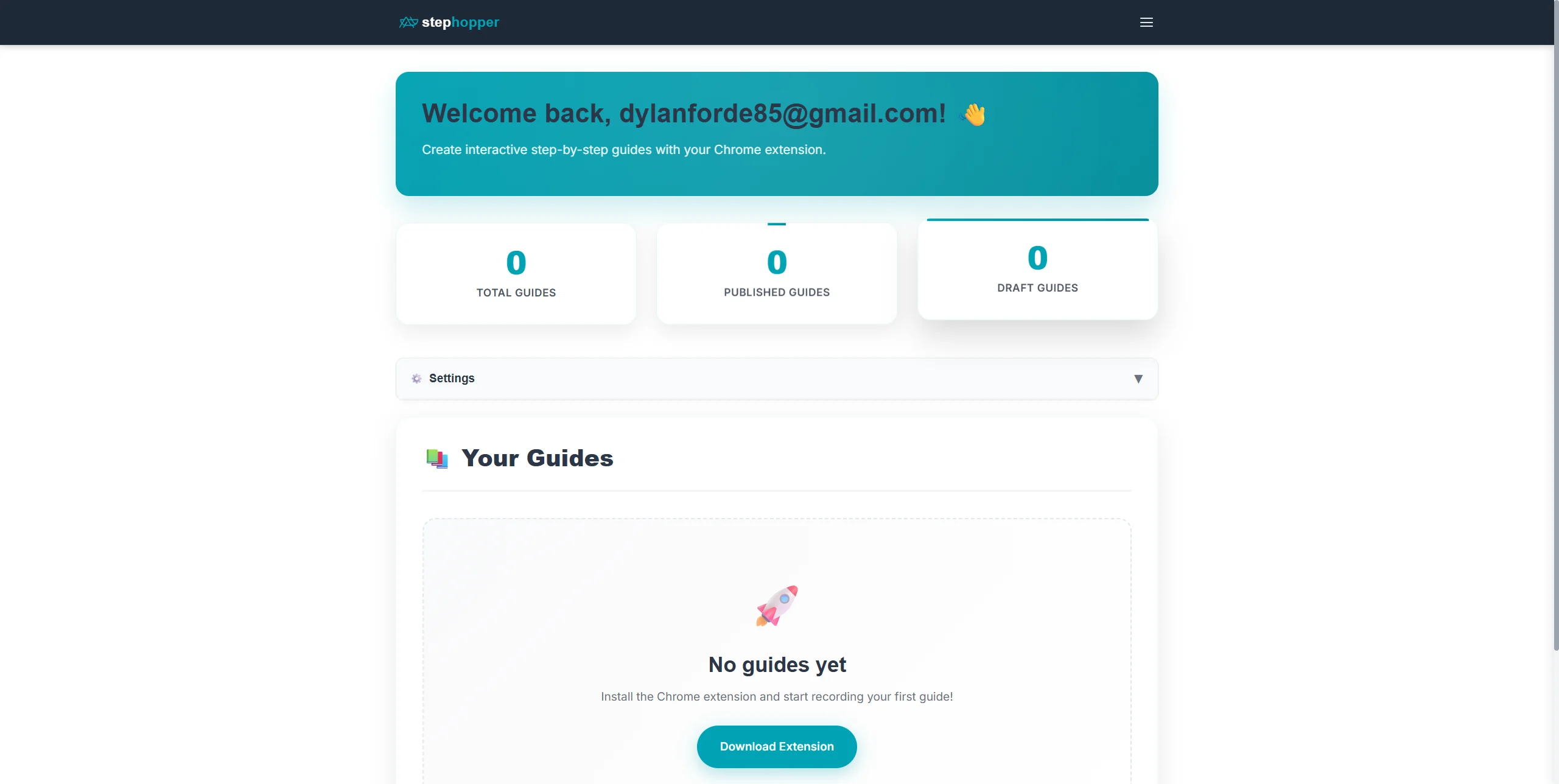
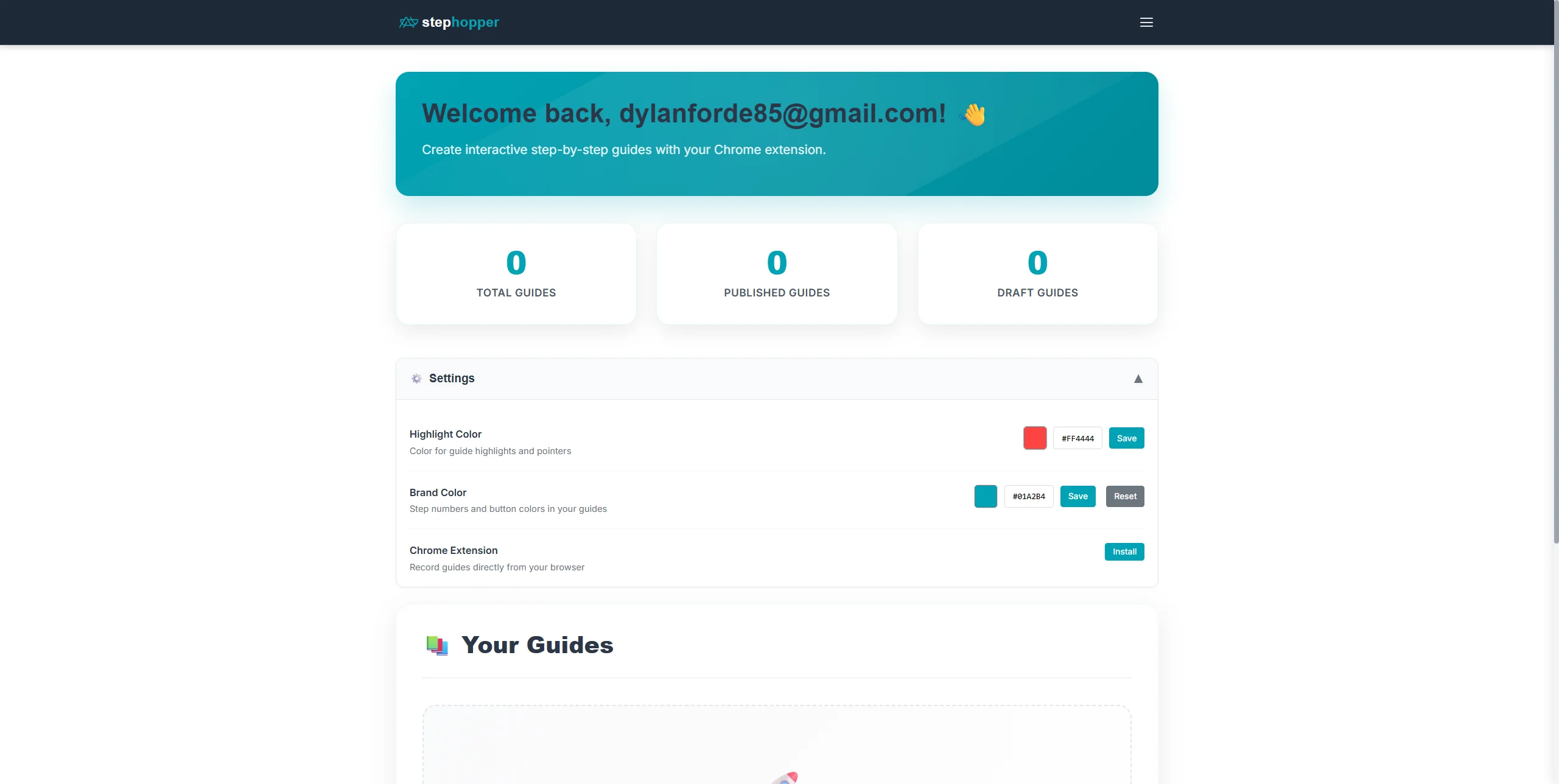
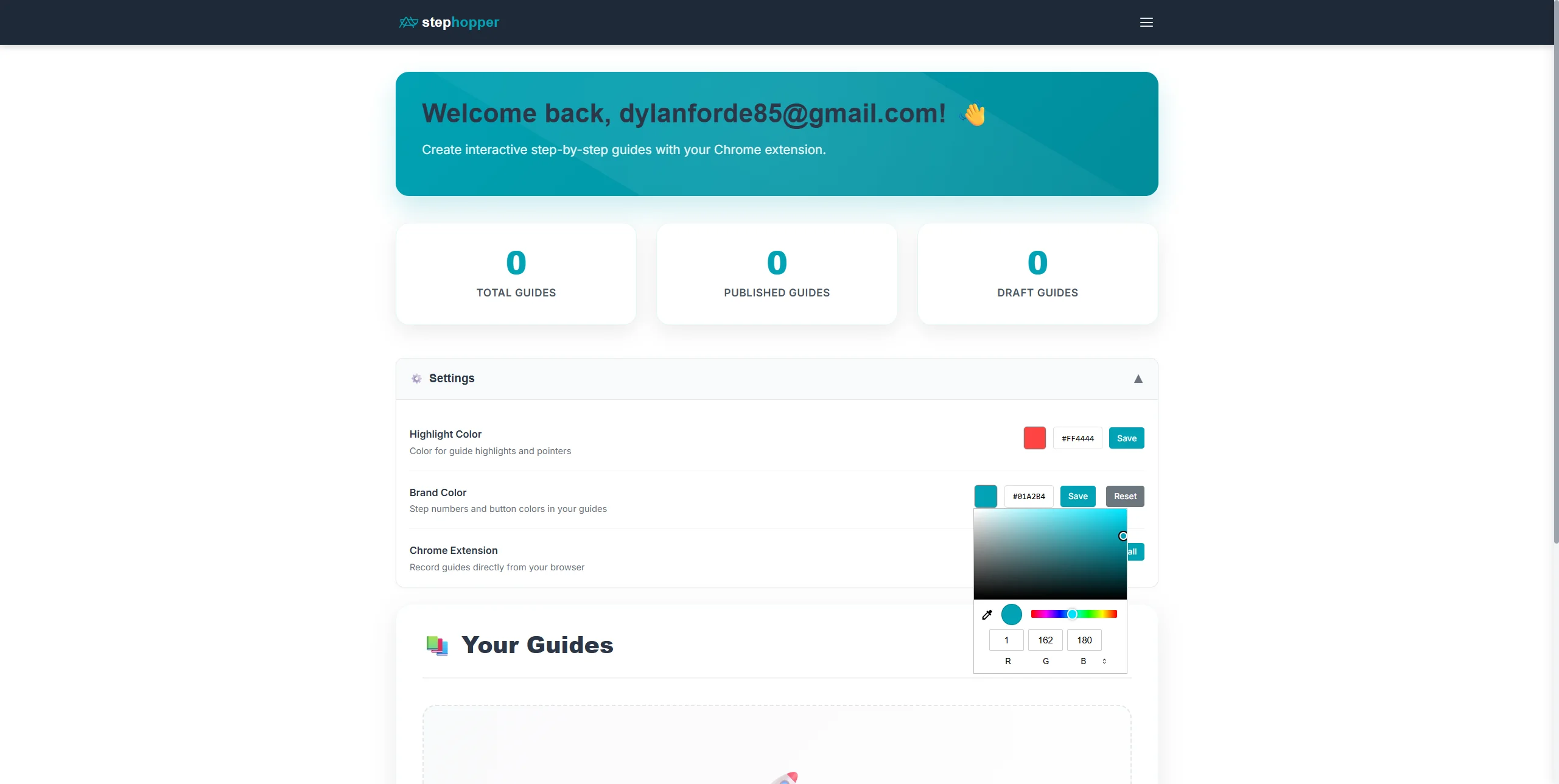
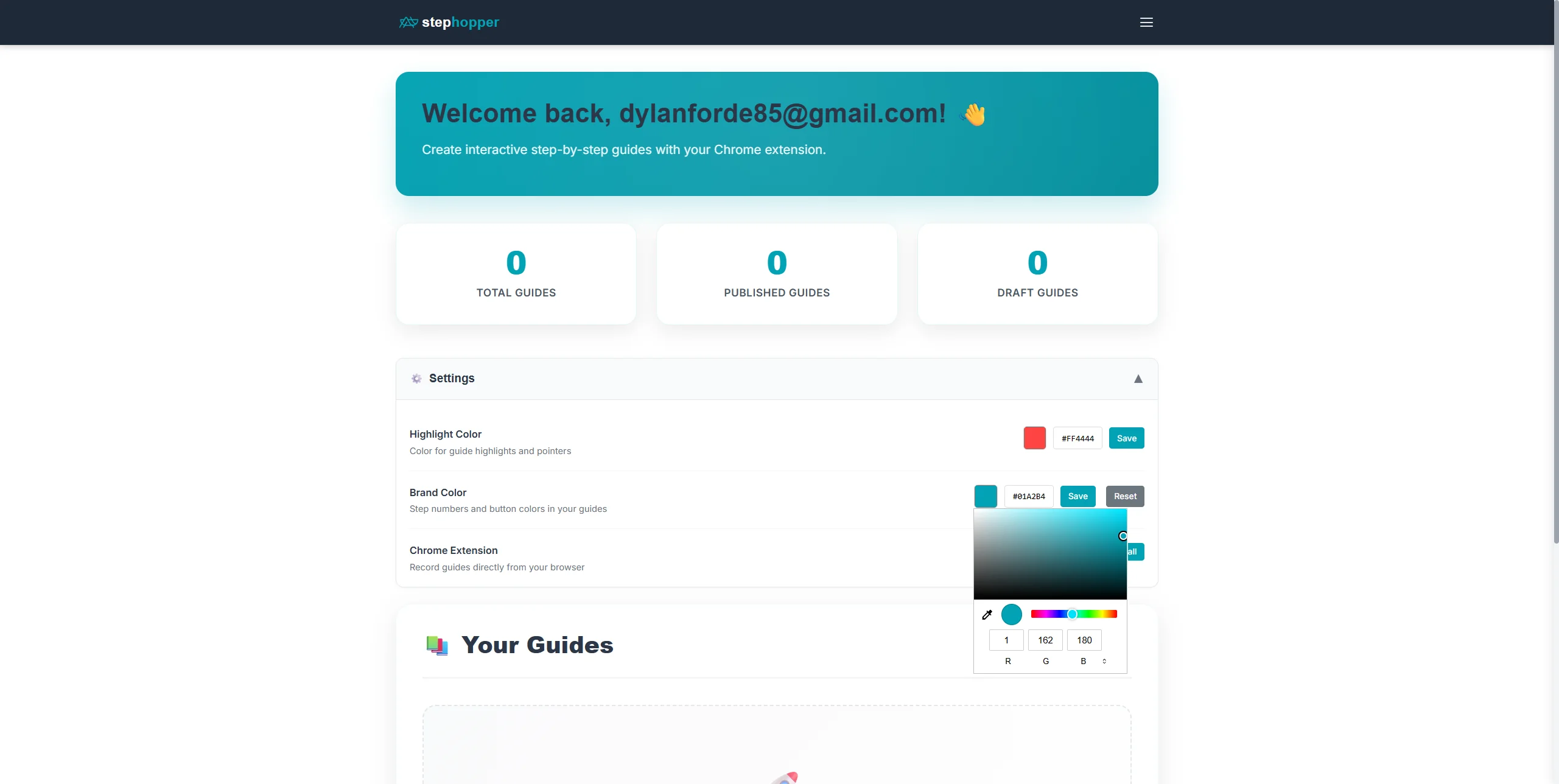
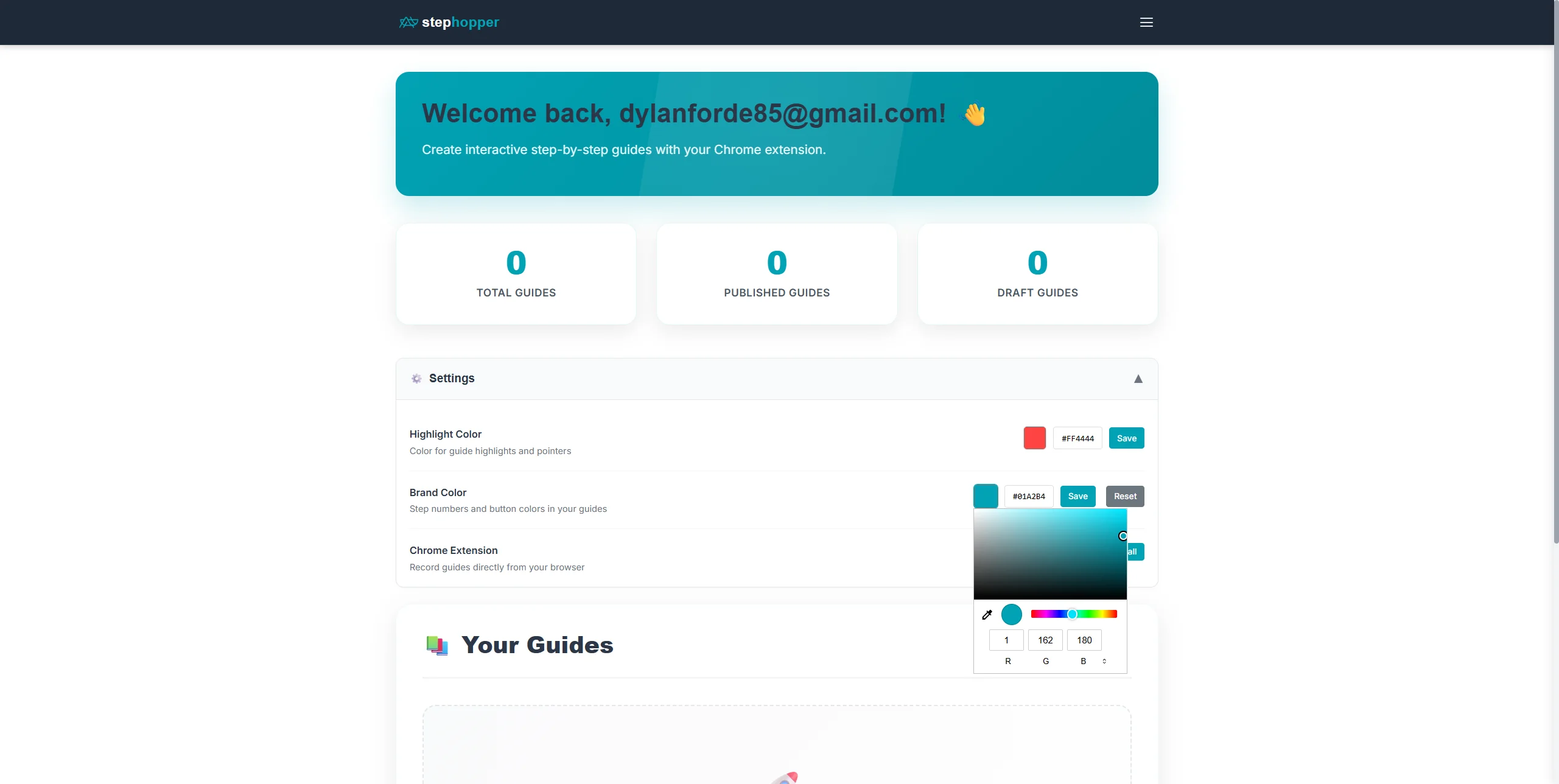
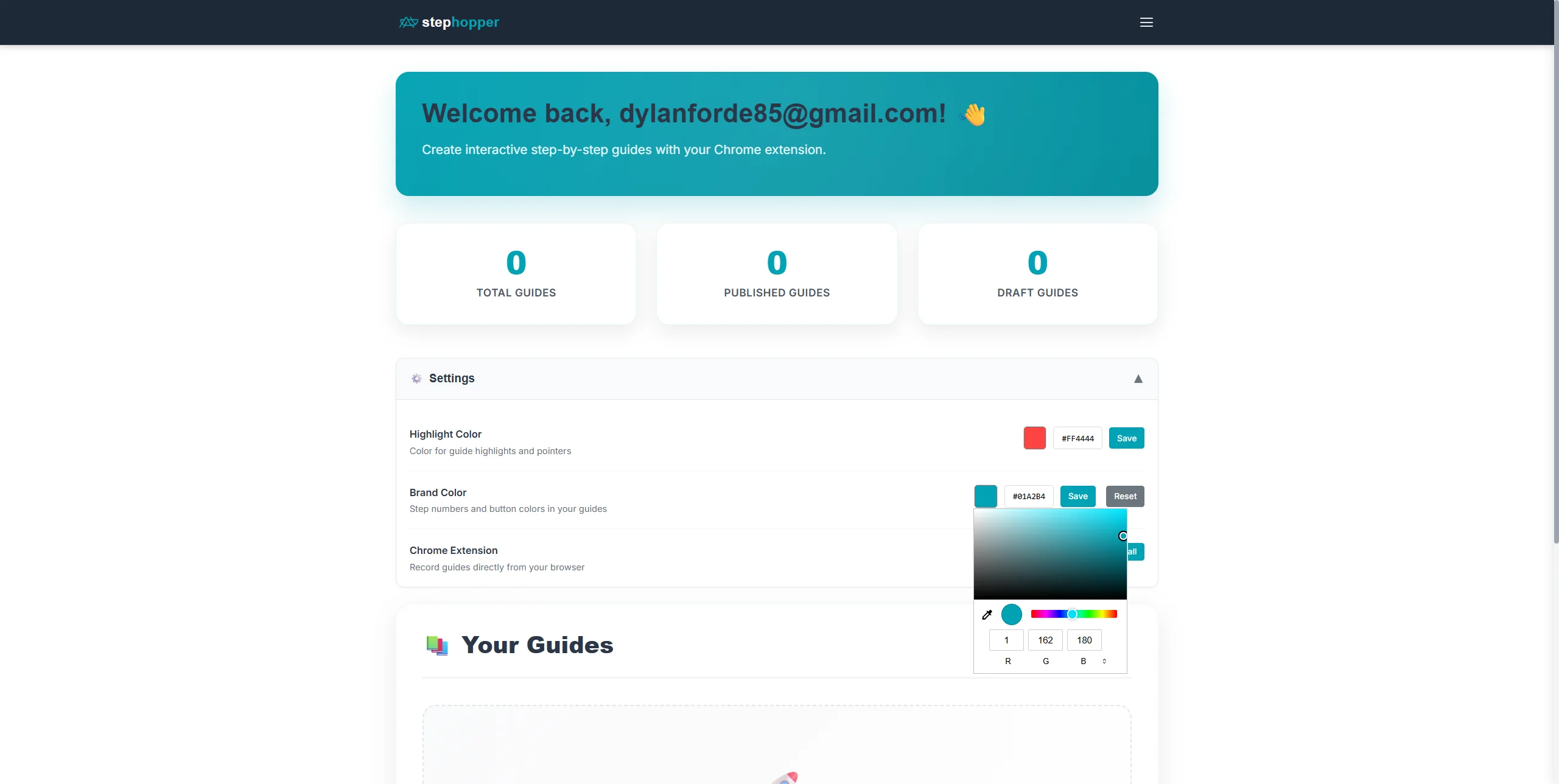
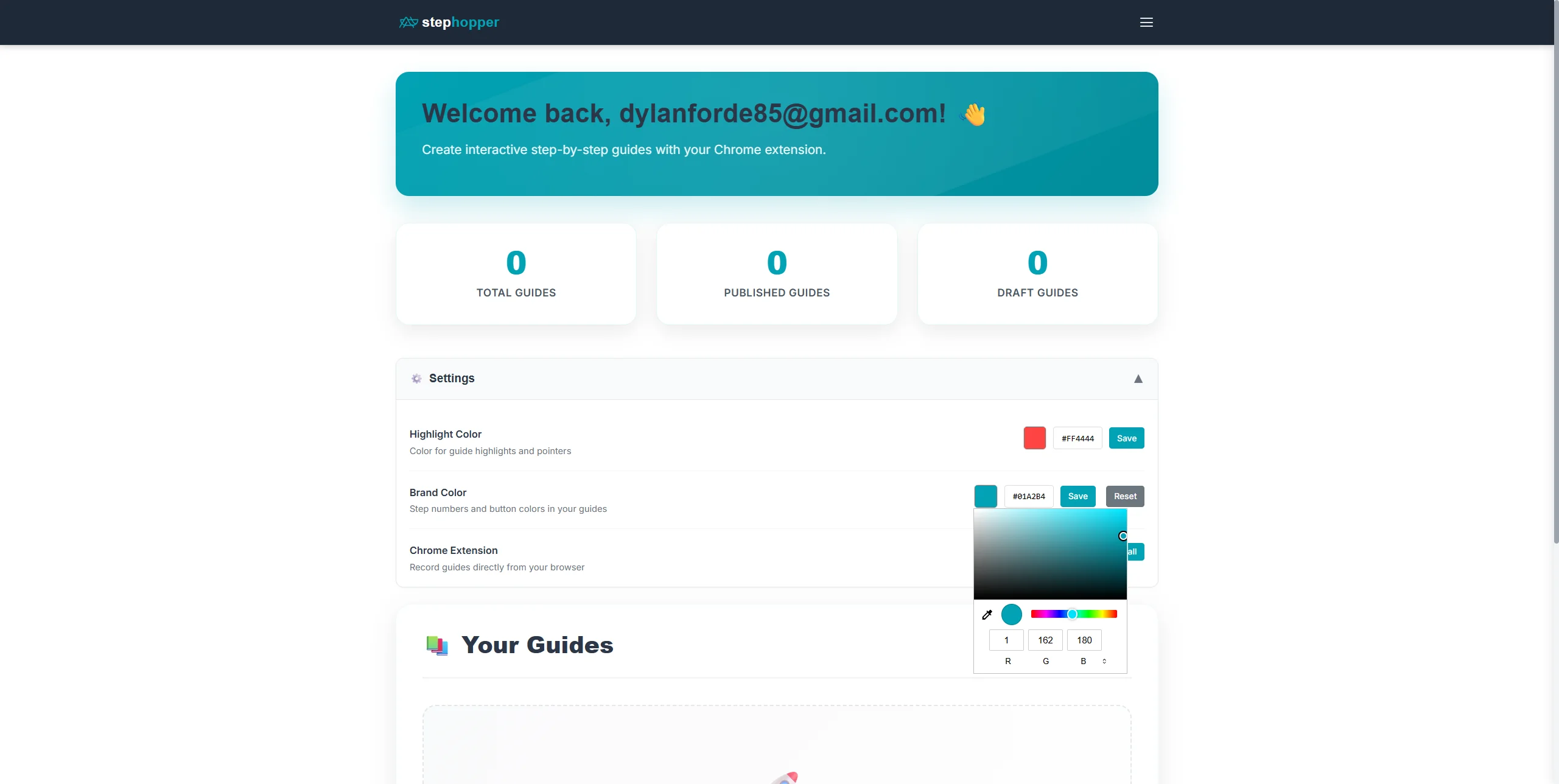
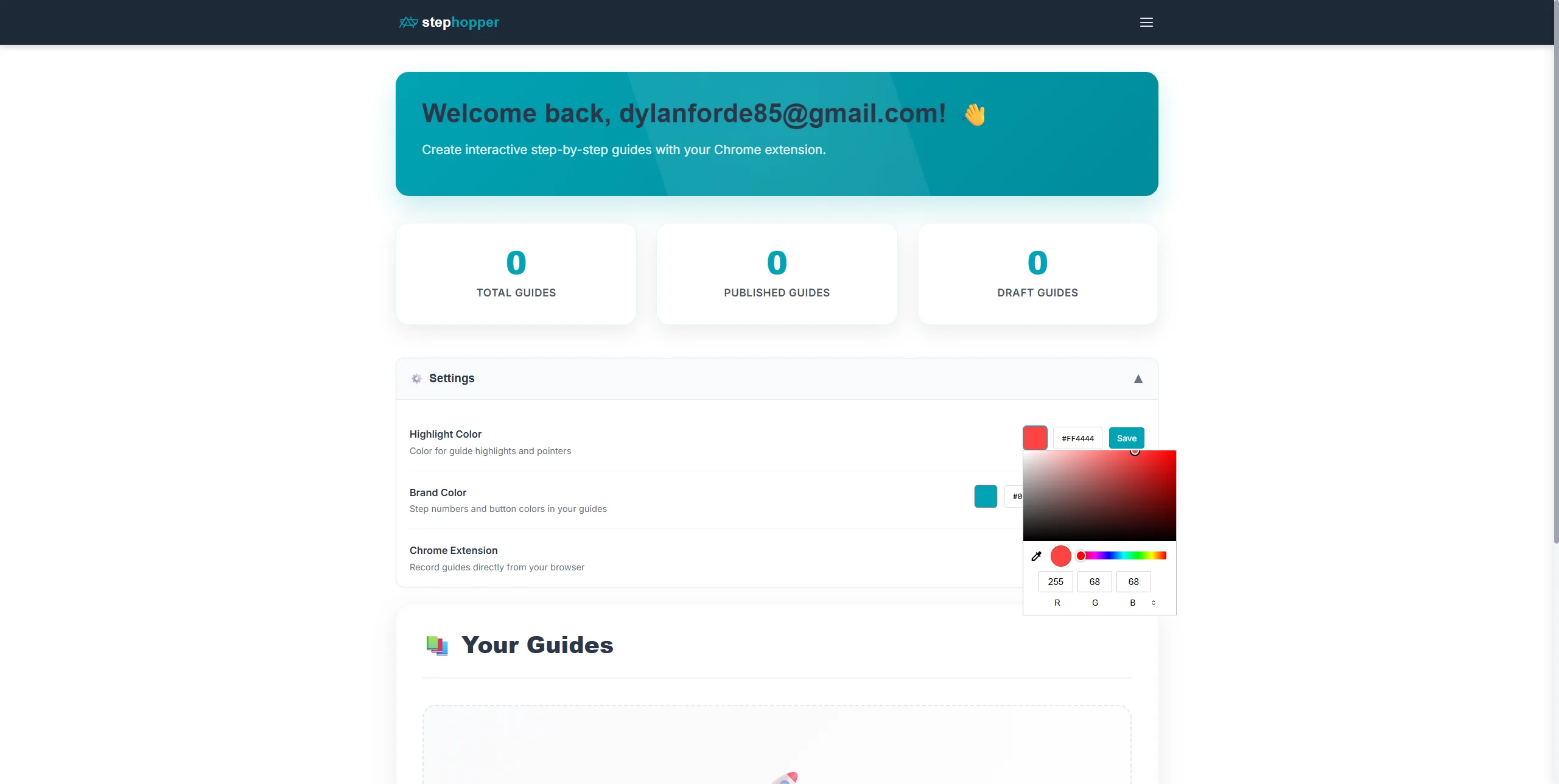
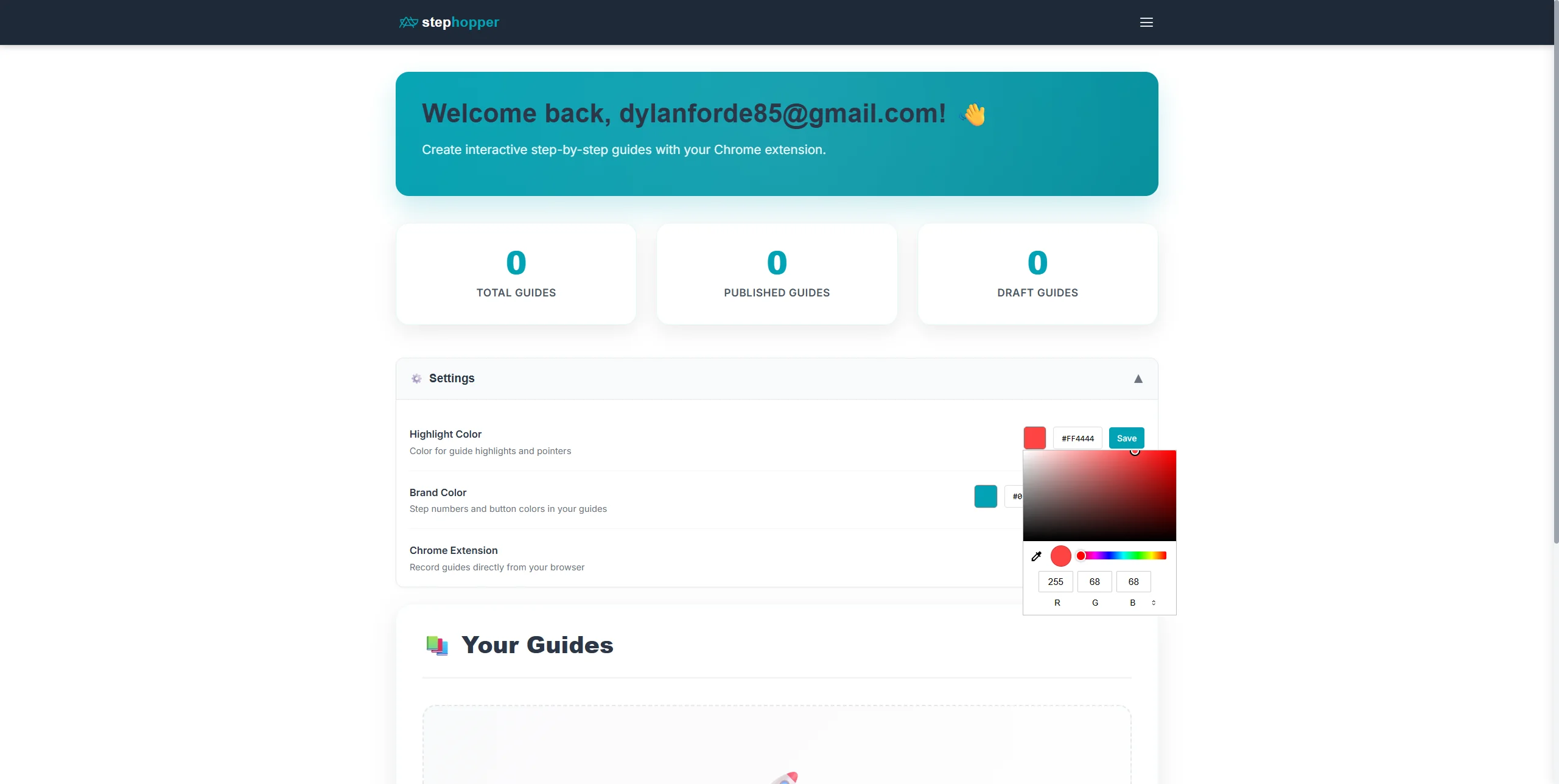
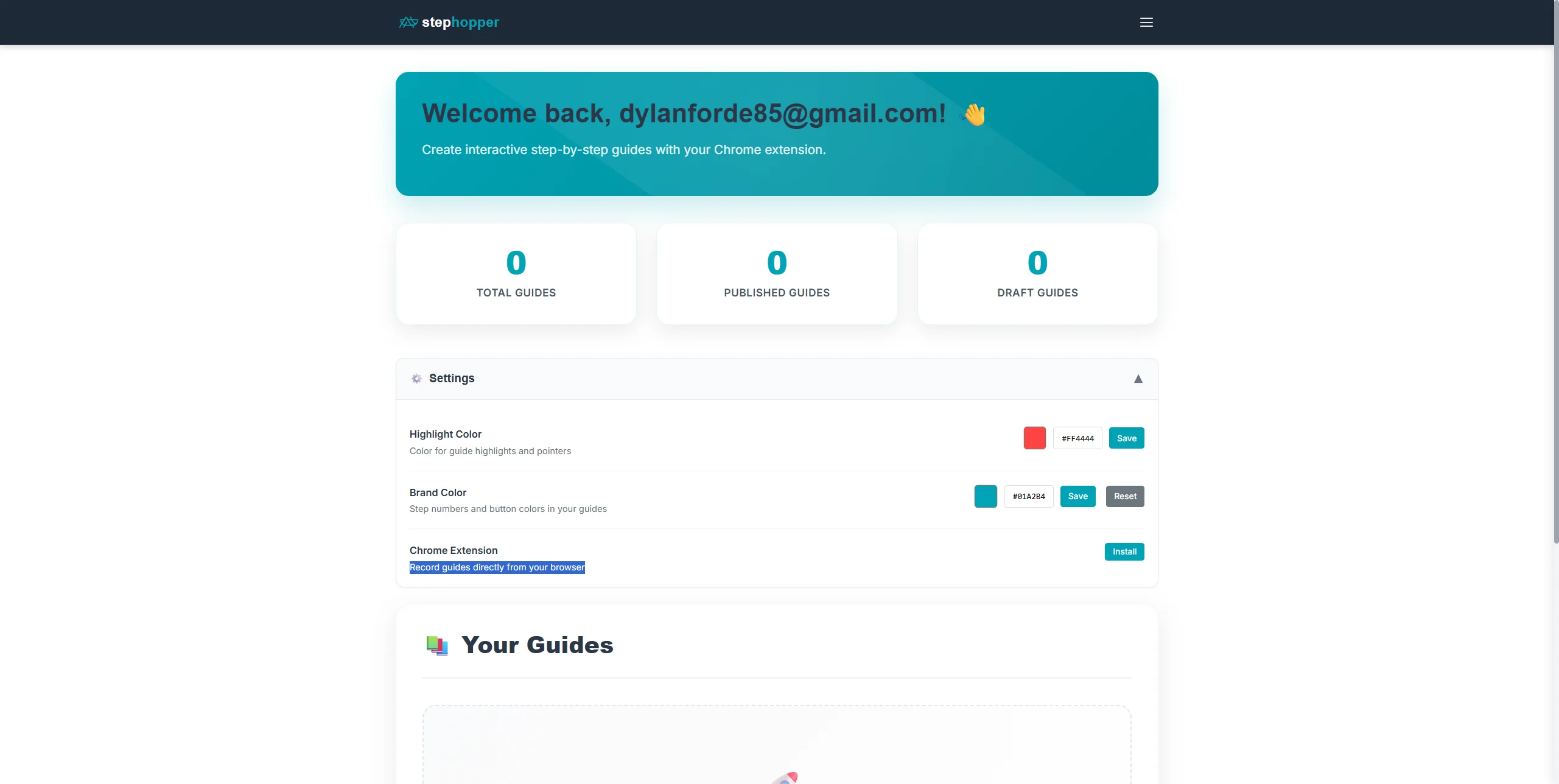
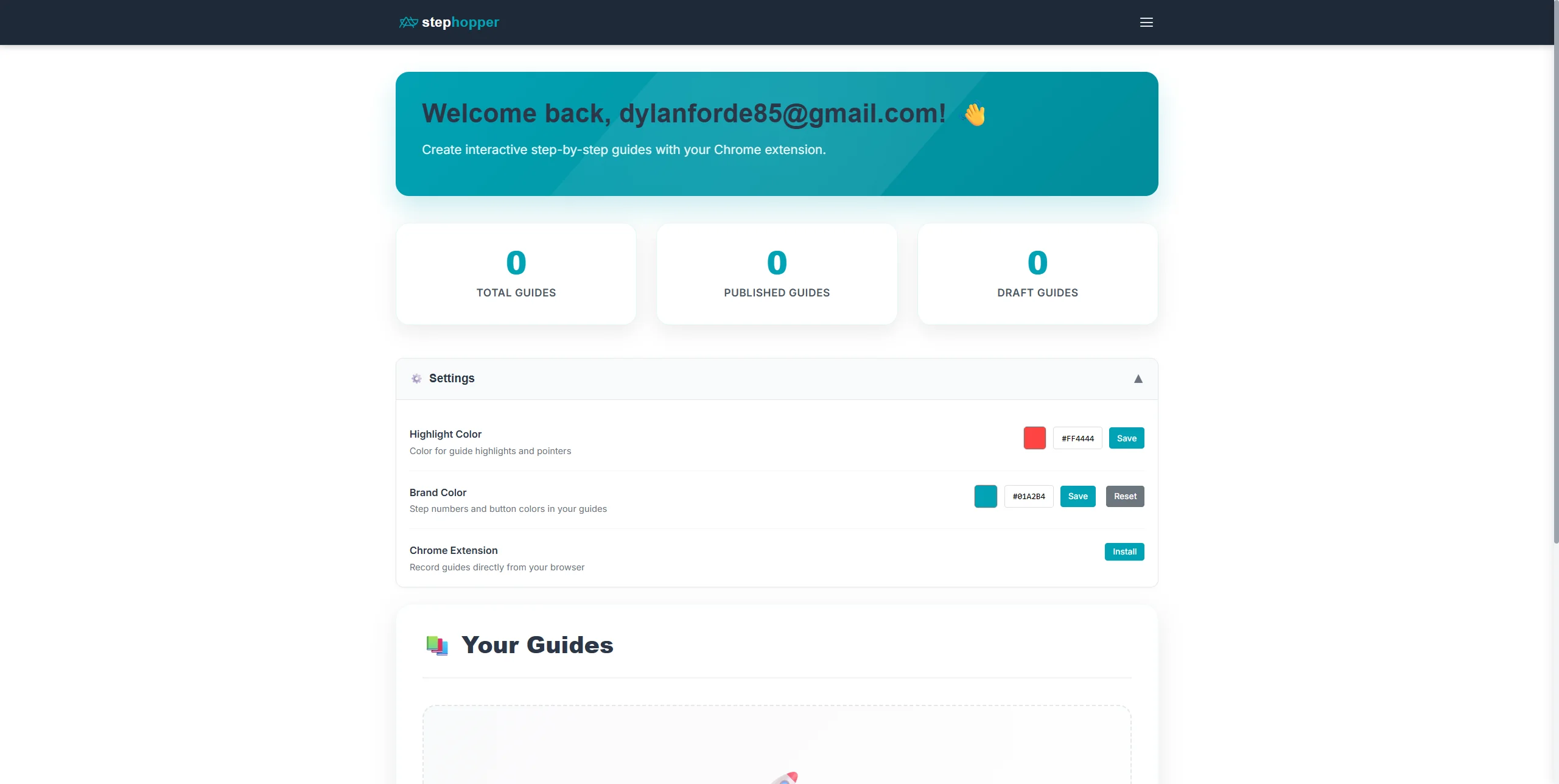
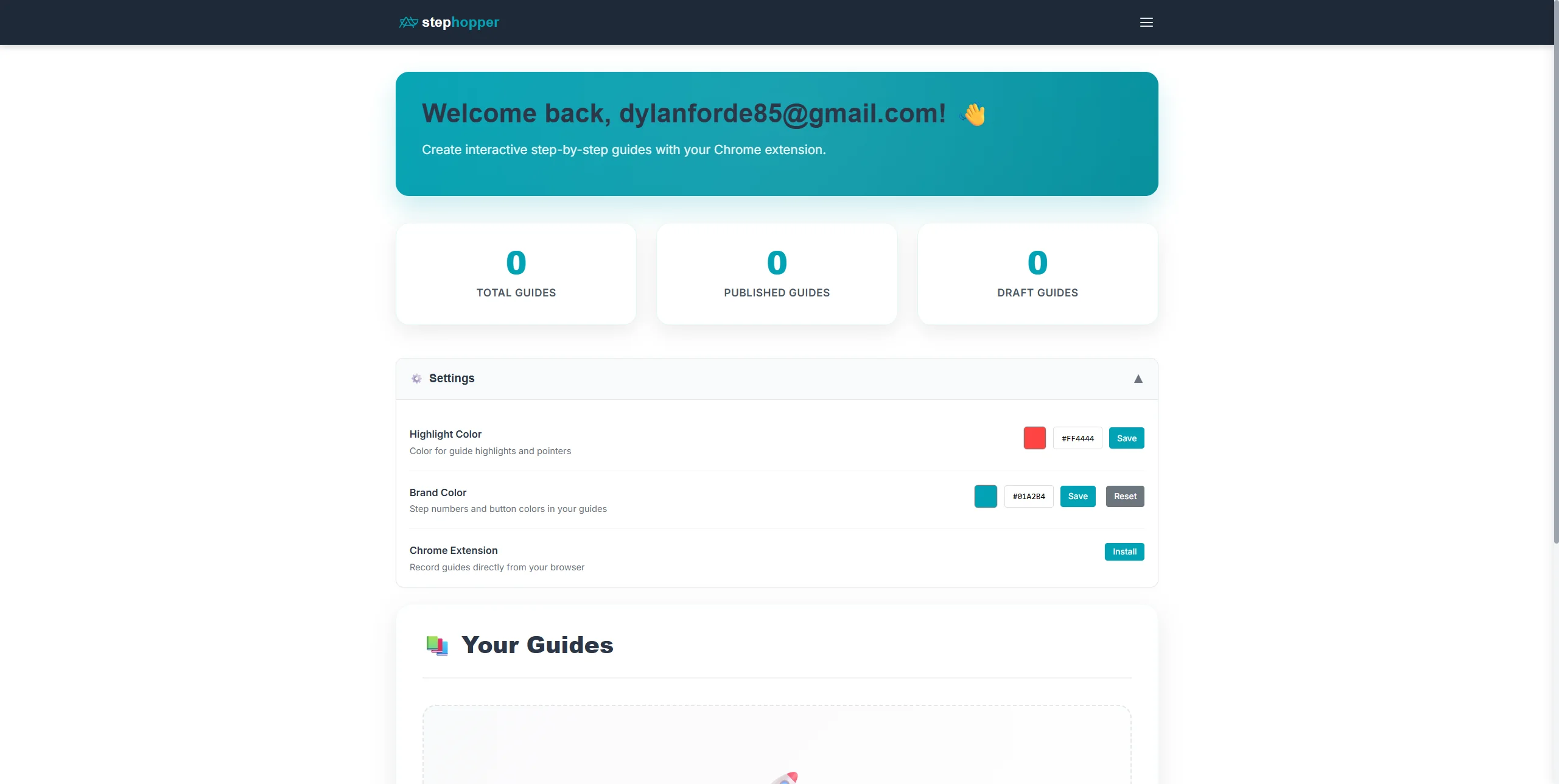
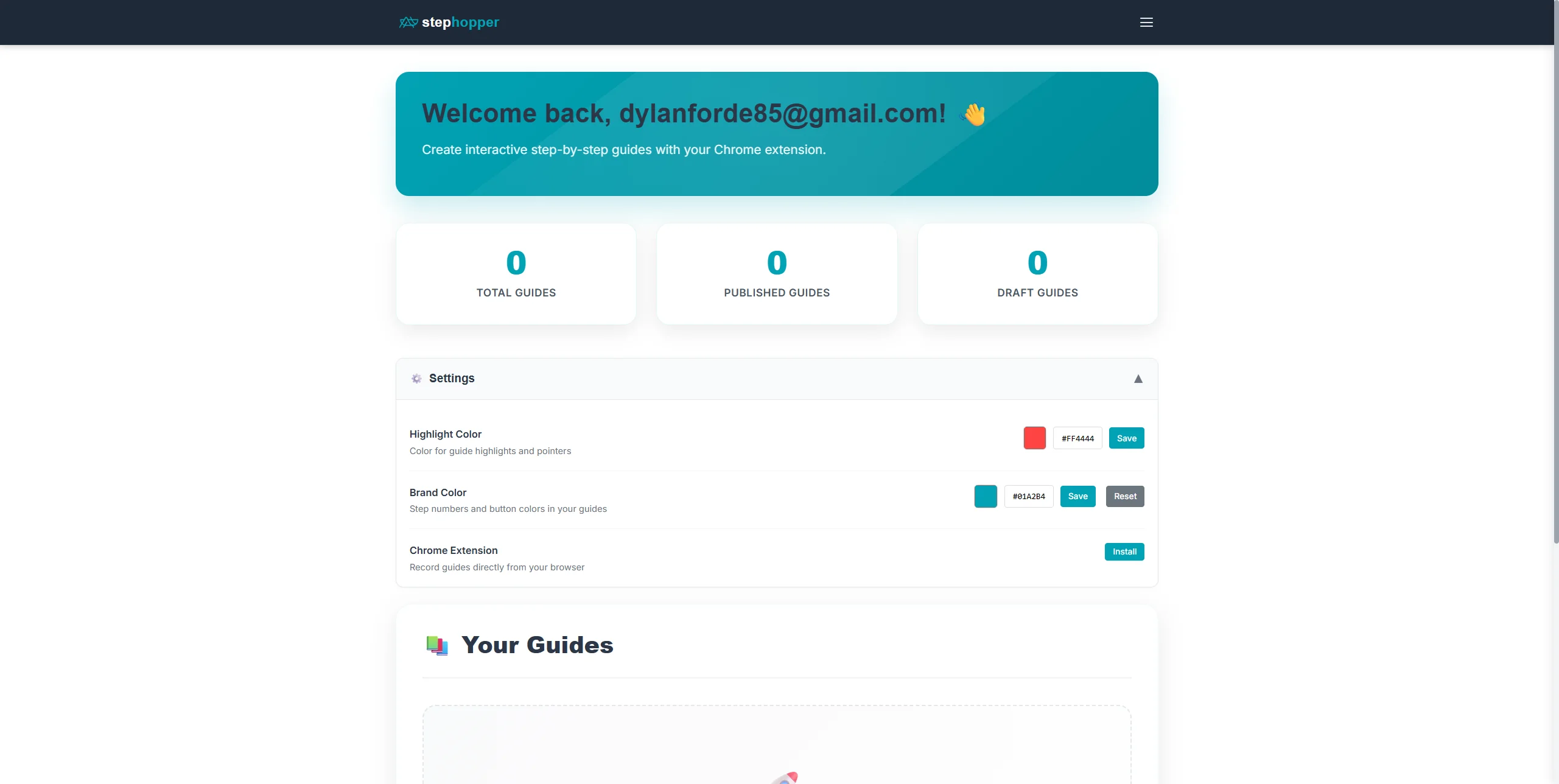
This guide will teach you how to navigate the settings to update your brand color by clicking on 'Publish', accessing 'Settings', and selecting 'Brand Color'. Step 1: Starting point - initial view of the page. Step 2: Click on '0 Published Guides'. Step 3: Click on 'Settings ▼'. Step 4: Click on input. Step 5: Click on input. Step 6: Click on input. Step 7: Click on input. Step 8: Click on input. Step 9: Click on 'Brand Color '. Step 10: Click on input. Step 11: Click on input. Step 12: Click on 'Chrome Extension '. Step 13: Click on 'Chrome Extension '. Step 14: Click on 'stephopper'.