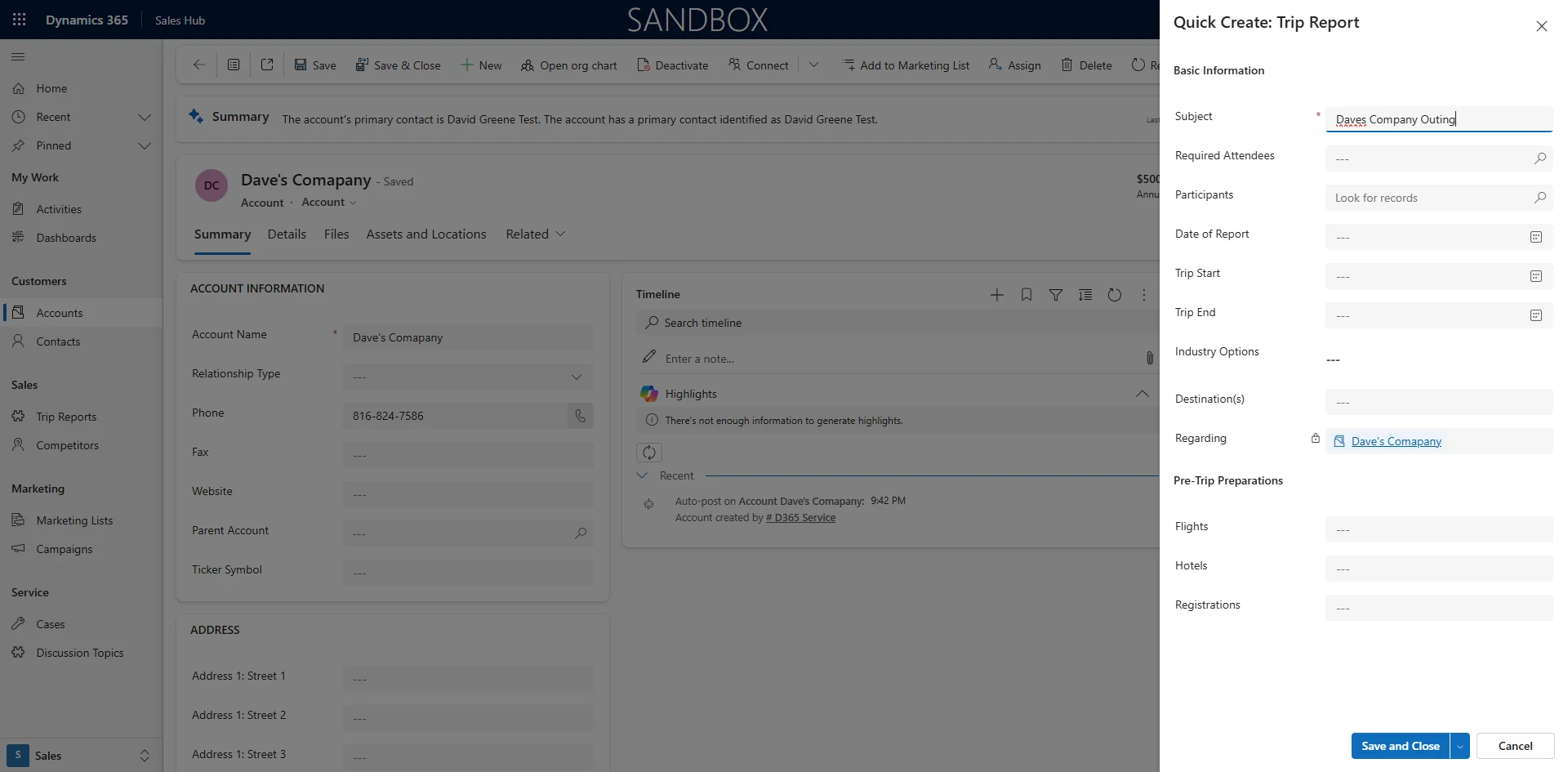
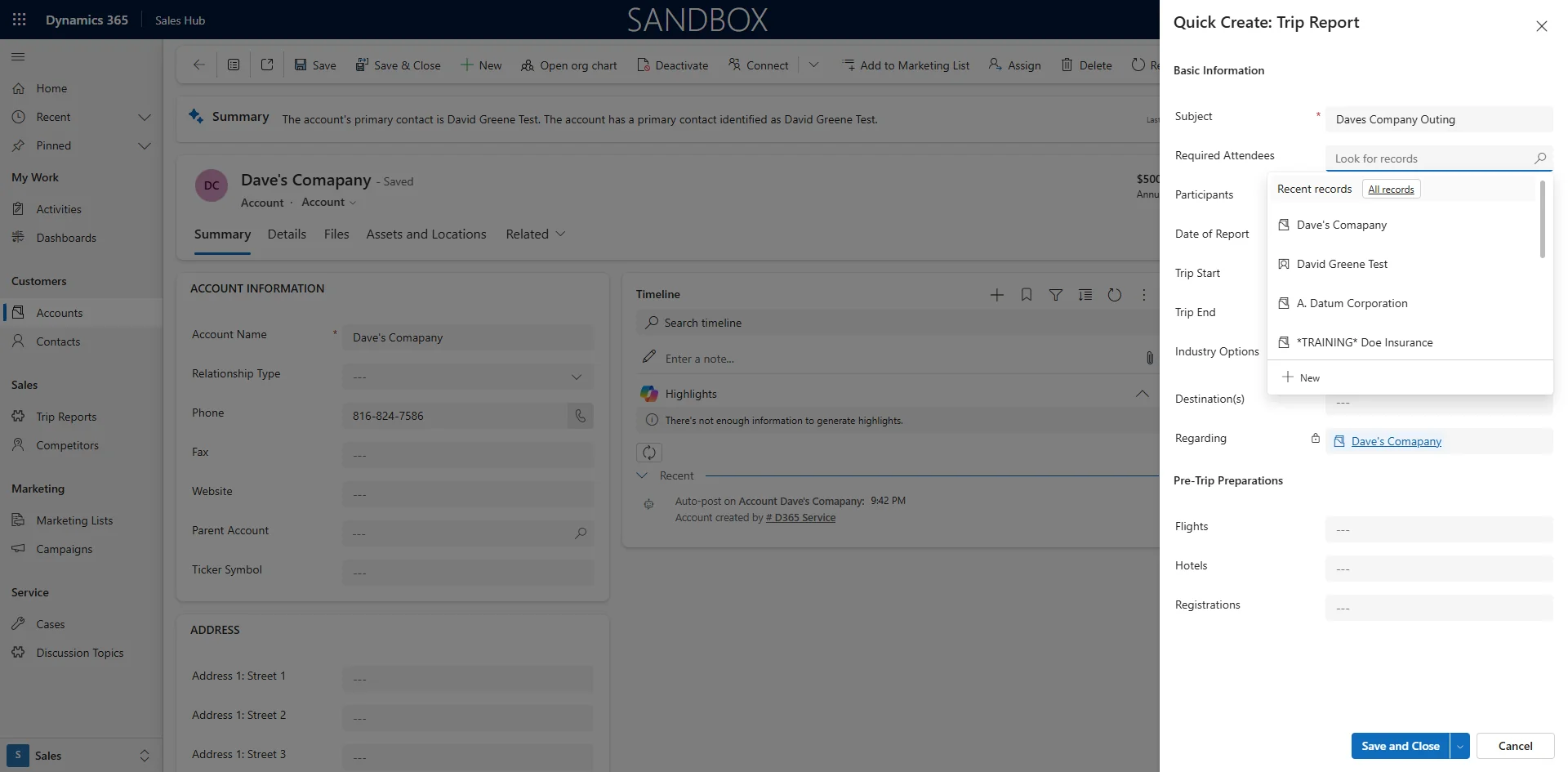
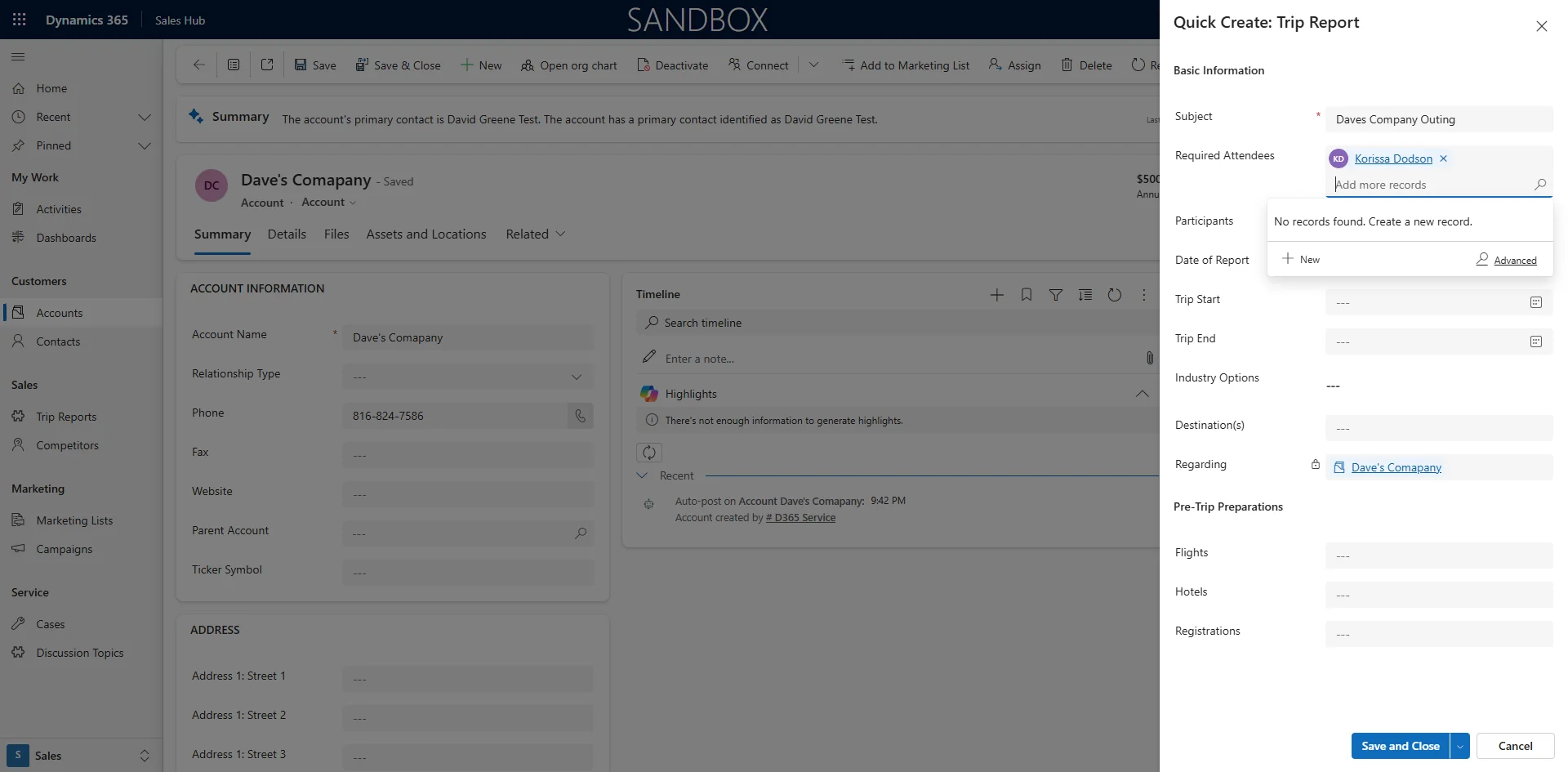
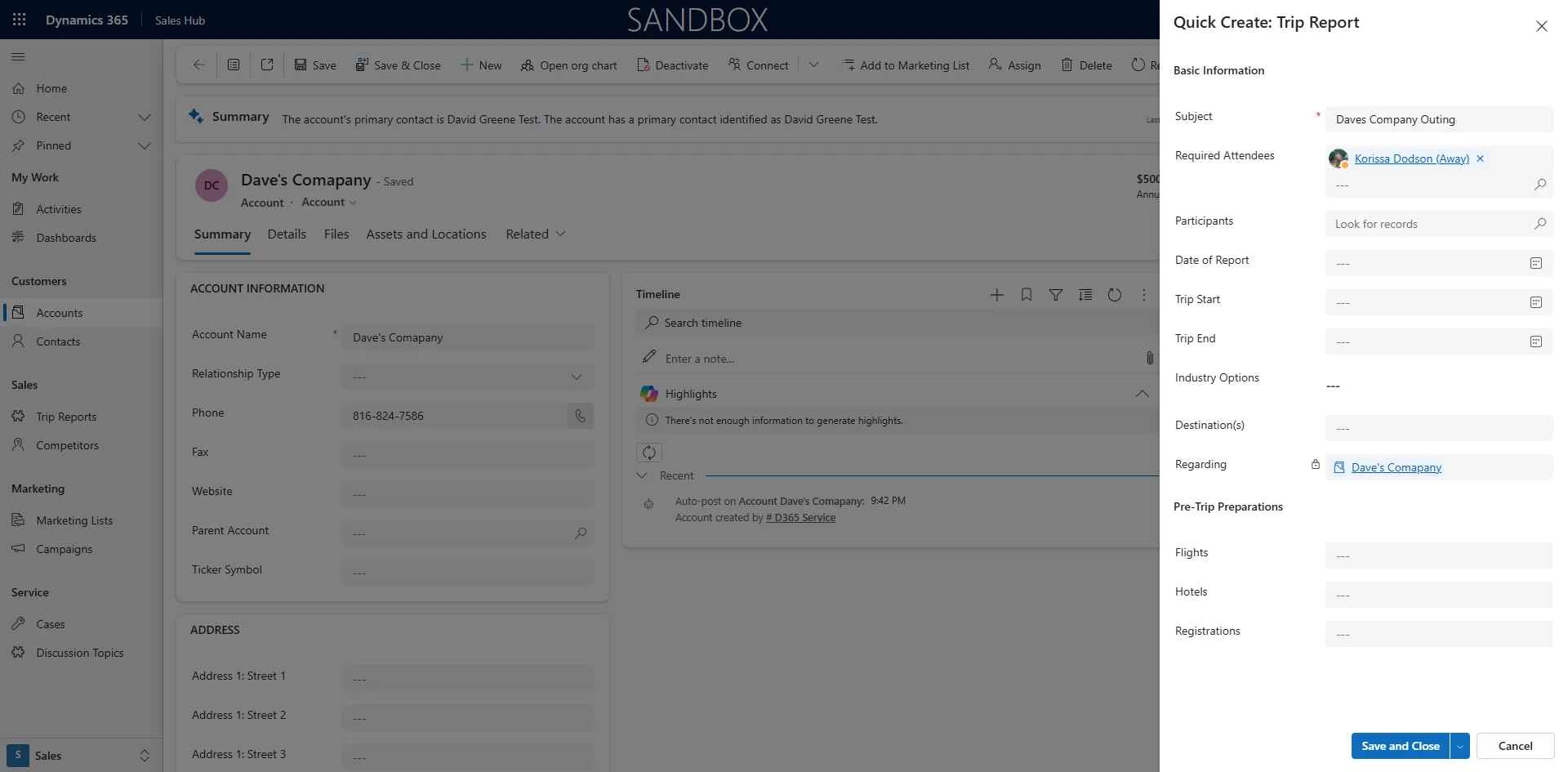
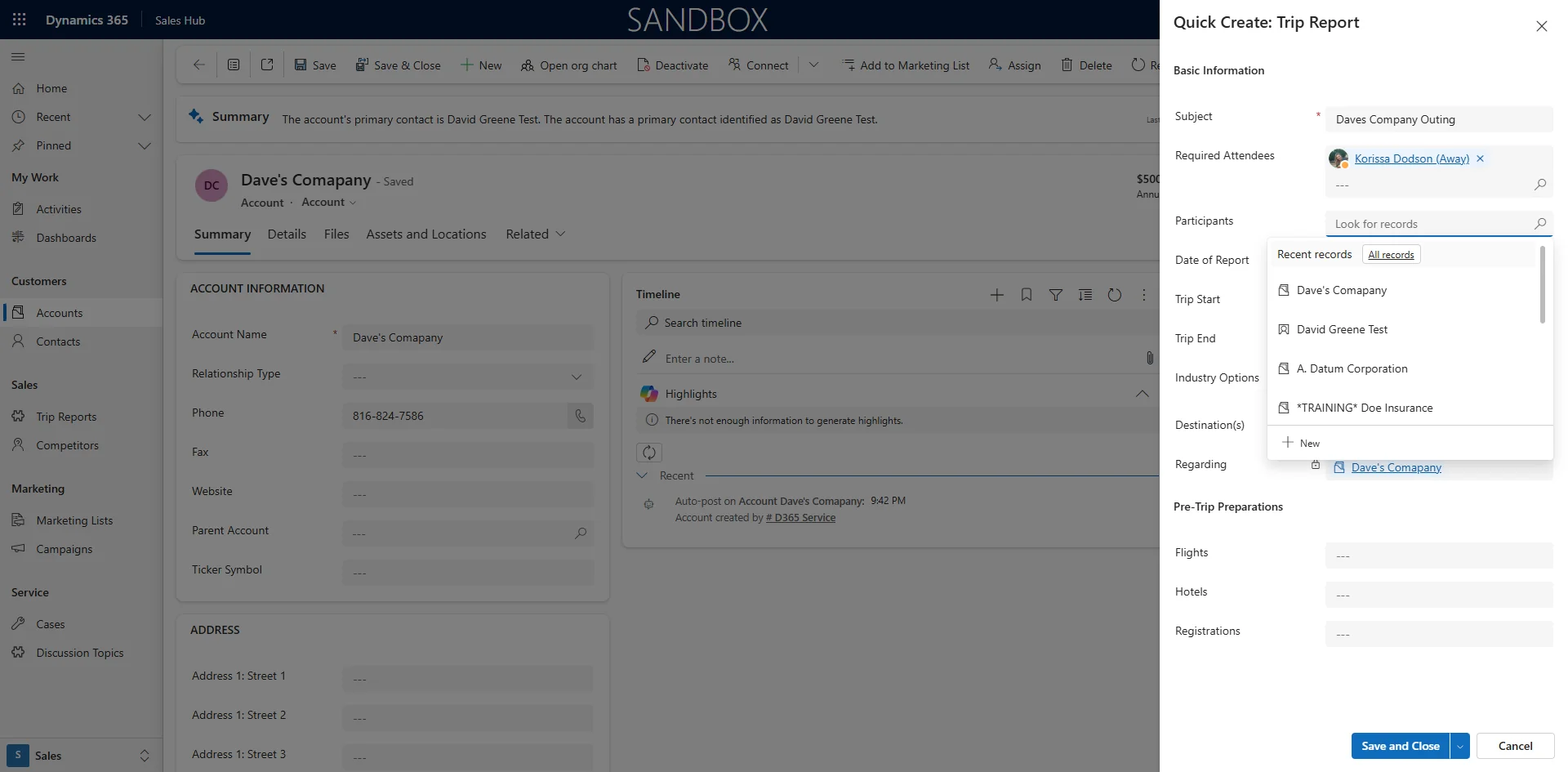
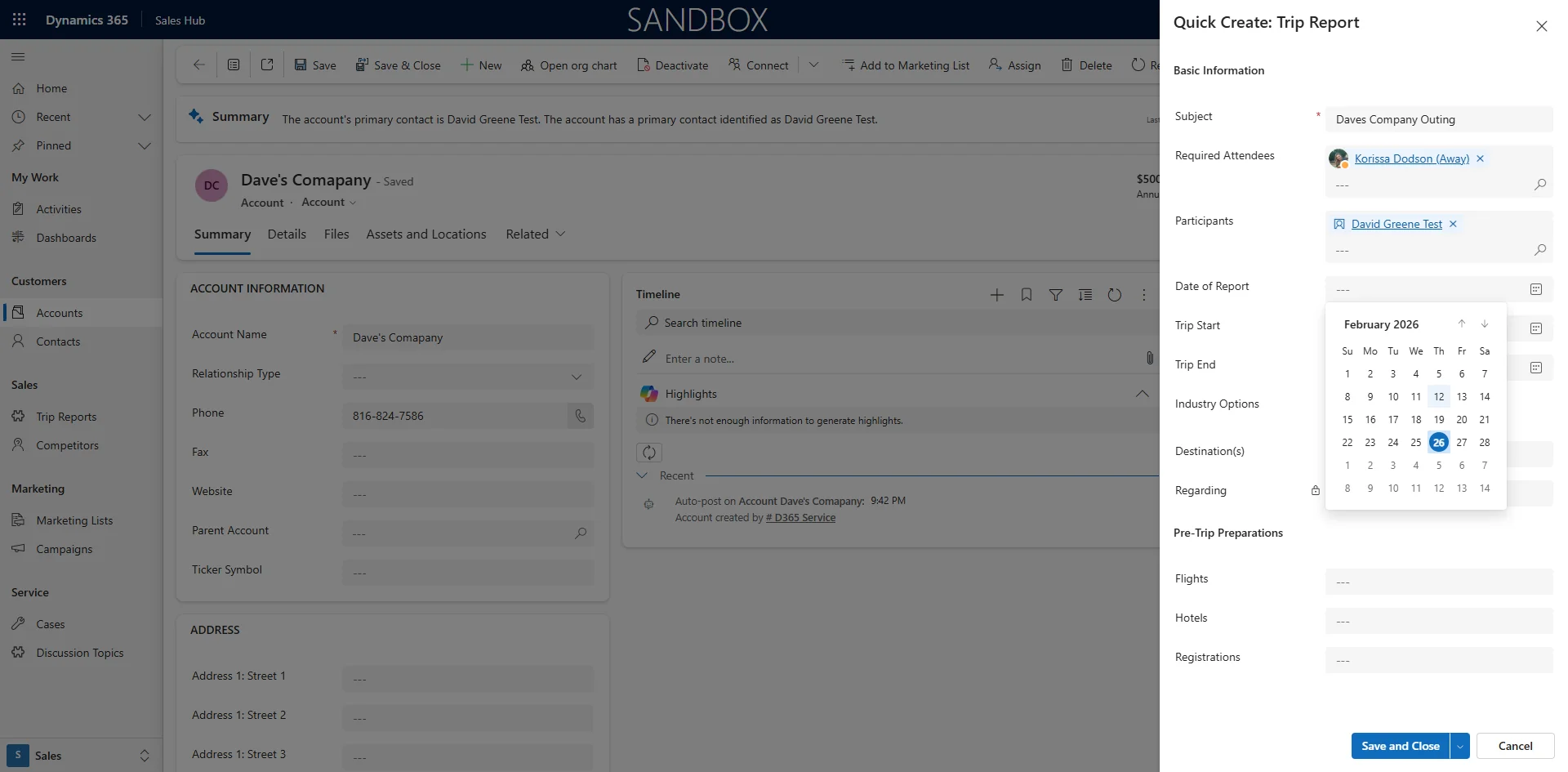
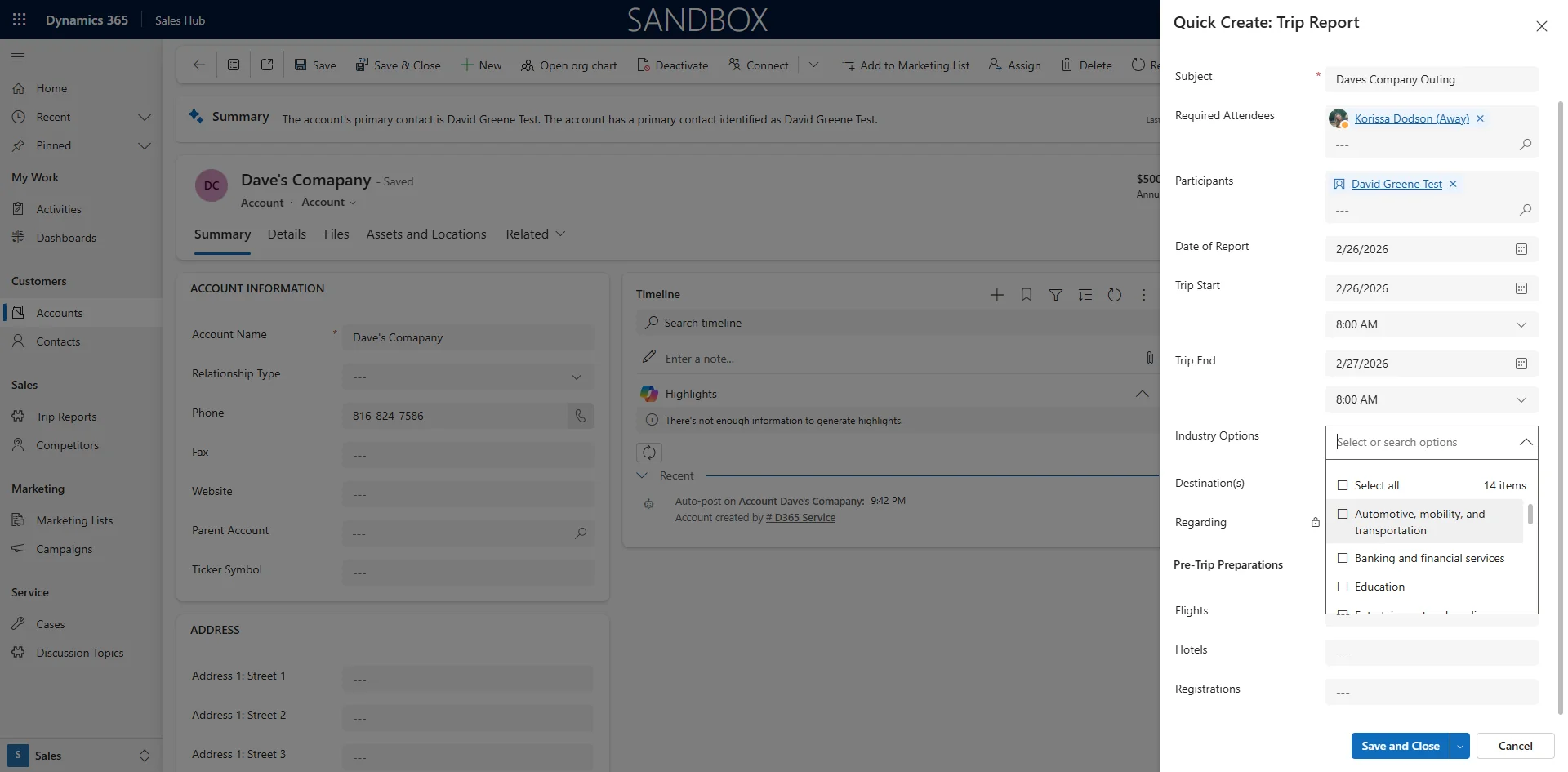
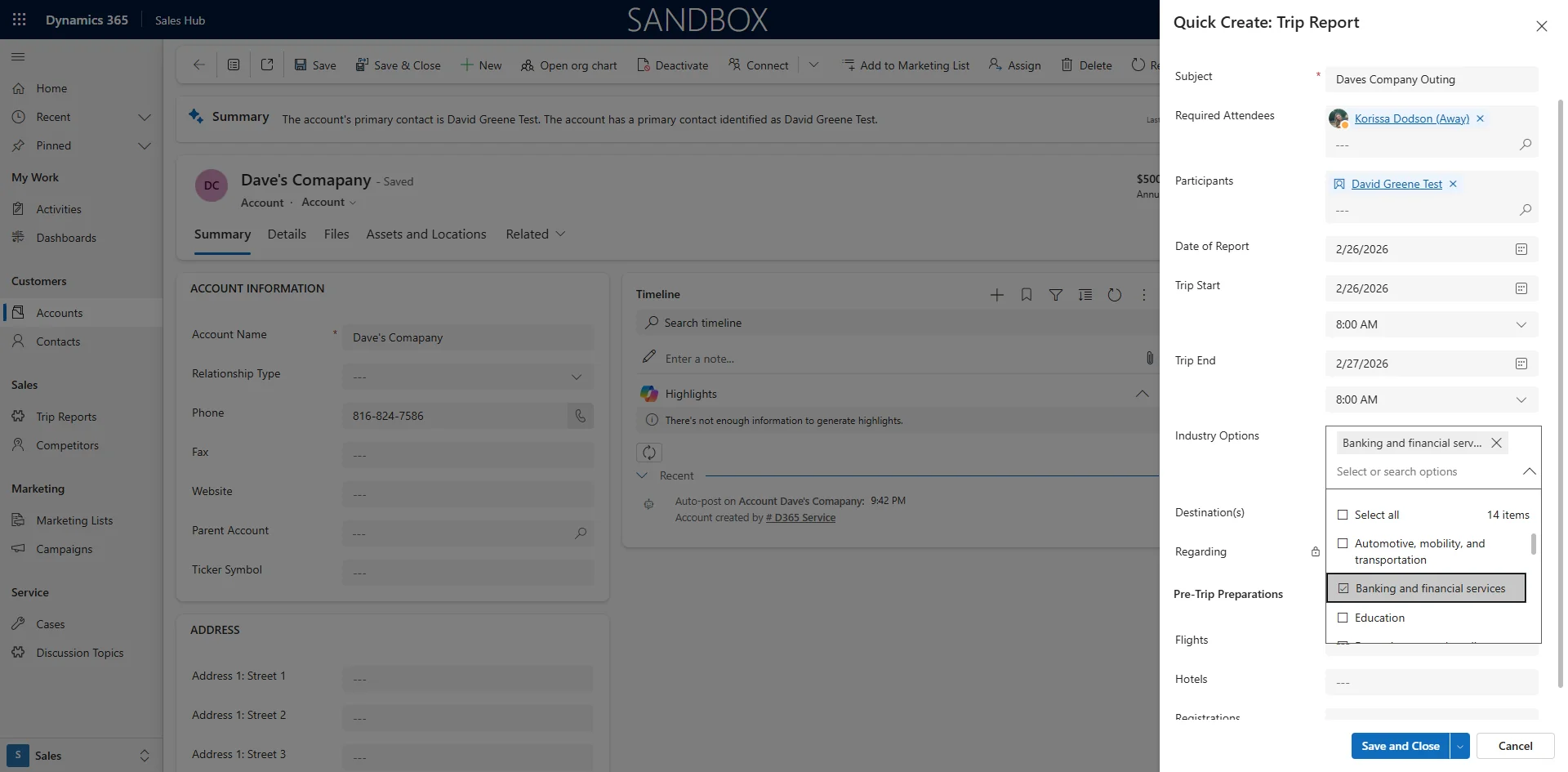
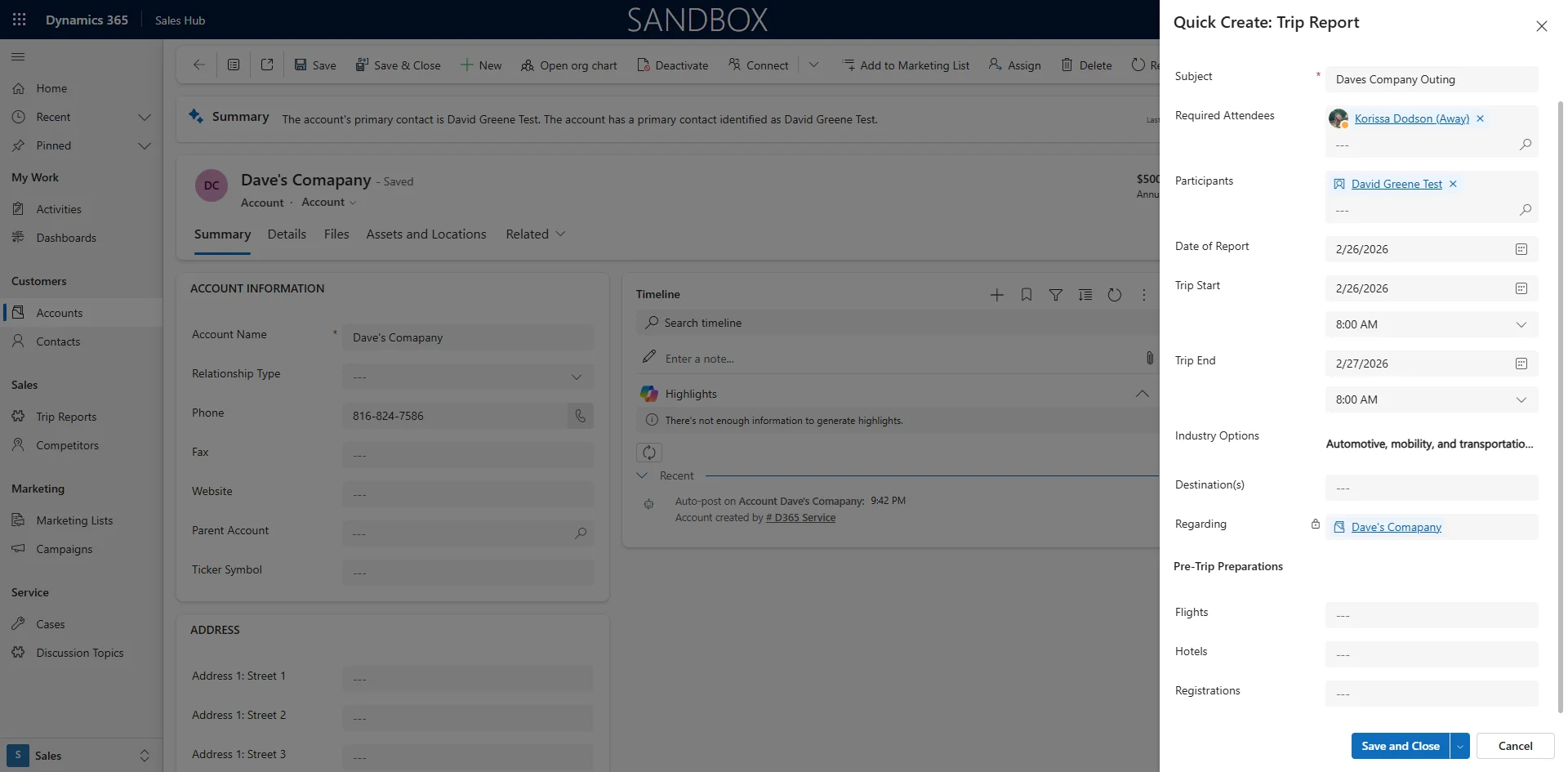
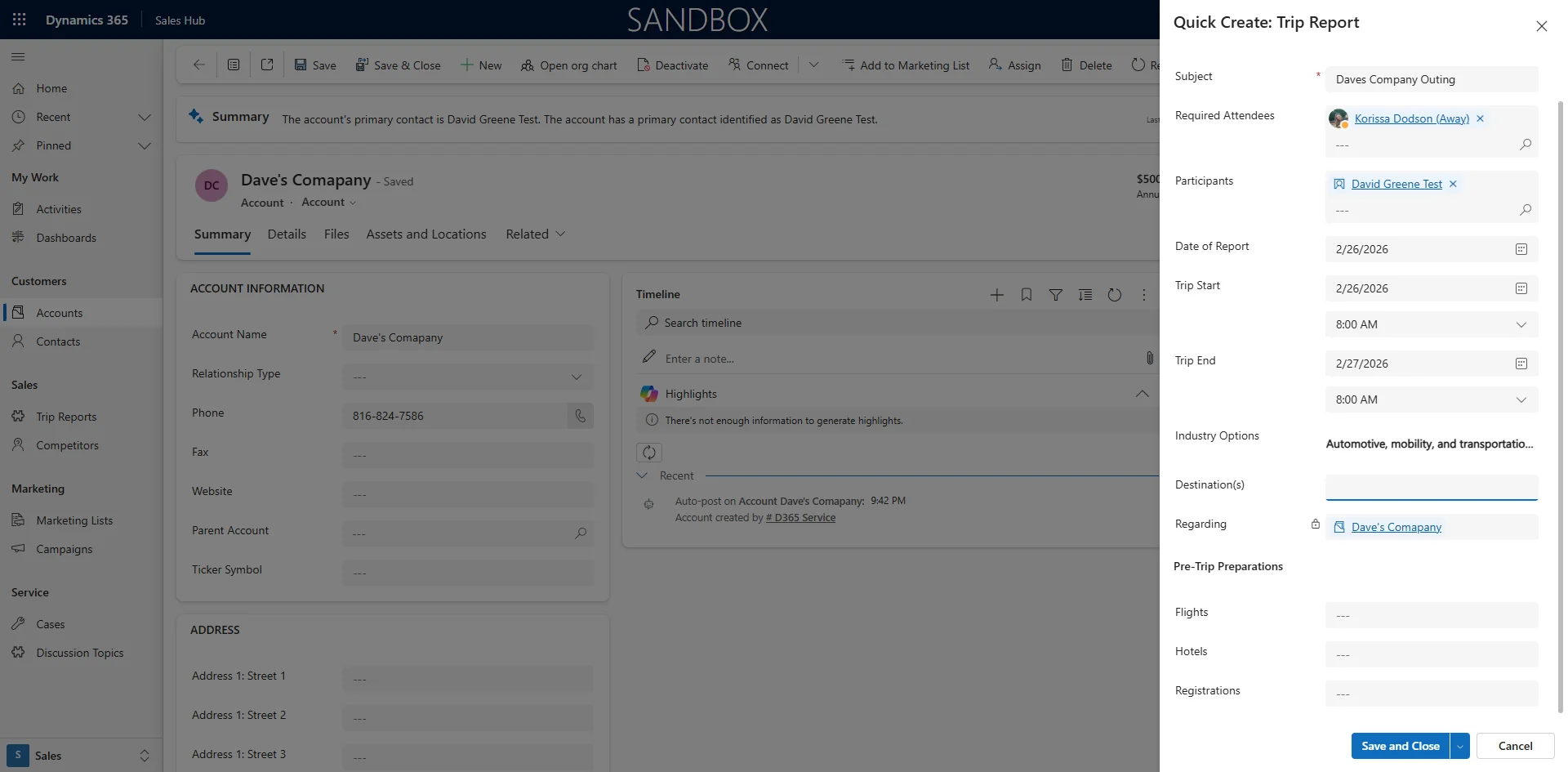
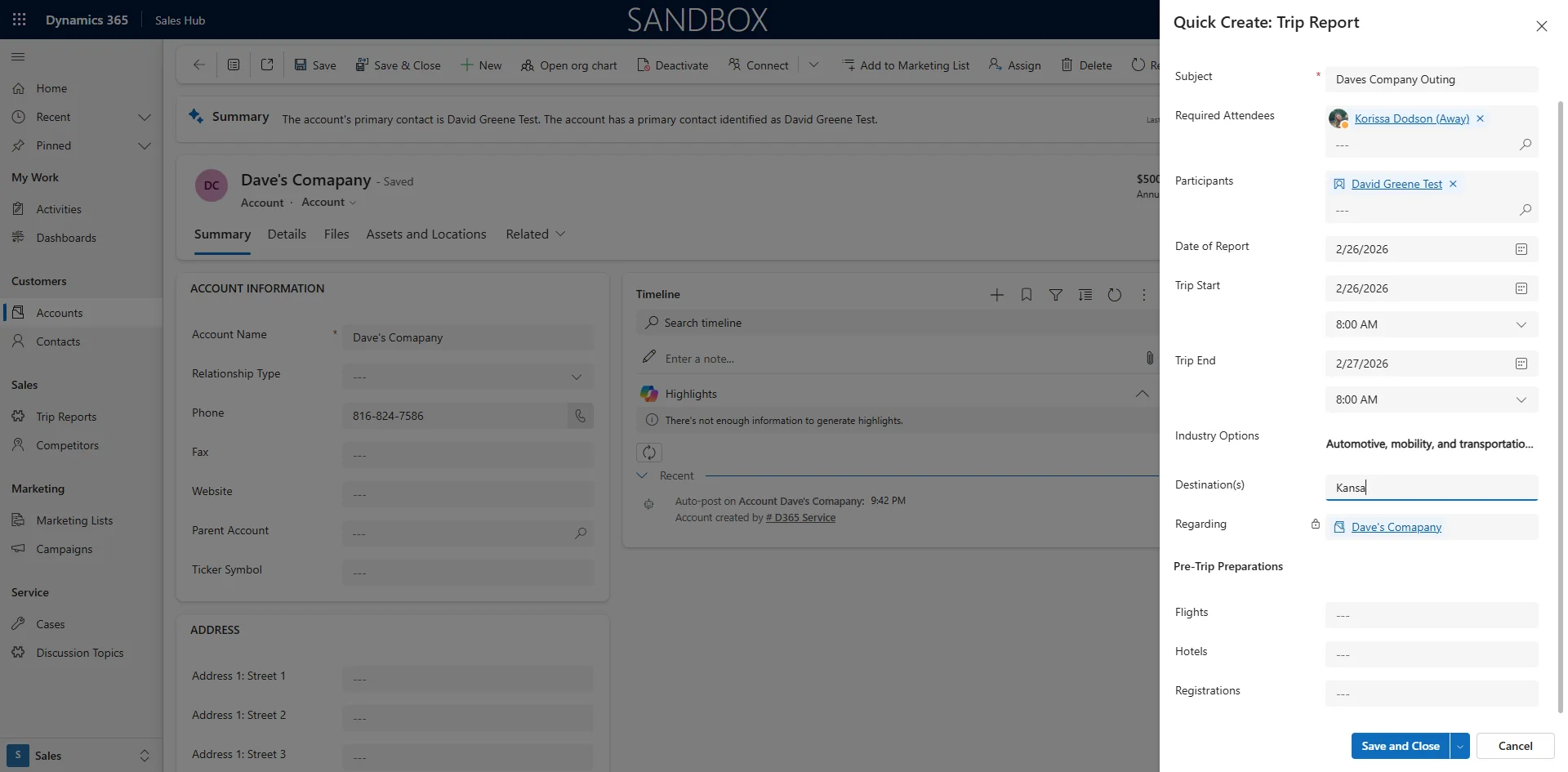
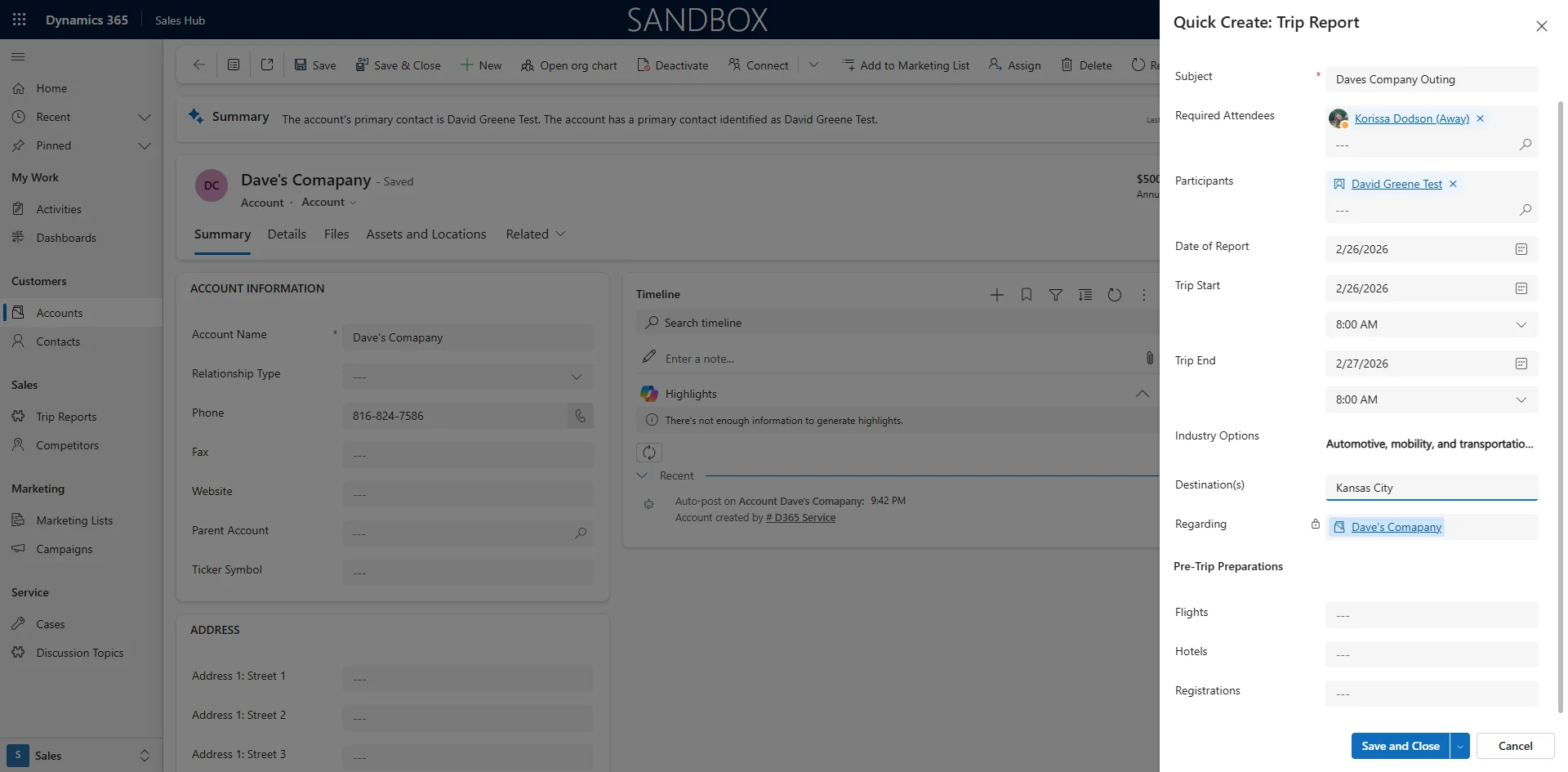
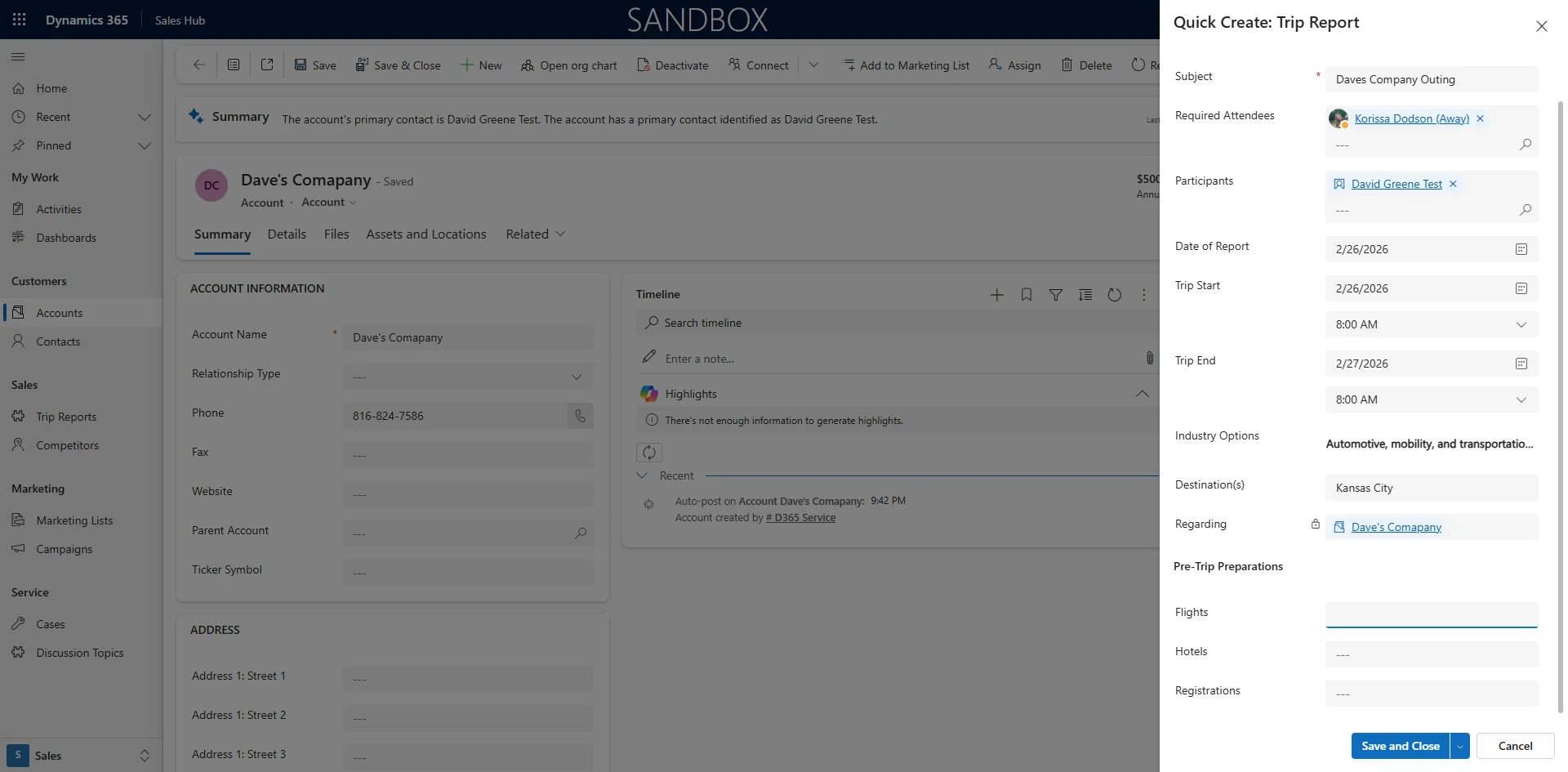
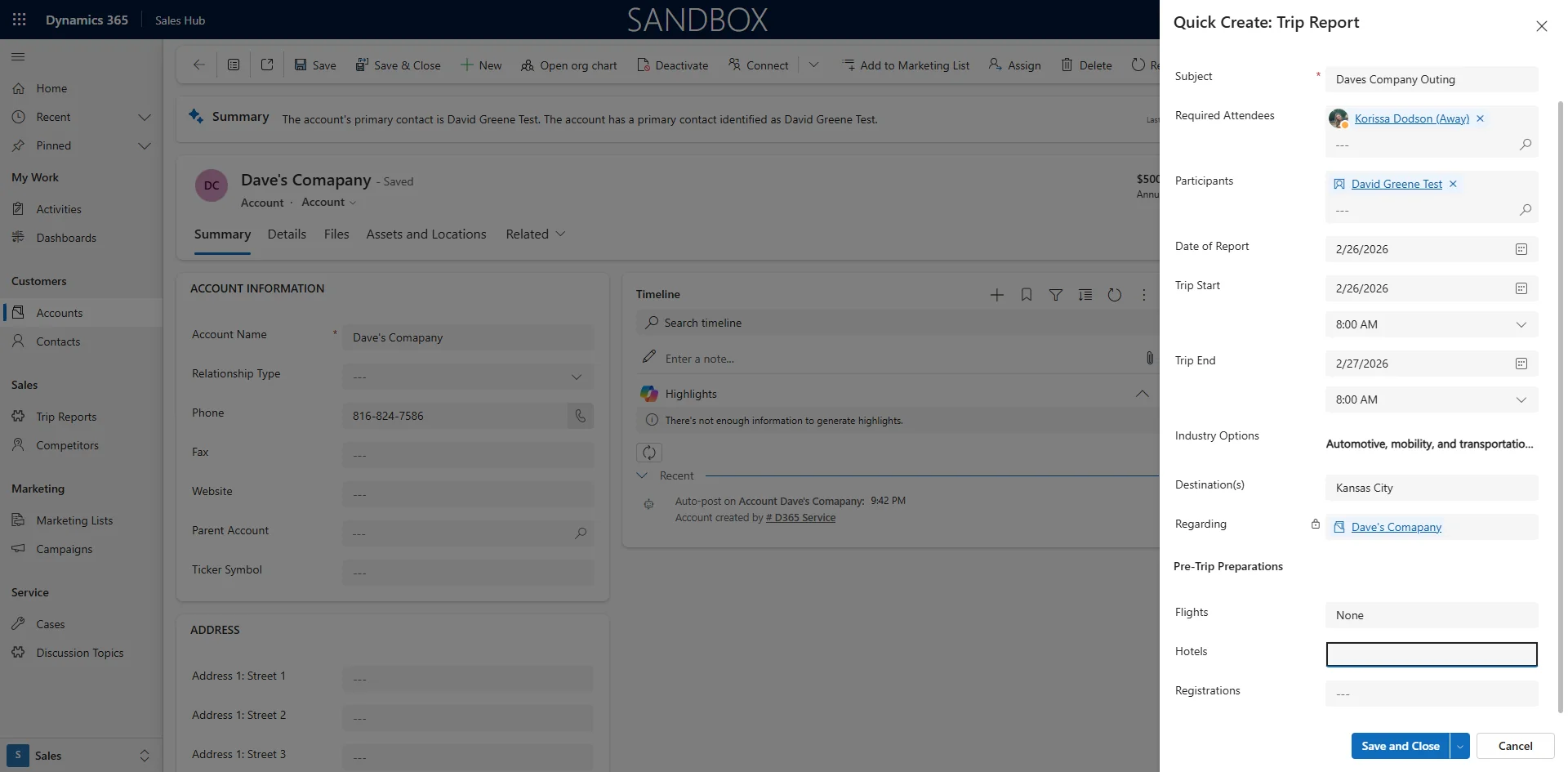
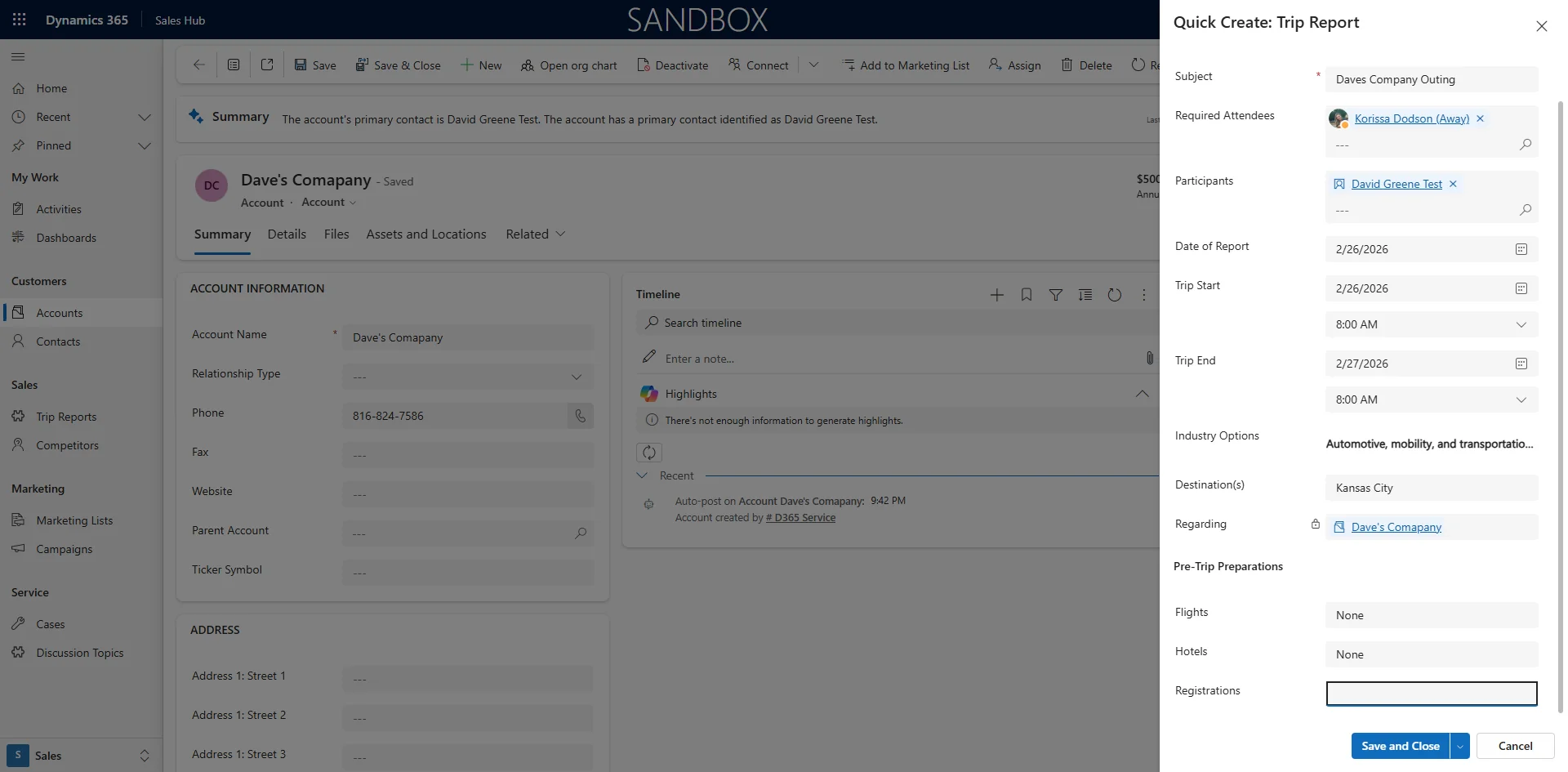
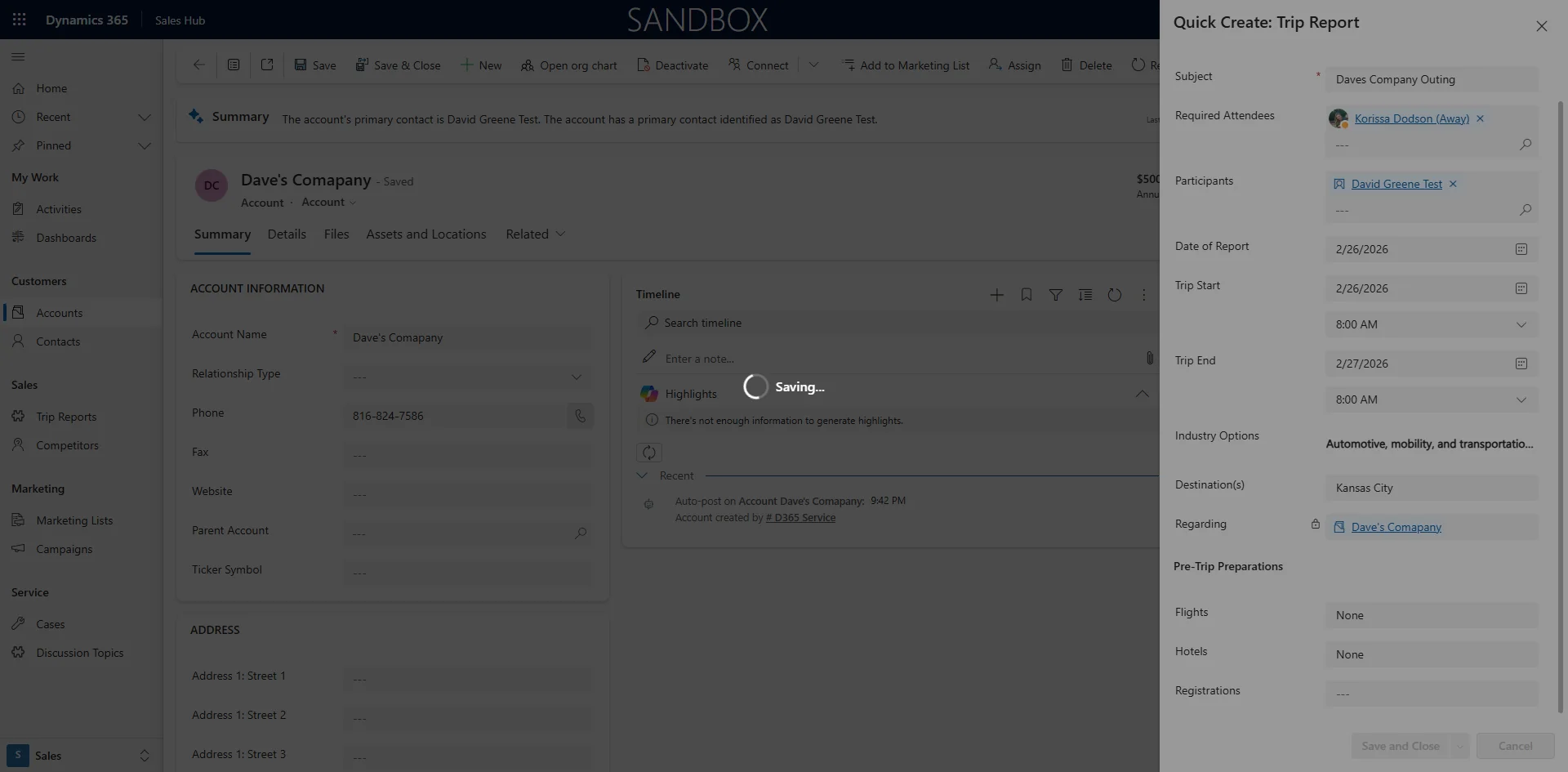
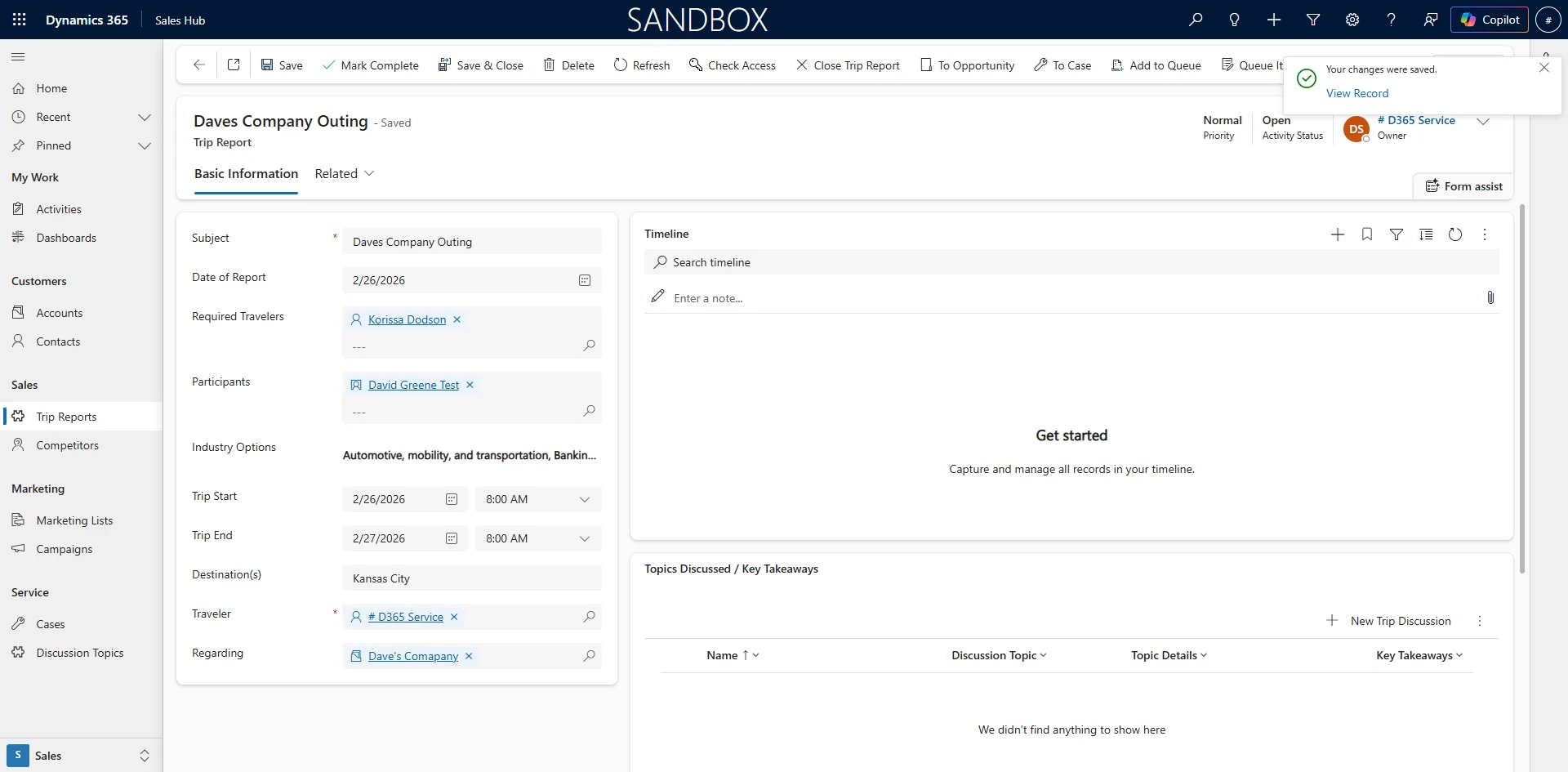
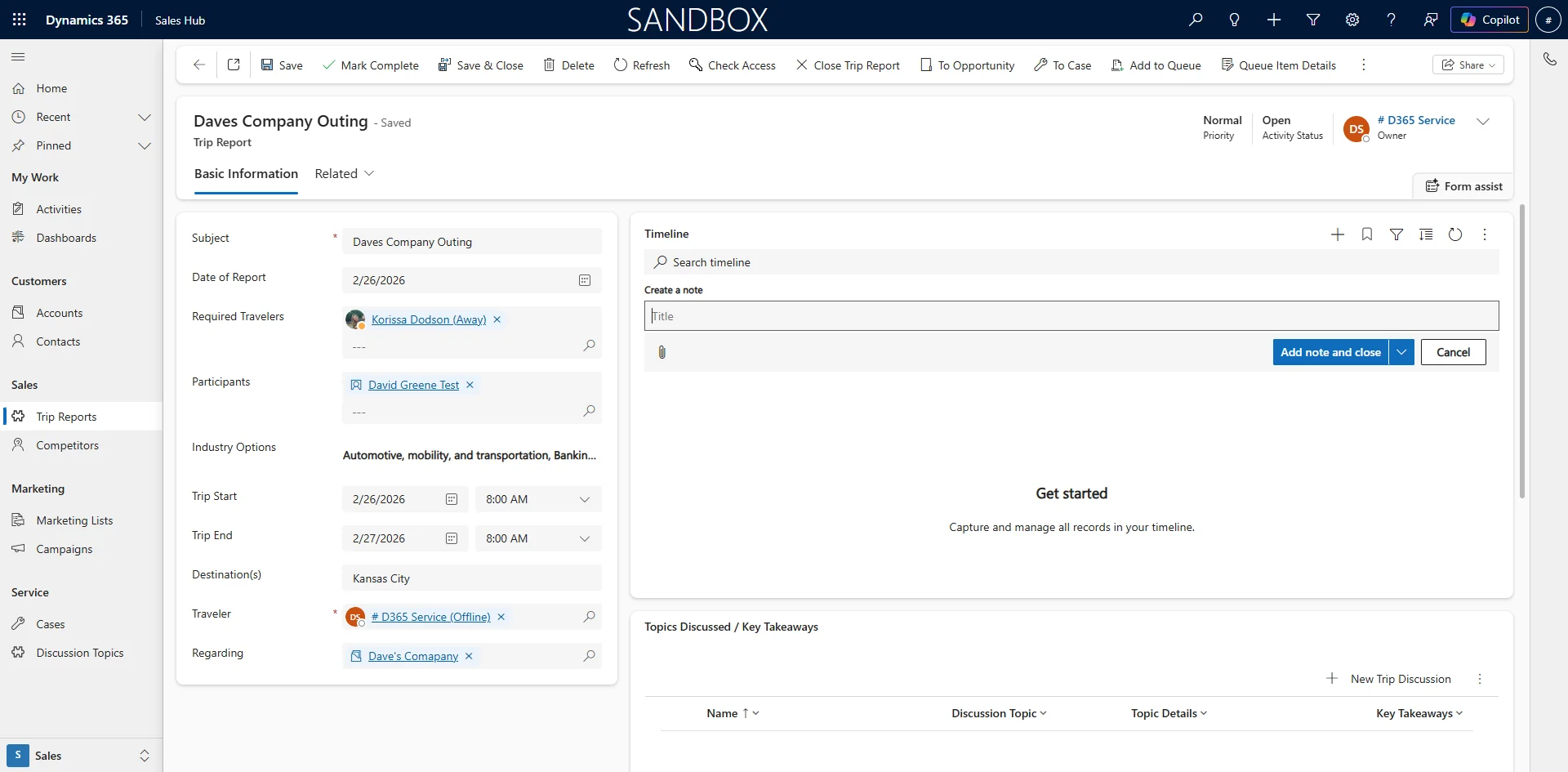
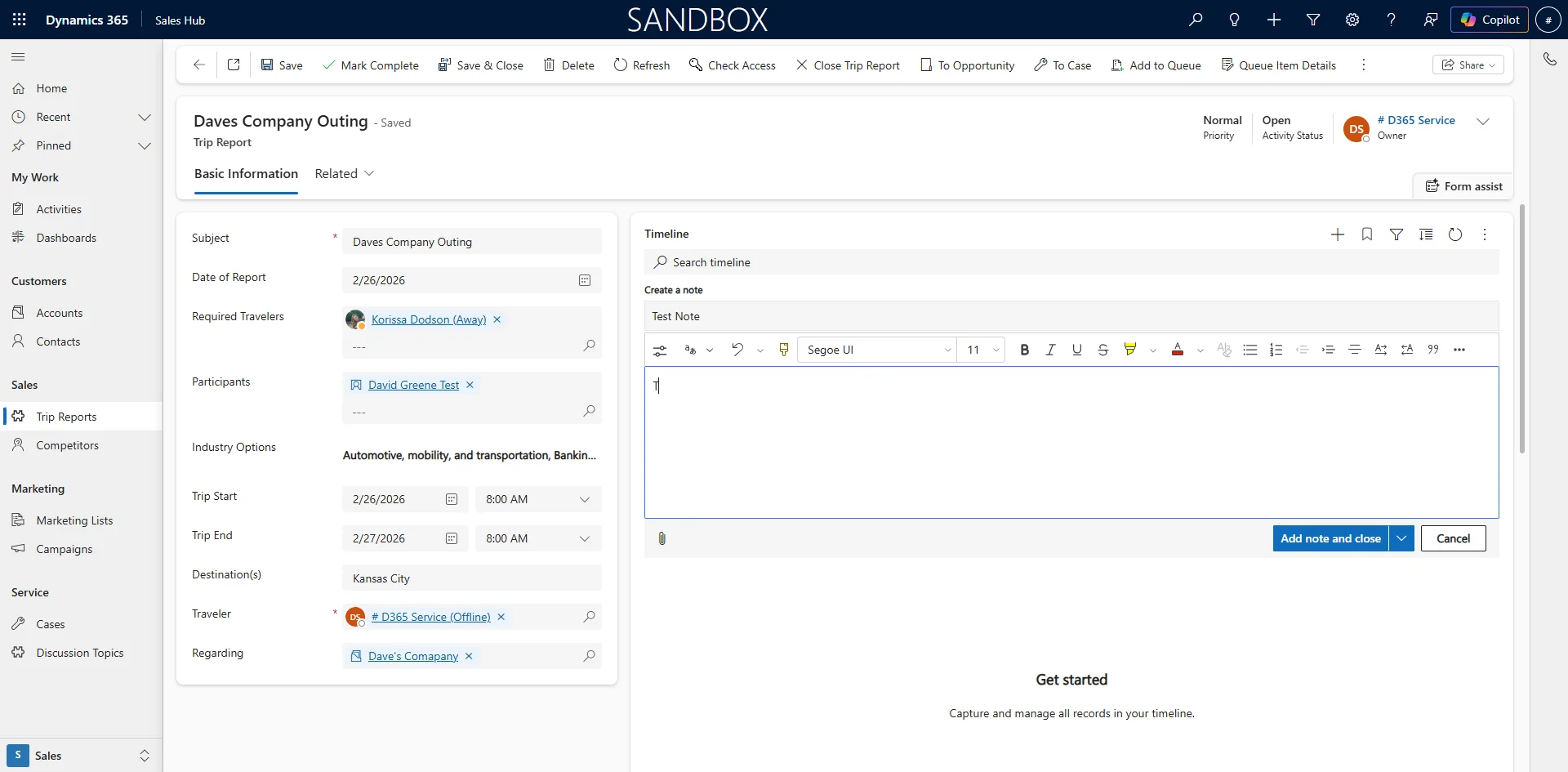
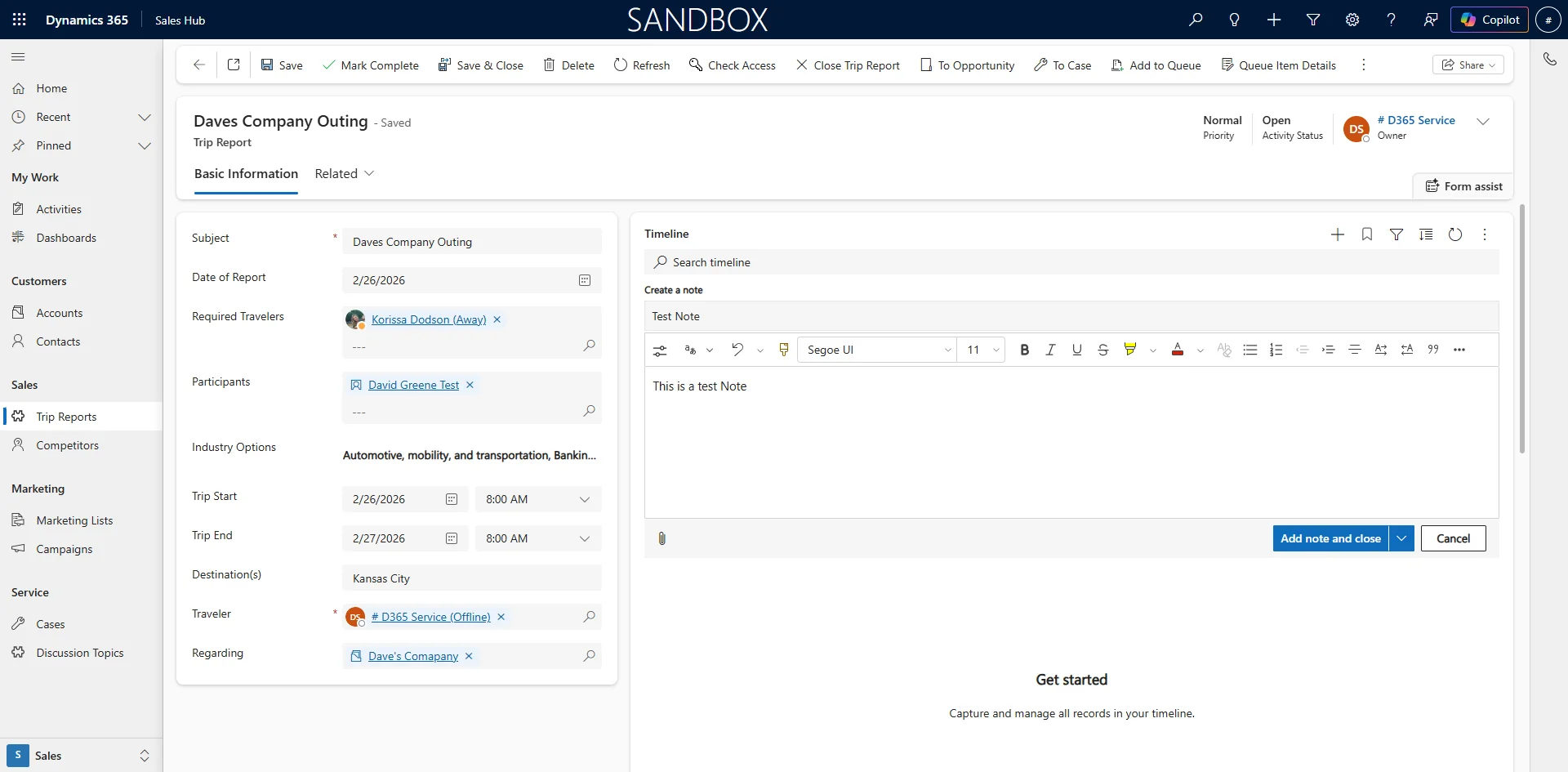
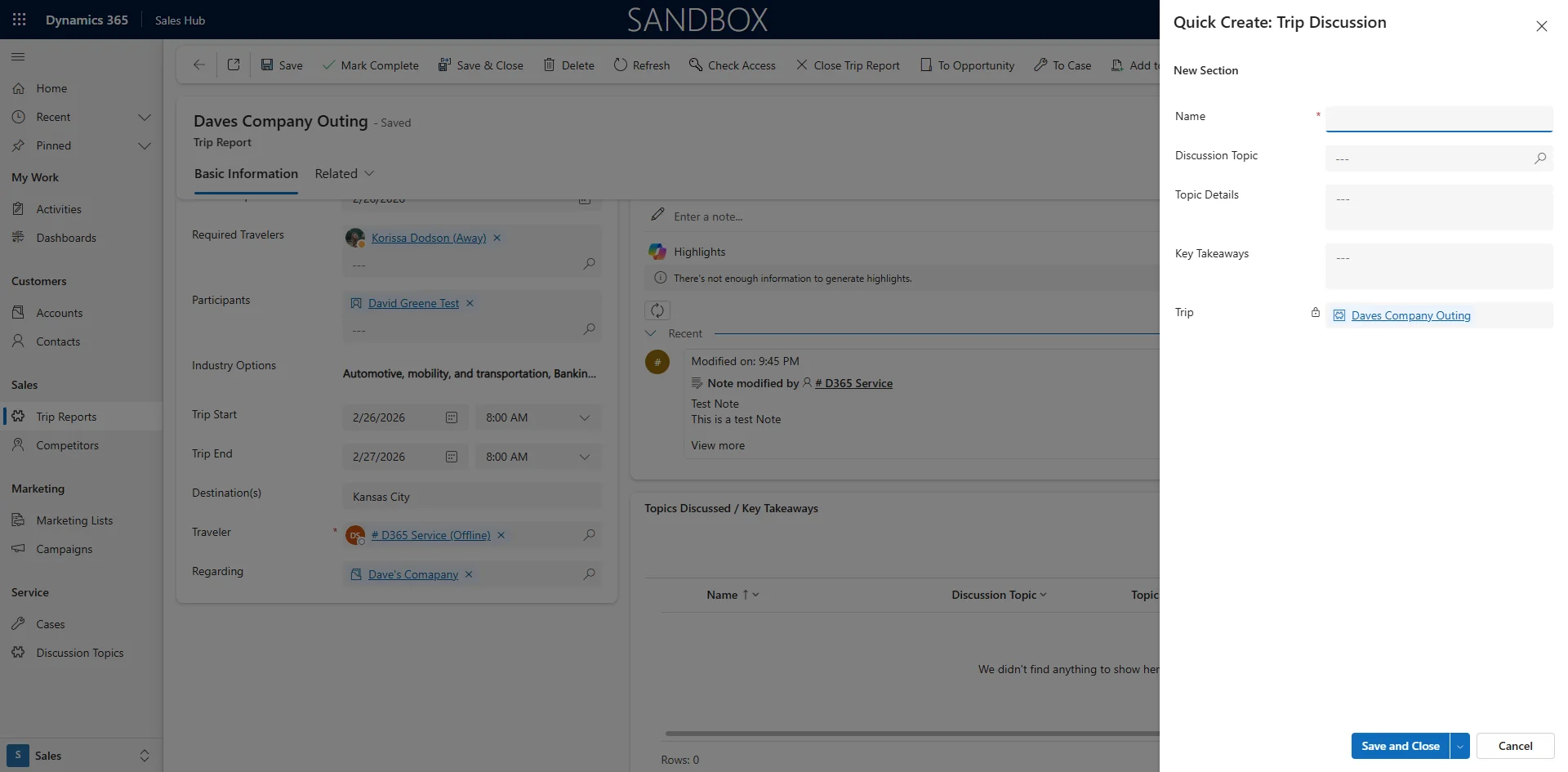
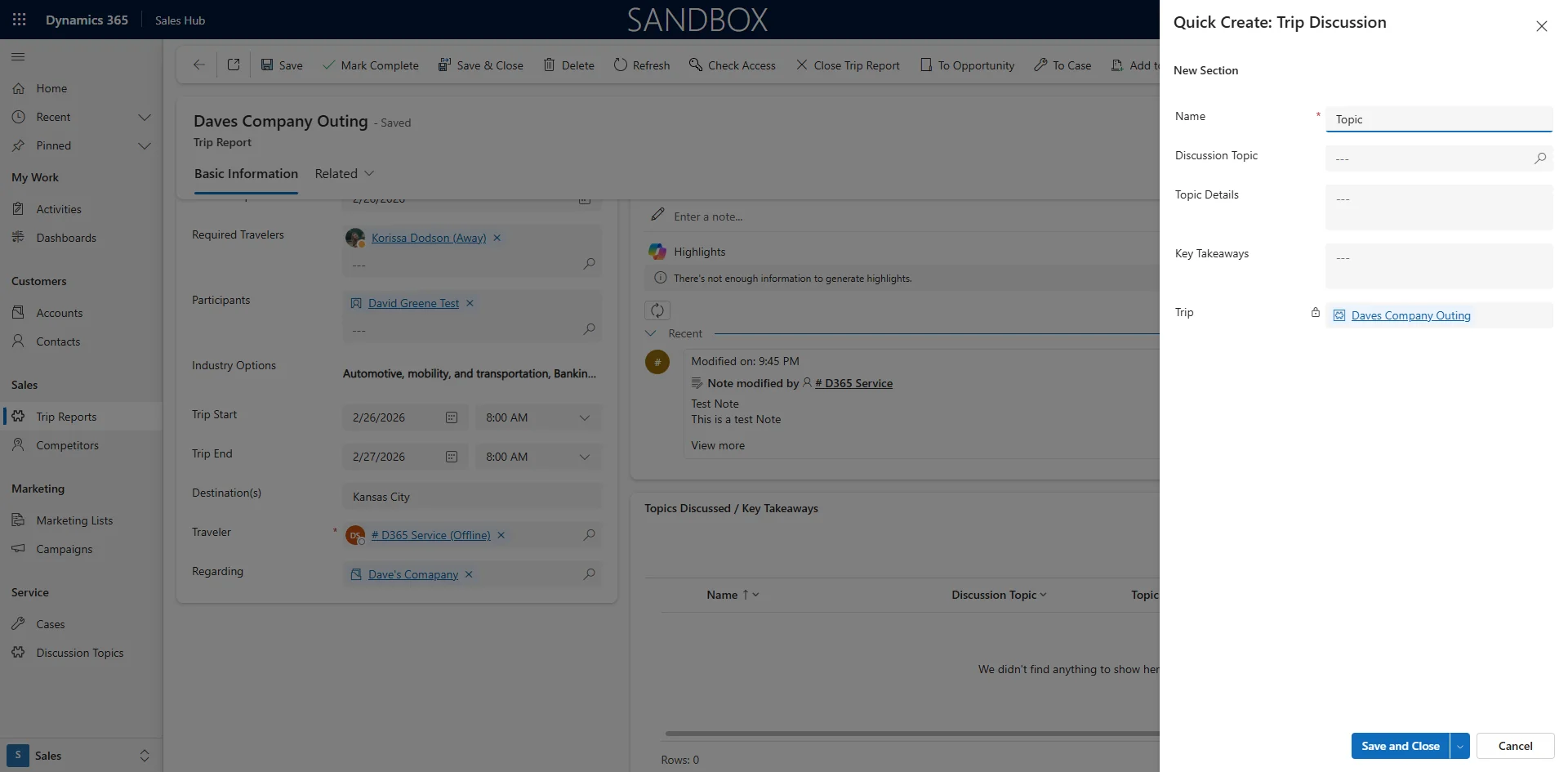
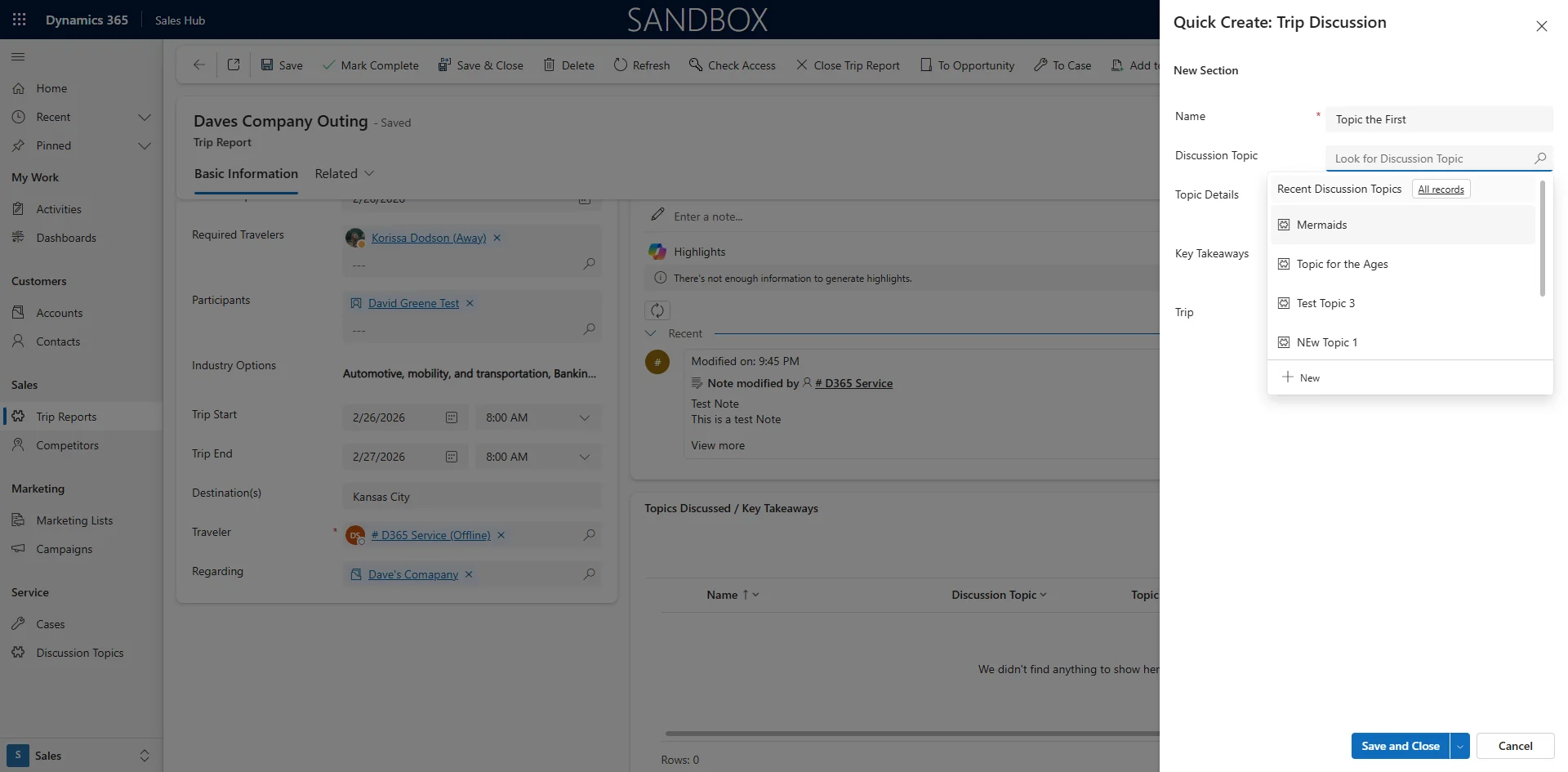
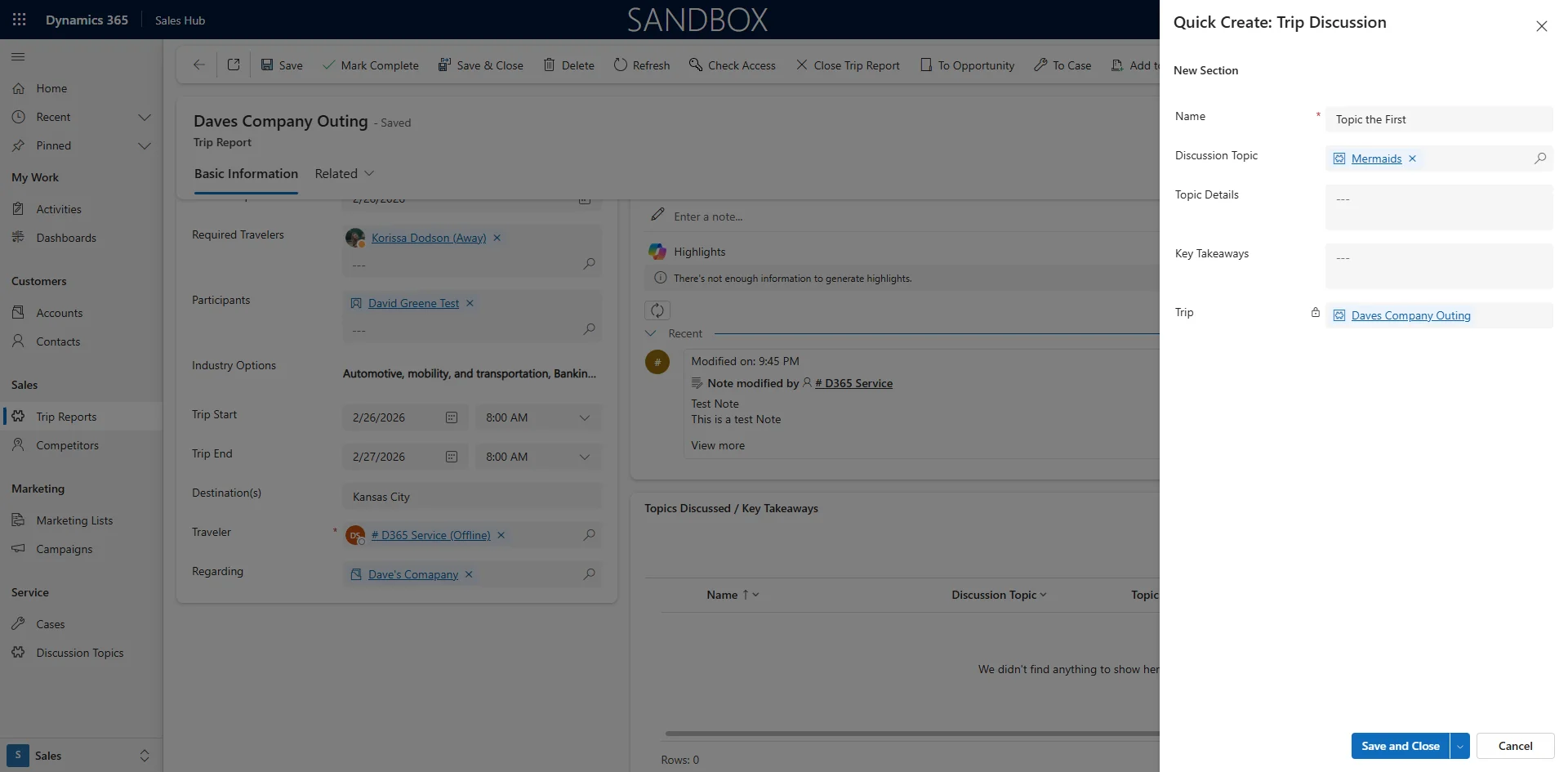
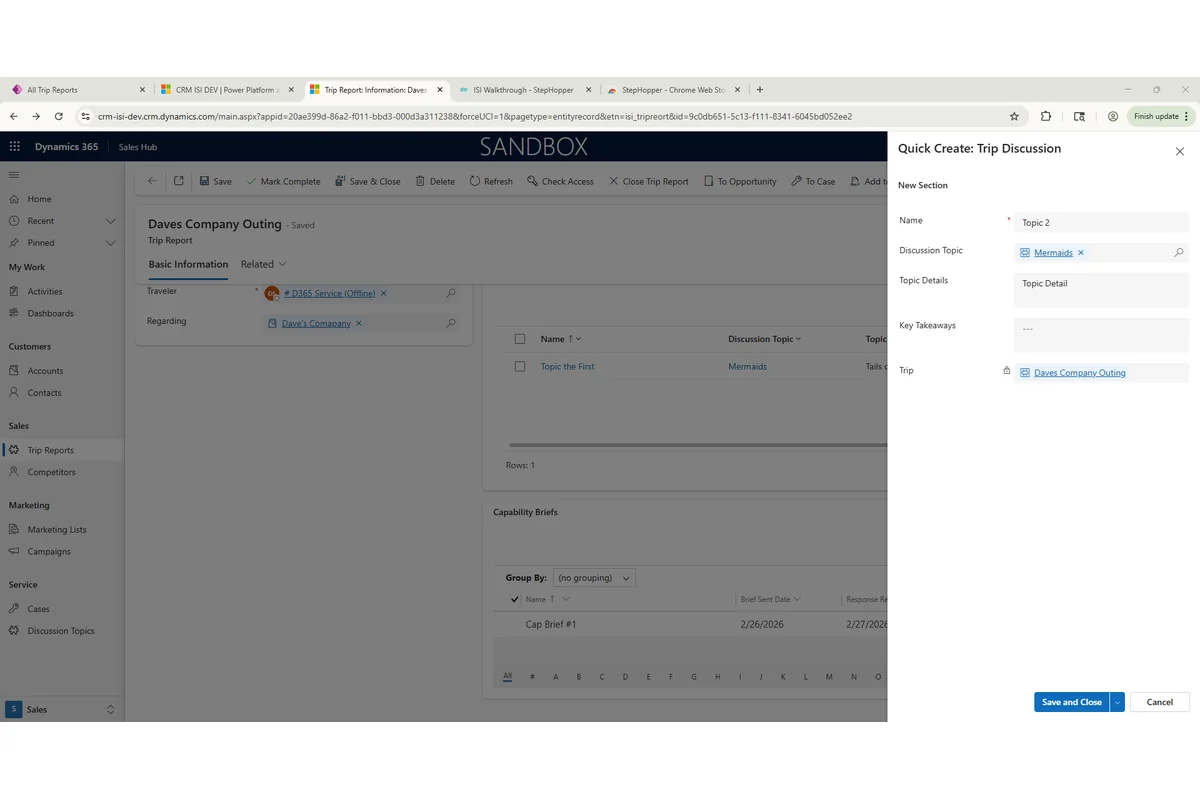
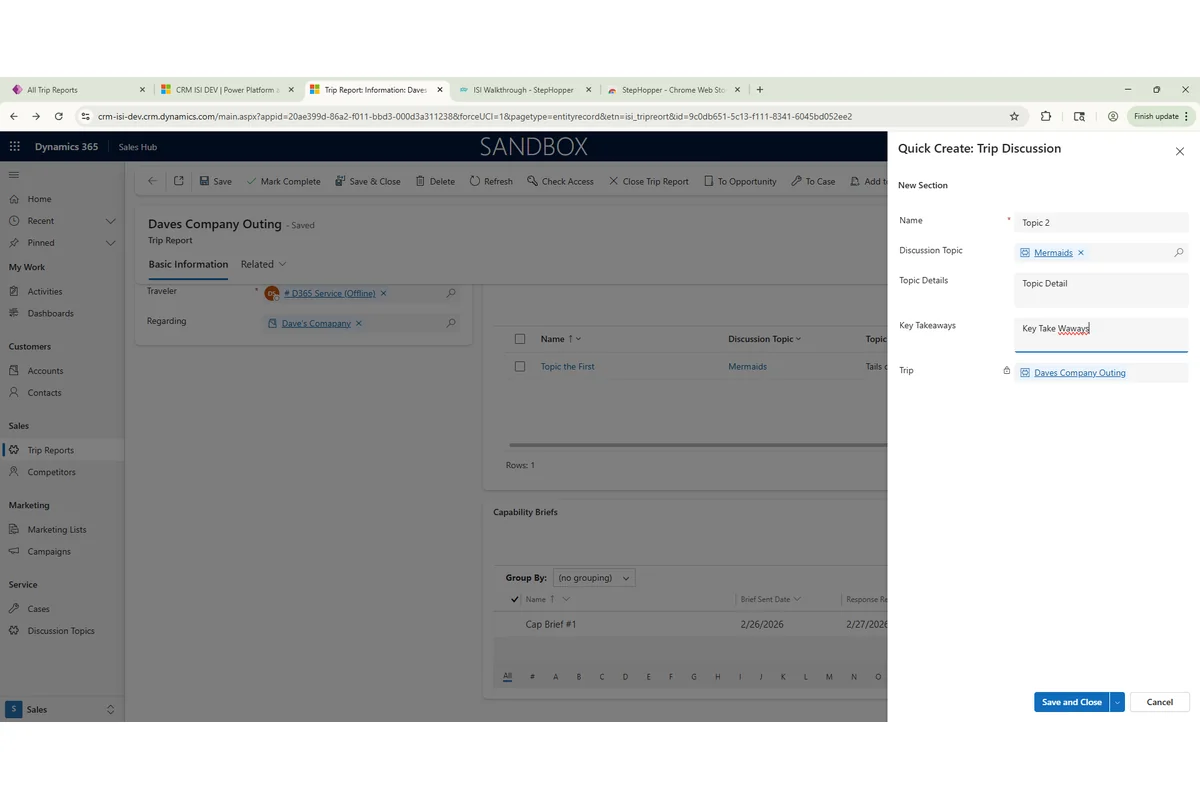
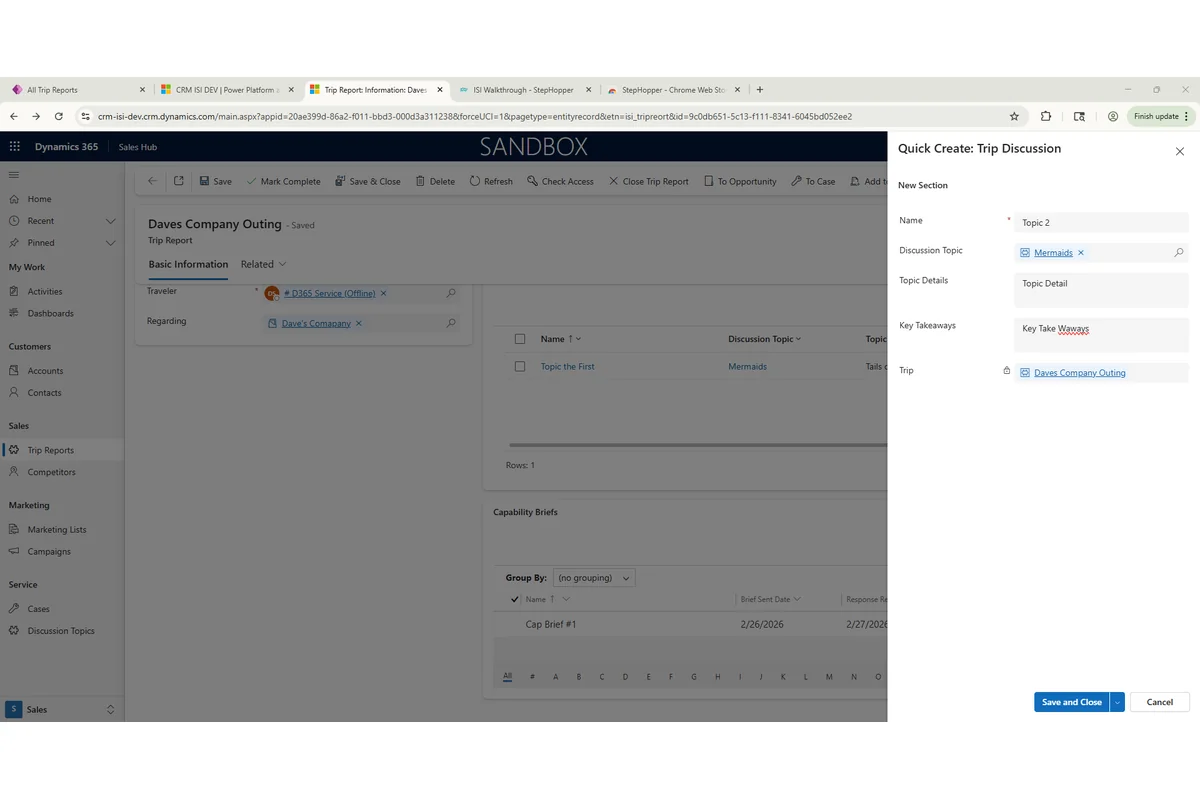
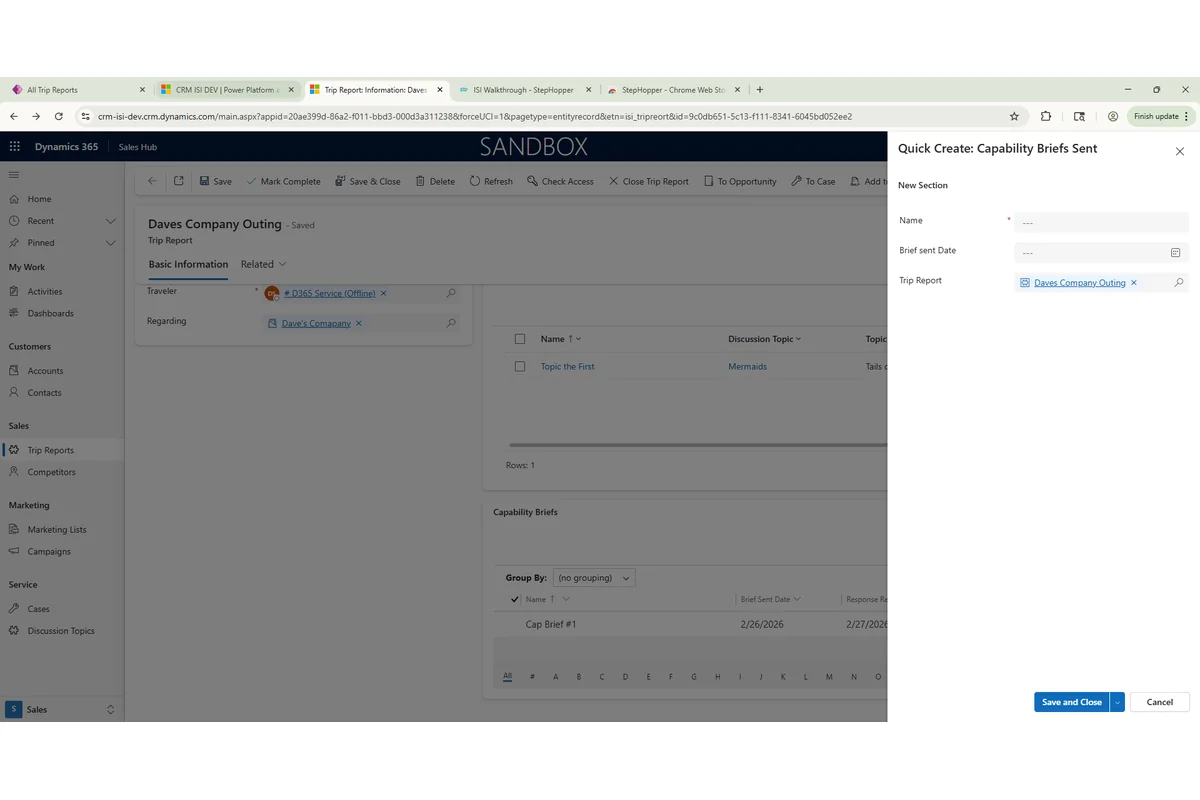
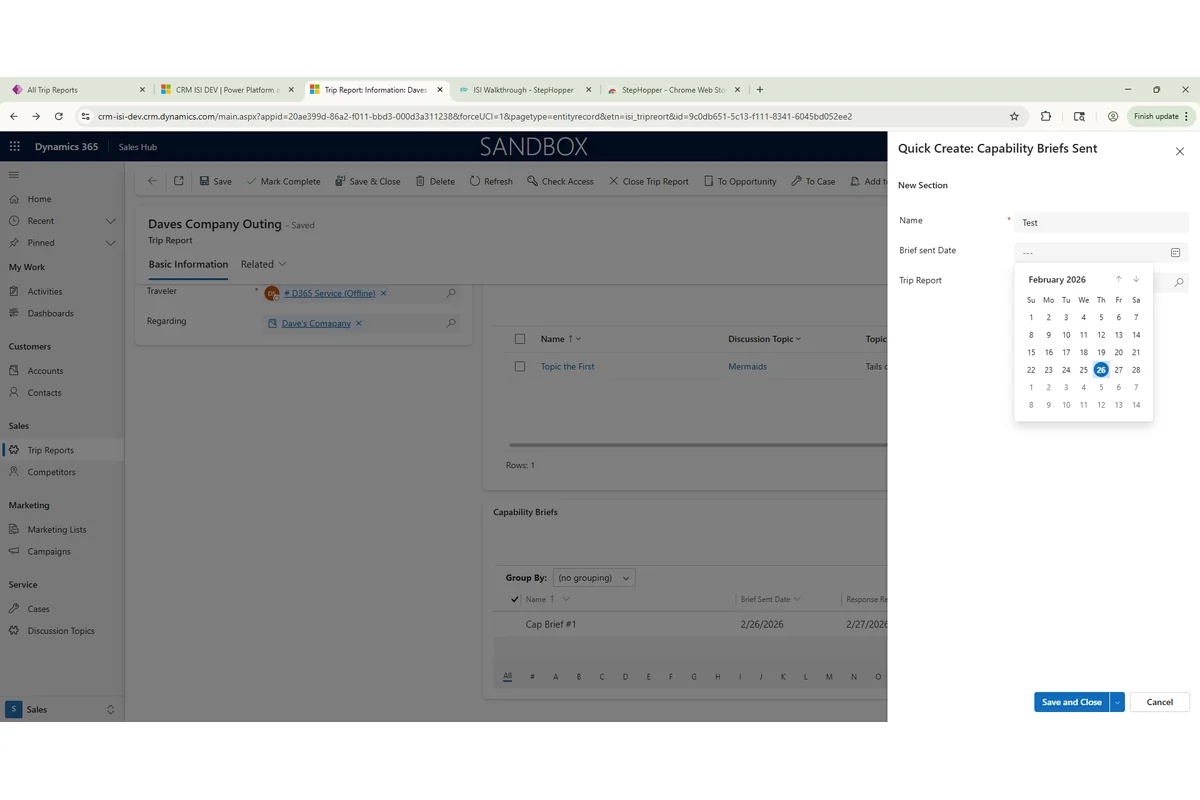
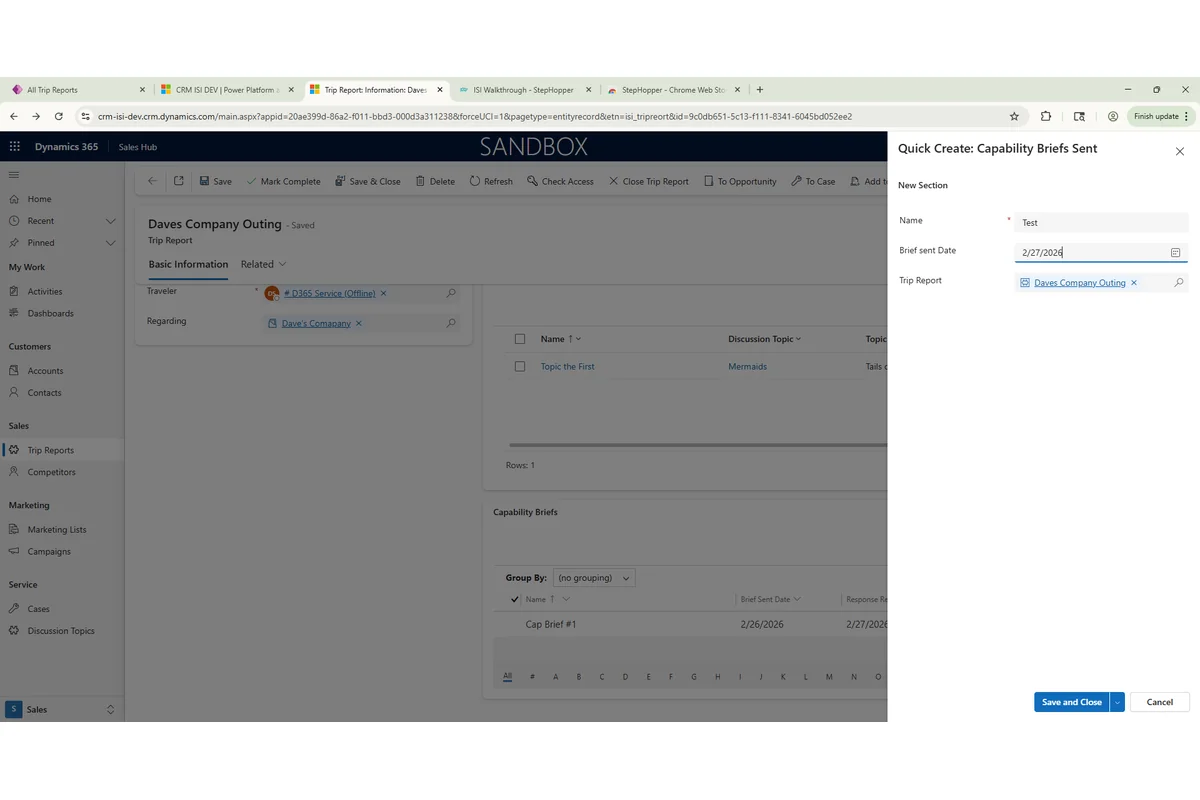
This guide will walk you through the step-by-step process of accurately filling out a multi-field form, ensuring all necessary information is entered correctly.
Steps:53
StepHopper User
StepHopperhttps://stephopper.com/
1
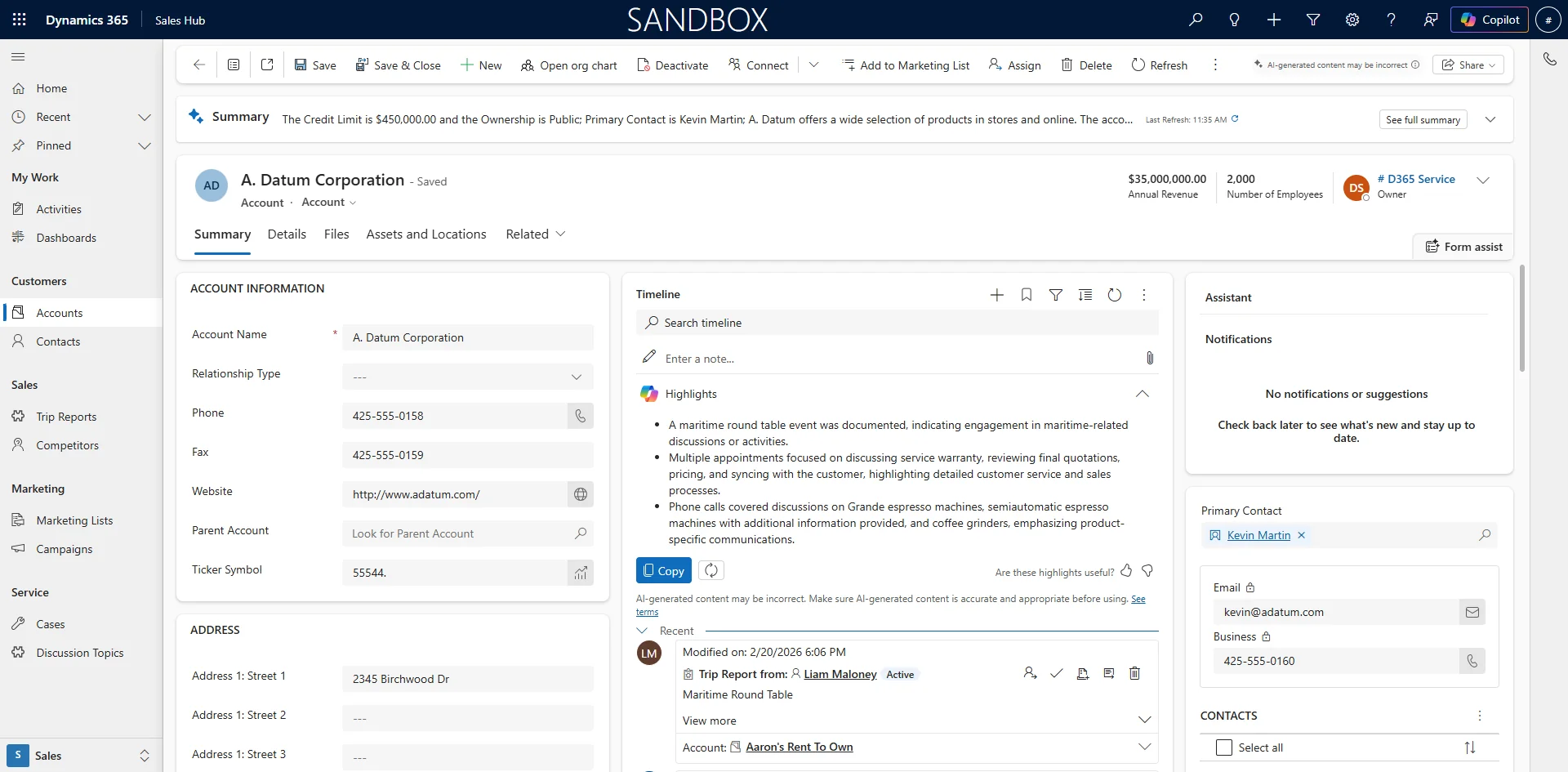
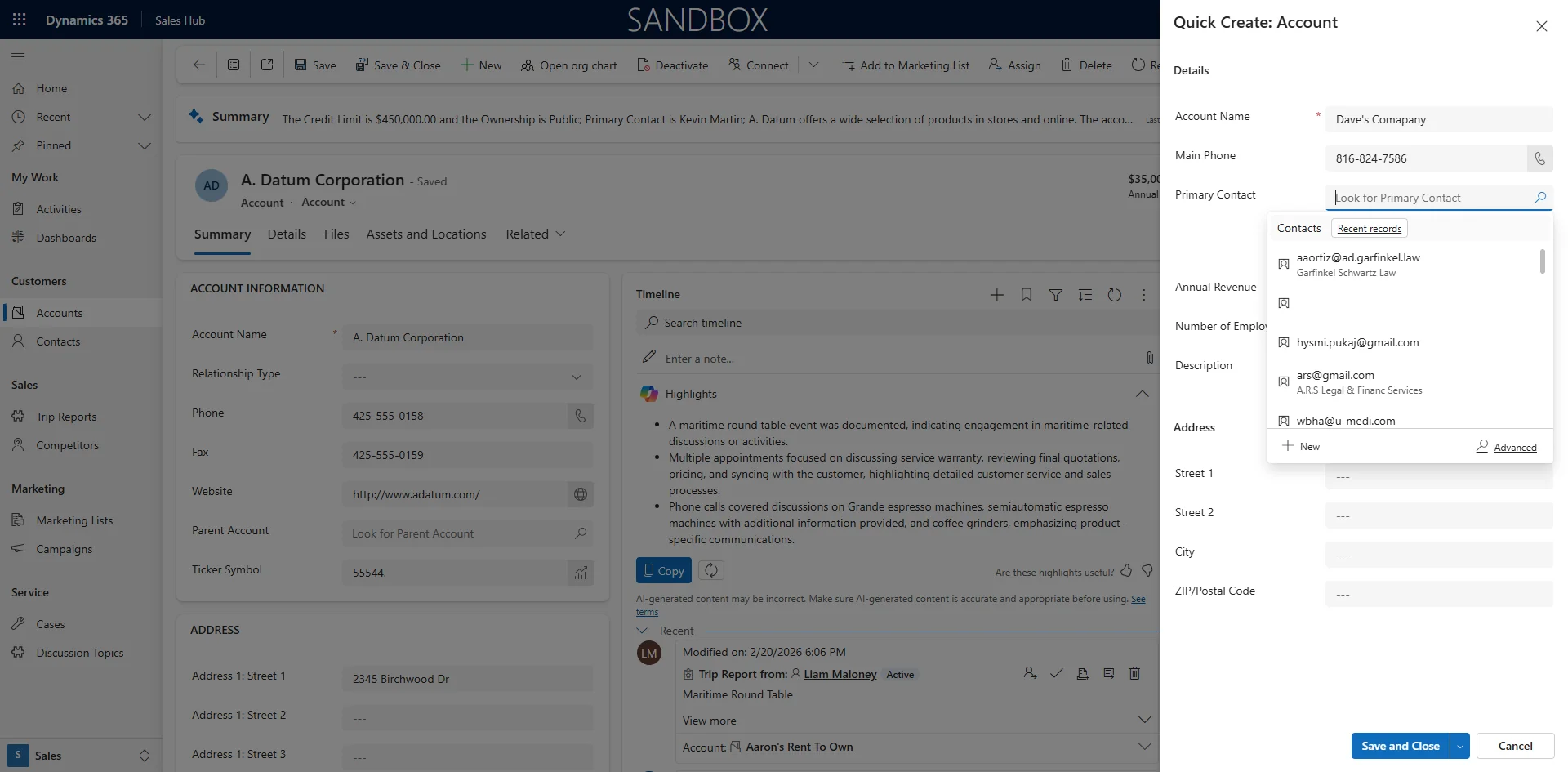
Starting point - Open the Application and Click on the + Sign to add an account
2
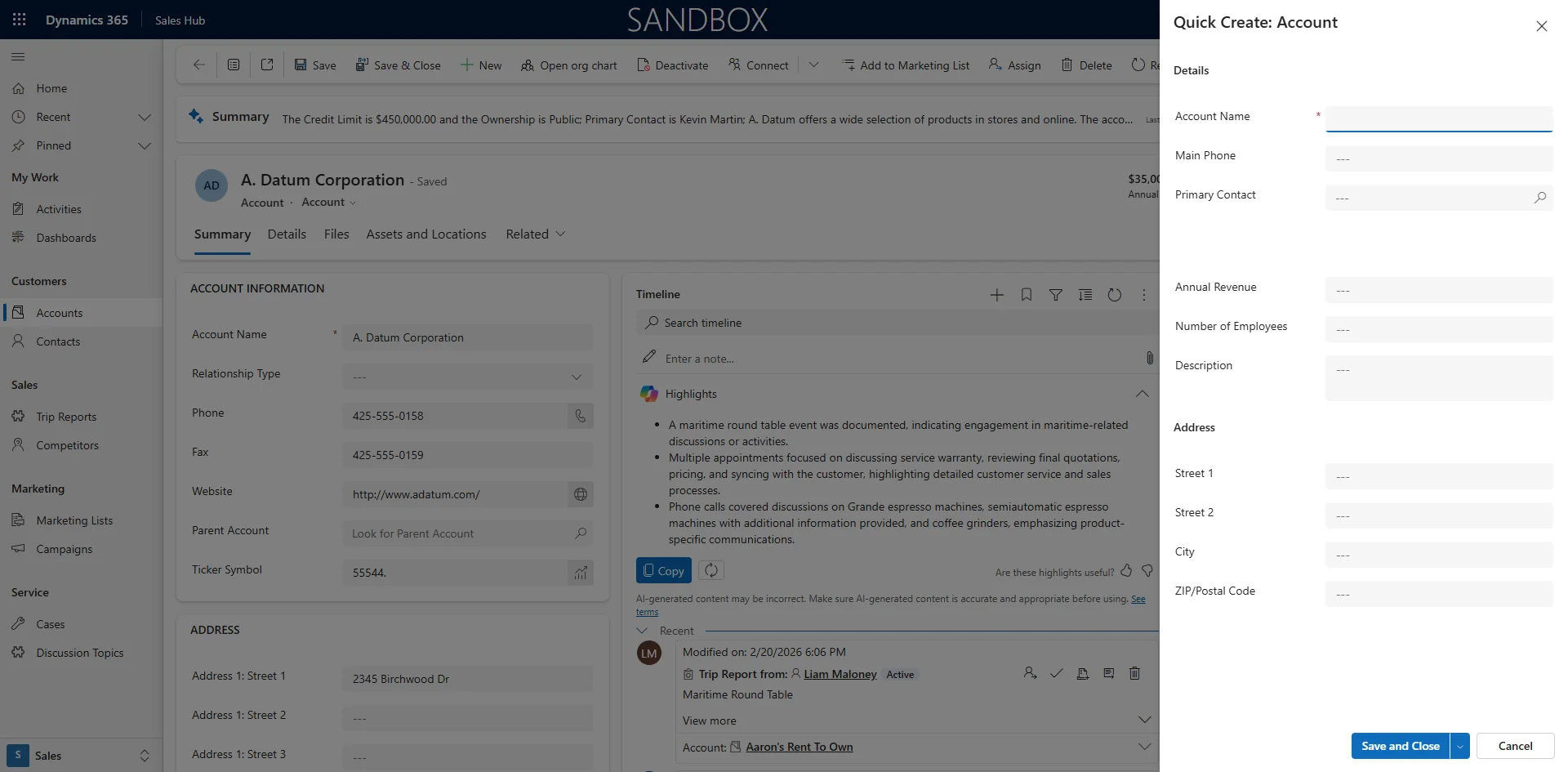
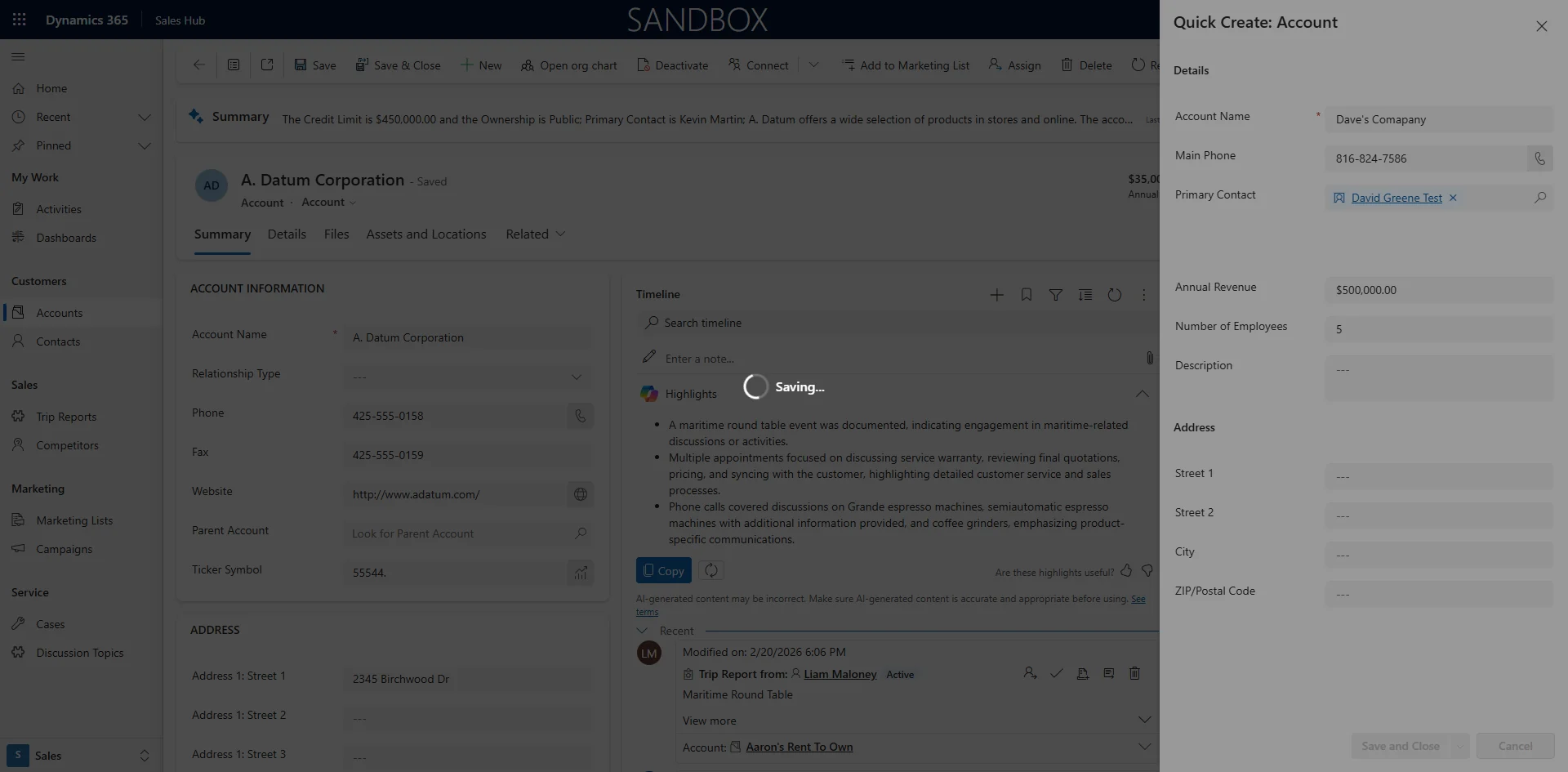
The Account Quick Create form Opens
3
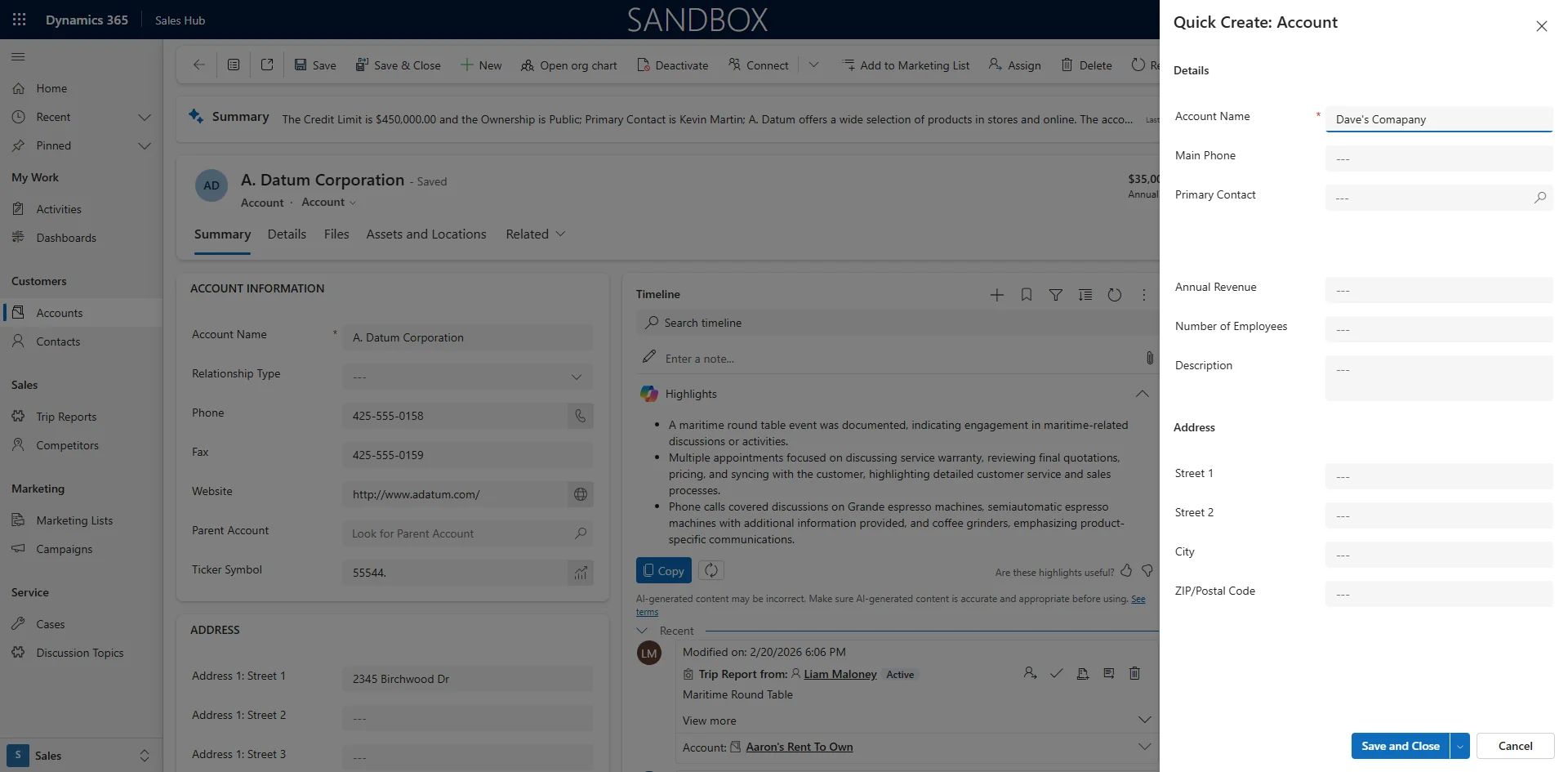
Enter text in Account Name
4
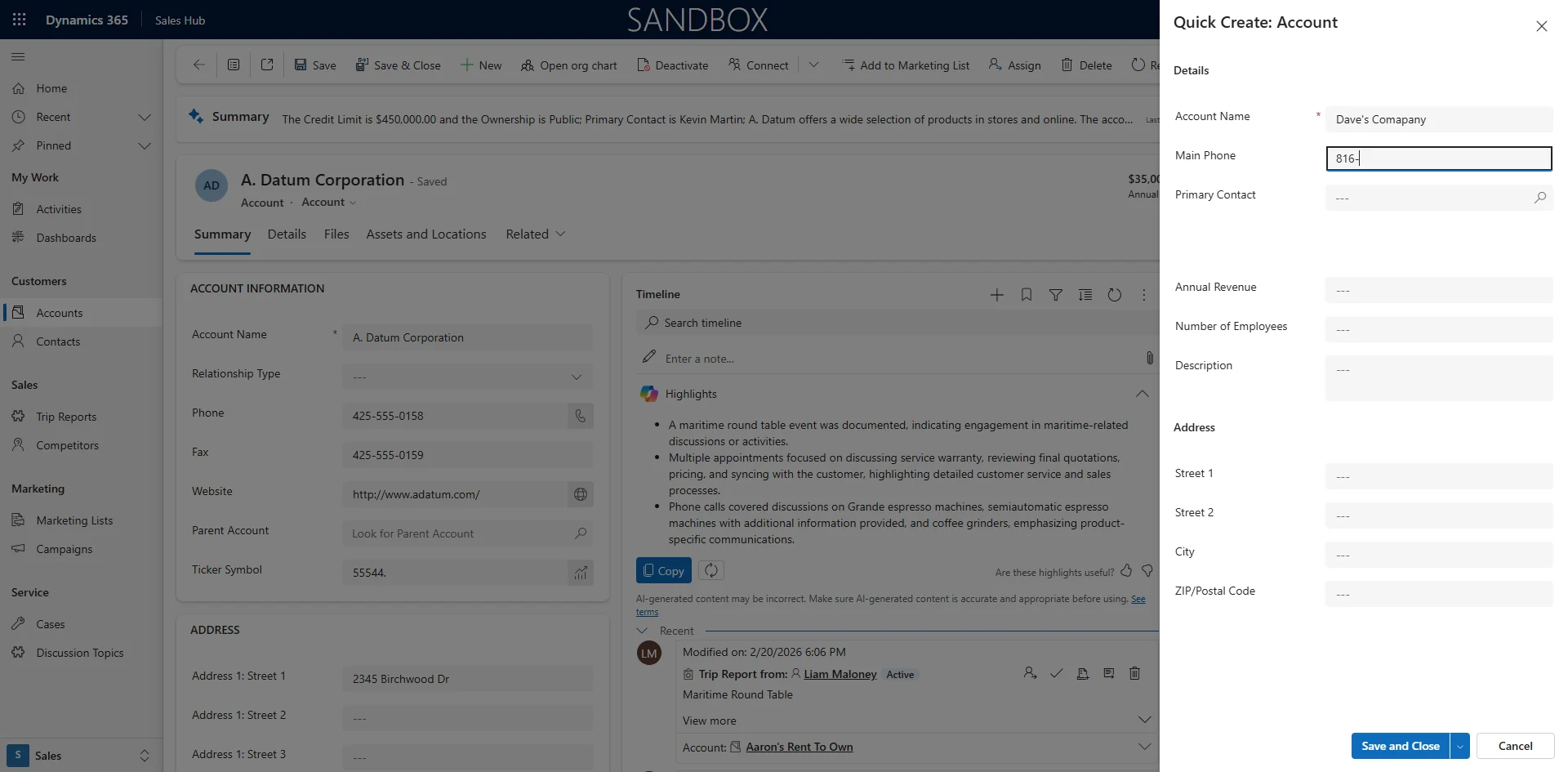
Enter text in Provide a telephone number
5
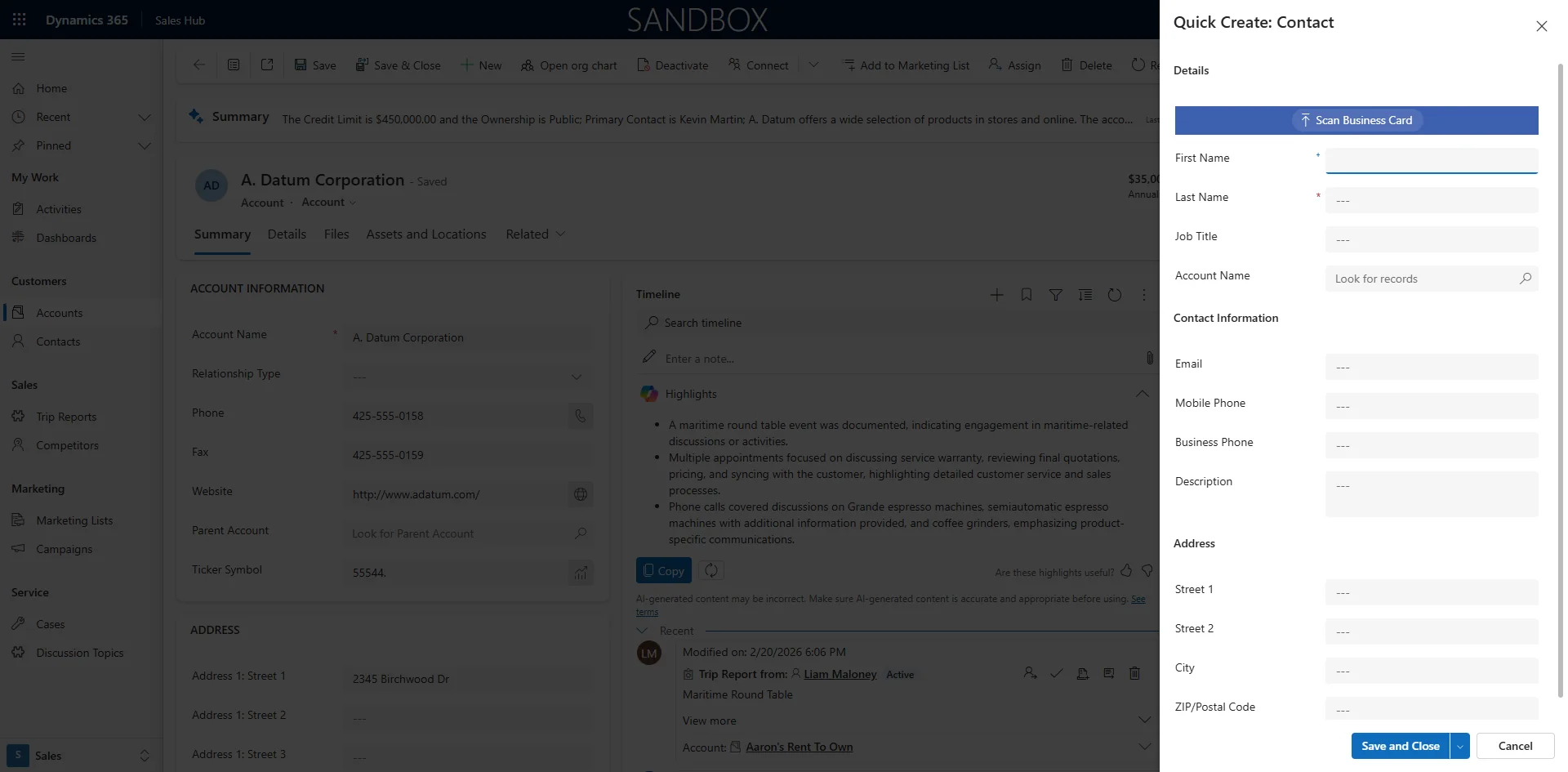
To Add A New Contact Click on the Magnifying Glass and in the bottom Left Click New
6
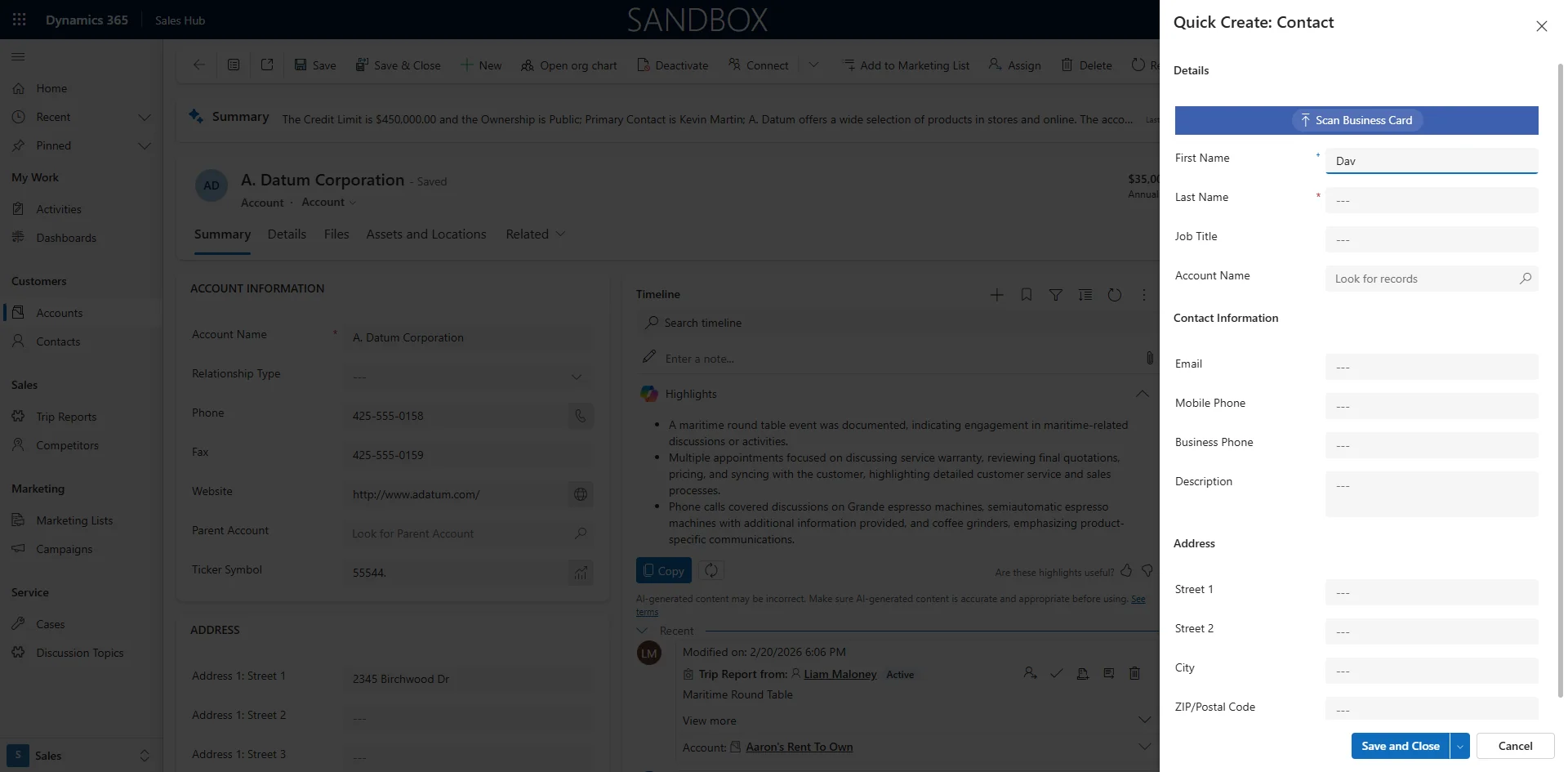
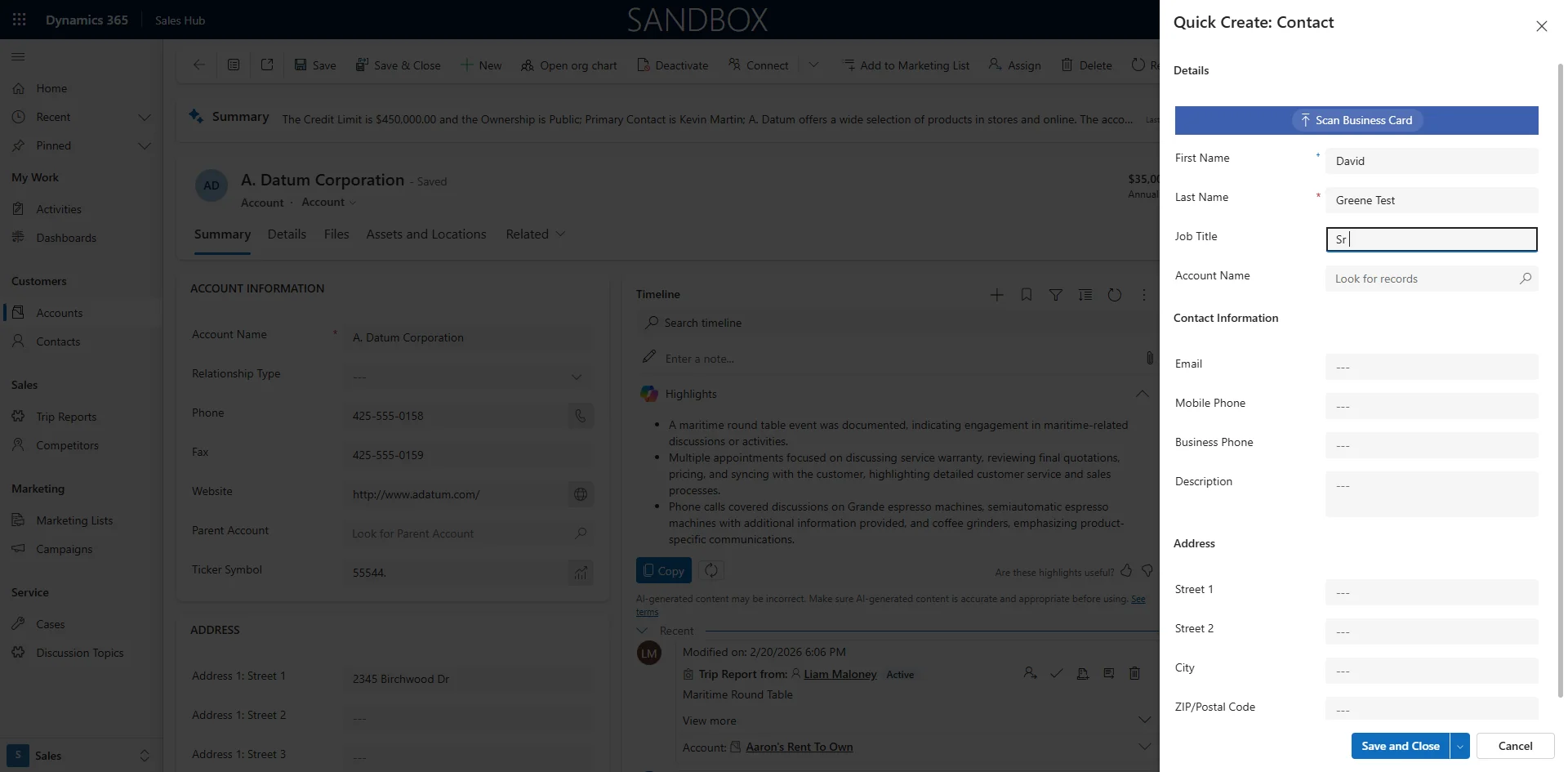
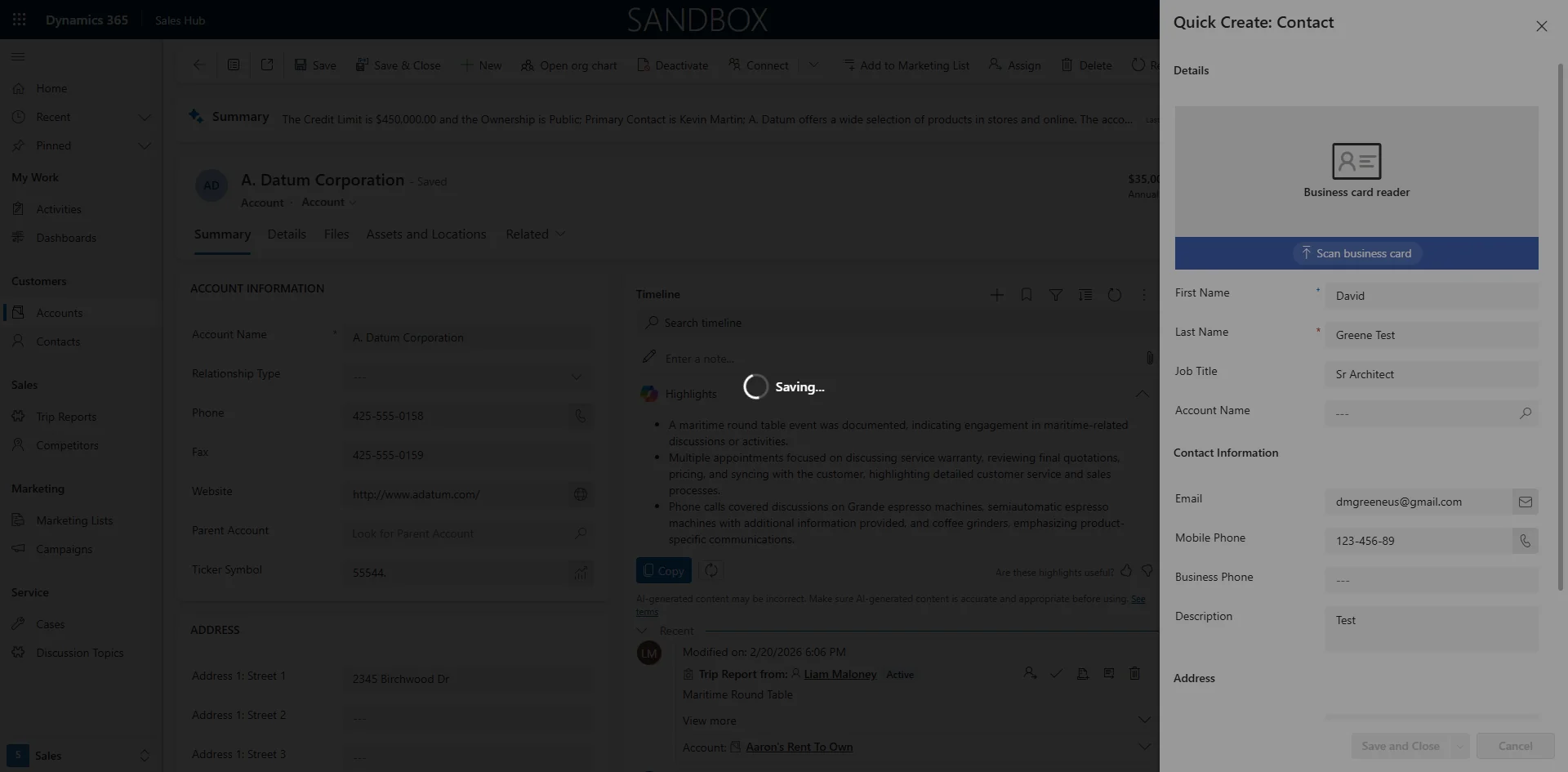
The Quick create form will Open to add a Contact
7
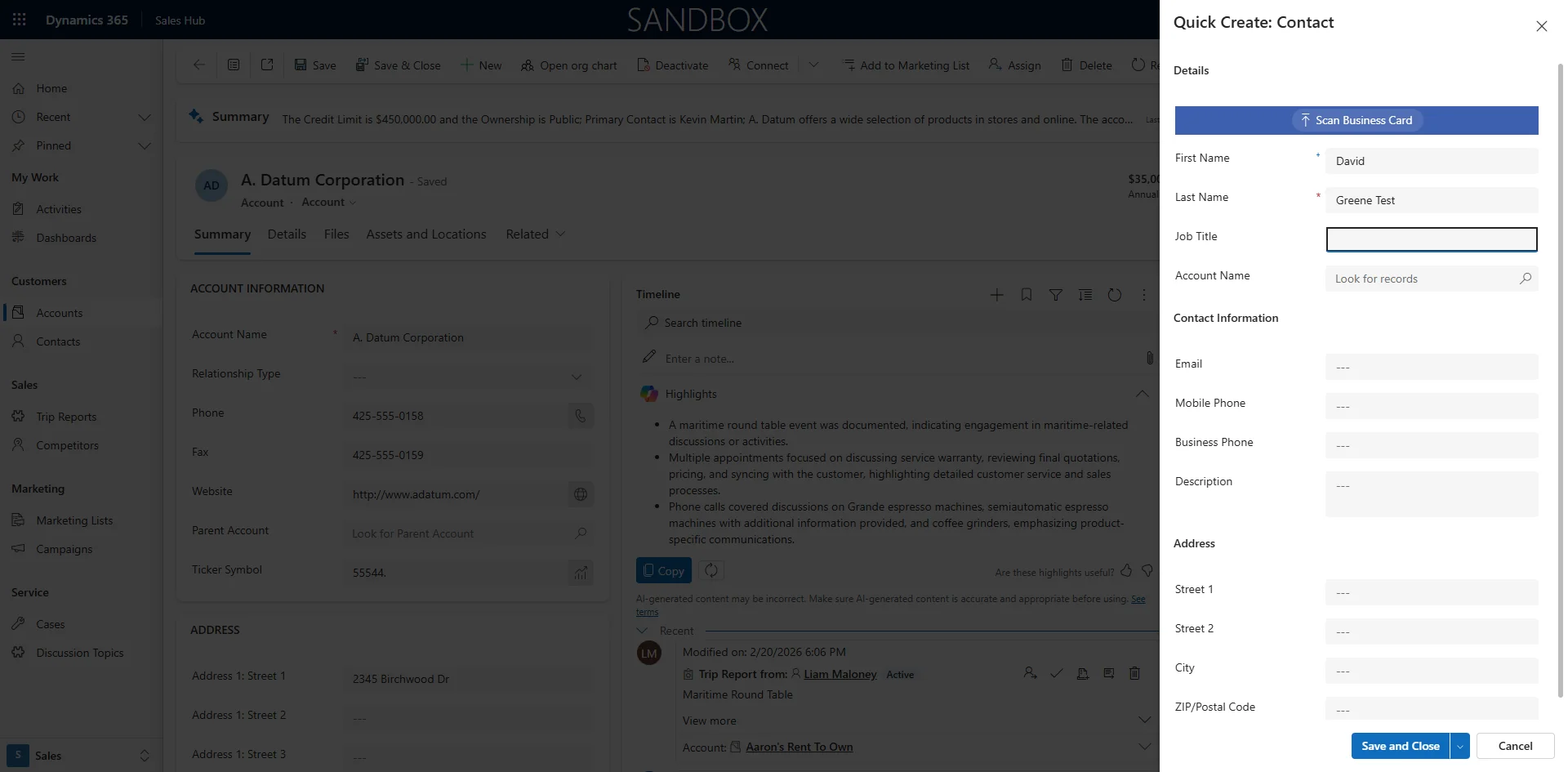
Enter text in First Name
8
Enter text in Last Name
9
Enter text in Job Title
10
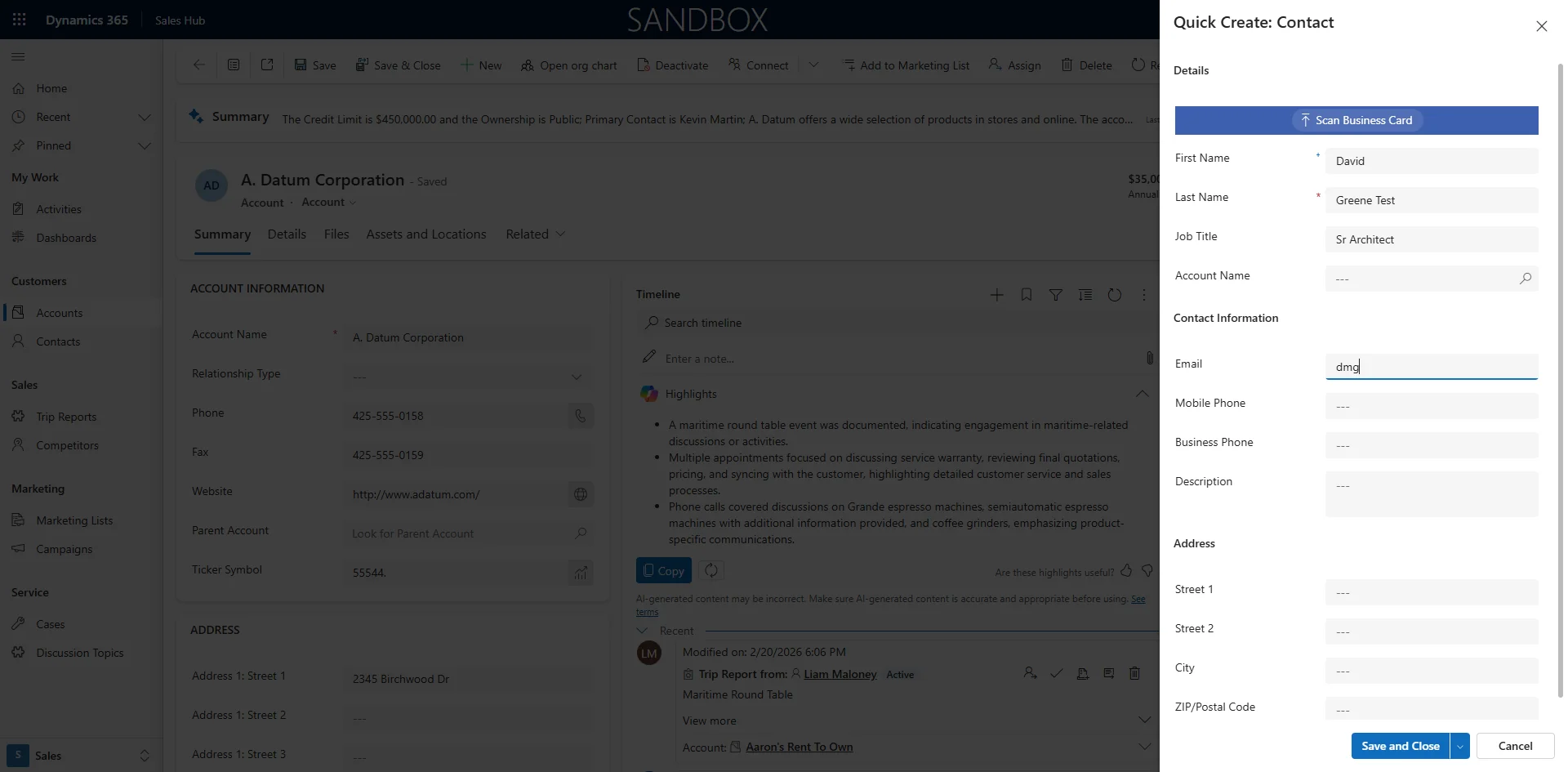
Enter text in Provide an email
11
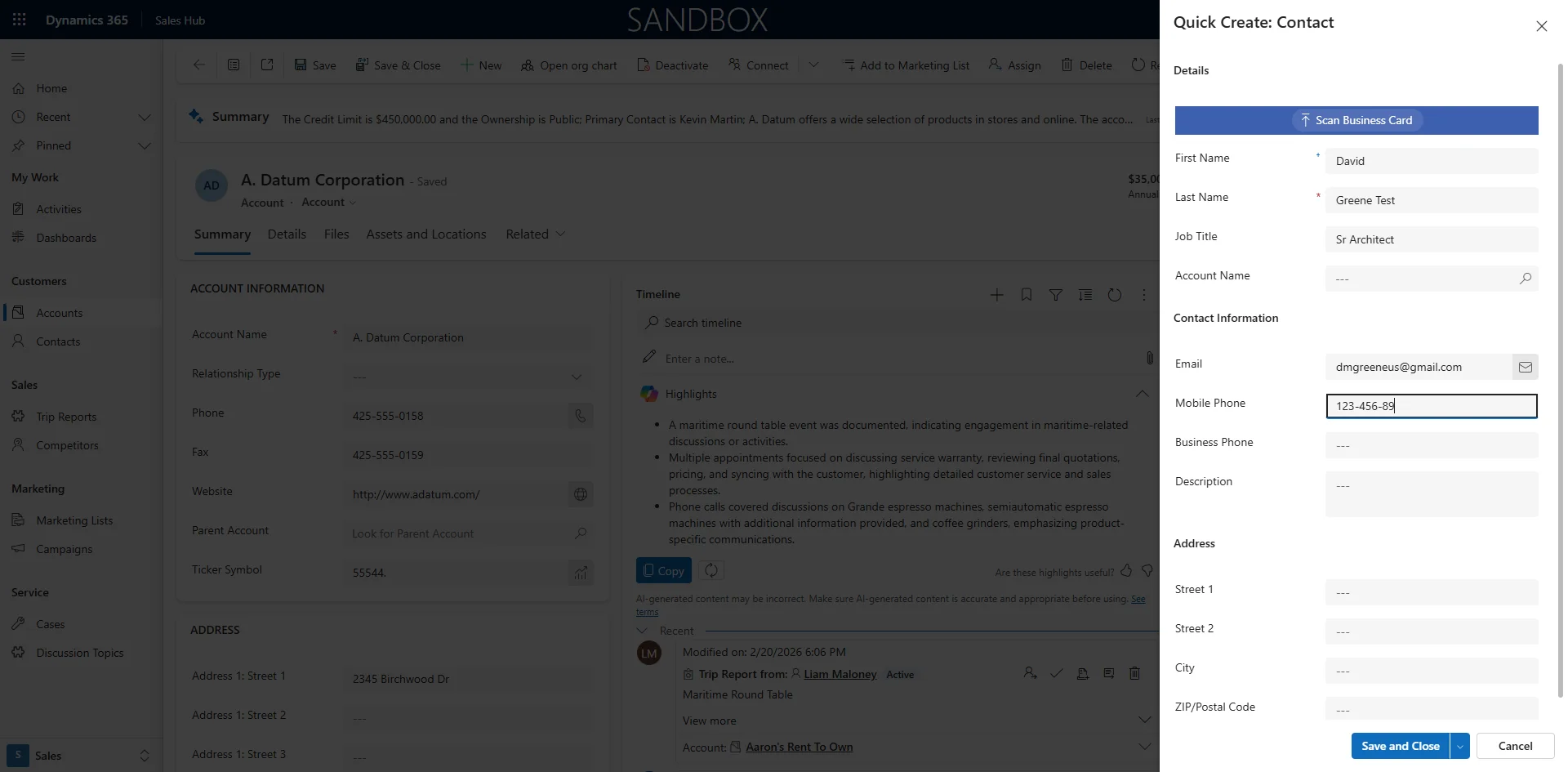
Enter text in Provide a telephone number
12
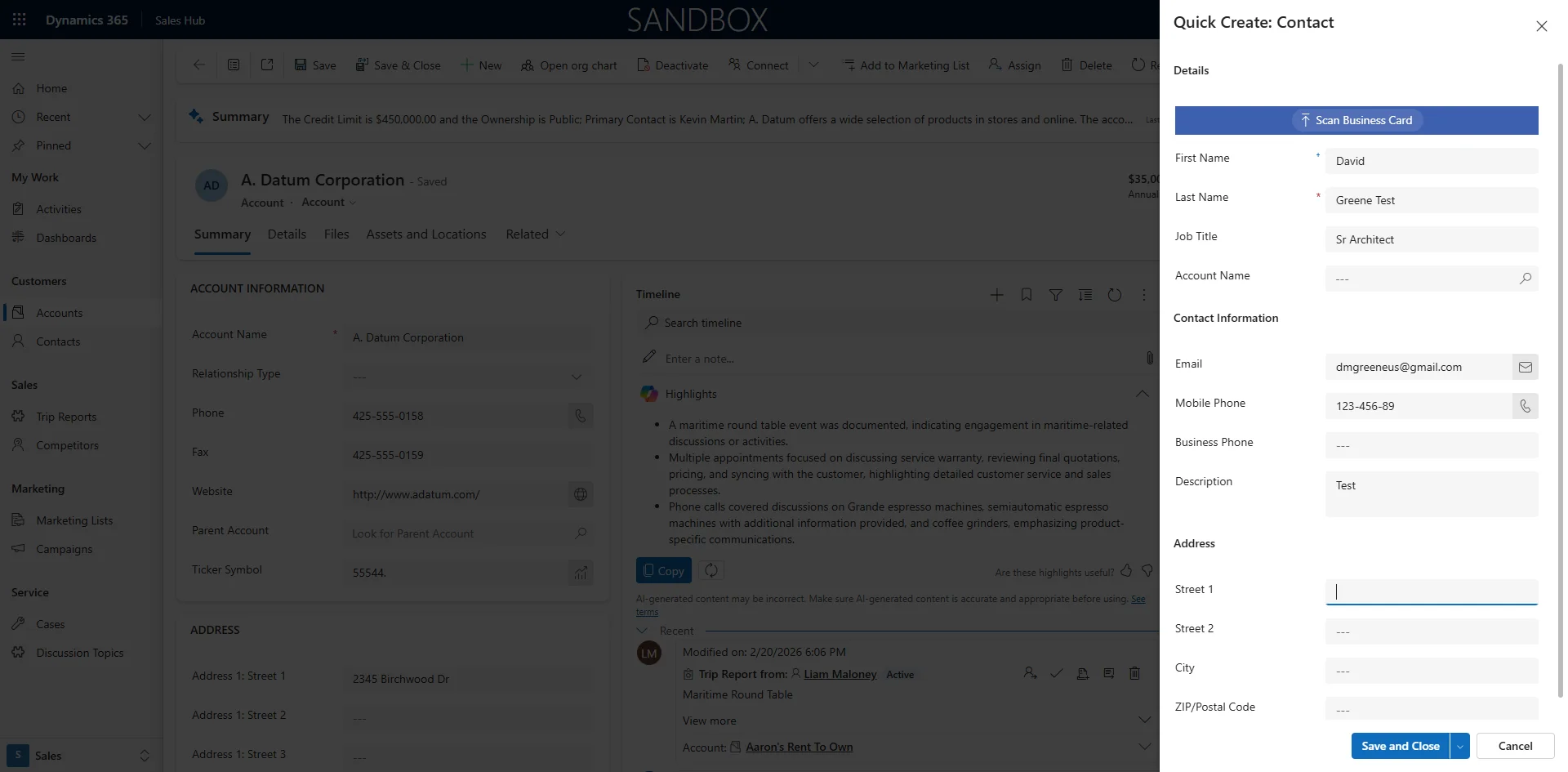
Enter text in Description
13
Click on 'Save and Close'
14
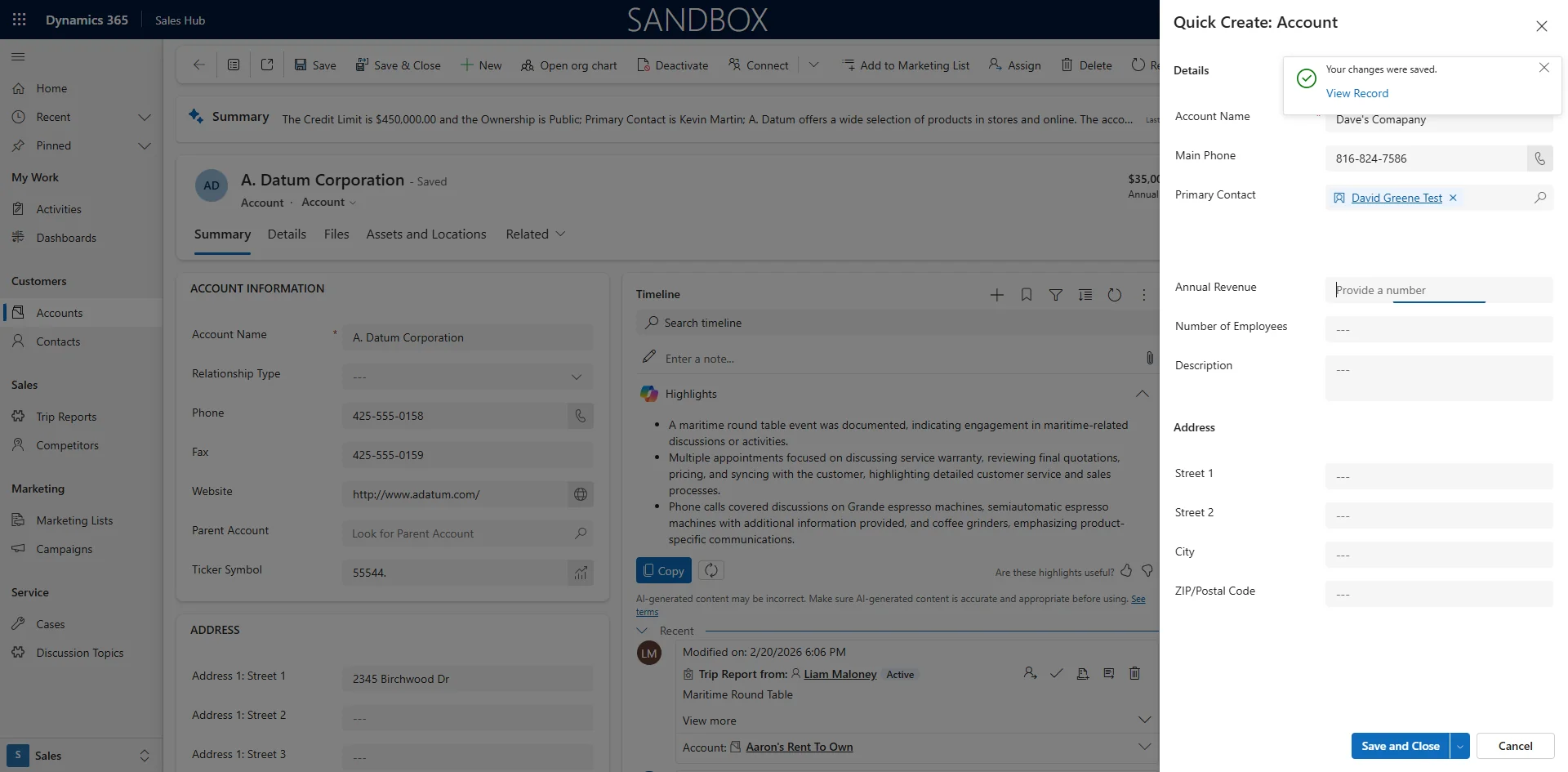
The Contact form will Close and You can continue to add account information
15
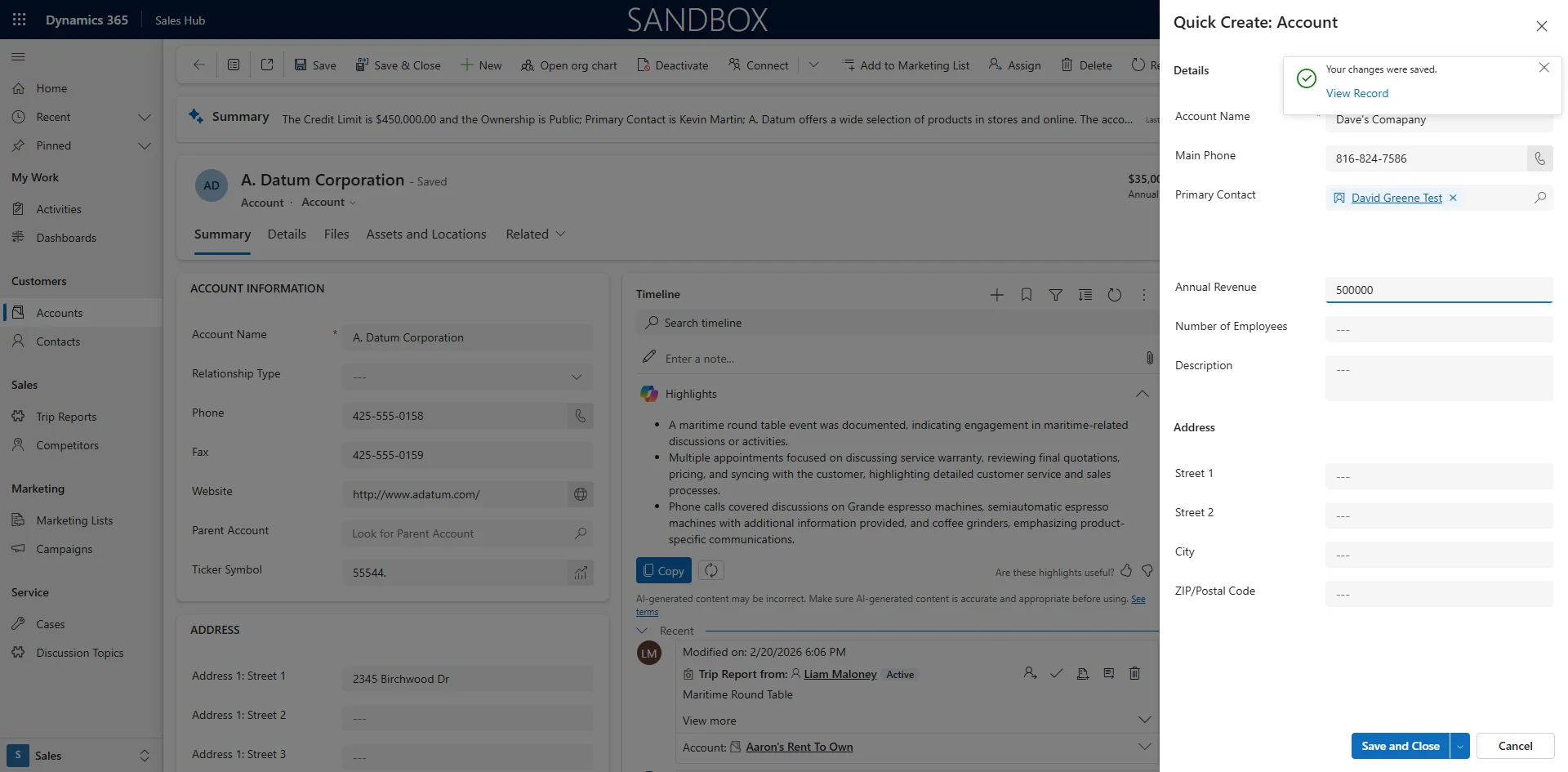
Enter text in Provide a number
16
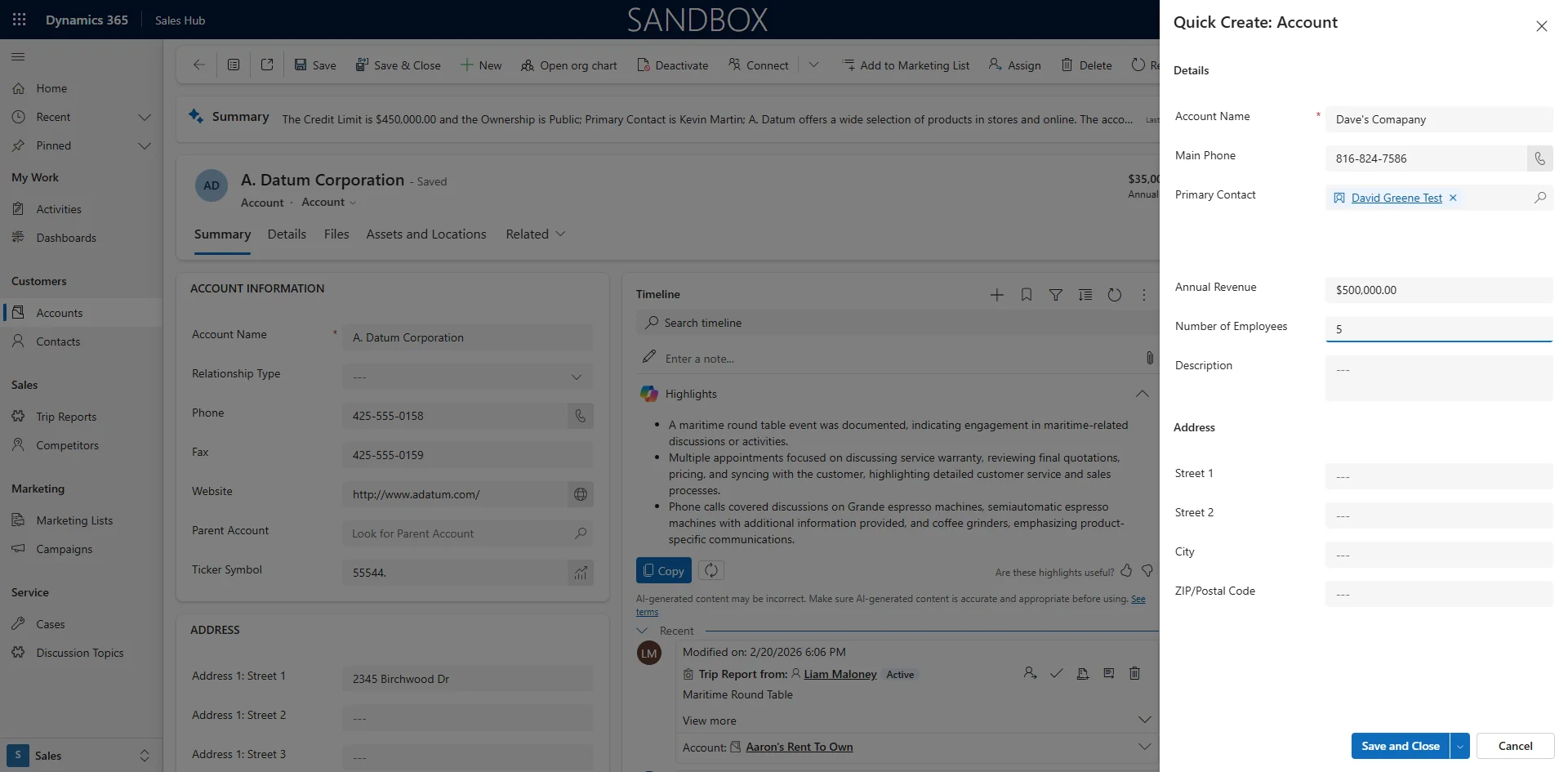
Enter text in Provide a number
17
Click on 'Save and Close'
18
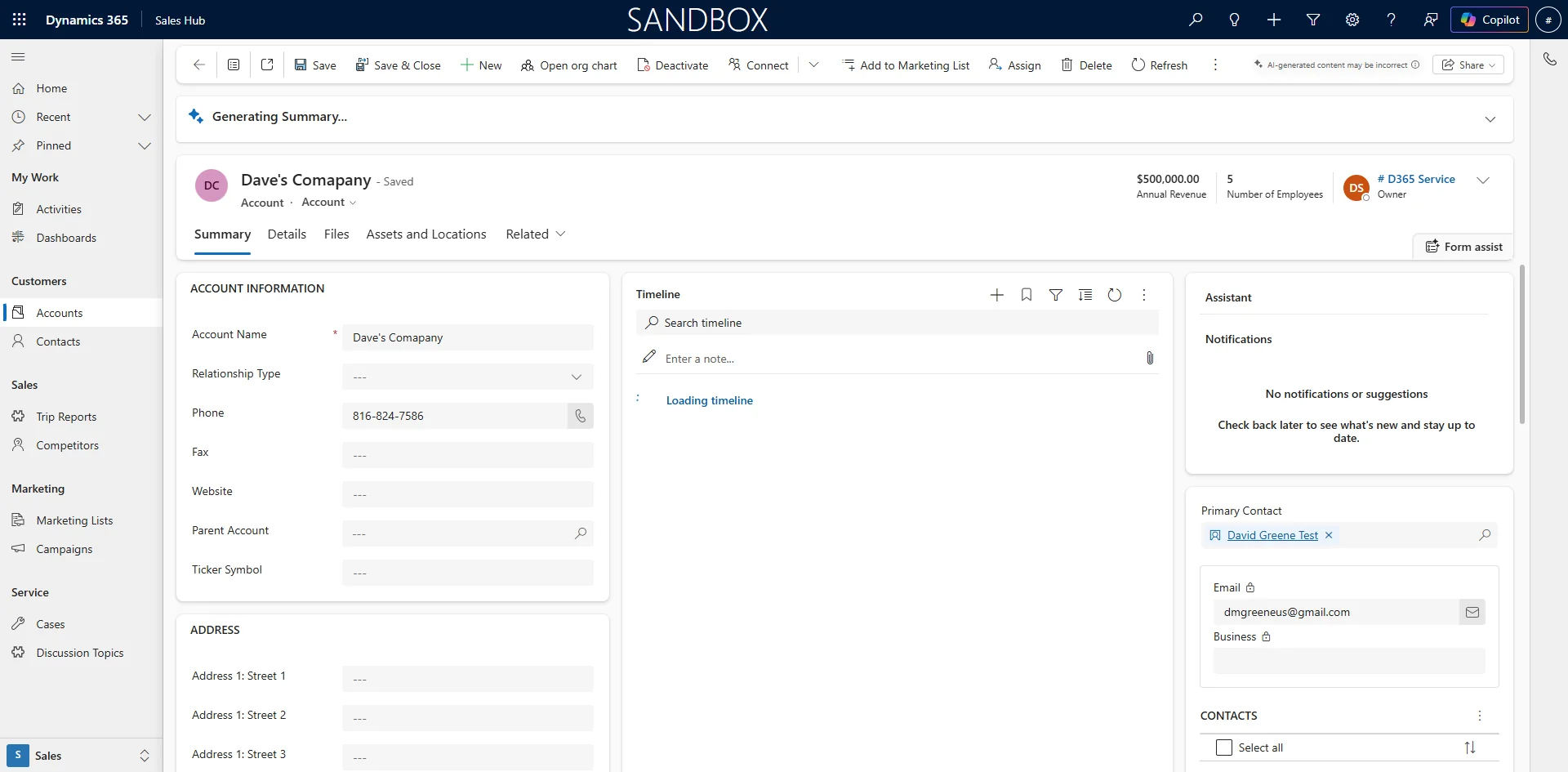
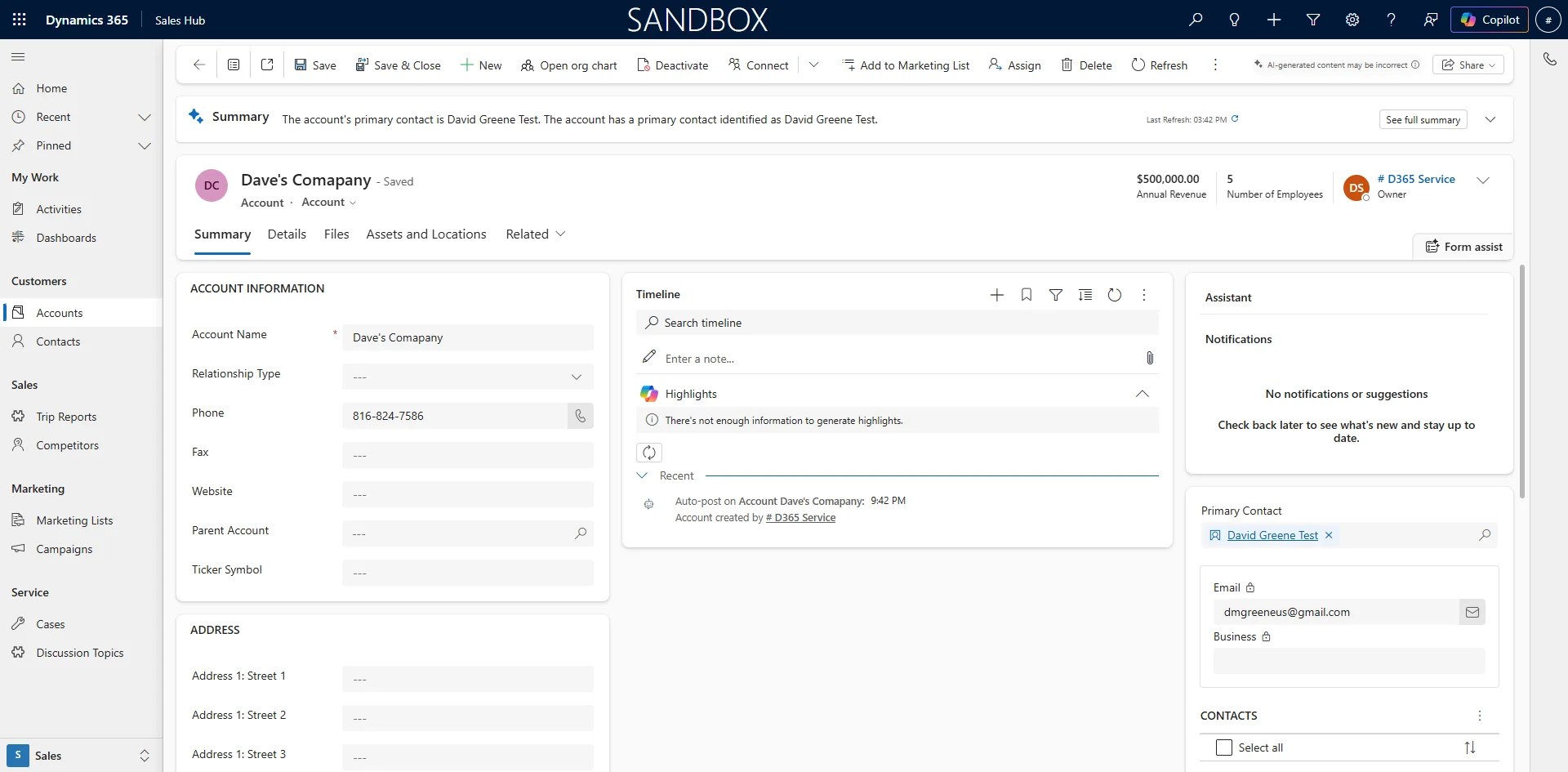
Click on the View Record Pop Up to Open the Account Record