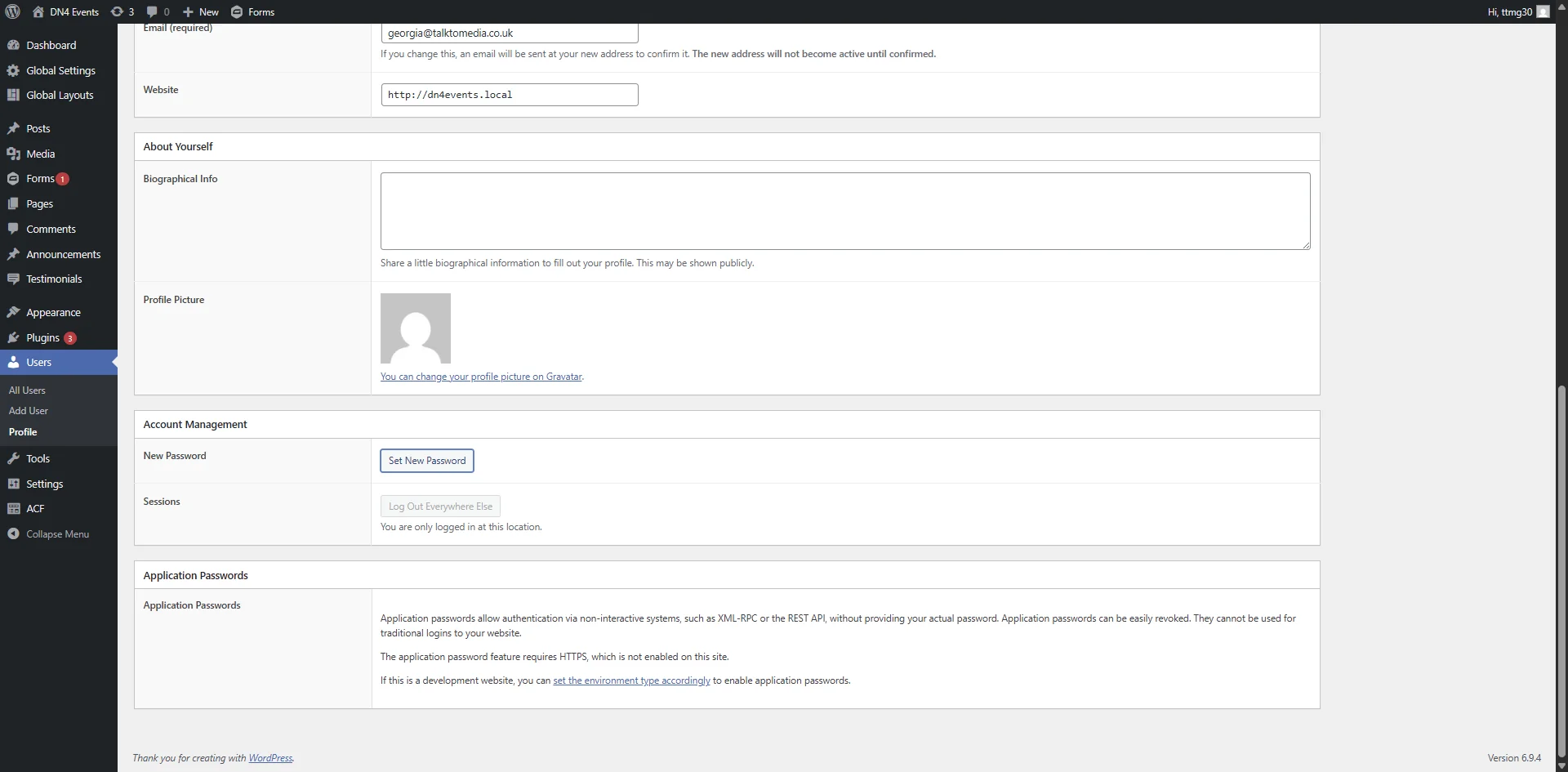
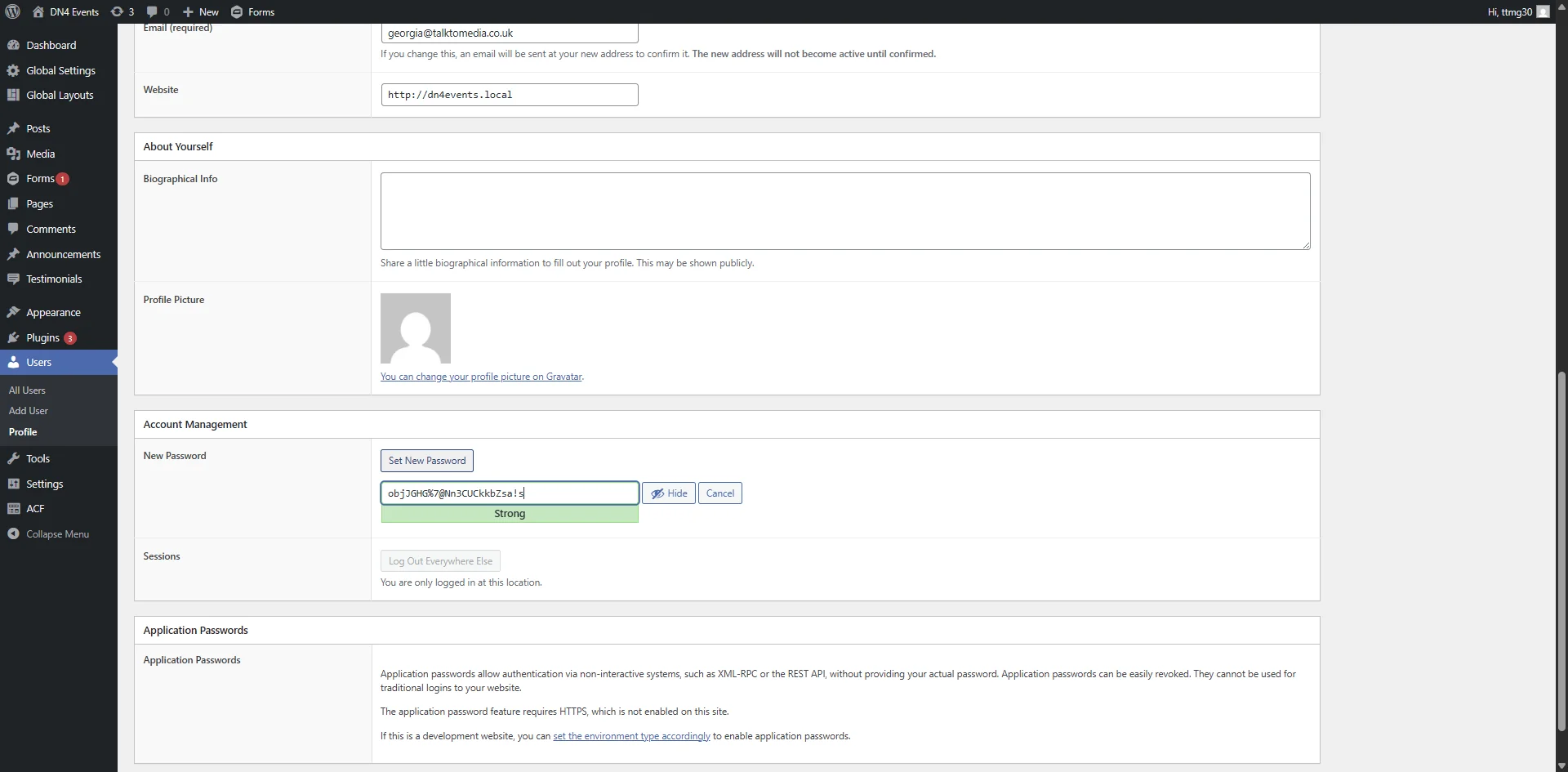
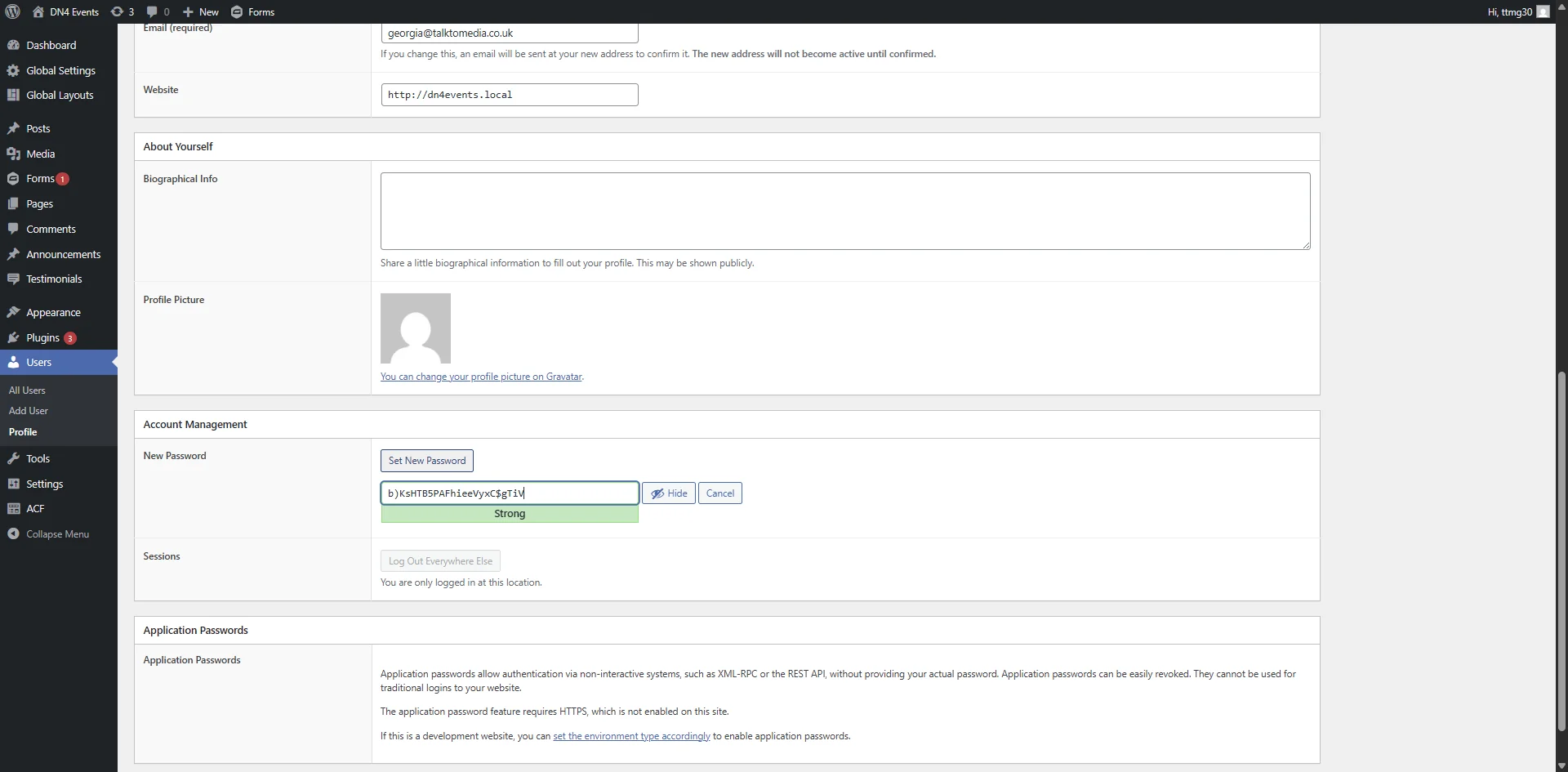
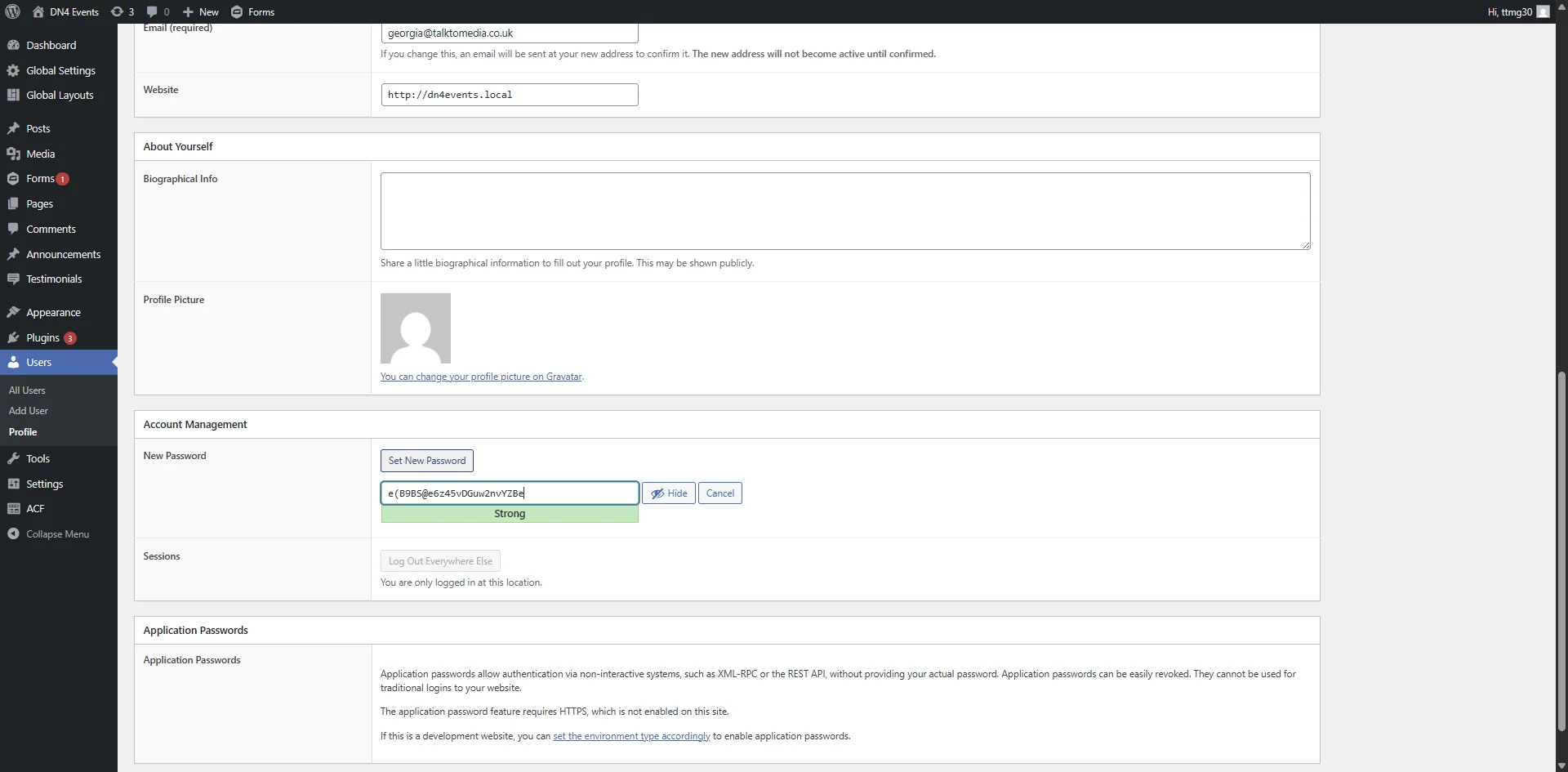
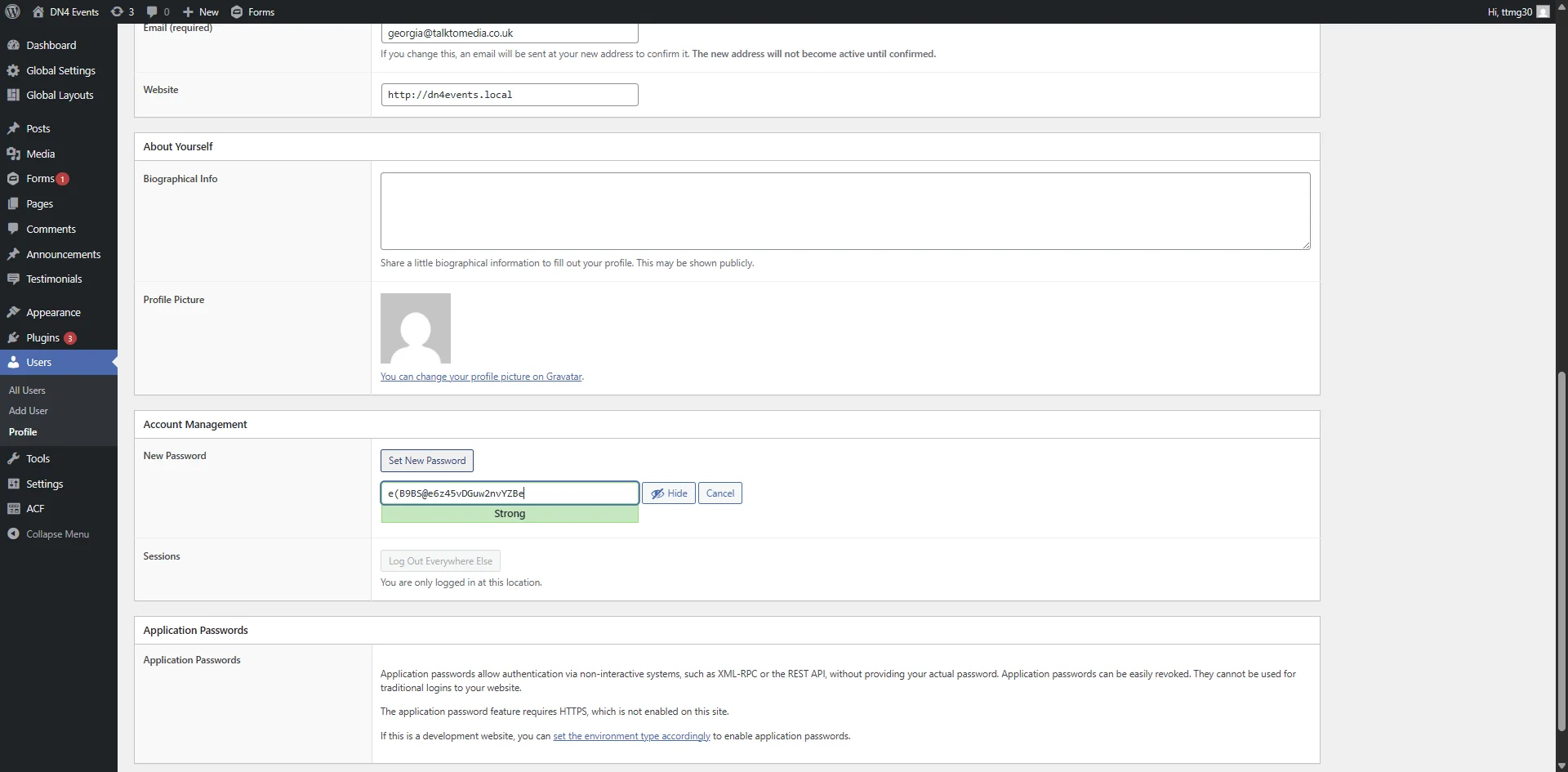
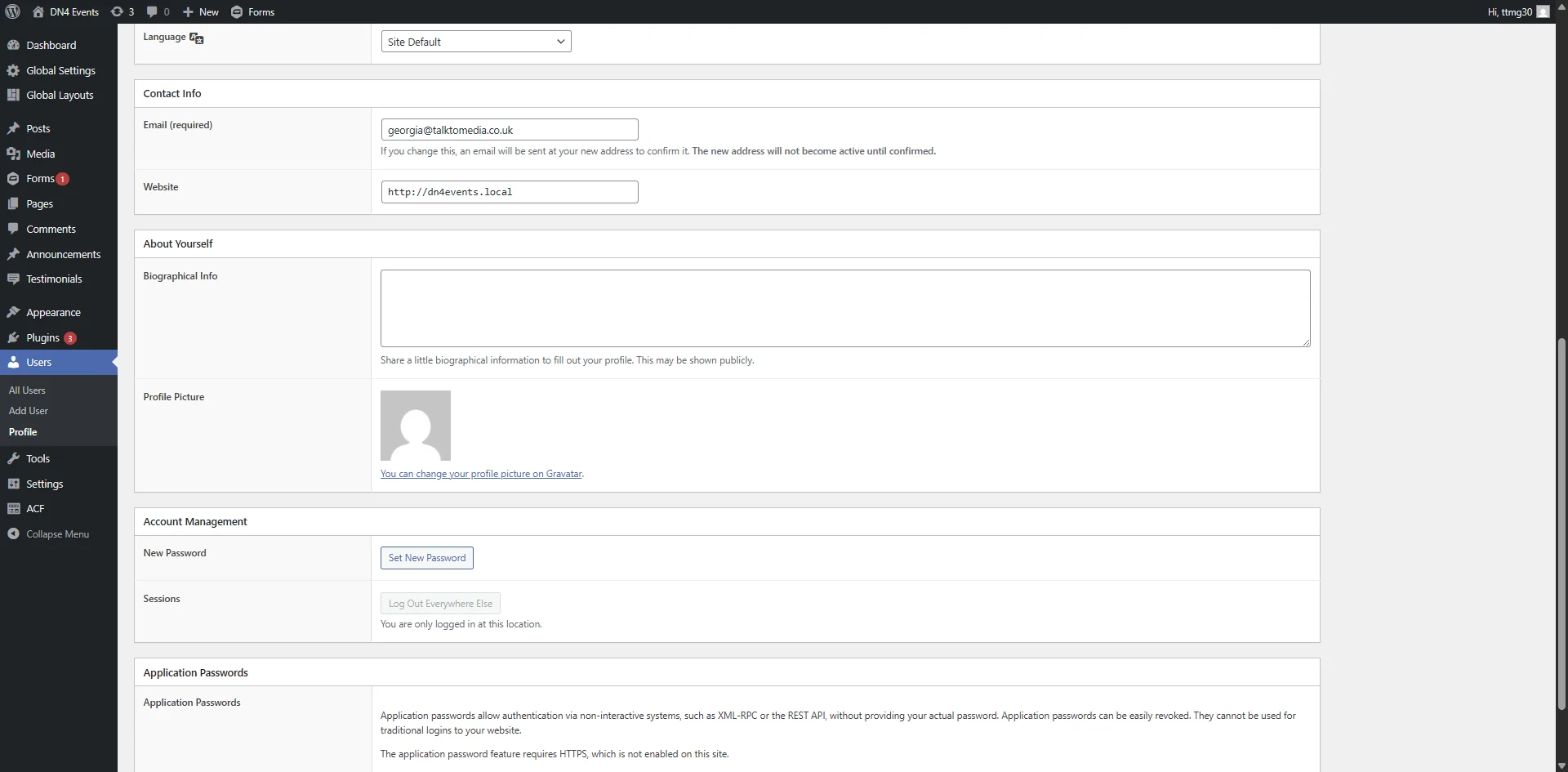
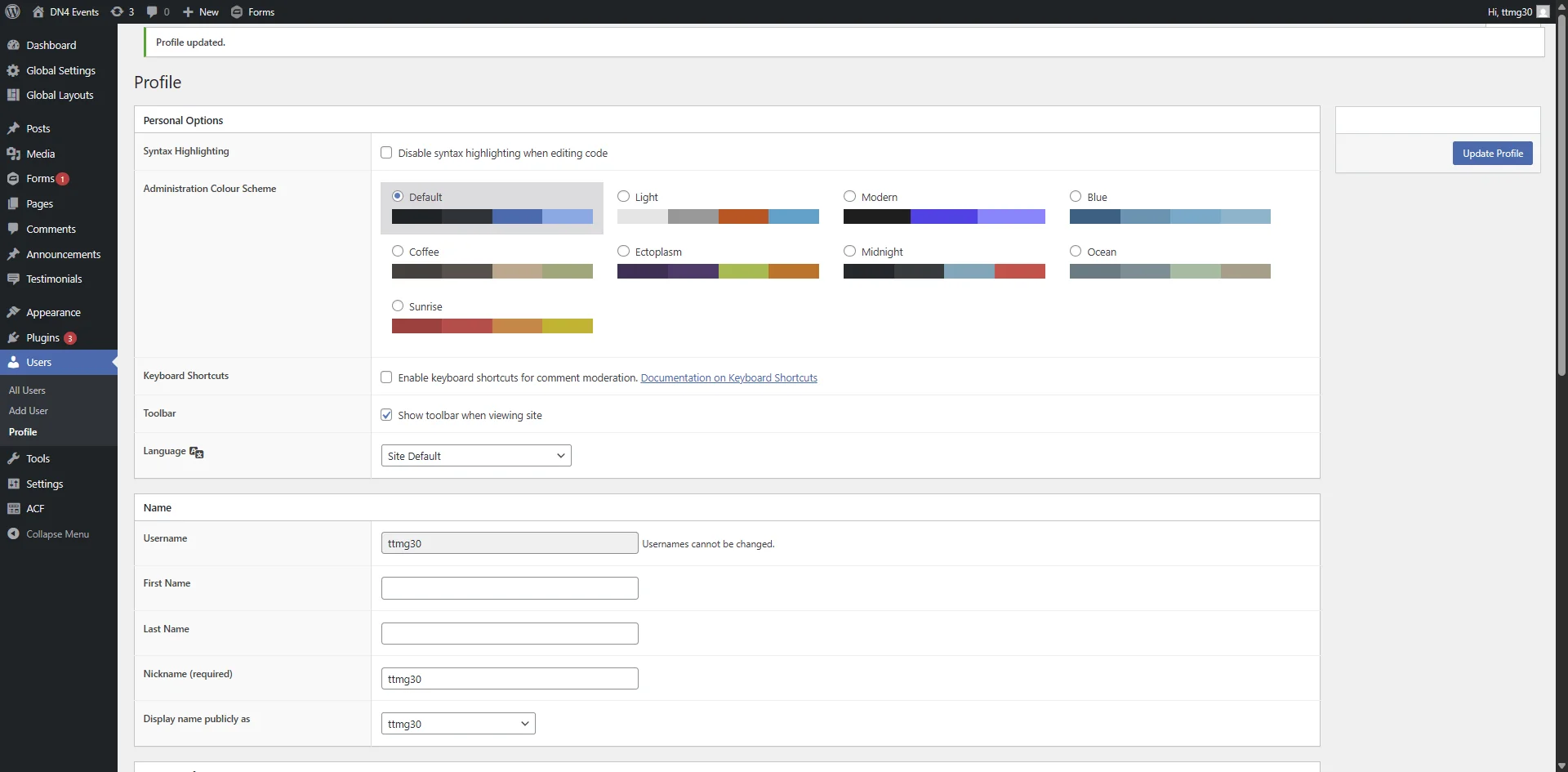
This guide will walk you through the steps to create a new page, navigate user management, and securely set a new password within your WordPress admin dashboard.
Steps:13
StepHopper User
StepHopperhttps://stephopper.com/
1
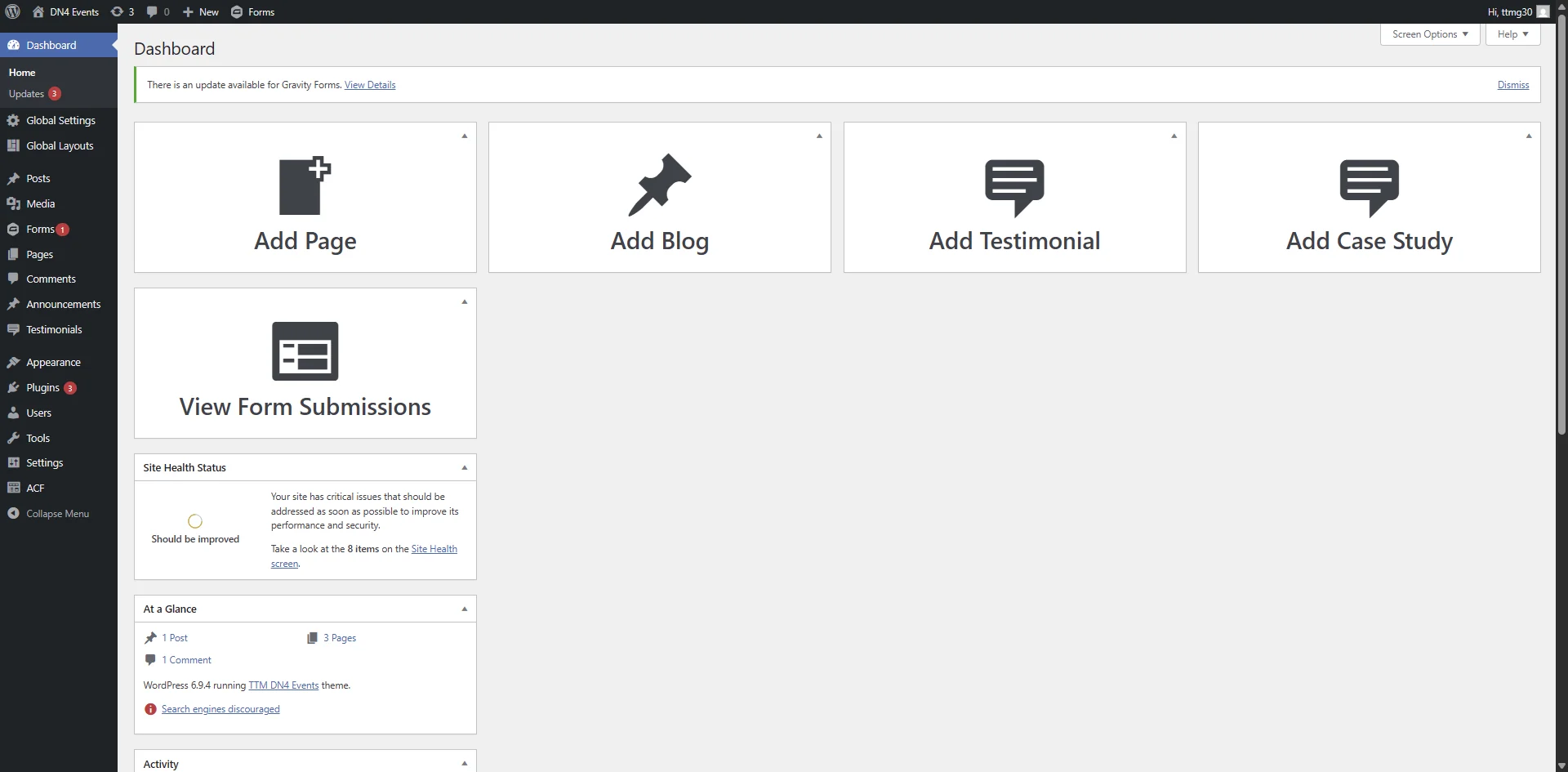
Starting point - initial view of the page
2
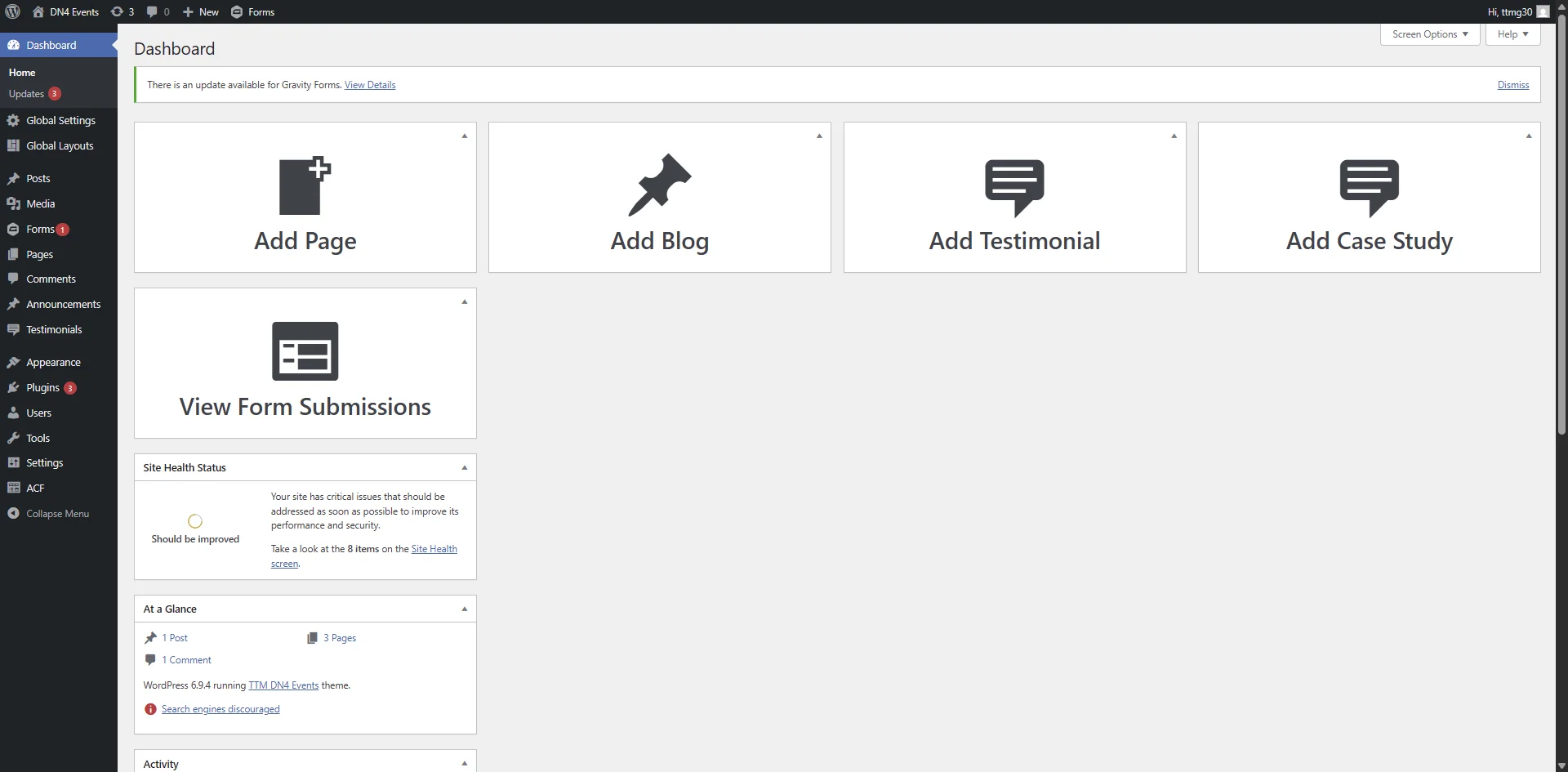
Click on 'New Page Move upMove New Page '
3
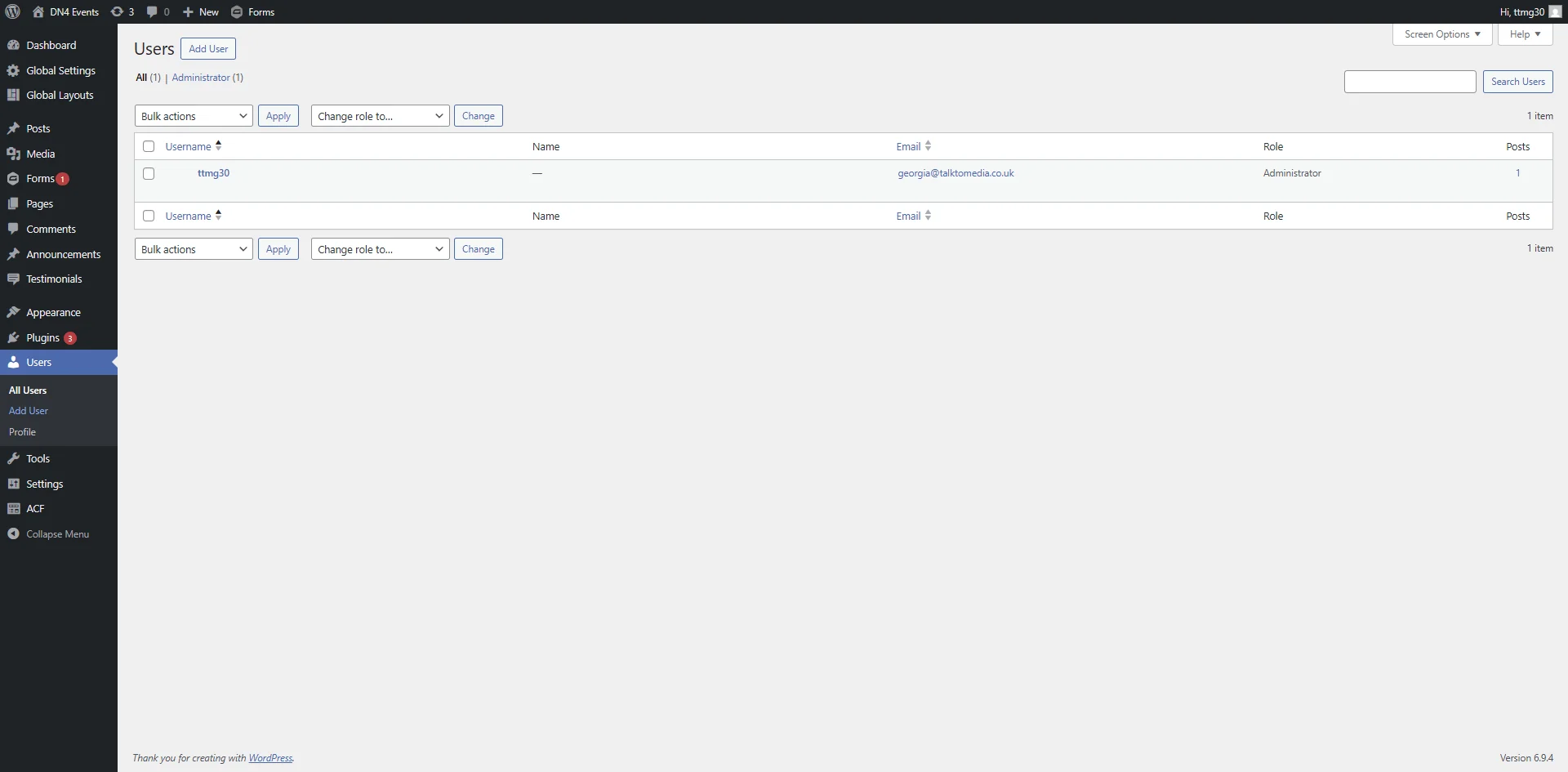
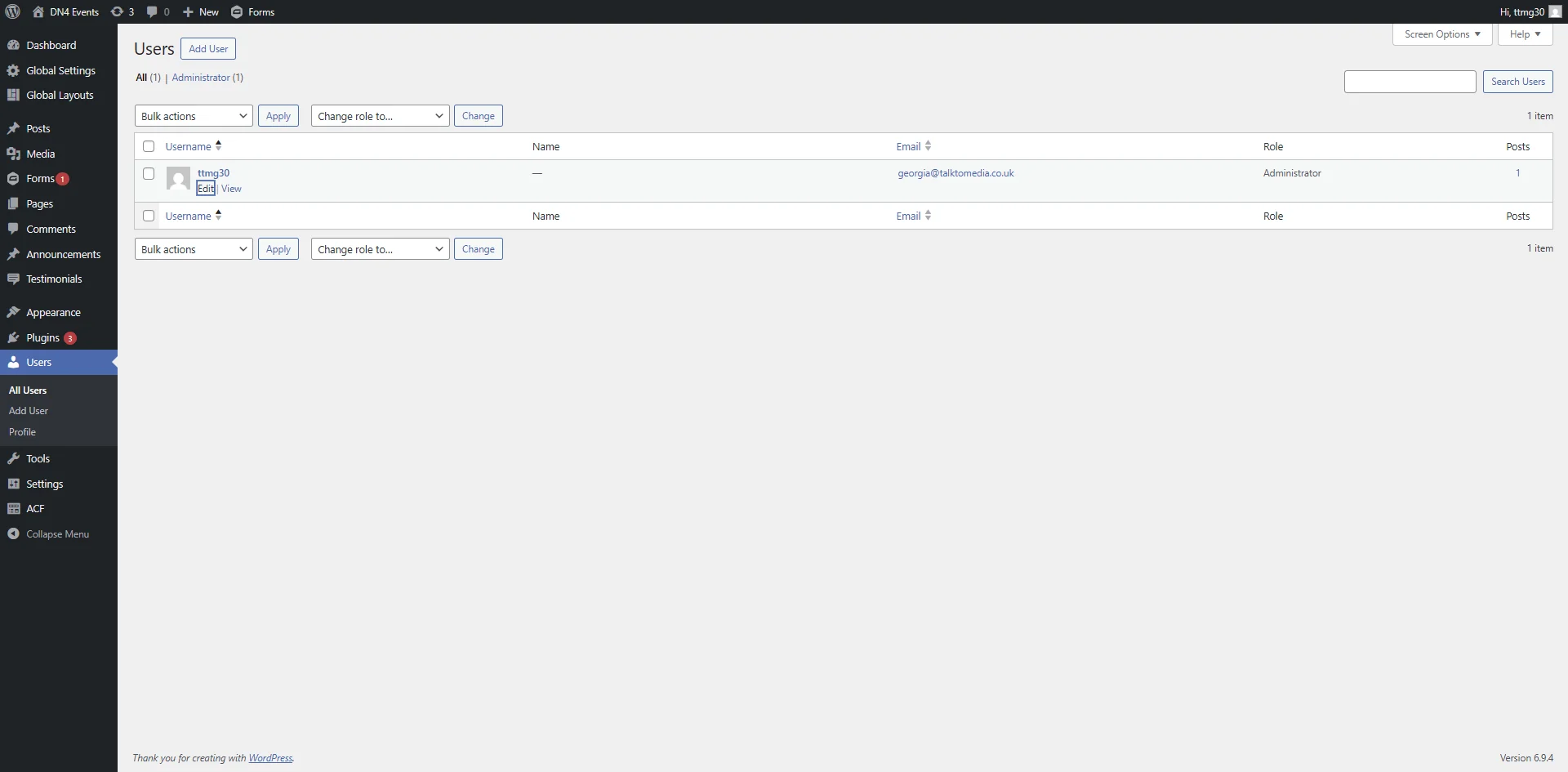
Click on 'Users'
4
Navigate to http://dn4events.local/wp-admin/users.php
5
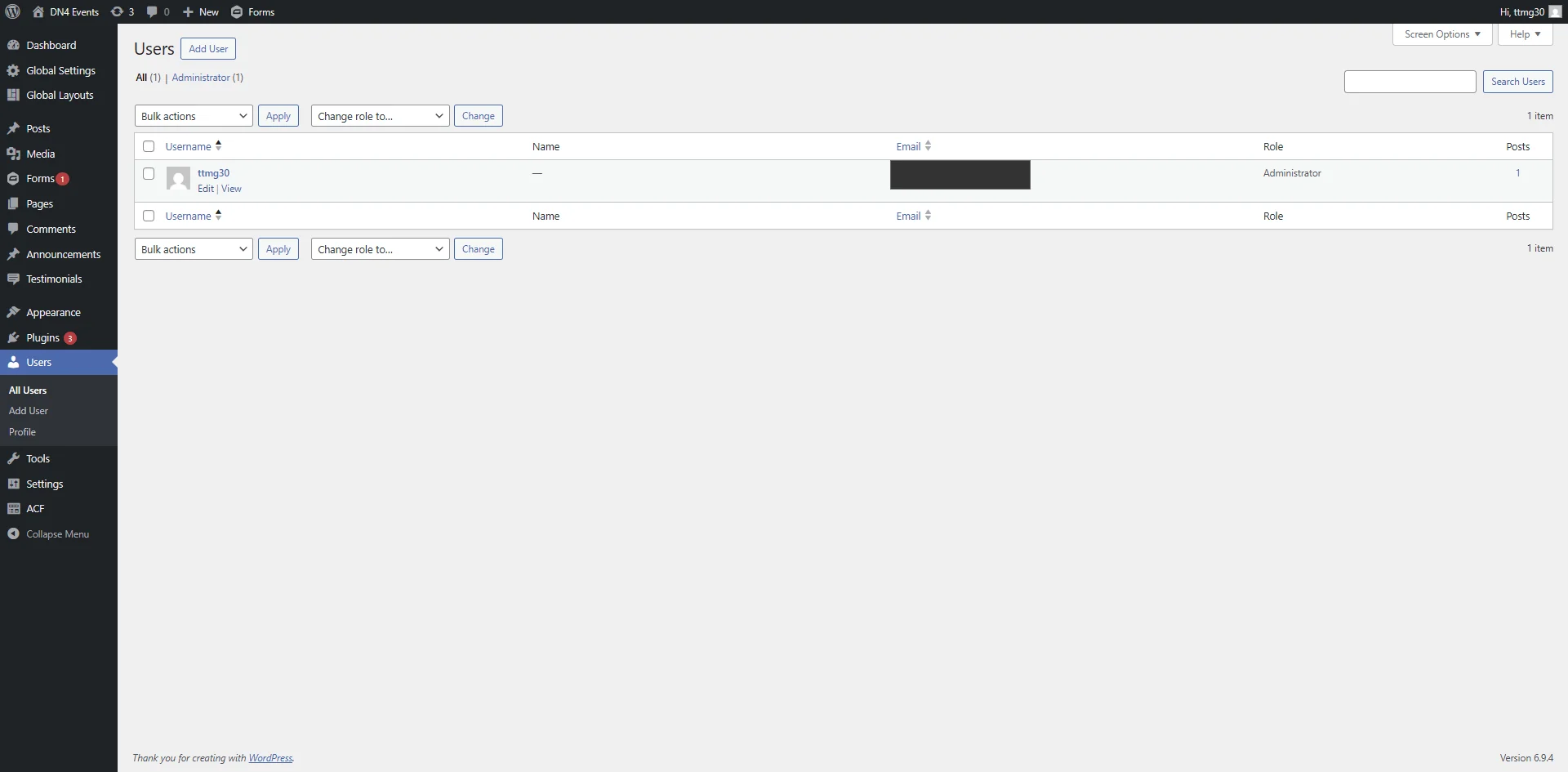
Click on 'Edit'
6
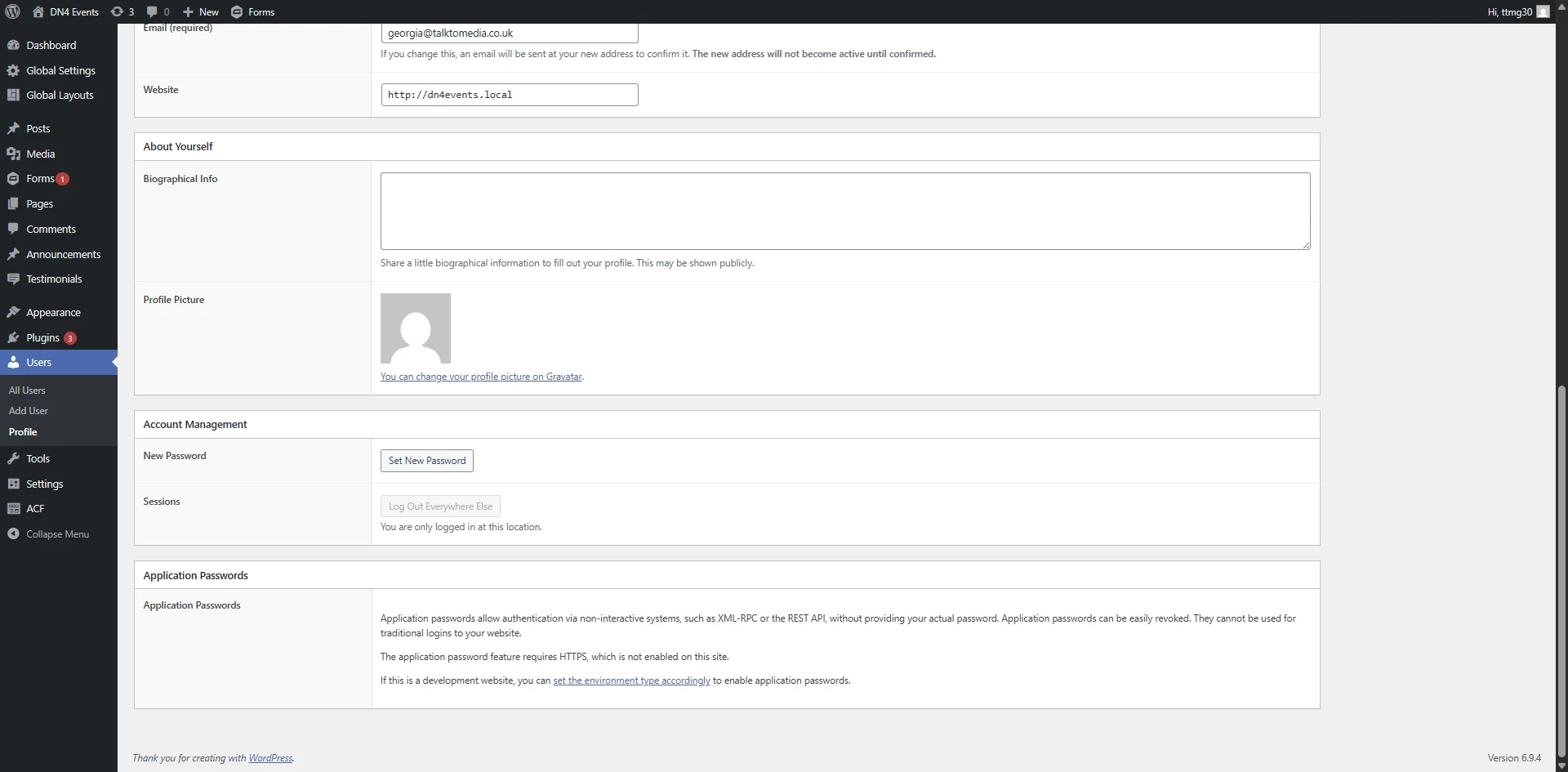
Navigate to http://dn4events.local/wp-admin/profile.php?wp_http_referer=%2Fwp-admin%2Fusers.php