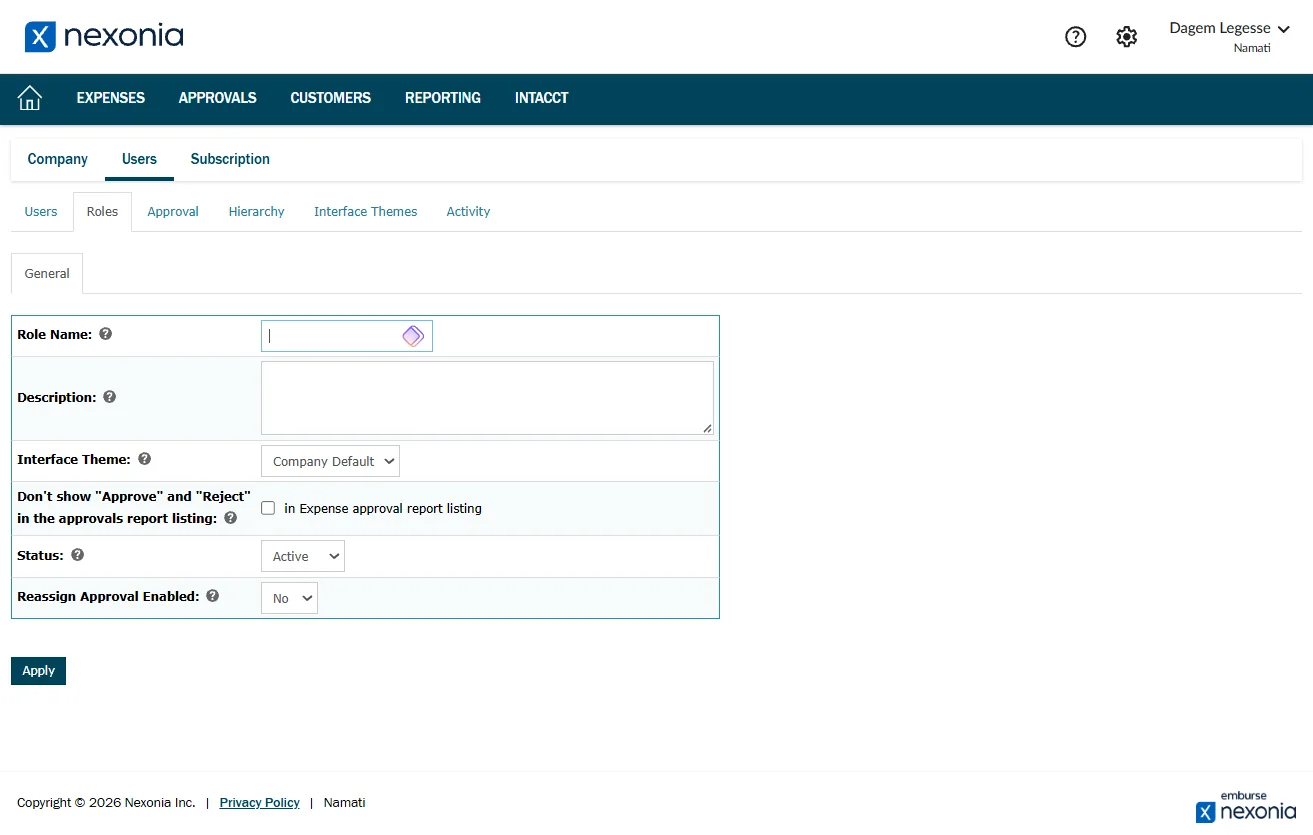
Learn how to efficiently manage permissions and access levels by creating new roles within Namati Nexonia administrative dashboard. This guide provides a direct path to the user settings menu to help you customize account responsibilities for team members.
Steps:5
StepHopper User
StepHopperhttps://stephopper.com/
1
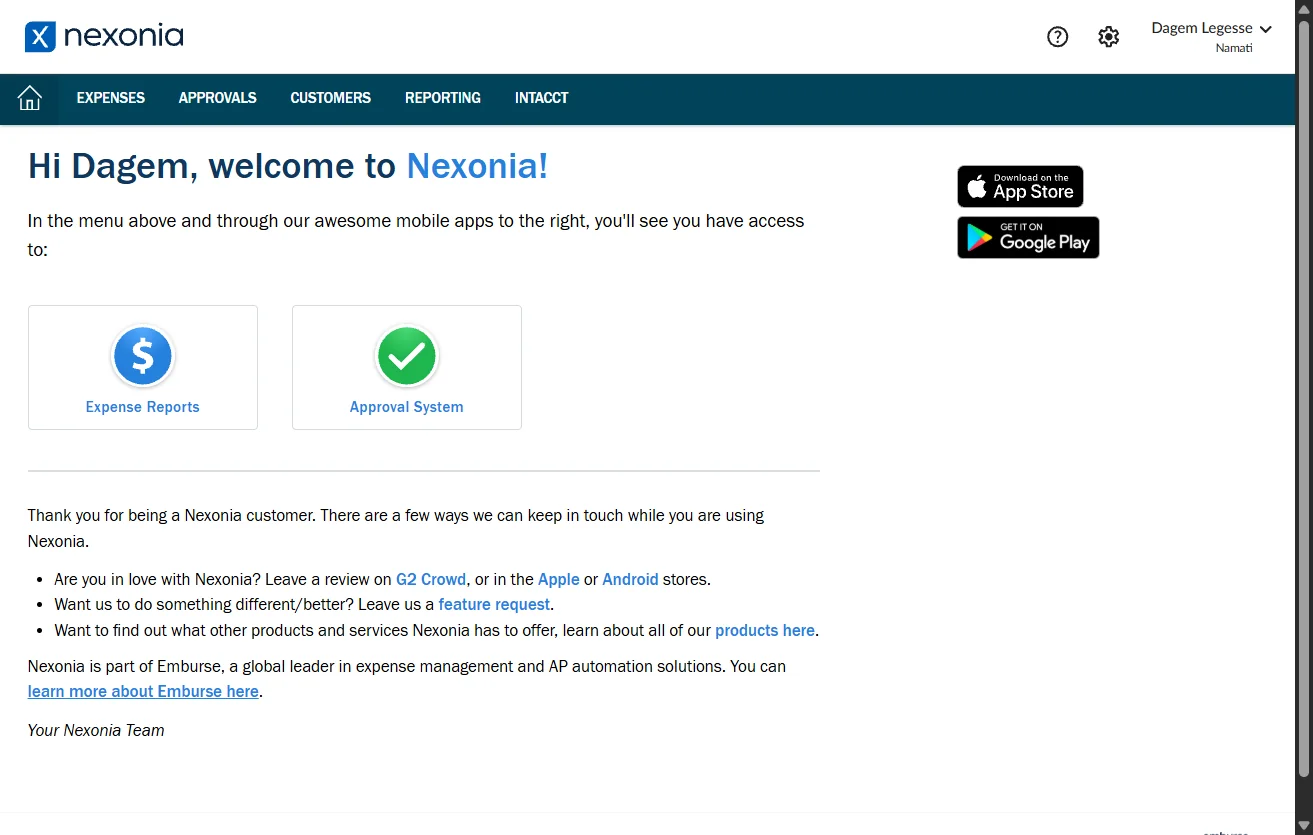
Starting point - initial view of the page
2
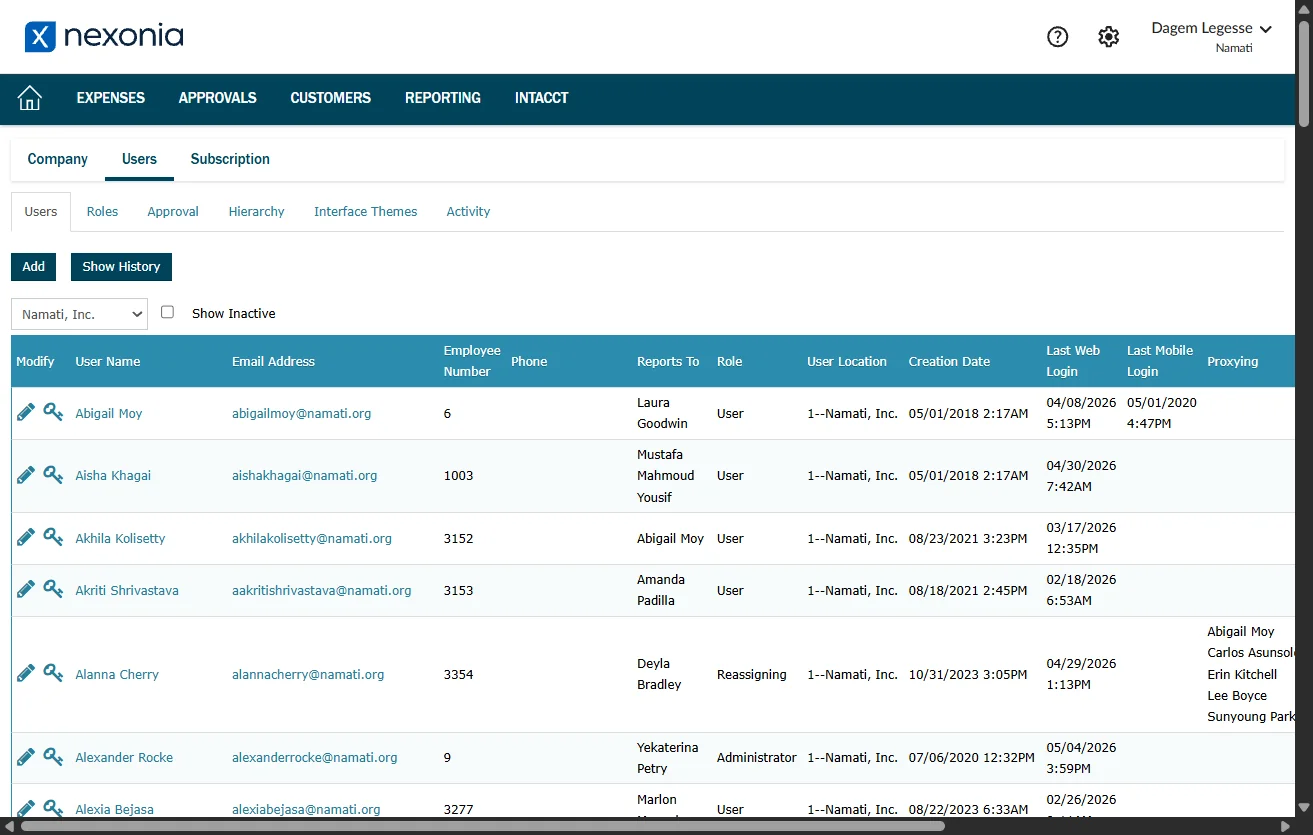
Navigate to https://b.na2.system.nexonia.com/assistant/setup/company/showCompany.do
3
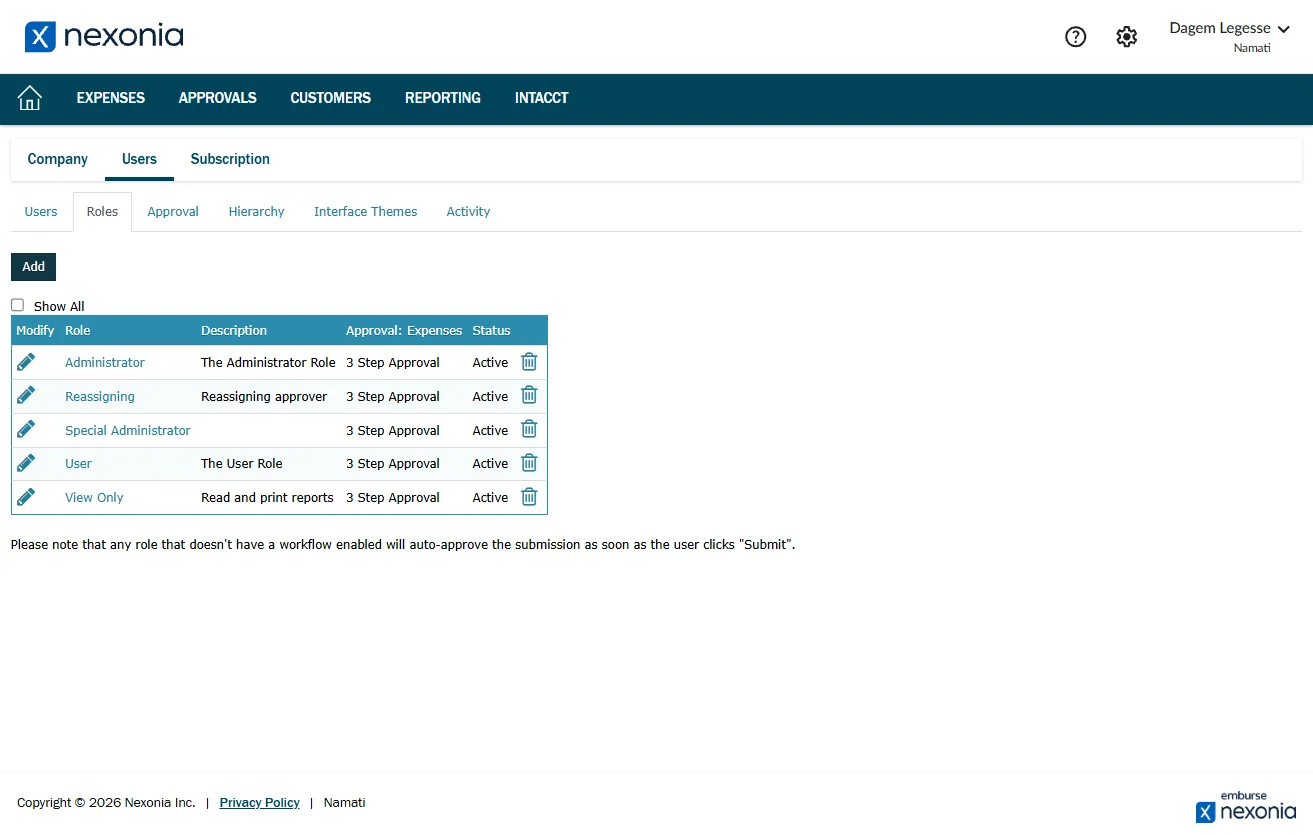
Navigate to https://b.na2.system.nexonia.com/assistant/setup/users/roleList.do
4
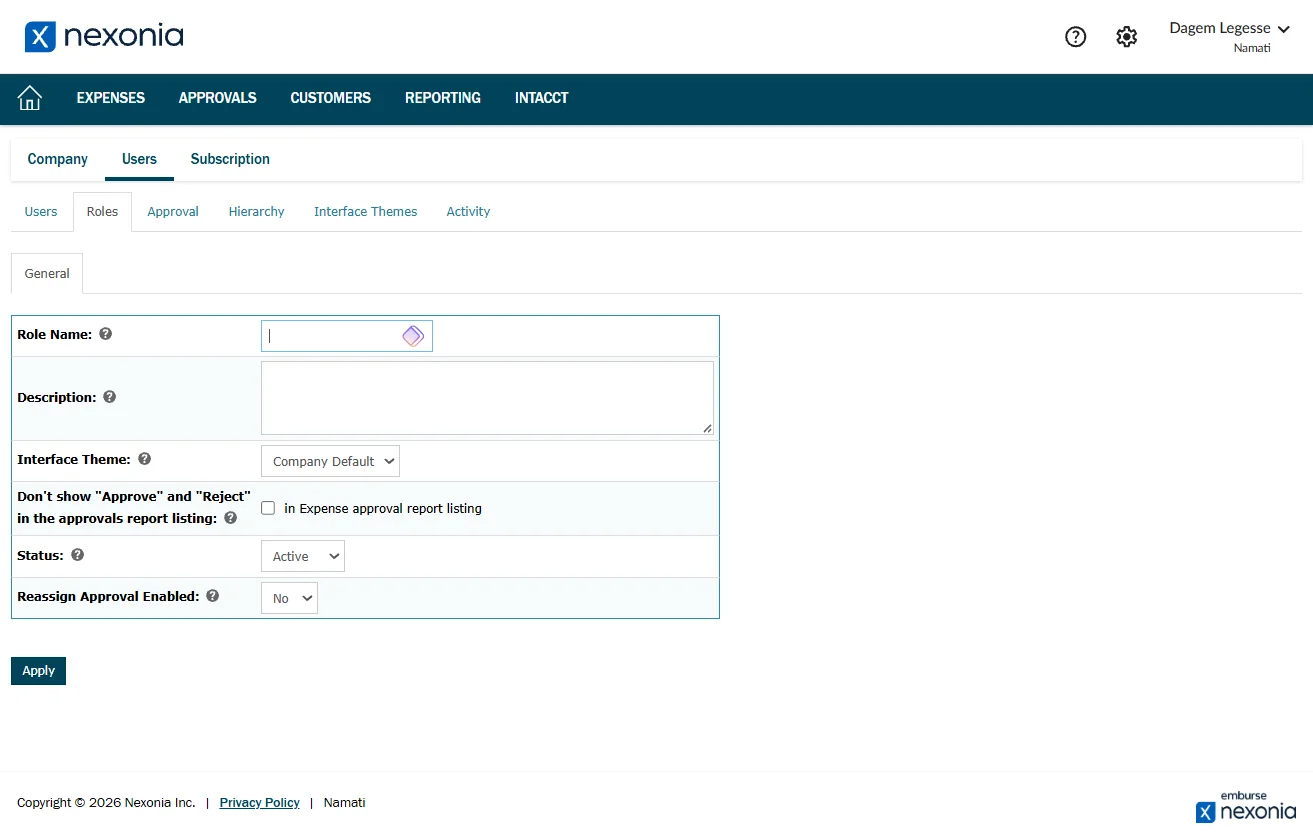
Navigate to https://b.na2.system.nexonia.com/assistant/setup/users/roleAdd.do